Datapack Optimization Helper


Vscode Extension for minecraft datapack optimization.
[!WARNING]
Due to my mandatory military service, this project will receive minimal to no updates or maintenance until December 2027. Thank you for your understanding.
English | 한국어
Features
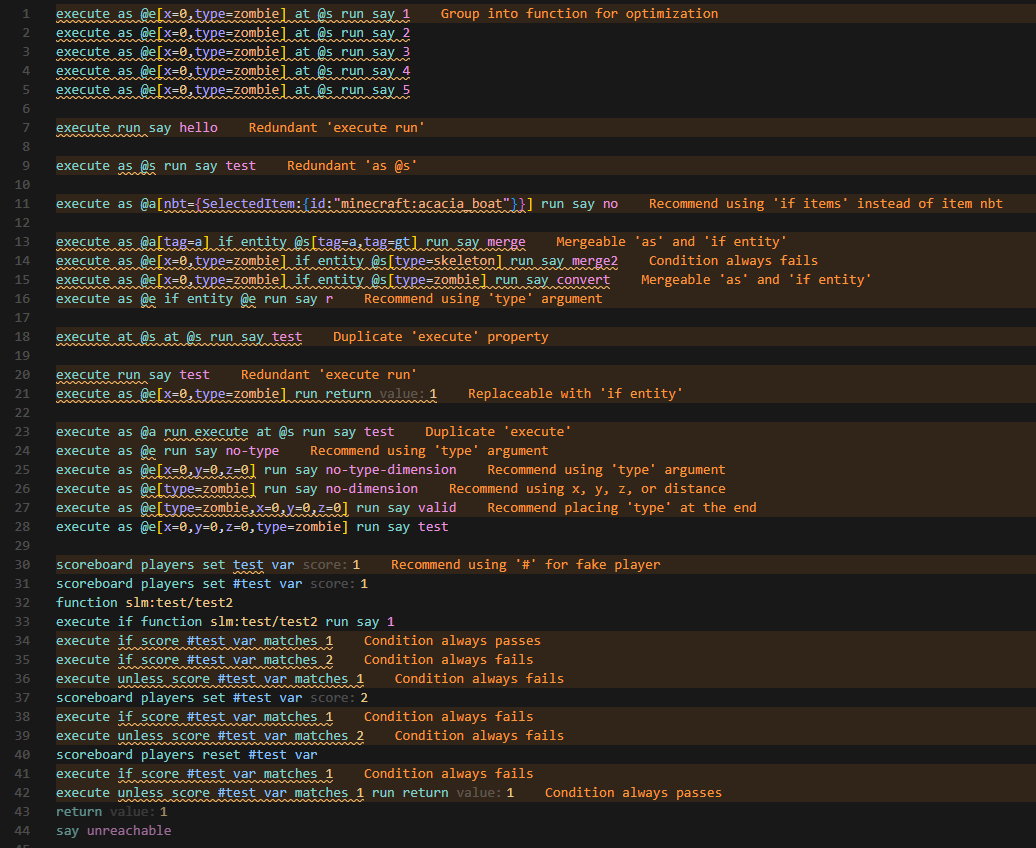
Add lint warnings for optimizations
Detect infinite recursion calls
Add some quick fixes
Ctrl+Click on if/unless in unreachable/always-pass conditions to jump to the score assignment
Suppress warnings with comments:
# warn-off - Suppress all warnings for the next line# warn-off rule-id - Suppress specific rule# warn-off-file - Suppress warnings for entire file
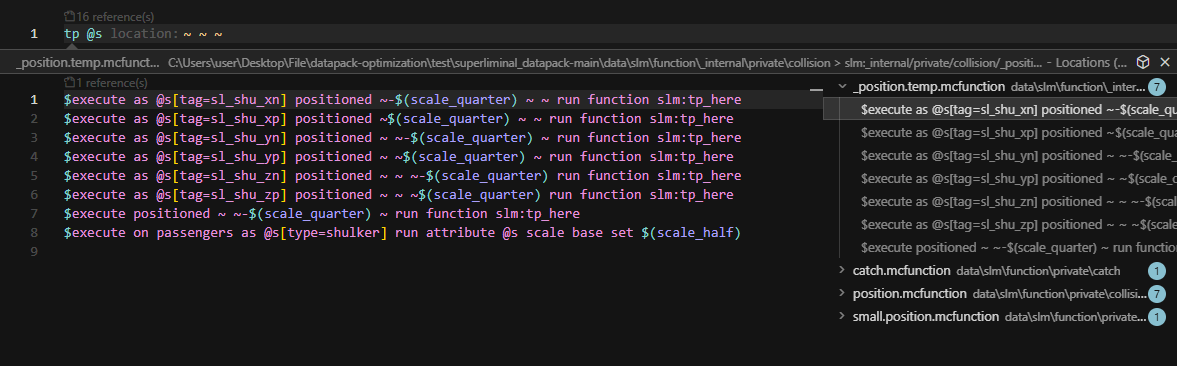
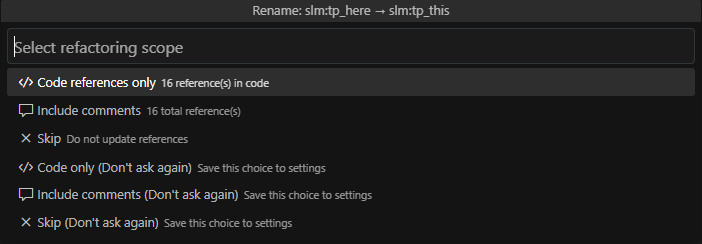
- Automatically update function references when renaming
.mcfunction files
- Updates
function and schedule function commands
- Optionally updates references in comments
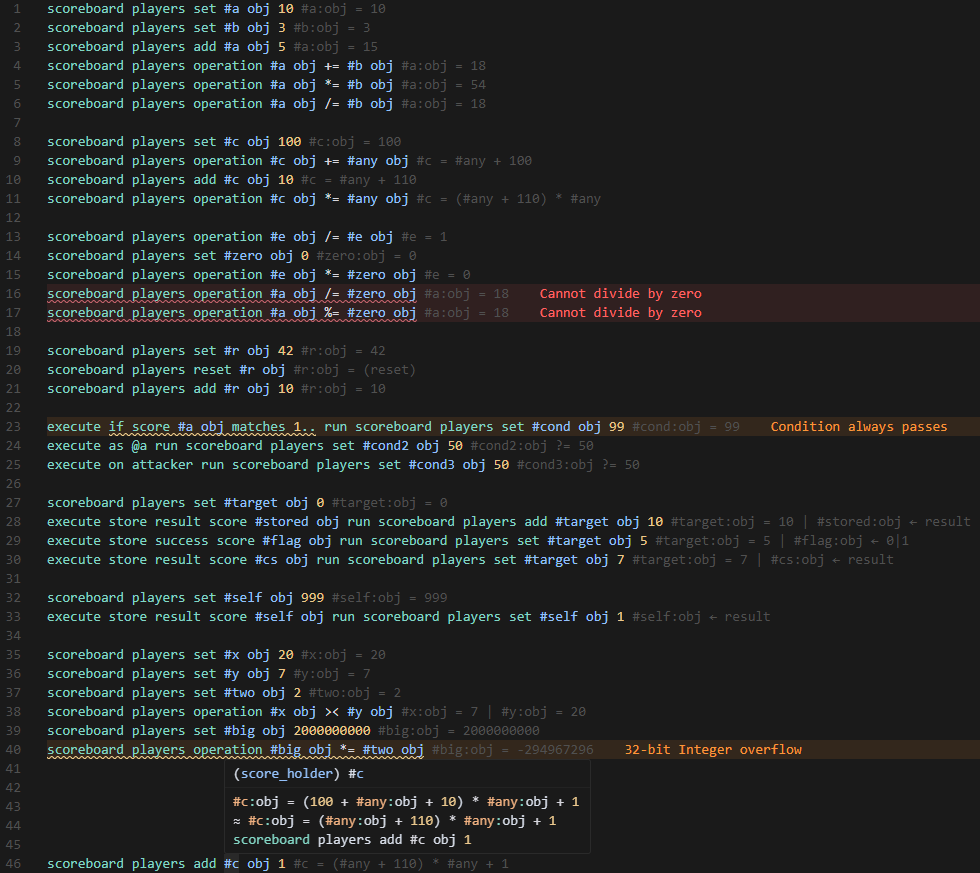
Tracking scoreboard values
- Visible when holding
Ctrl + Alt
- To always show them, set
editor.inlayHints.enabled to on
Test scoreboard values with # test-score
- Insert
# test-score <target> <objective> <value> anywhere in the file to pin a score to a specific value for testing
- The overridden value is reflected in inlay hints, hover, and diagnostics from that line onwards
- Right-click (or use the command palette) → Datapack Optimization: Add Test Score to insert interactively — shows all scores in the file with their current values at the cursor position
# test-score #counter obj 10

scoreboard players add #counter obj 3
# inlay hint: #counter:obj = 13
Configuration
Project Configuration
Create datapack.config.json in the same folder as pack.mcmeta:
{
    "rules": {
        "disabled": ["scoreboard-fake-player-missing-hash"]
    },
    "executeGroup": {
        "outputPath": "{dir}",
        "outputName": "{name}_line_{line}"
    },
    "namingConvention": {
        "scoreboardObjective": "",
        "tag": "",
        "team": ""
    }
}
Project settings override user settings.
Disable Rules
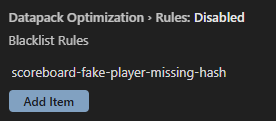
default: scoreboard-fake-player-missing-hash
Output path for function grouping
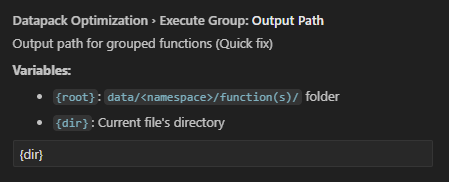
default: {dir}
Output name for function grouping
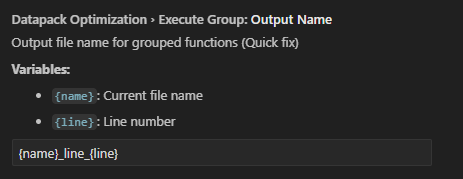
default: {name}_line_{line}
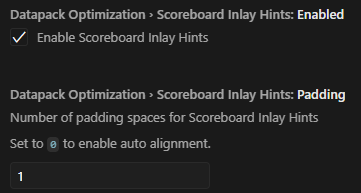
Scoreboard Inlay Hints Enabled
Enable tracking scoreboard values.
default: true
Scoreboard Inlay Hints Padding
Number of padding spaces for Scoreboard Inlay Hints.
Set to 0 to auto alignment.
default: 1
Naming Convention
Enforces naming patterns for scoreboard objectives, entity tags, and teams. Leave a field empty to disable that check. Names starting with #, @, or * are skipped.
Accepts a preset or a custom regex:
- Presets:
camelCase, snake_case, PascalCase, kebab-case, SCREAMING_SNAKE_CASE
- Custom: any regex string (e.g.
^obj_[a-z]+$)
"namingConvention": {
    "scoreboardObjective": "snake_case",
    "tag": "kebab-case",
    "team": "PascalCase"
}
default: all empty (disabled)
Rename Behavior
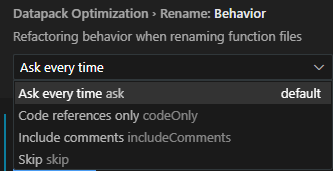
Controls how function references are updated when renaming .mcfunction files.
ask: Show a dialog to choose (default)codeOnly: Only update code referencesincludeComments: Update code and comment referencesskip: Don't update references
Contributing
If you want to add an optimization rule, or report a bug, please make an issue
And any contributions are welcome!

