Rosetta i18n — VS Code Extension
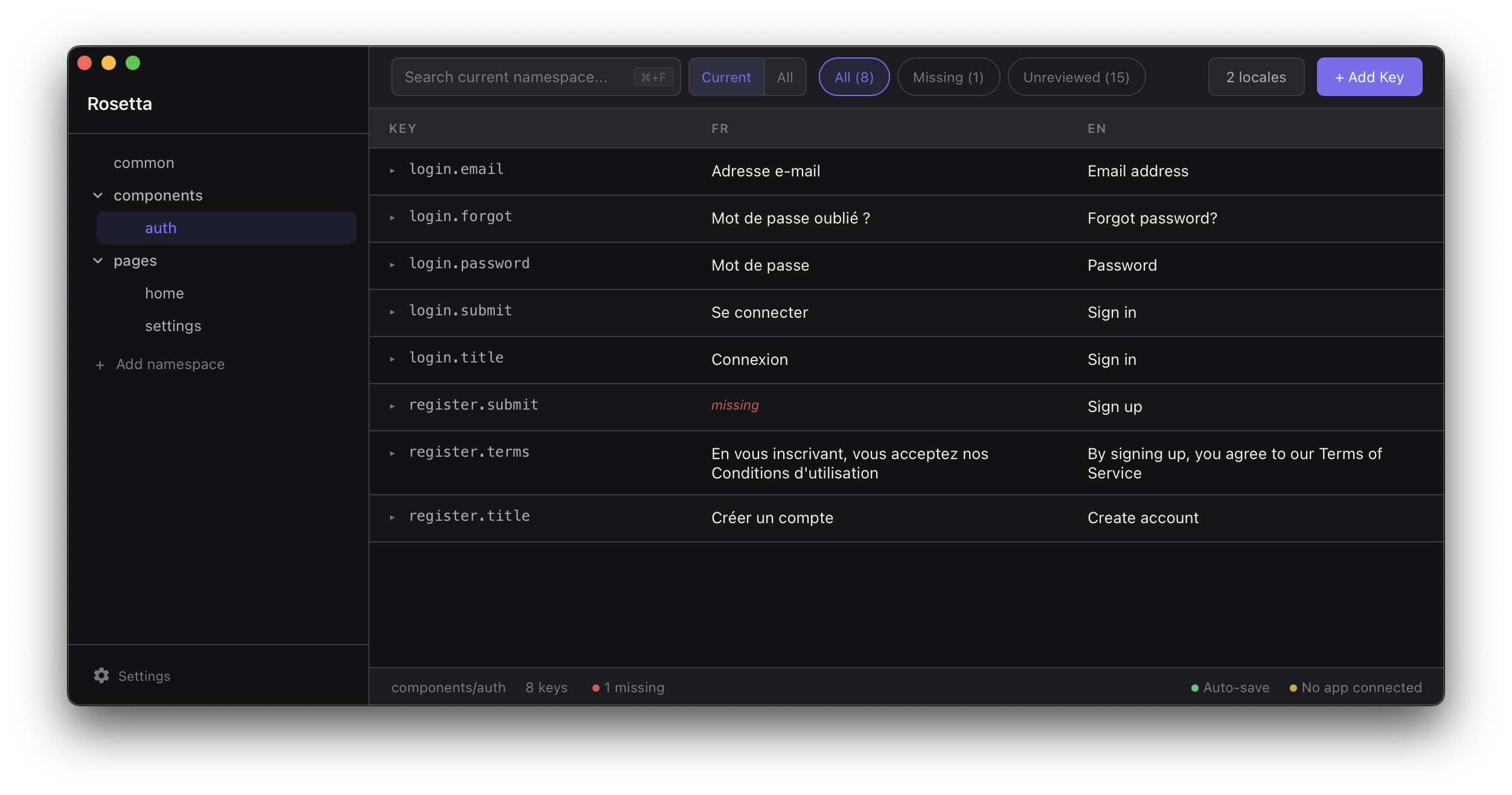
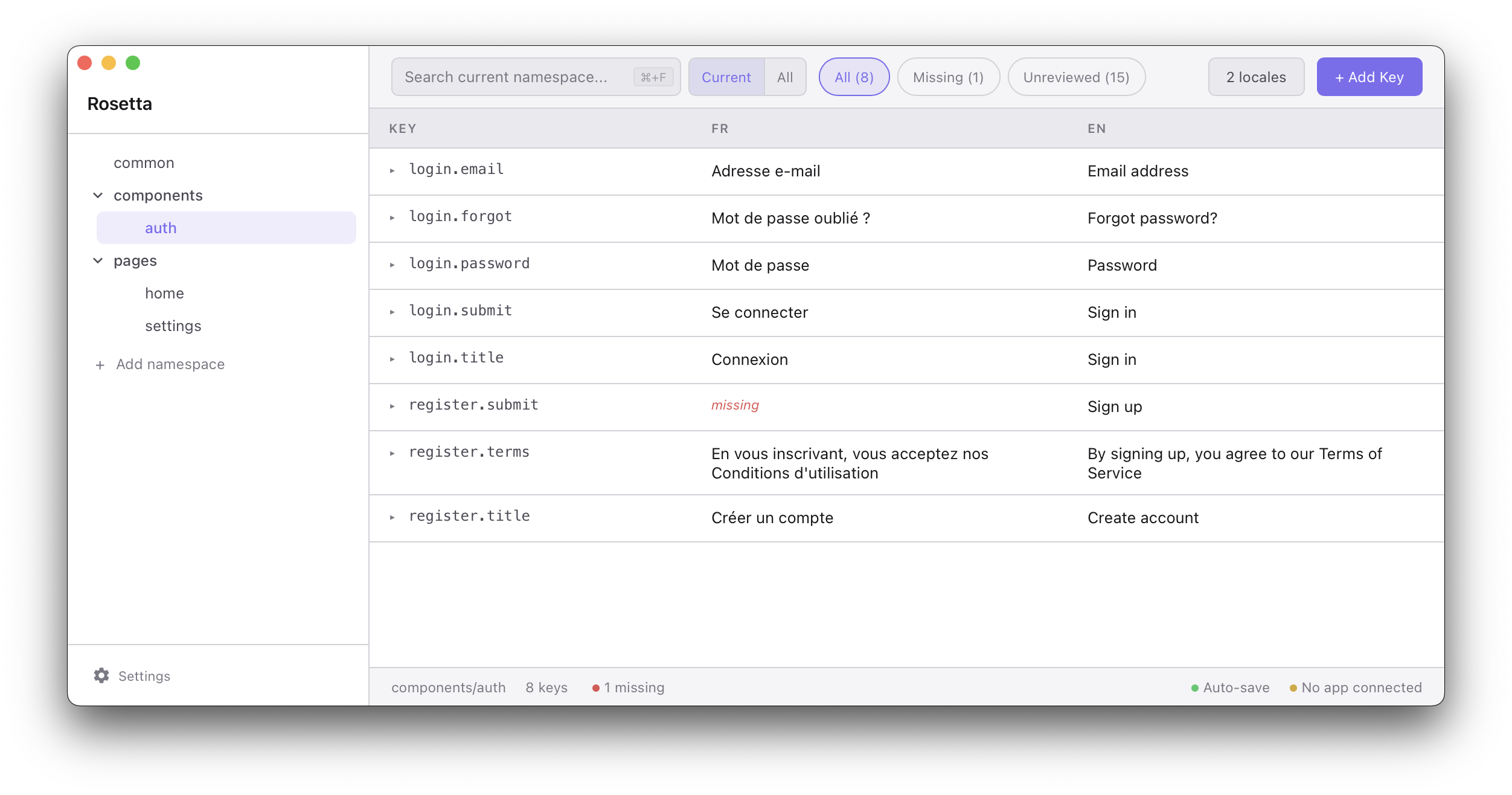
A visual translation editor for JSON locale files, directly inside VS Code. Browse namespaces, edit translations inline, track reviews, and see changes live in your running app.
Features
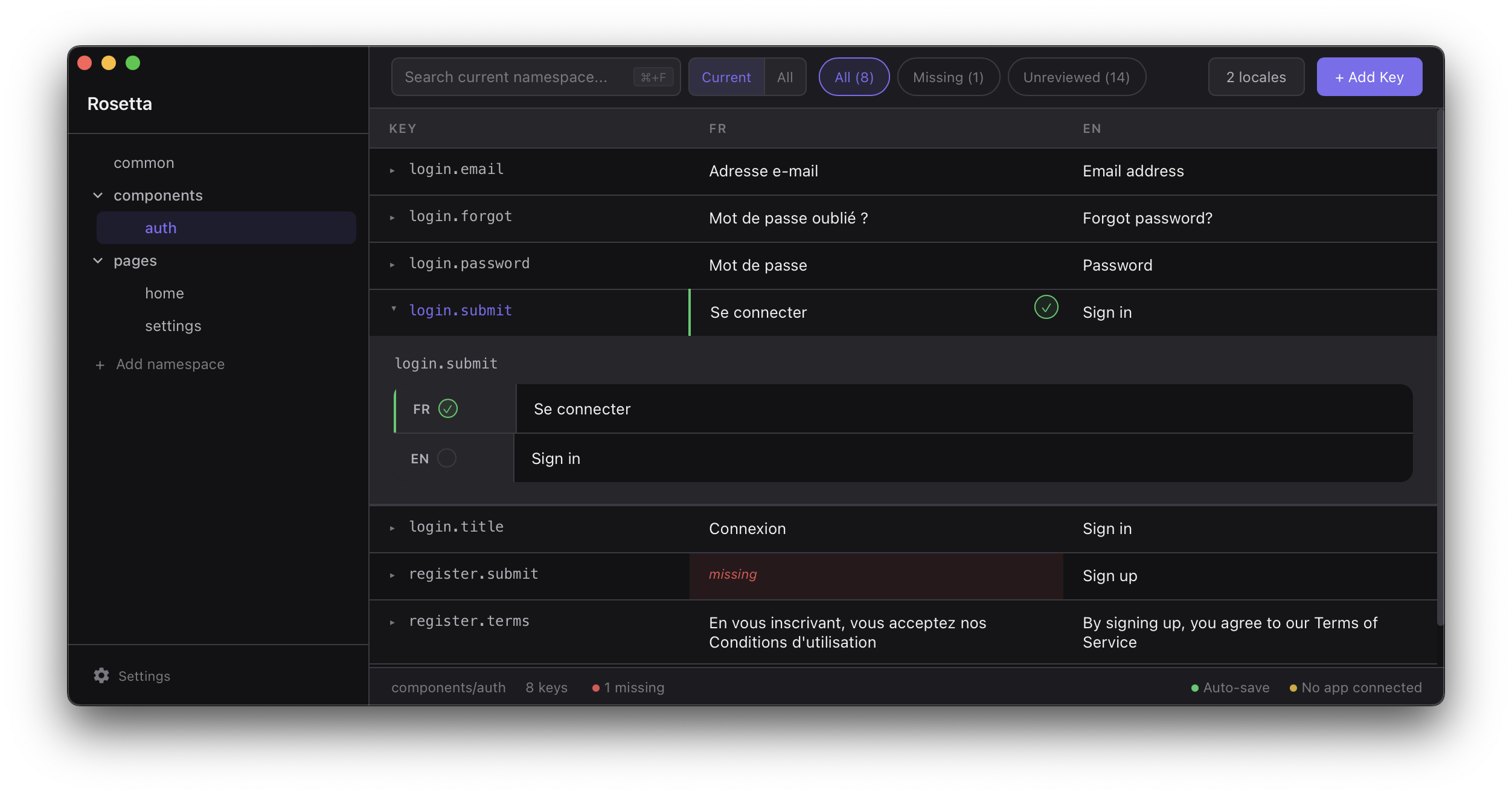
- Spreadsheet-style editor — edit translation keys across all locales side by side
- Namespace tree — folder-based grouping with search and filters (missing, unreviewed)
- Review tracking — mark translations as reviewed per key/locale
- Live preview — edits push to your running app via WebSocket (works with
@terraquant/rosetta-connect)
- Add/remove keys, locales, and namespaces without leaving the editor
- Manual save mode — batch changes and save with Cmd/Ctrl+S
Getting started
- Install the extension from the VS Code Marketplace
- Open the Command Palette (
Cmd+Shift+P) and run Rosetta: Open Translation Editor
- Select your locales directory when prompted
The editor expects the standard i18next file layout:
locales/
  en/
    common.json
    pages/
      home.json
  fr/
    common.json
    pages/
      home.json
Configuration
| Setting |
Default |
Description |
rosetta.localesDir |
"" |
Path to locales directory (relative to workspace root) |
rosetta.connectorPort |
4871 |
WebSocket port for live preview |
rosetta.connectorEnabled |
true |
Enable the WebSocket server for live preview |
The extension remembers the last opened locales directory per workspace. You can also set rosetta.localesDir in your workspace settings for a permanent default.
Live preview
To see translation changes reflected in your running app as you type, install the connector in your project:
npm install @terraquant/rosetta-connect
import i18next from "i18next";
import { connectRosetta } from "rosetta-connect";

if (process.env.NODE_ENV === "development") {
    connectRosetta(i18next);
}
See the rosetta-connect README for full options.
Desktop app
A standalone desktop app is also available with the same features. Download from the releases page.
License
MIT