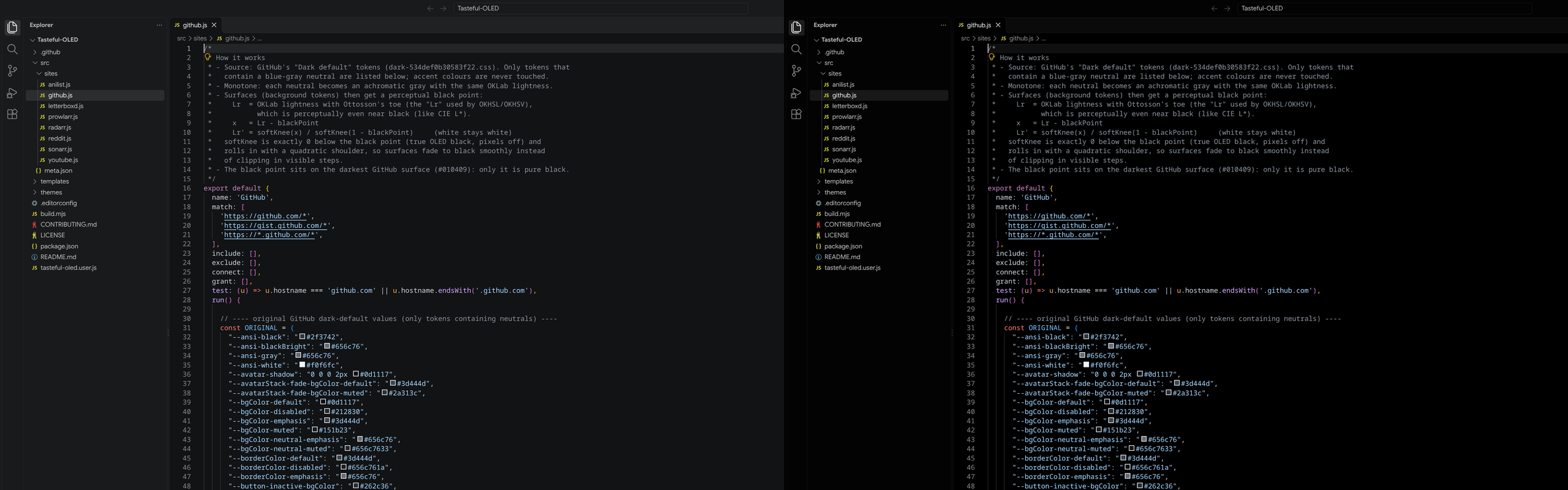
Tasteful OLEDVS Code's default dark theme brought down to pure black for OLED screens, with layered surfaces you can still tell apart. Installation Launch VS Code Quick Open ( Ctrl+P), paste the following command, and press enter.Copied to clipboard |

Tasteful OLED for VS CodeAn OLED and AMOLED friendly theme for Visual Studio Code. VS Code's own default dark theme brought down to black, with layered surfaces you can still tell apart.
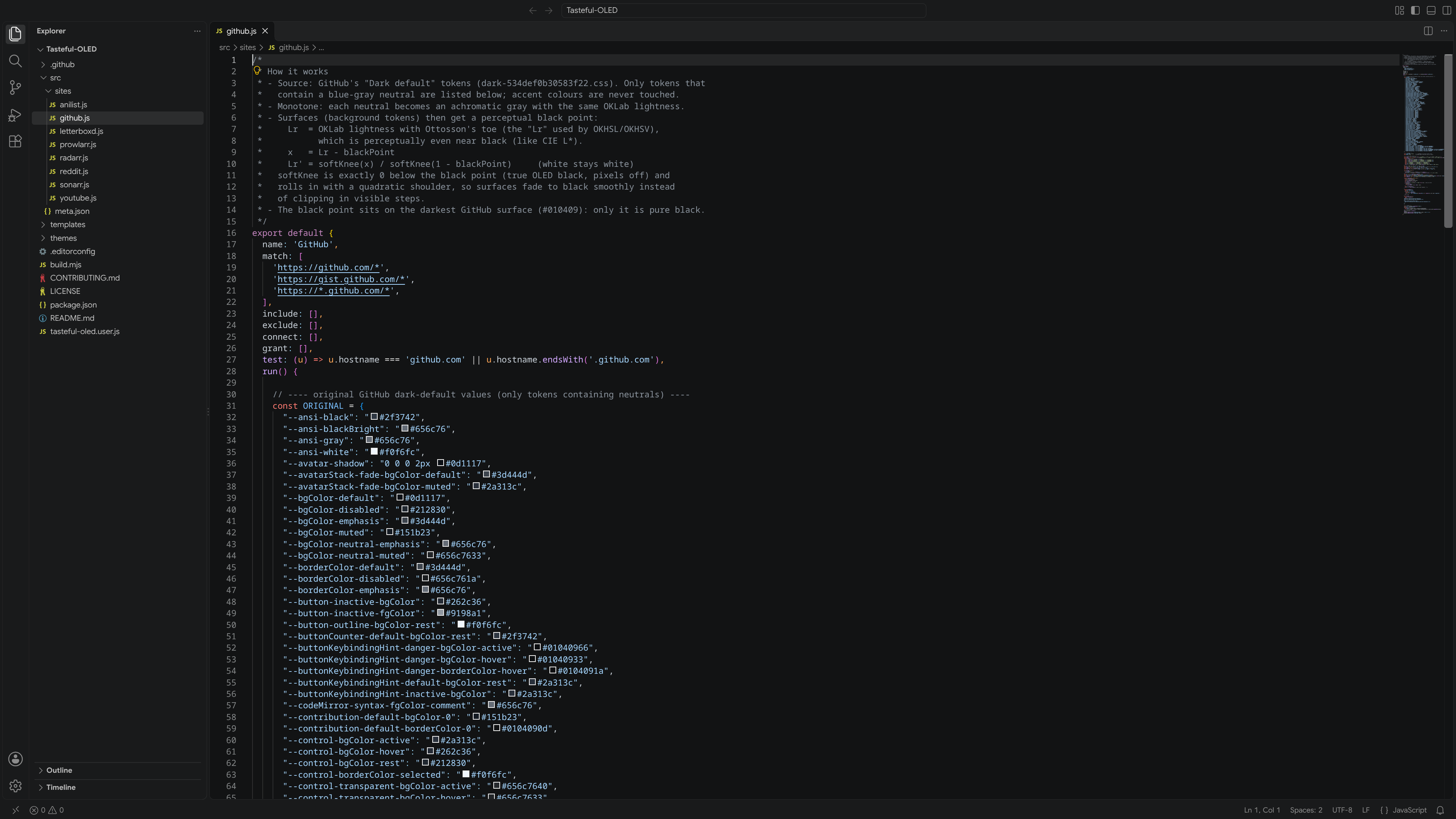
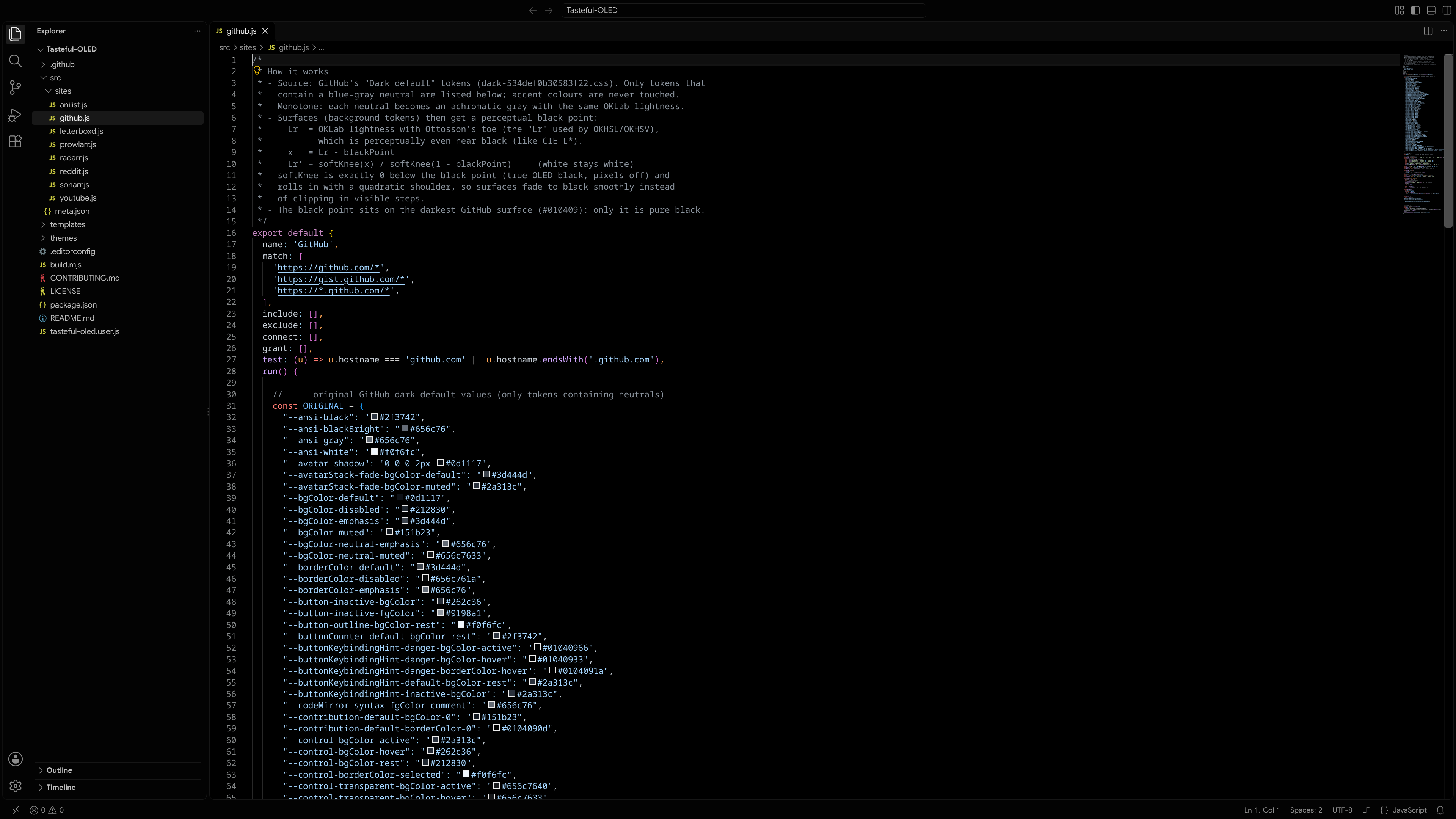
ScreenshotsBoth screenshots are full 4K (3840×2160) captures of the same window at 160% scaling. Open them at full size to compare the layers pixel for pixel. VS Code's default dark theme (Dark 2026)
Tasteful OLED
InstallInstall Tasteful OLED from the Visual Studio Marketplace, or search for Then open the Command Palette, run Preferences: Color Theme and pick Tasteful OLED. Your editor updates the theme on its own. What it changes
What it leaves alone
Known issuesNone yet. Report one. Tested withVS Code 1.148.0 on Linux. Buildinggenerate.py builds the theme from the installed VS Code's default dark theme. After a VS Code update, run |