StruXllence Themes • Visual Studio Code Suite
🌟 Key Features
StruXllence Themes is an all-in-one developer environment package inspired by modern high-rise structural architecture, parametric finite element analysis, and precision fabrication:
- 🎨 2 Master Color Themes:
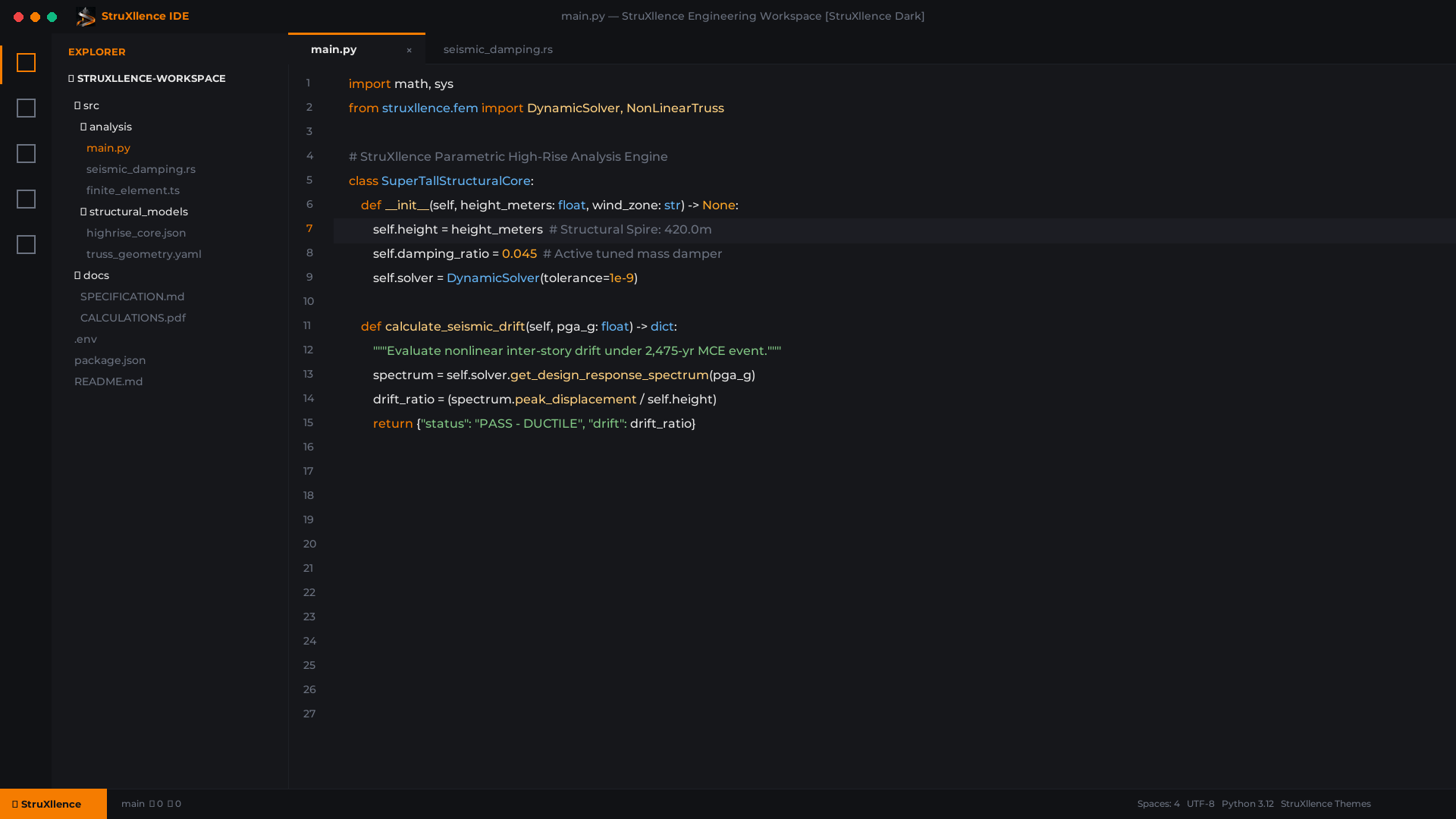
- StruXllence Dark: Deep obsidian and graphite canvas with radiant molten Innovate Amber highlights (
#F57C00) and WCAG AAA compliant readability.
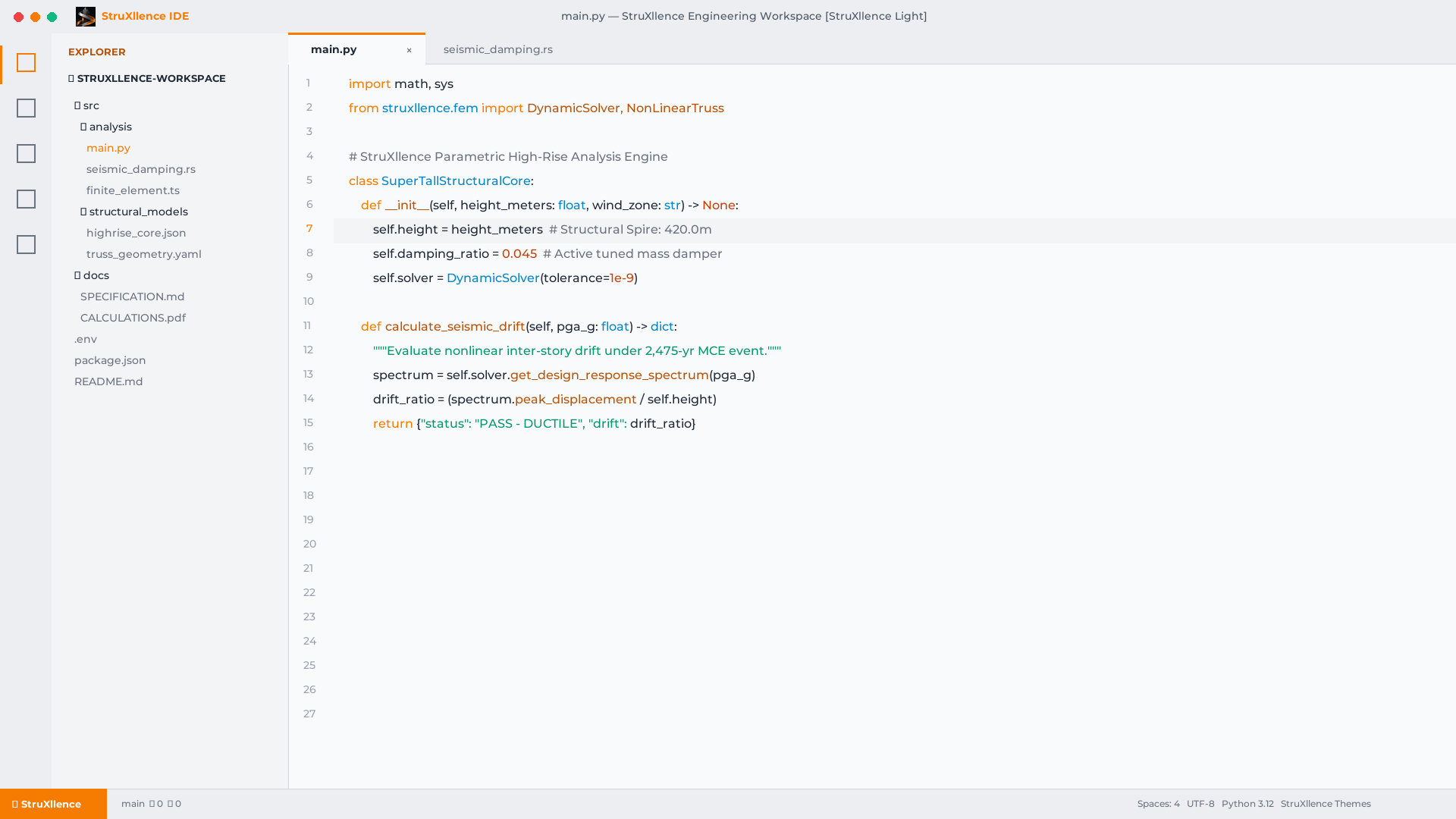
- StruXllence Light: Clean architectural drafting concrete paper (
#F8F9FA / #FFFFFF) with dark graphite text and warm industrial copper accents.
- 📁 2 Custom File Icon Themes:
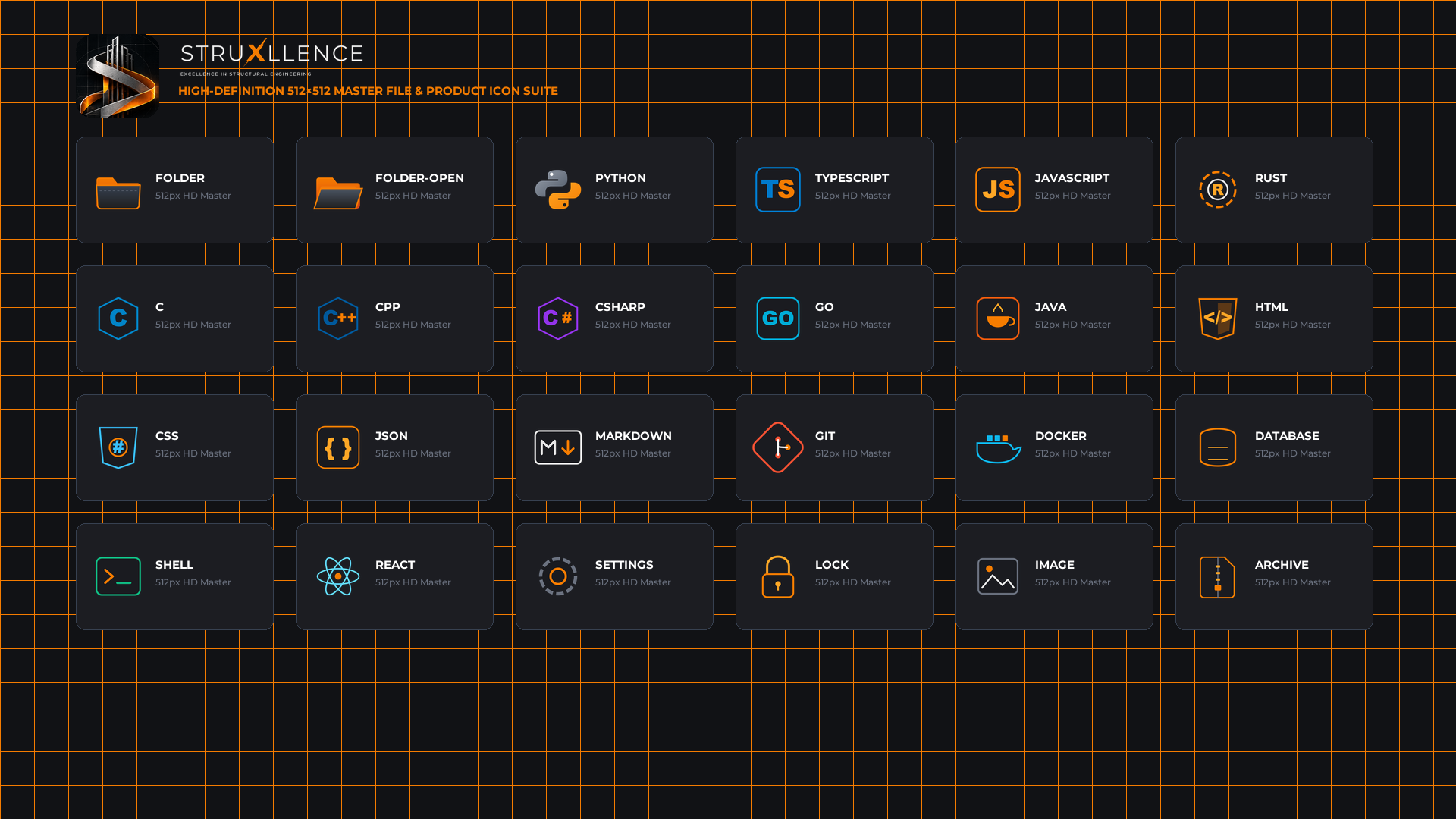
- StruXllence File Icons (Dark & Light): Over 30 custom-engineered high-definition icons covering Python, TypeScript, Rust, Go, C++, React, Docker, Git, and documents.
- ⚙️ 2 Product Icon Themes:
- StruXllence Product Icons (Dark & Light): Custom UI glyphs for the Activity Bar, Explorer, SCM, Debugger, and Status Bar powered by a bespoke icon font (
struxllence-product-icons.woff).
- ⚡ Zero Eye Fatigue: Carefully balanced saturation curves and calibrated luminance ratios designed for marathon coding sessions.
🎨 Color Palette
| Swatch |
Color Name |
HEX |
Usage |
 |
Graphite |
#1E1E1E |
Editor background & dark structural panels |
 |
Steel |
#6B7280 |
Muted comments, borders, inactive tabs |
 |
Innovate Orange |
#F57C00 |
Keywords, active indicators, cursor, badges |
 |
Concrete |
#E7E7E7 |
Primary foreground text & high-contrast code |
📸 Visual Previews
1. StruXllence Dark Theme
2. StruXllence Light Theme
3. High-Definition Icon Suite
🚀 Quick Installation
Method 1: Direct 1-Click Install
Click the Install in VS Code badge above or open this link directly in your browser:
vscode:extension/StruXllence.struxllence-themes
Method 2: In-Editor Quick Open
Press Ctrl+P (Windows/Linux) or Cmd+P (macOS) and paste:
ext install StruXllence.struxllence-themes
Method 3: Command Line
# Standard VS Code
code --install-extension StruXllence.struxllence-themes

# VS Code Insiders
code-insiders --install-extension StruXllence.struxllence-themes
🛠️ Activating the Themes
After installation, activate each component through the Command Palette (Ctrl+Shift+P / Cmd+Shift+P):
- Color Theme:
- Run
Preferences: Color Theme → Select StruXllence Dark or StruXllence Light.
- File Icon Theme:
- Run
Preferences: File Icon Theme → Select StruXllence File Icons (Dark) or StruXllence File Icons (Light).
- Product Icon Theme:
- Run
Preferences: Product Icon Theme → Select StruXllence Product Icons (Dark) or StruXllence Product Icons (Light).
💡 Recommended Font Pairing
StruXllence Themes was designed to look exceptional with clean modern monospaced programming fonts with ligatures:
- JetBrains Mono
- Fira Code
- Cascadia Code
- Montserrat (for UI headlines and sidebars)
{
  "editor.fontFamily": "'JetBrains Mono', 'Fira Code', 'Cascadia Code', Consolas, monospace",
  "editor.fontLigatures": true,
  "editor.fontSize": 14.5,
  "editor.lineHeight": 24
}
📄 License & Credits
- Publisher: StruXllence • Excellence in Structural Engineering
- Author: Srinivasa Rao Masanam
- License: Released under the MIT License.