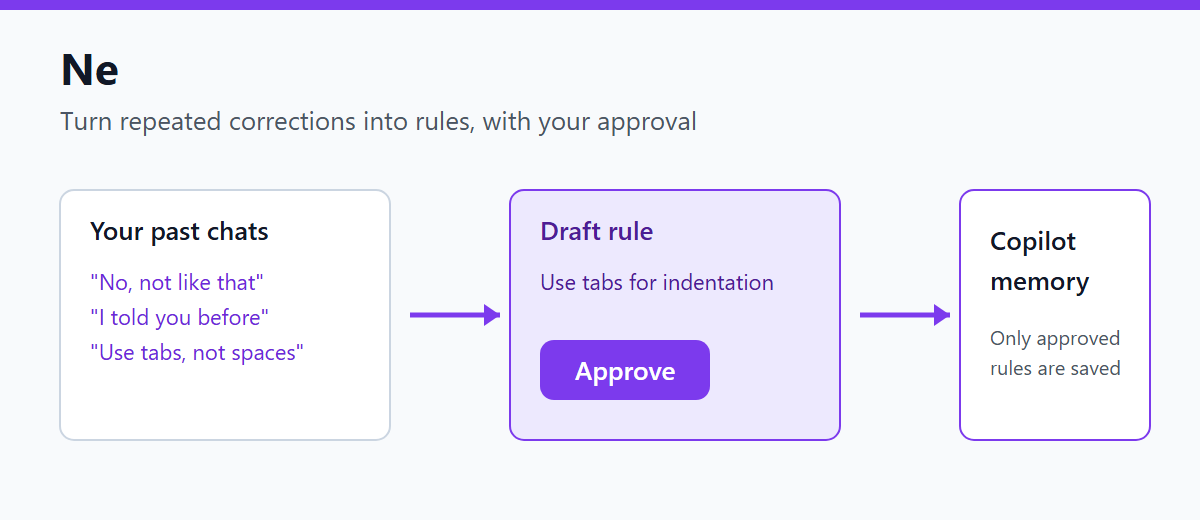
Turn repeated Copilot Chat corrections into reusable .github/copilot-instructions.md and global memory rules, with root cause analysis and one-click rollback.
Installation
Launch VS Code Quick Open (Ctrl+P), paste the following command, and press enter.
Ne: make Copilot remember the correction you keep repeating
If every new chat starts the same avoidable back-and-forth, Ne finds correction patterns across past sessions and turns them into a concrete rule proposal. It explains the likely root cause, gives you a five-second review window, and supports editing, rollback, scope selection, and merging before the rule stays.
Your repeated instruction becomes reusable project knowledge instead of another line you have to type again.
Shows the number and share of corrections in your last 20 chats. No model is used.
Ne: Analyze Corrections and Save a Rule
Drafts rules from your corrections and writes them only if you choose to register in the approval dialog.
Ne: Undo a Saved Rule
Pick from the registration history to undo.
How to use
Run the count command first to see how often you restate things.
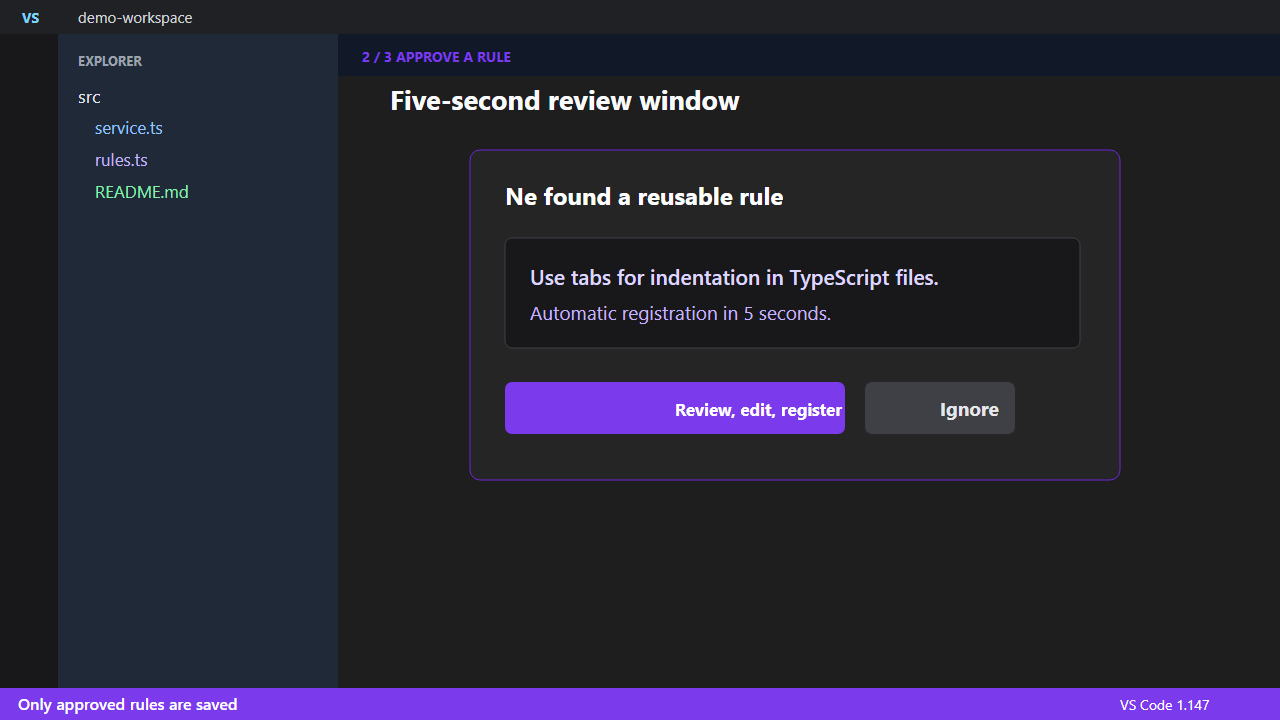
Run the analyze command. Ne sends examples to the selected language model and opens a five-second registration notice.
Let the timer finish to register, or choose Review, edit, and register to open the structured Markdown review tab.
Choose Ignore to roll back an automatic registration. In the review tab, CodeLens provides confirm, rollback, scope switch, and merge-target actions.
What is sent and written
Correction text and structured response metadata are sent to the selected VS Code language model only after the confirmation prompt.
Ne separates the repeated surface instruction from the supported root cause and requires an actionable rule. A malformed or incomplete model proposal is rejected instead of being registered from fallback text.
Scanning is limited to the current workspace by default. Enable ne.scanAllWorkspaces to scan the local workspace storage for other workspaces.
Global rules are written to globalStorage/github.copilot-chat/memory-tool/memories/user-preferences.instructions.md.
Workspace rules are written to .github/copilot-instructions.md in the first workspace folder.
Automatic registration happens after the configured countdown. Ignore and review rollback remove only the exact Ne rule, so later unrelated edits remain intact.
Good to know
It depends on the chat save format and the memory location, which are internal to Copilot Chat. A change on their side may break it.
Detection uses a small set of marker phrases, so it can miss corrections or flag false ones. The count command shows the detection rate.
A cluster is only proposed when the correction appears in at least ne.minimumSessions different chats. Repeated turns inside one chat do not satisfy that threshold.
Switching review scope clears the selected merge target, preventing a rule from one file from being used against another scope.
Verified on VS Code 1.147 and Copilot Chat 0.75.
Settings
Setting
Default
Description
ne.scanAllWorkspaces
false
Scan chat sessions for every local workspace
ne.minimumSessions
2
Different sessions required for a repeated-correction cluster