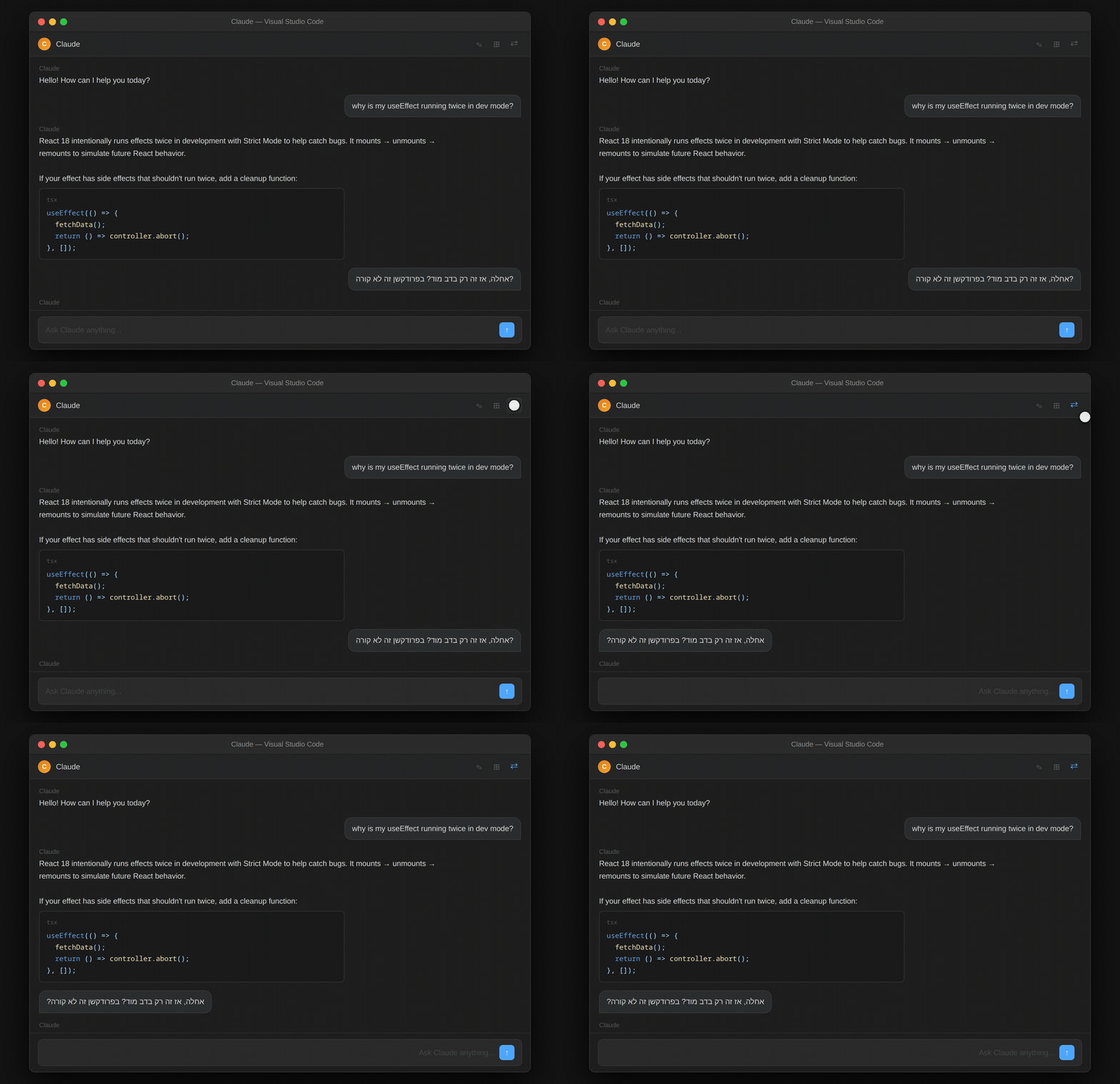
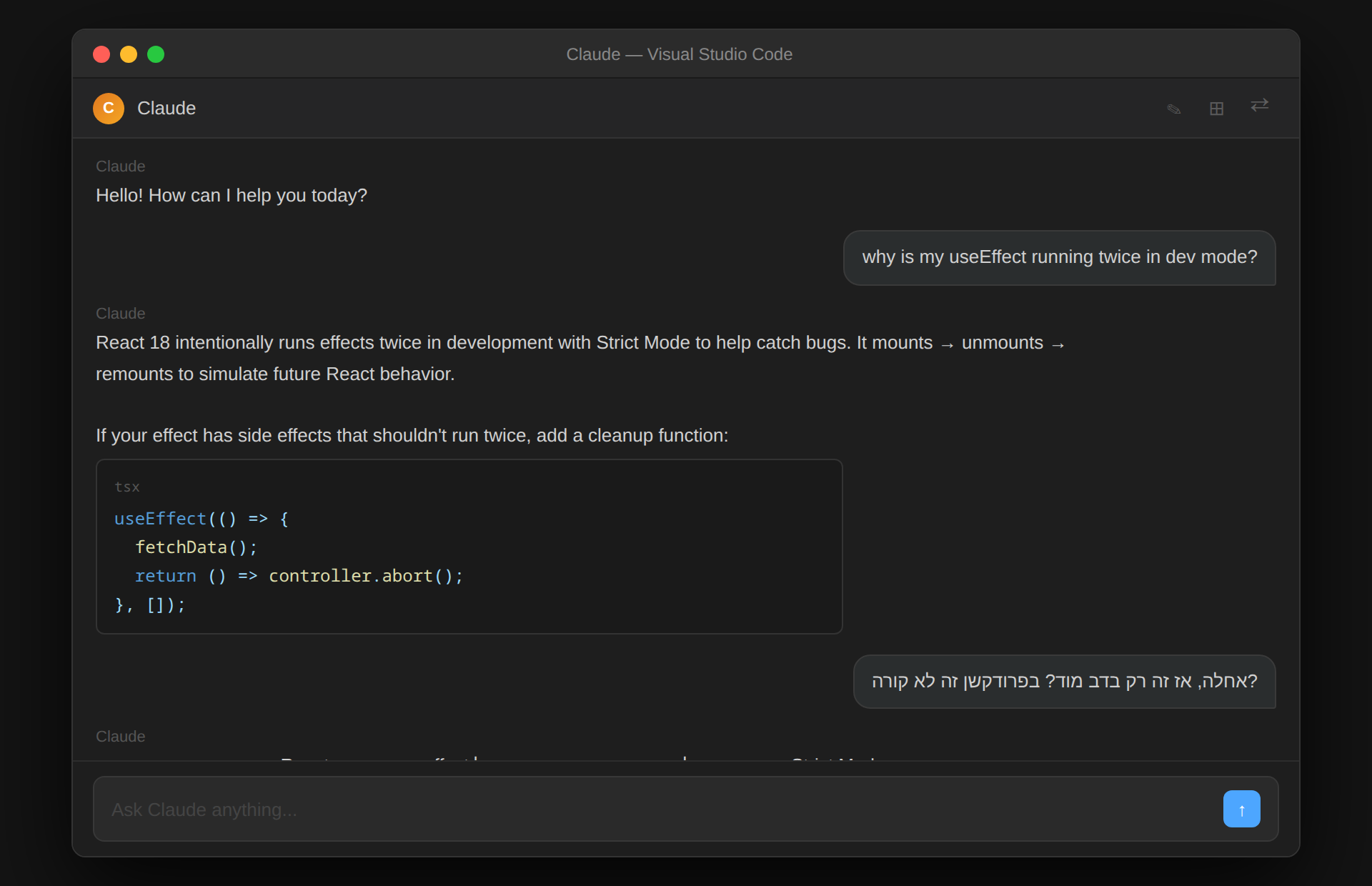
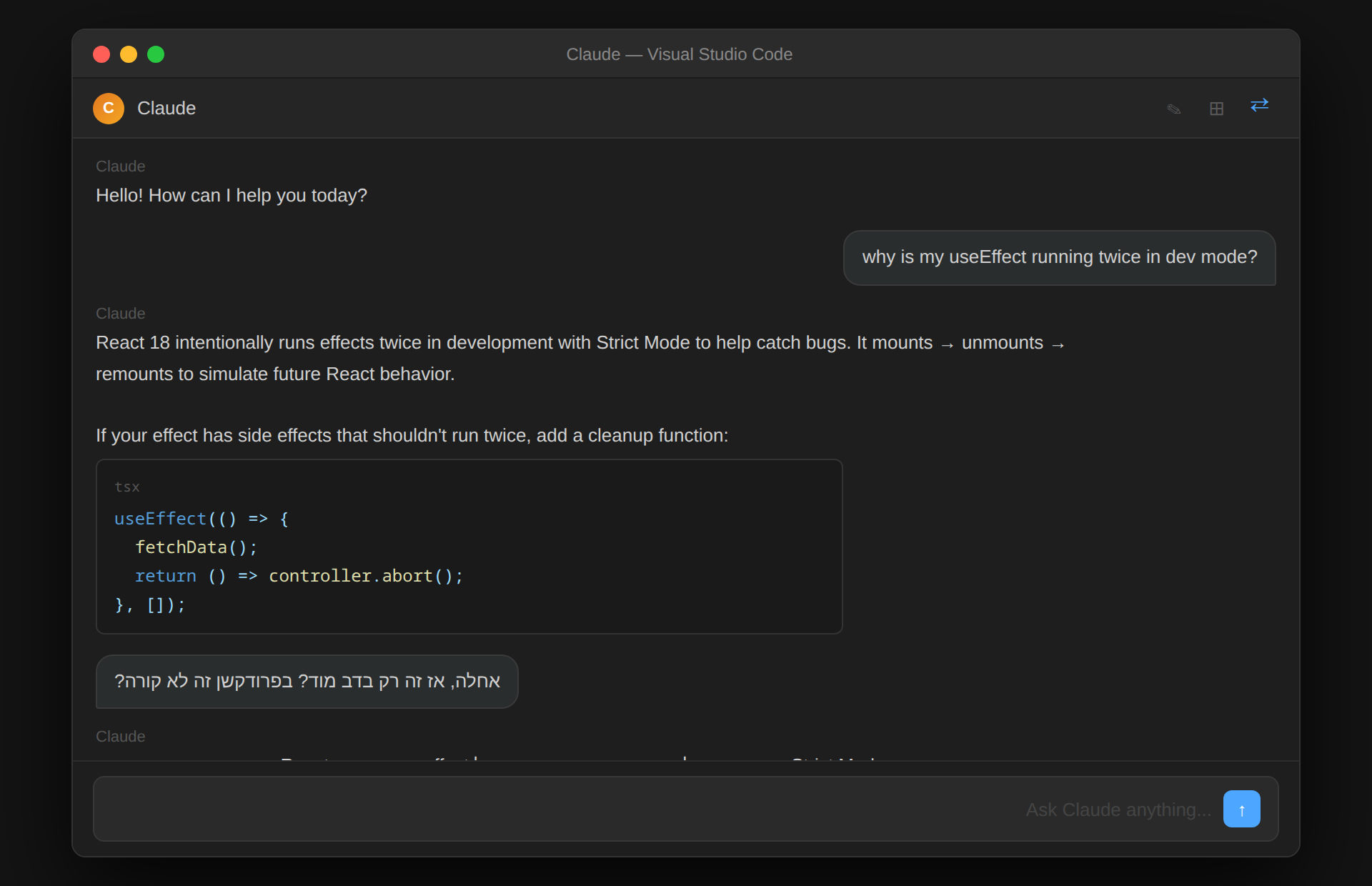
Claude Code RTL – Hebrew, Arabic & Persian SupportRTL support for Hebrew, Arabic and Persian in Claude Code. Fixes text direction in VS Code, Cursor and Antigravity AI chat — toggle button inside the chat, no reload needed. Installation Launch VS Code Quick Open ( Ctrl+P), paste the following command, and press enter.Copied to clipboard |

Claude Code RTL – Hebrew, Arabic & Persian Support
RTL (Right-to-Left) support for Hebrew, Arabic and Persian in Claude Code. Fixes text direction in VS Code, Cursor and Antigravity AI chat.
Why this extension
How it works
Install
No settings, no configuration files. UsageClick ⇄ in the Claude Code header to toggle RTL on/off.
State persists across sessions via localStorage. RequirementsClaude Code must be installed. Supported languagesHebrew · Arabic · Persian (Farsi) · Any Unicode RTL script Supported IDEsVS Code · Cursor · Antigravity |