

|
| Setting | Default | Options |
|---|---|---|
roveliese.accentColor |
mauve |
mauve rose lavender sapphire teal sky |
roveliese.workbenchMode |
default |
default flat minimal |
roveliese.bracketColors |
monochromatic |
monochromatic dimmed rainbow |
roveliese.italicKeywords |
false |
boolean |
roveliese.boldKeywords |
false |
boolean |
roveliese.italicComments |
true |
boolean |
roveliese.indent.enabled |
true |
boolean |
roveliese.indent.style |
line |
line background |
roveliese.indent.opacity |
per-theme | 5–100 |
roveliese.indent.lineWidth |
1 |
1–4 |
Accent color recolors badges, progress bar, focus indicators, and picker borders across all active variants. Button colors stay rose.
Workbench mode controls chrome layering: flat blends the sidebar into the editor background; minimal extends that to tabs, activity bar, and status bar.
Bracket colors: dimmed fades brackets progressively by depth; rainbow cycles six palette colors across levels.
Indent guides highlight each indentation level with palette colors matched to the active variant. line draws a 1 px vertical line at the left edge of each level; background fills the full indent region. If you have the indent-rainbow extension installed, disable it to avoid duplicate highlights.
All changes apply immediately without reloading.
Custom overrides
For fine-grained overrides, use VS Code's built-in settings directly. These stack on top of both the static theme and the Roveliese settings layer.
{
  "workbench.colorCustomizations": {
    "[Roveliese Storm]": {
      "focusBorder": "#c0b0f0"
    },
    "[Roveliese Dark][Roveliese Storm]": {
      "editor.selectionBackground": "#2d3060"
    }
  },
  "editor.tokenColorCustomizations": {
    "[Roveliese Dark]": {
      "comments": "#888899"
    }
  }
}
Design
Roveliese centers on a quiet editor and a visible rose identity. Accents appear only where the interface needs emphasis: active controls, focus rings, selections, diagnostics, errors. Syntax stays readable without carrying the brand color everywhere.
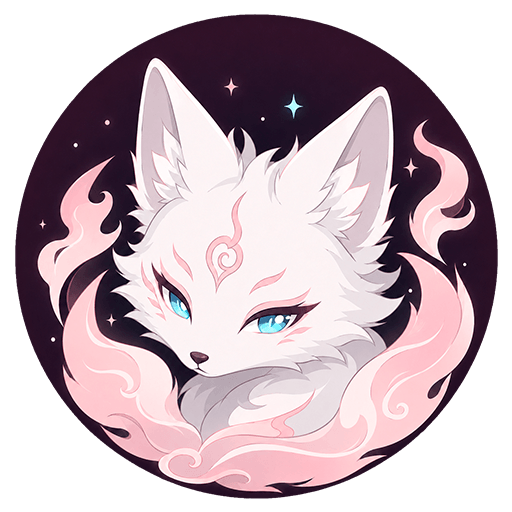
The mascot sets the visual temperature: a white kitsune with rose-pink flame wisps and icy cyan eyes. That contrast runs through all three variants: rose warmth, cool highlights, restrained surfaces.
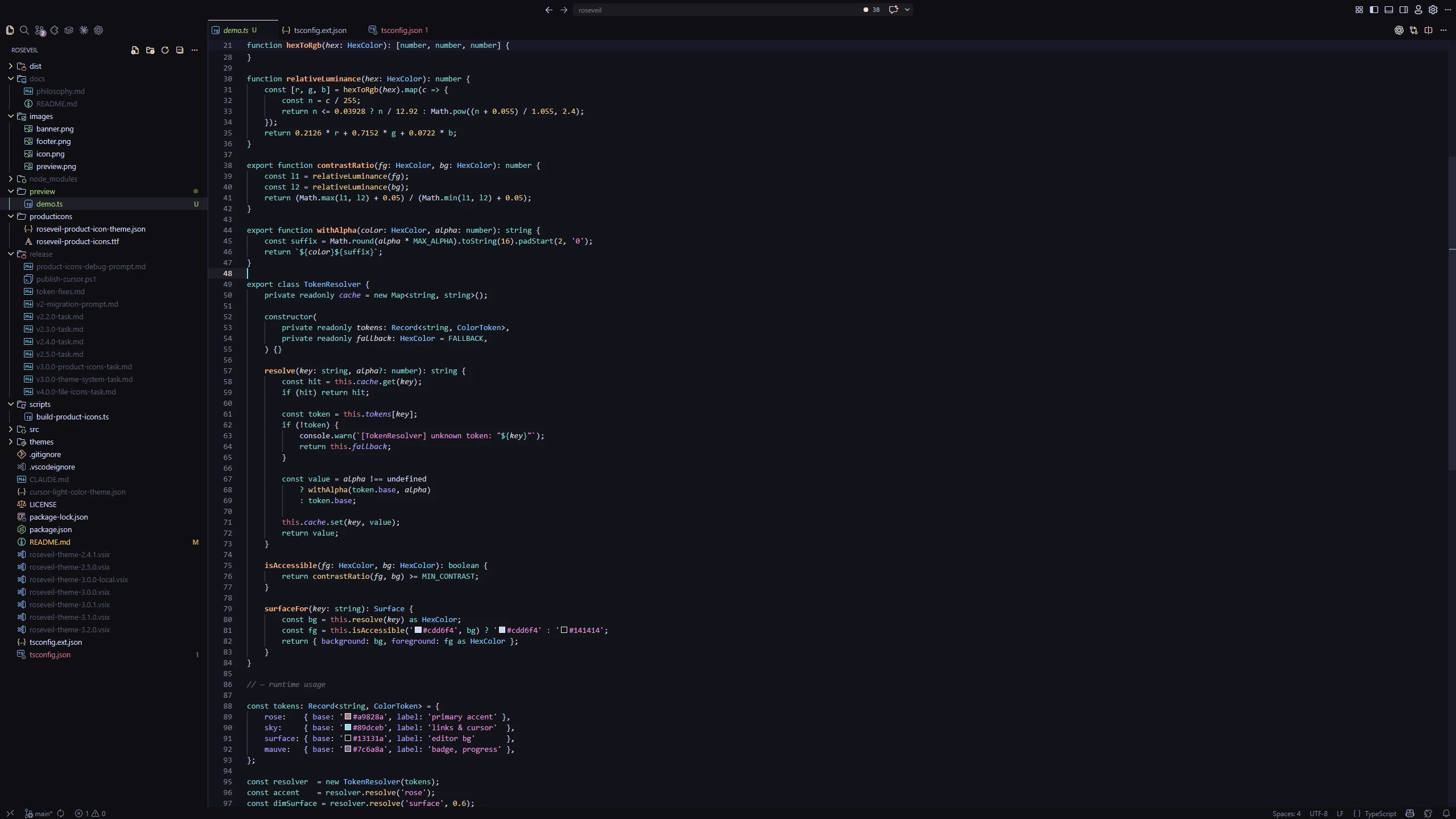
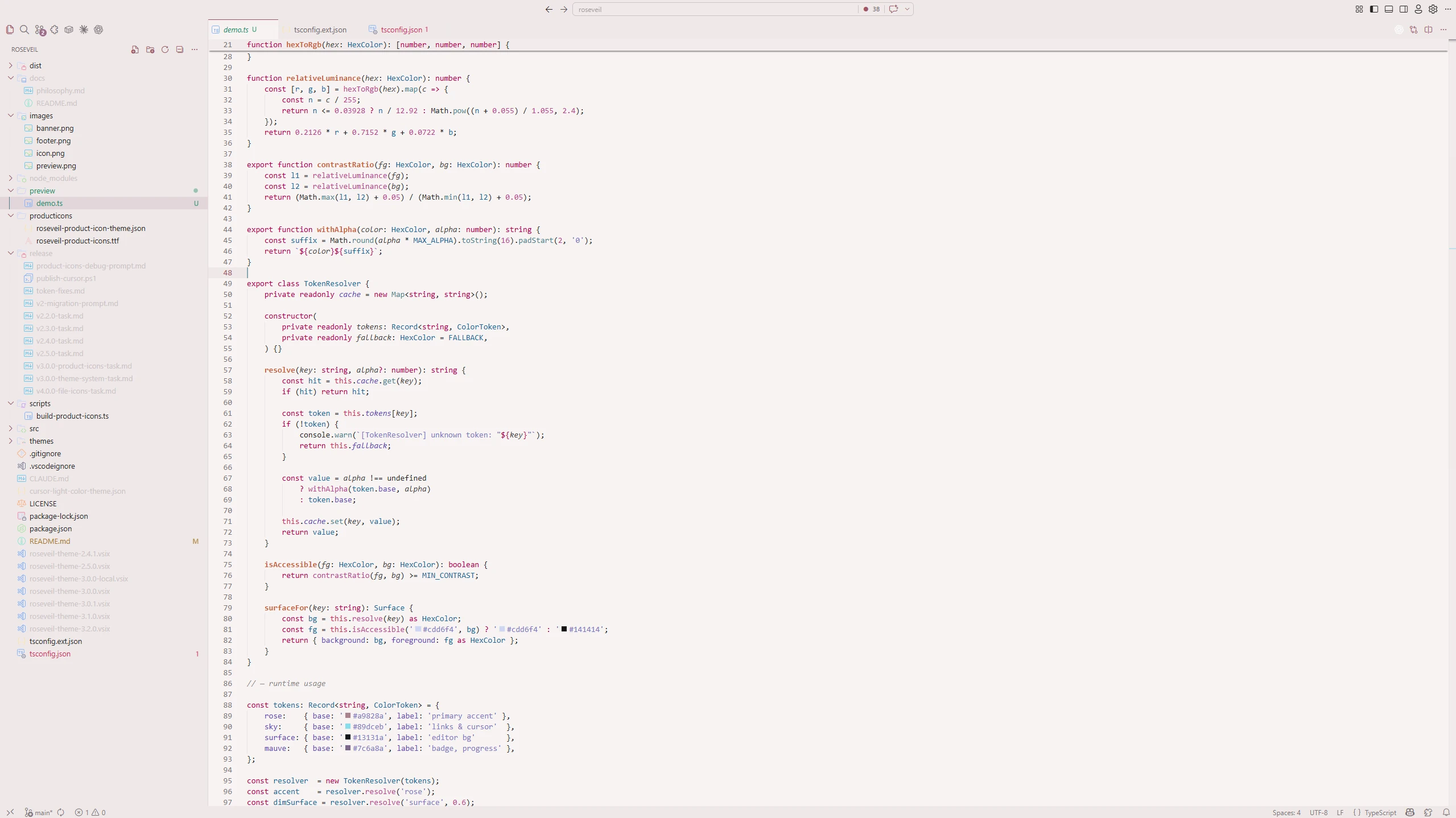
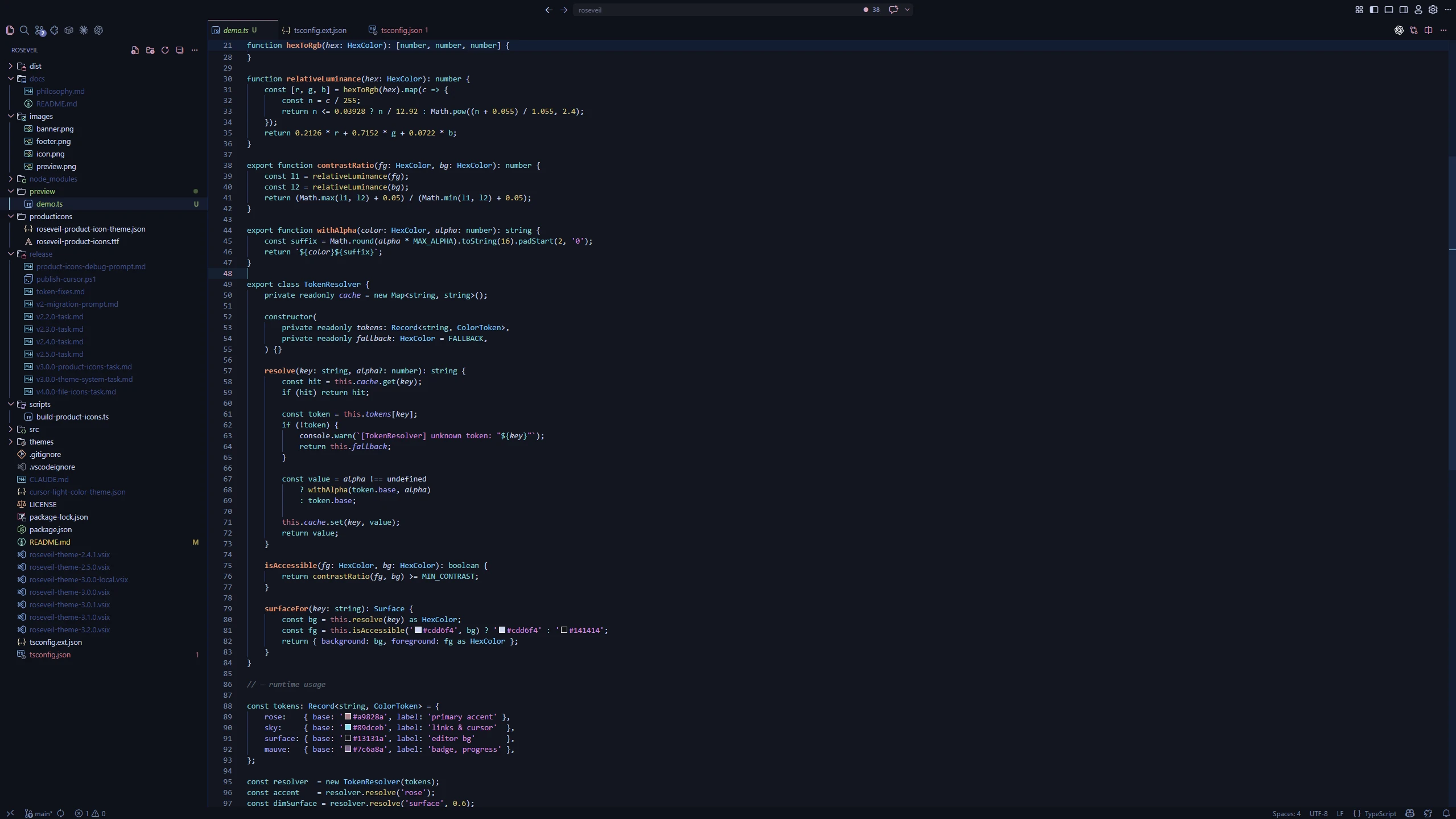
Each variant keeps the same Roveliese character while adjusting its contrast, temperature, and syntax balance for a different reading environment.
What's Covered
- Product icons for the Activity Bar, toolbar, panels, and other VS Code UI icons
- Editor, tabs, sidebar, panels, status bar, command center
- IntelliSense, Outline, and breadcrumbs symbol icons aligned with syntax highlighting
- Git decorations, diff view, merge editor
- Terminal ANSI colors with tuned contrast across all variants
- Testing and debug UI
- Syntax highlighting for Python, JS/TS, Rust, Go, C/C++, Java, PHP, C#, Ruby, Kotlin, Swift, CSS, HTML, Markdown, SQL, Shell, PowerShell, YAML, TOML, JSON, XML, Dockerfile, GraphQL, Protocol Buffers, Terraform/HCL, and more
- Semantic tokens: Pylance (Python), Intelephense (PHP), rust-analyzer, gopls, jdtls (Java), C# Dev Kit, C/C++, JS/TS
Extension Support
Roveliese themes the following extensions out of the box:
Support
Found an issue or have a suggestion? Open an issue on GitHub or reach out via the Marketplace Q&A.

Copyright © 2026-present xloiqa
