Atompack ViewerBrowse and visualize atompack (.atp) databases Installation Launch VS Code Quick Open ( Ctrl+P), paste the following command, and press enter.Copied to clipboard |

Atompack ViewerOpen
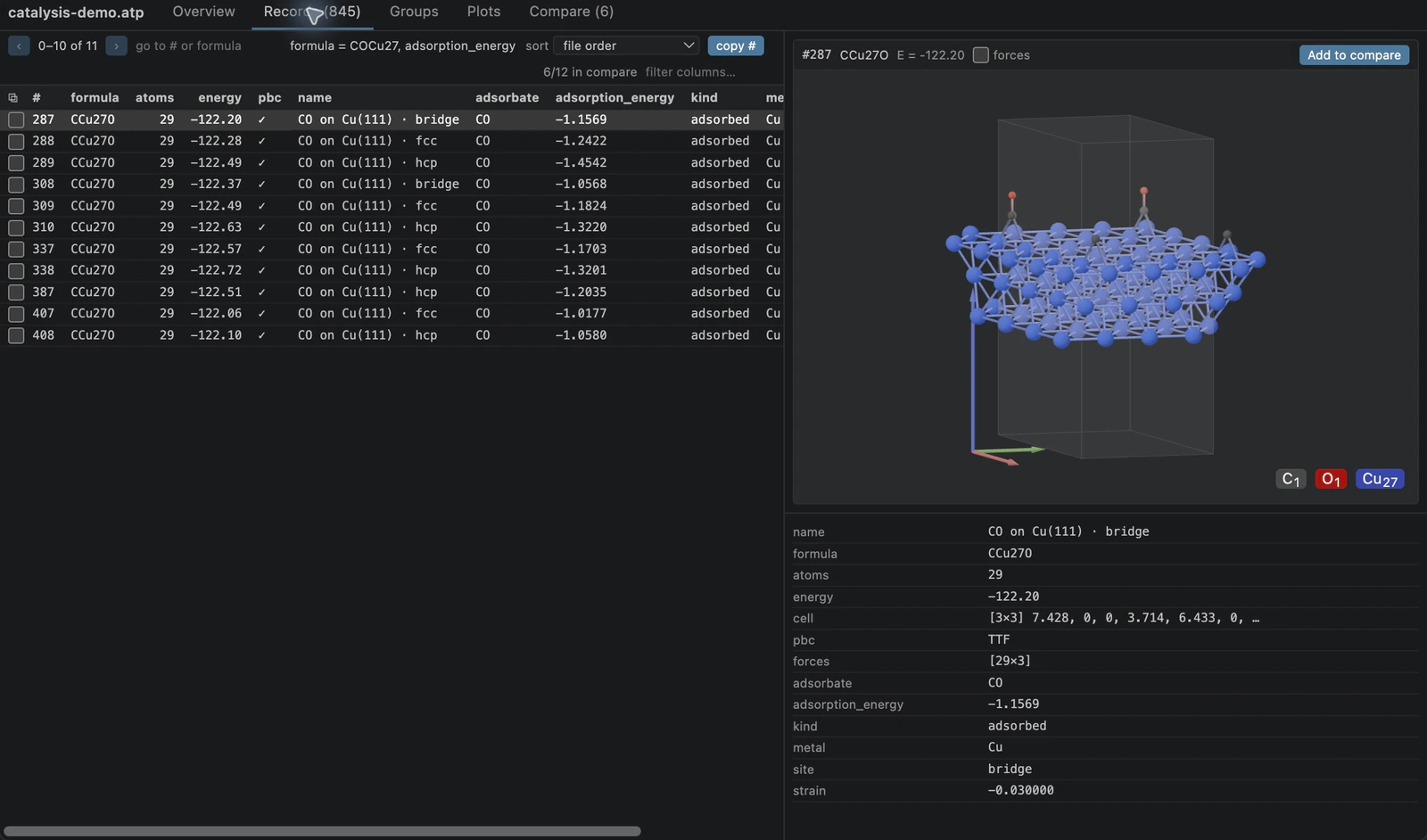
Try the catalysis demo with the viewer walkthrough. Its 845 structures include four groupings; energies and forces are synthetic demonstration values. TourRecords. Filter by composition and properties, for example
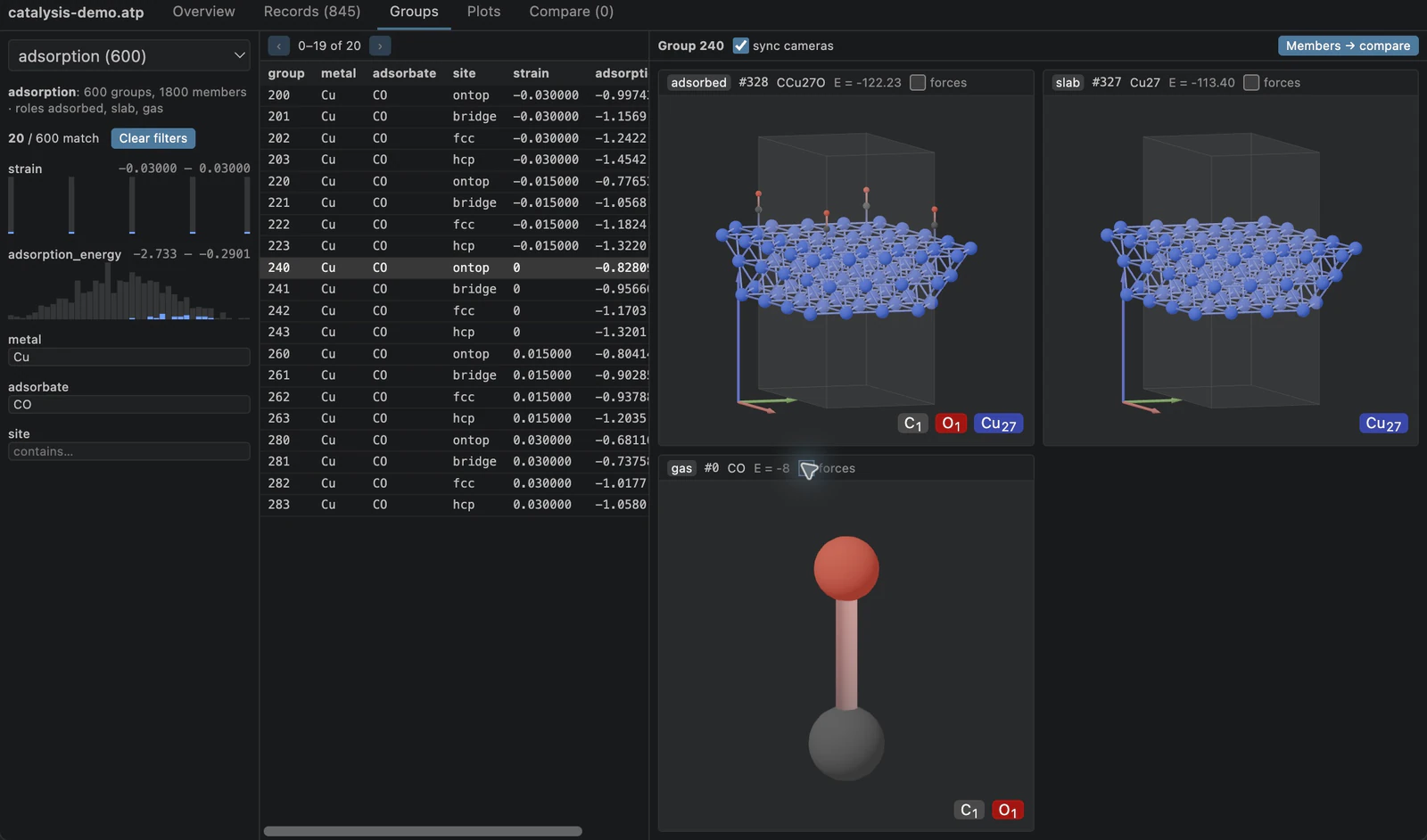
Groups. Browse related records with their roles, such as an adsorbed structure, its clean slab, and the gas-phase reference.
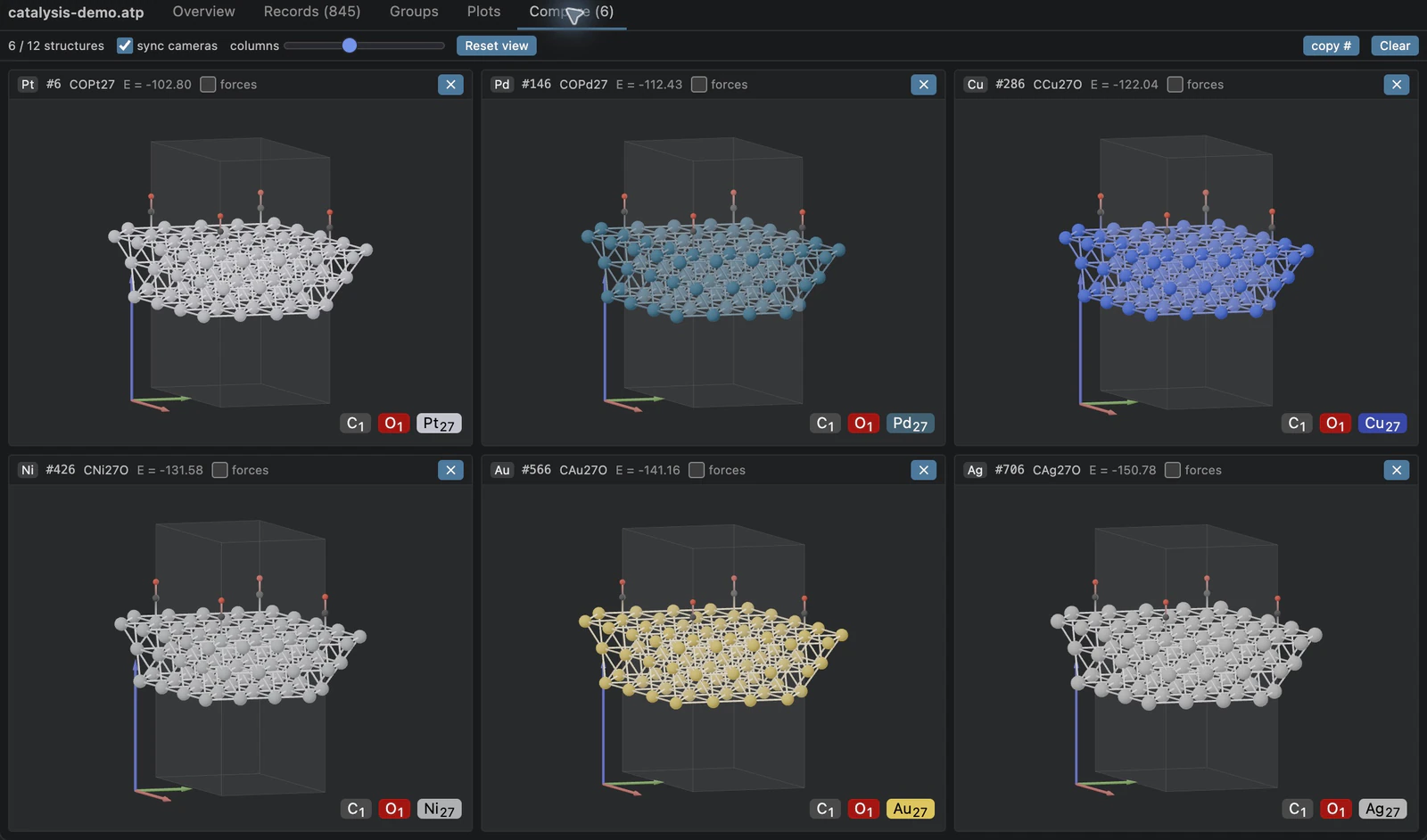
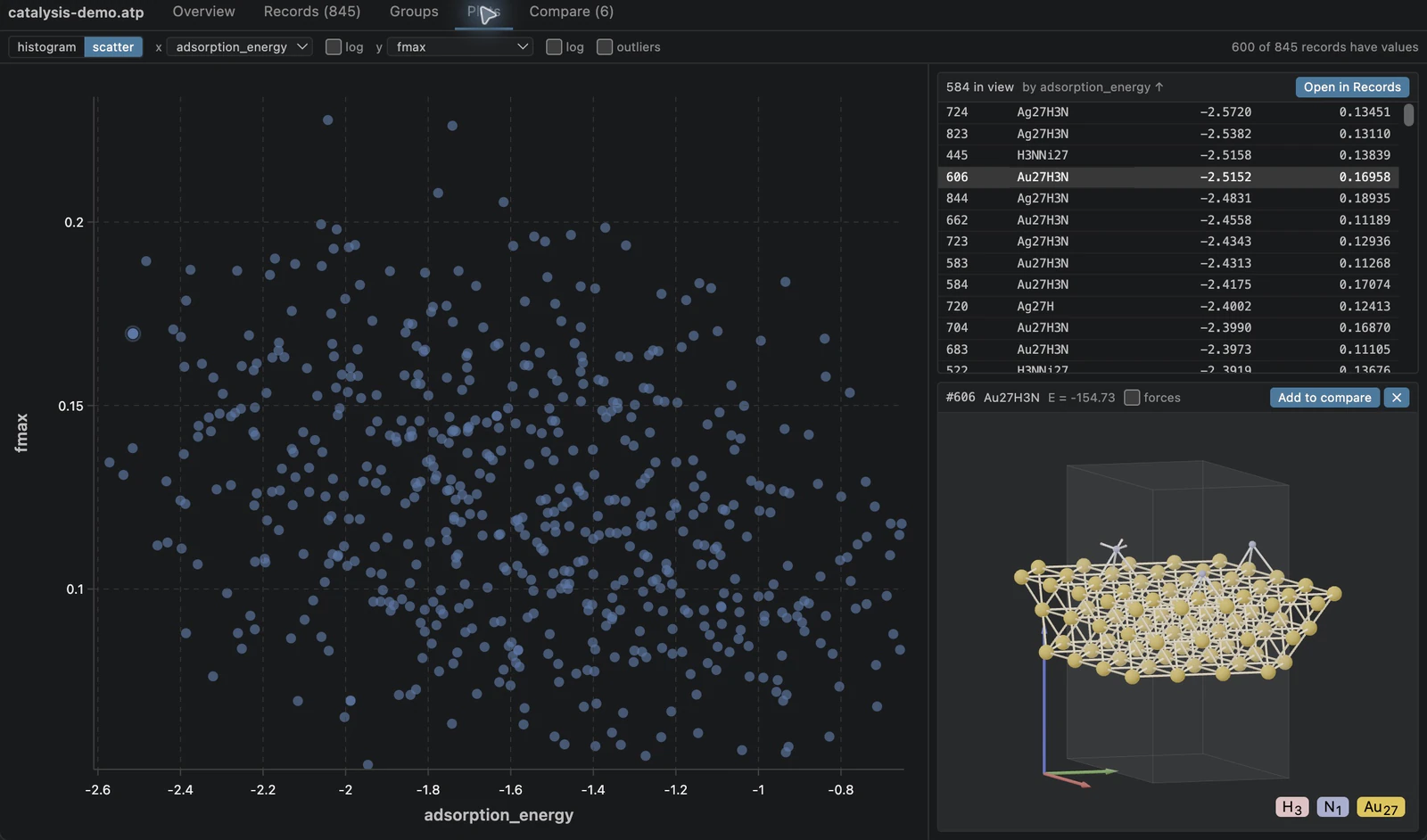
Compare. Place up to 12 records or group members side by side, as in the image above. With sync cameras on, rotating, panning, or zooming one pane moves the others, while each stays framed on its own structure. Reset view reframes every pane. Plots. Draw histograms or scatter plots of any numeric property. Drag a box to zoom, click a point to see its structure, and Open in Records to carry the visible bounds and sort order into the record table.
InstallInstall Atompack Viewer from the Visual Studio Marketplace, or run: Packages are published for macOS (Intel and Apple Silicon), Linux with glibc 2.35 or newer (x64 and ARM64), and Windows x64. Windows ARM64, Alpine/musl, and browser-only VS Code are not currently supported. For Remote SSH, WSL, or Dev Containers, use Install in SSH: … (or the equivalent
remote action) in the Extensions view: Reading filesLocal files are memory mapped read-only. Resources supplied by a virtual filesystem are copied into a private temporary directory, which is removed when the document closes. The reader runs in its own process, so overwriting or truncating a database while it is open stops only that process: pending requests report the error, and the next request restarts the reader. Reopen the file to see its new contents. DevelopInstall Node.js 22.13+ and stable Rust with the native C/C++ build tools for your OS.
From Packaging automatically tags the VSIX for the current OS and CPU. CI builds and
tests each supported target on a matching runner. The Node-API 8 binding lives in
To include a larger database in the reader and worker smoke tests, set |