Rider Light MinimalLight and dark color themes for VS Code. Consistent syntax highlighting across languages with a themed markdown preview style. Inspired by JetBrains Rider. Installation Launch VS Code Quick Open ( Ctrl+P), paste the following command, and press enter.Copied to clipboard |

Rider Light Minimal
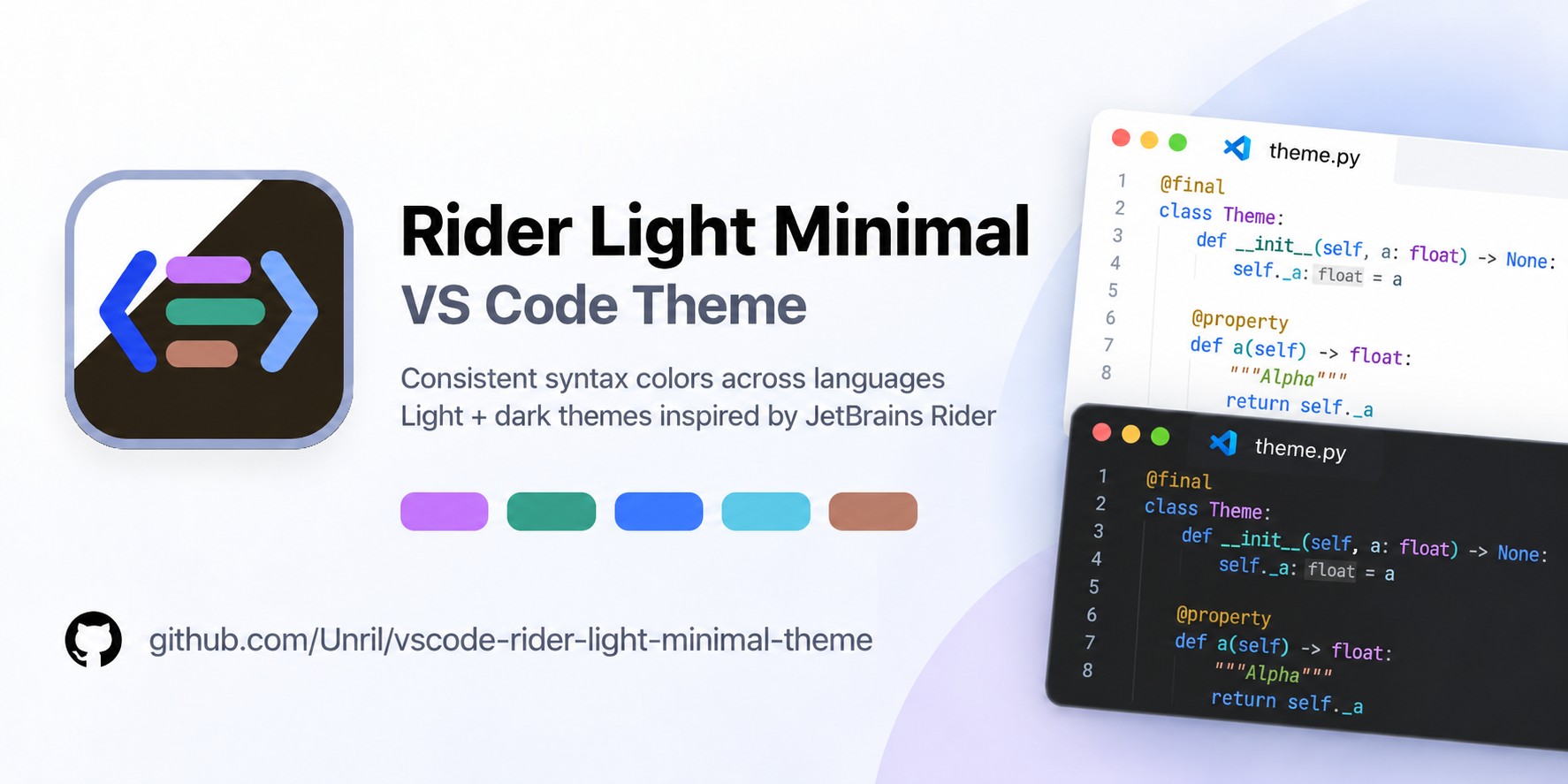
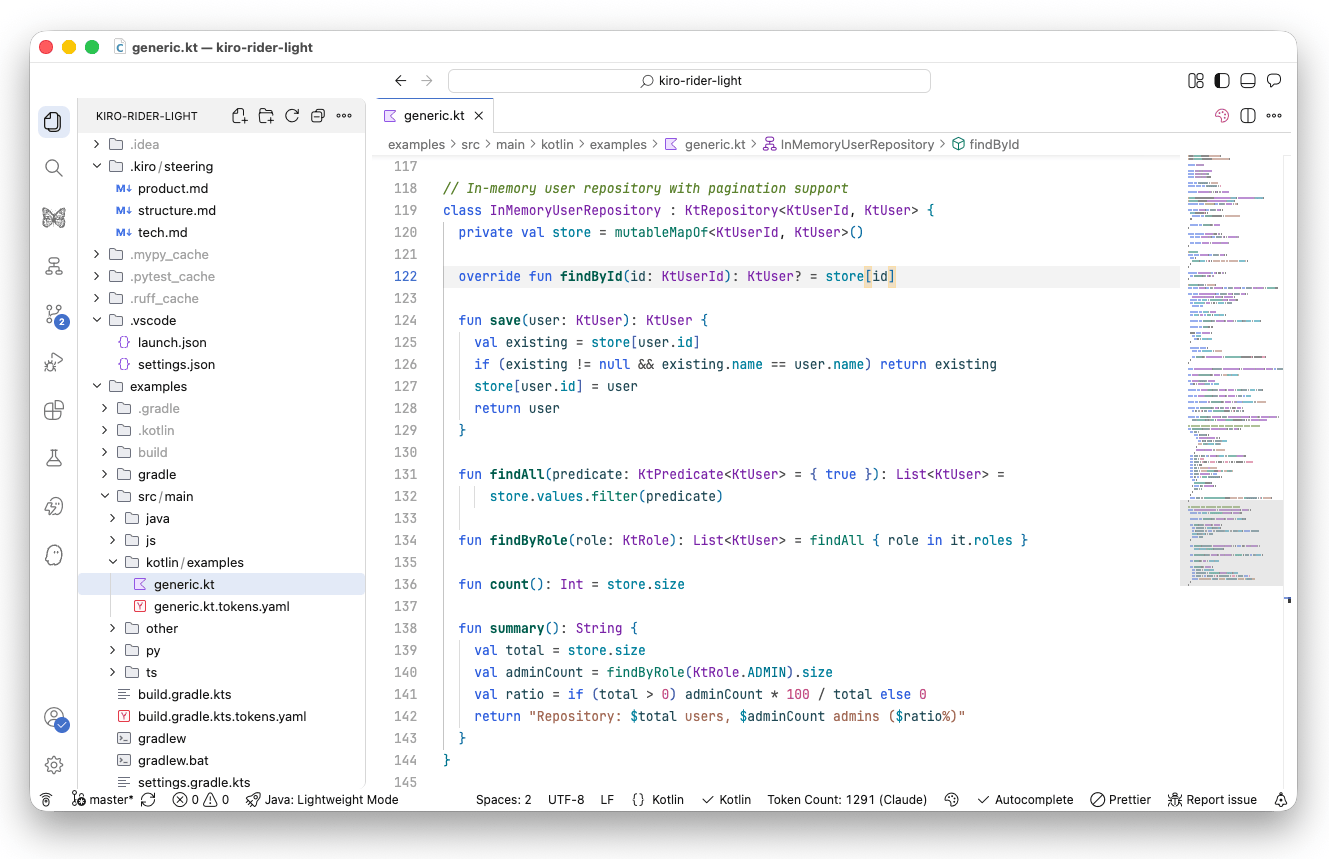
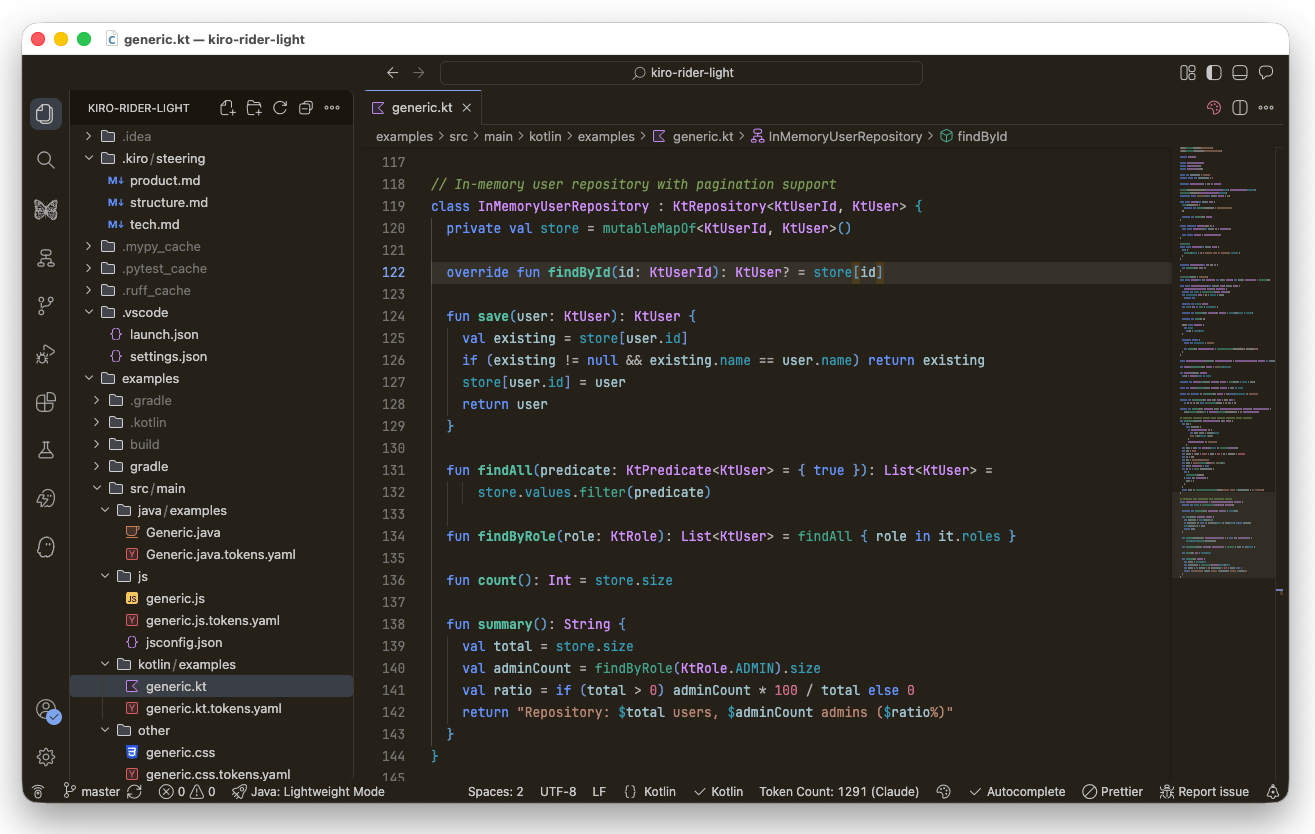
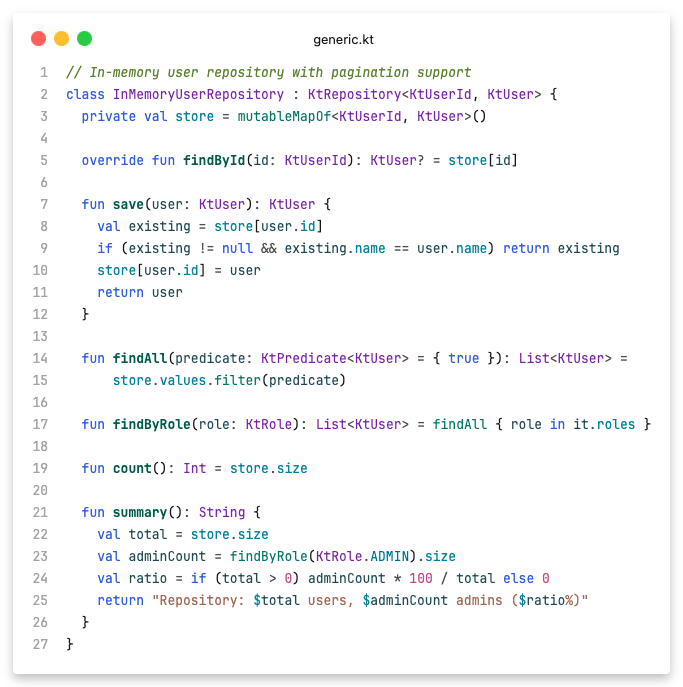
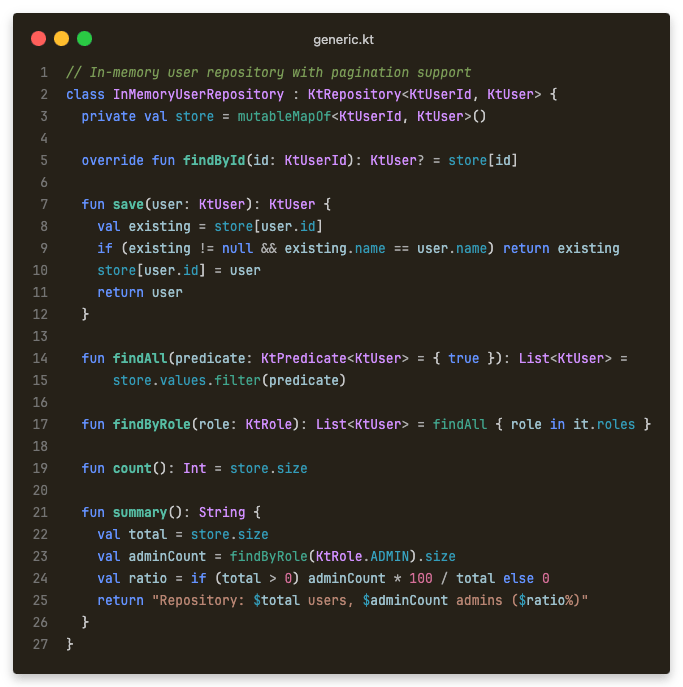
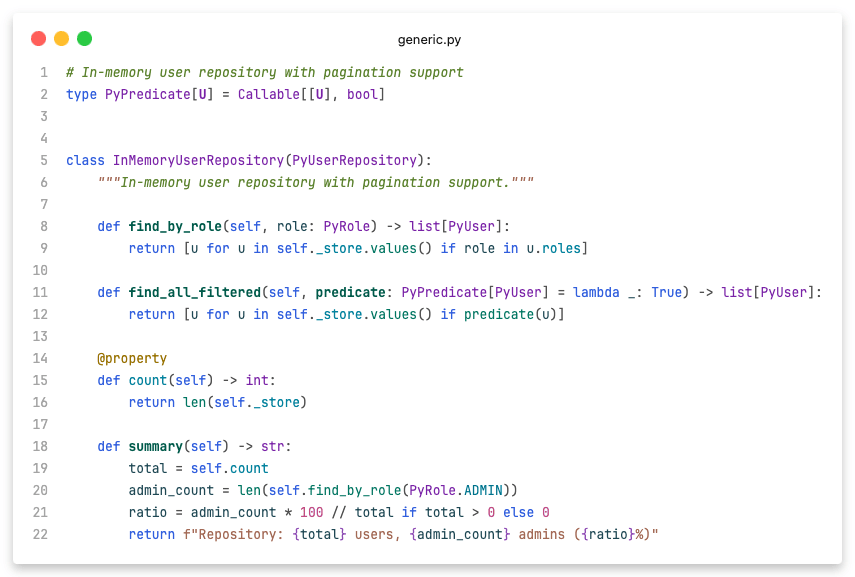
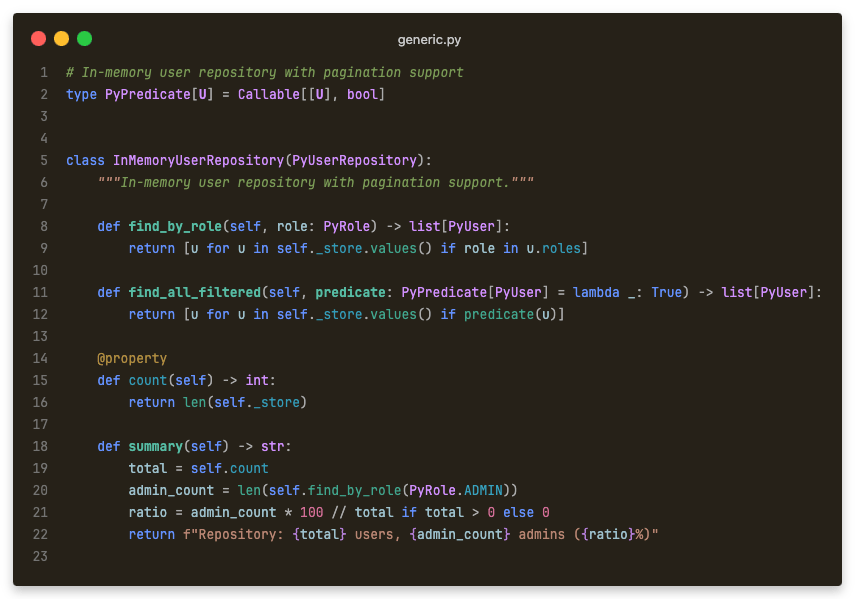
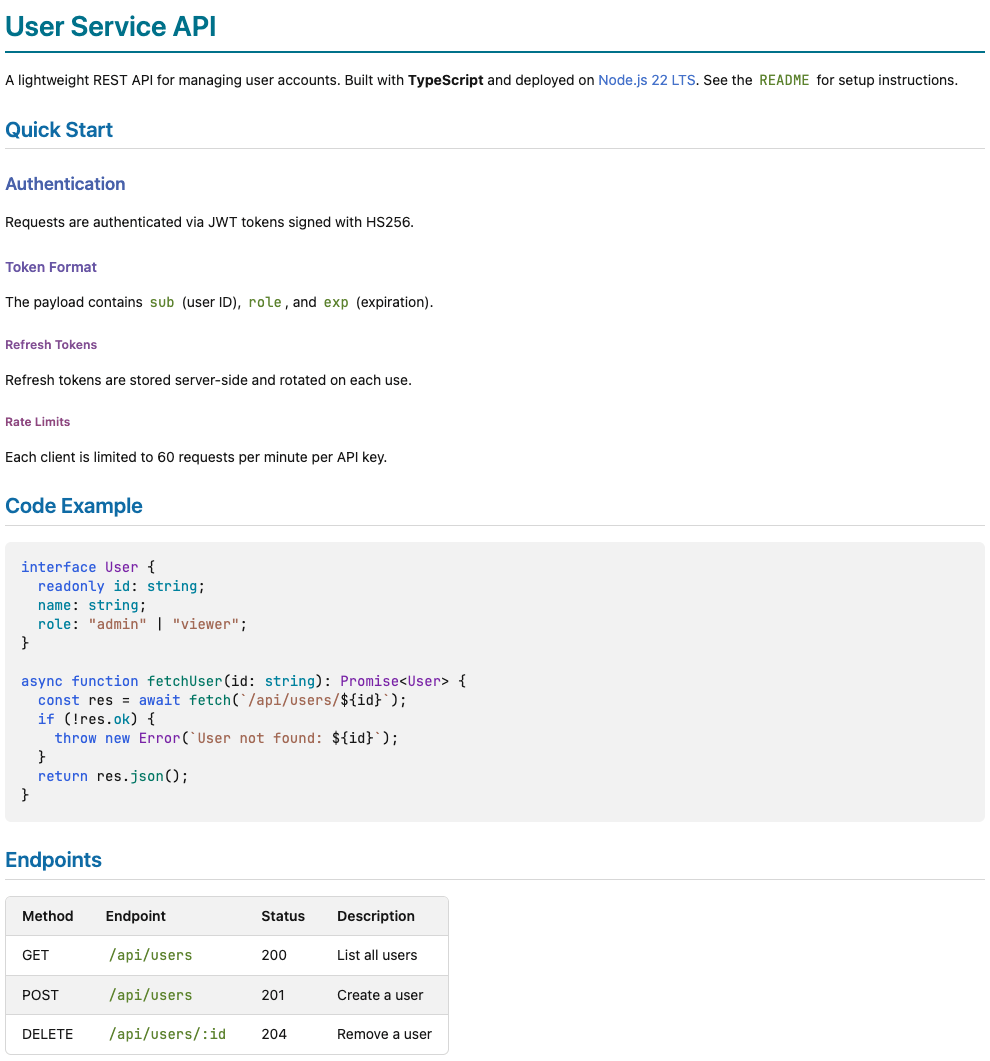
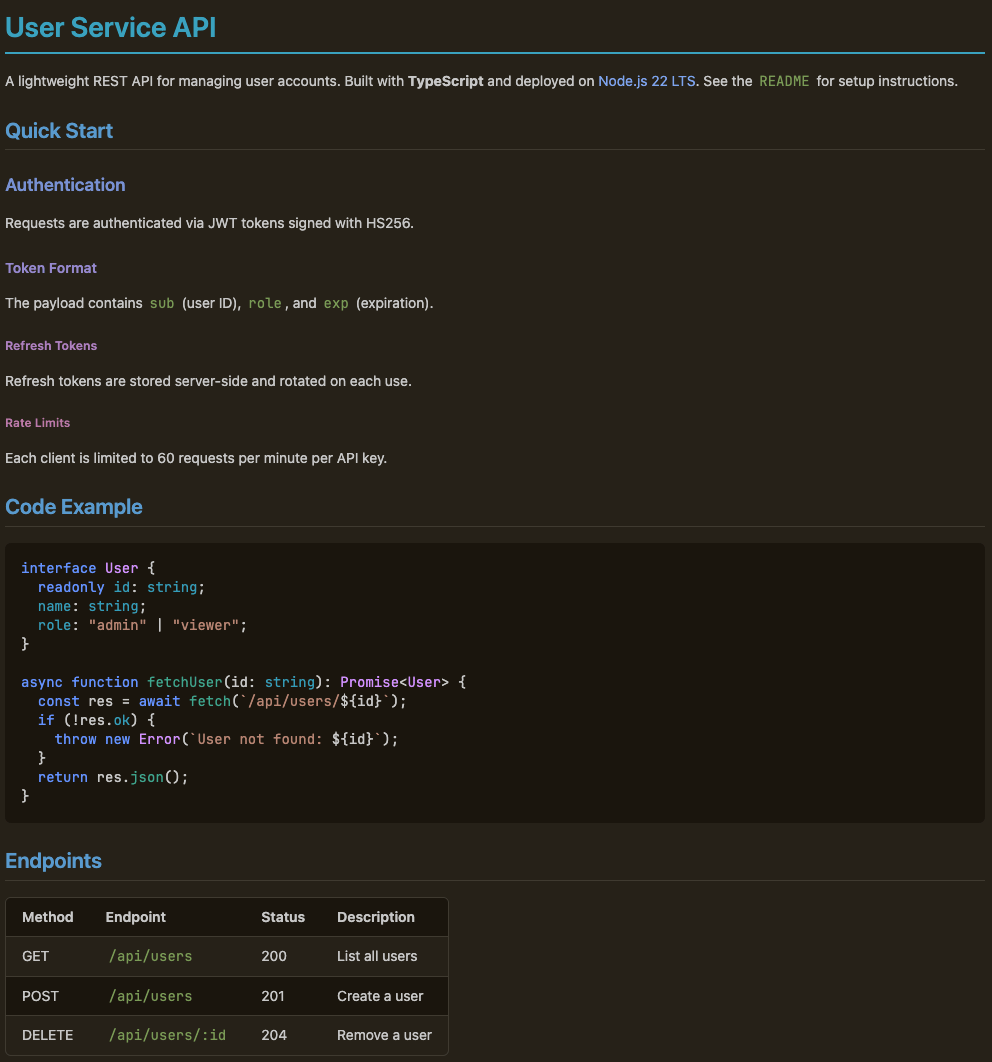
Light and dark color themes for VS Code, inspired by JetBrains Rider. A class is always purple, a function is always green, a keyword is always blue -- regardless of whether you're in Kotlin, Java, TypeScript, or Python. Includes a themed markdown preview with colored headings, syntax-highlighted code blocks, and styled tables. Dedicated highlighting scopes for Kotlin LSP, basedpyright, and highlight.js in the markdown preview.
Kotlin with semantic highlighting from Kotlin LSP:
Python with semantic highlighting from basedpyright:
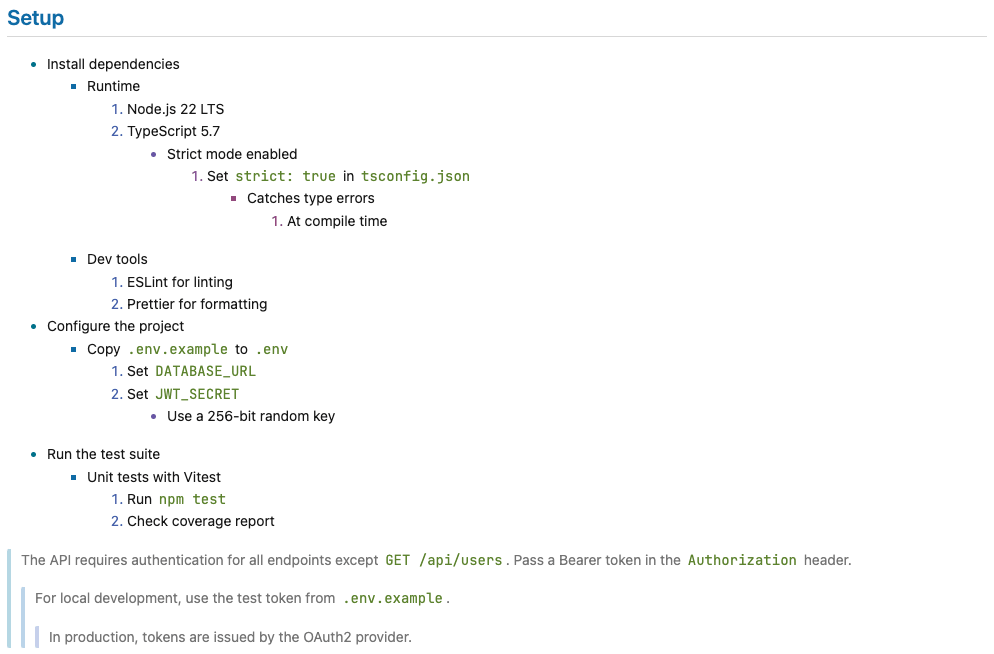
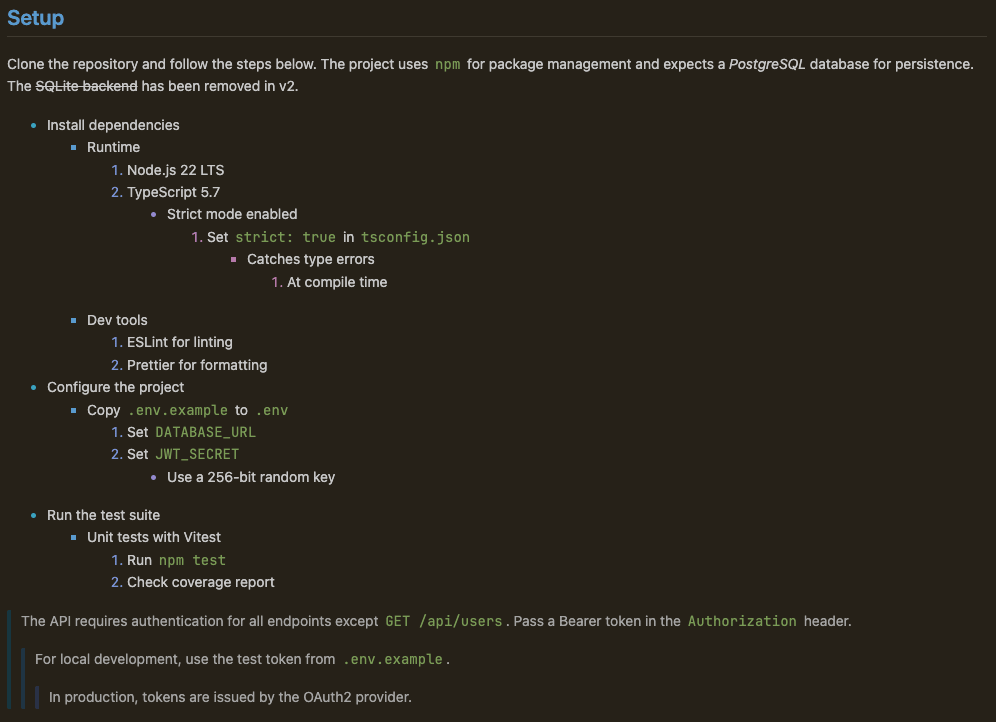
Markdown PreviewThe markdown preview uses the same syntax palette for code blocks, colored headings that follow the hue-shifted series, and styled tables, blockquotes, and lists. Toggle with Colored headings, syntax-highlighted code blocks, and endpoint table:
Nested lists with colored markers, styled blockquotes, and depth-adapted coloring:
Features
Syntax Palette
ScreenshotsLightDarkInstallationInstall Rider Light Minimal from the VS Code Marketplace, or from Open VSX in editors that install extensions from there, such as VSCodium. From the command line: Then pick SettingsDisable the themed Markdown preview to fall back to the default VS Code style: If an open preview doesn't update immediately, run See CONTRIBUTING.md for generator usage, local testing, and development setup. License |