
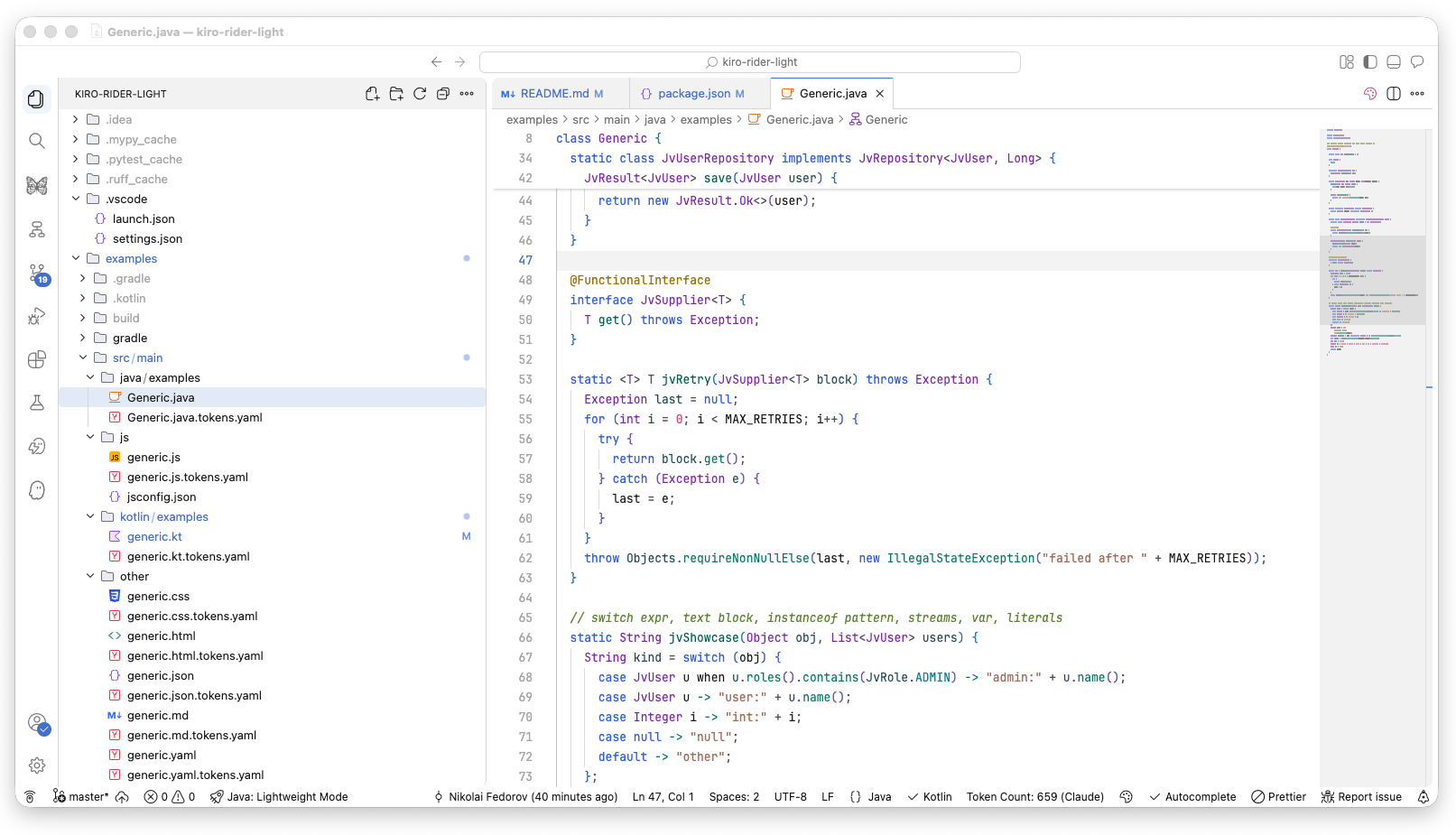
Kiro Rider LightLight color theme for VS Code and Kiro IDE inspired by JetBrains Rider Light. OKLCH-based syntax palette with WCAG AA contrast, 465 UI colors, and full terminal ANSI support. Installation Launch VS Code Quick Open ( Ctrl+P), paste the following command, and press enter.Copied to clipboard |

Kiro Rider LightA light color theme for VS Code and Kiro IDE inspired by JetBrains Rider Light. Designed to feel light and clean while keeping syntax readable. Classes, functions, and keywords look the same whether you're in Kotlin, Java, TypeScript, or Python -- so switching between languages doesn't mean re-learning the color map. Includes dedicated highlighting scopes for Kotlin LSP and basedpyright, with WCAG AA contrast ratios throughout.
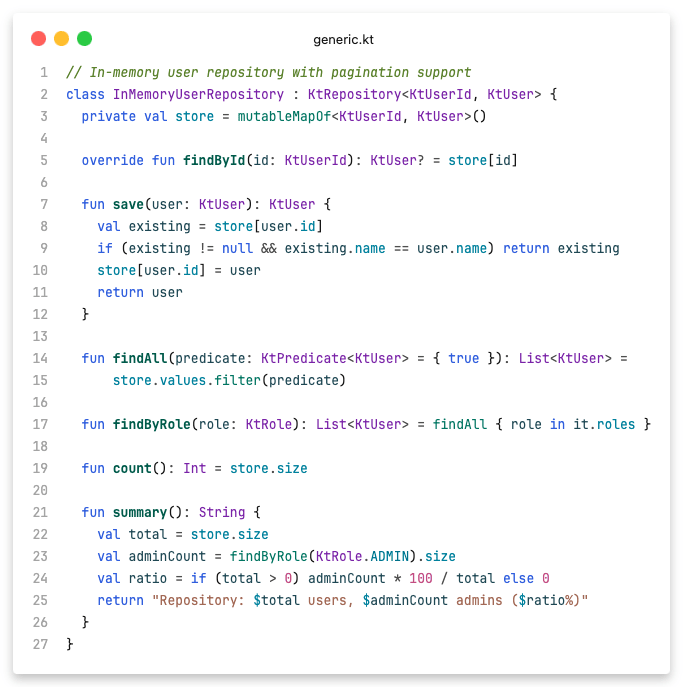
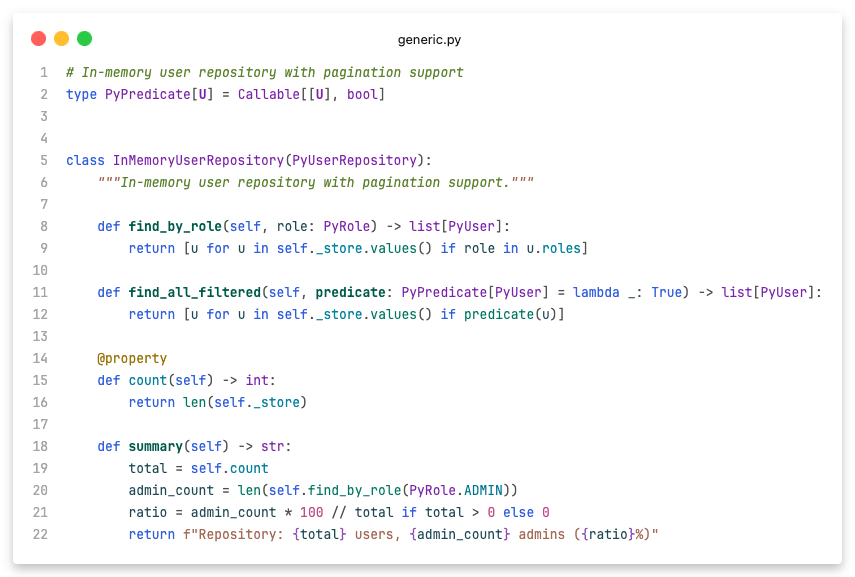
ScreenshotsFeatures
Syntax palette
InstallationInstall from the VS Code Marketplace or Open VSX, or search for "Kiro Rider Light" in the Extensions view. Or install a GeneratorThe theme JSON is generated from Python source in This writes Test locally
ContributingPull requests are welcome. Repository: github.com/Unril/kiro-rider-light LicenseMIT |
 Green
Green Purple
 Blue
Blue Teal
Teal Brown
Brown Magenta
 Muted green
 Olive
Olive