Agents RTL
✨ Arabic RTL, quick chat tabs, and scroll helpers for AI agent chats in VS Code-compatible editors.
Built for Codex, Gemini Code Assist, VS Code, and Antigravity.
🔗 Links
Supports 🐧 Linux x64 and 🪟 Windows x64.
✨ Features
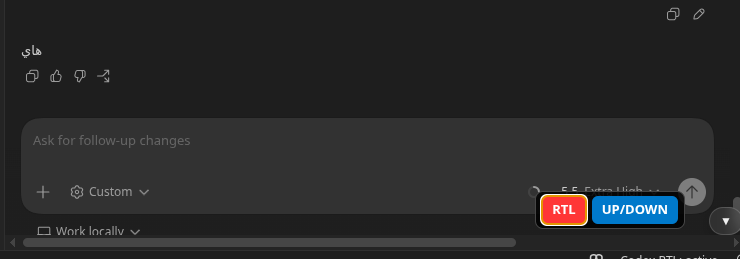
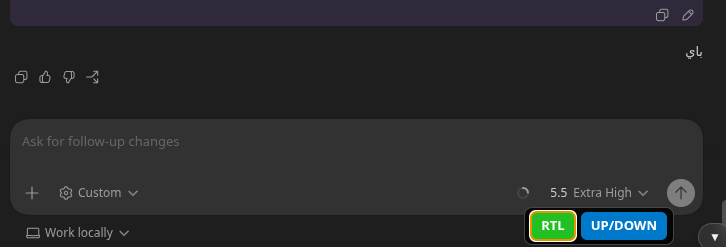
- ↔️ Arabic RTL formatting for Codex, Gemini Code Assist, and agent chats.
- ✍️ RTL-aware composer text in supported chat inputs.
- 🧵 Quick Codex chat tabs for switching between conversations.
- ➕ Overflow menu for busy workspaces with many chats.
- ✏️ Local Codex chat renaming from tabs and conversation lists.
- 🗄️ Codex chat archive controls from tabs.
- 🔔 Pending approval indicators for Codex chats.
- ↕️ Optional up/down scroll controls for long chats.
- 🖥️ Works in VS Code and Antigravity-compatible editor webviews.
🪟 Note: Codex archive controls are optimized for Linux. On Windows, archived chats may need a chat refresh or editor restart before disappearing from the open UI.
🧩 Codex Consistency
Codex chat behavior should stay consistent across VS Code-compatible editors when they use the same Codex profile, even if the user opens Codex in VS Code, Antigravity, or another compatible host.
- ✅ Codex chat identity is always the conversation ID, not the displayed title.
- ✅ Shared Codex behavior should be keyed by conversation ID.
- ✅ Archive state should come from Codex itself, then the open UI should refresh.
- ✅ New chat rename overrides and chat ordering are shared Codex preferences.
- ⚙️ Local UI preferences can stay per editor, such as RTL on/off, scroll buttons, and button position.
Shared Codex preferences are stored in:
~/.codex/agents-rtl-preferences.json
🖼️ Before / After
Before

After

🚀 Usage
Install the extension, restart the editor once if prompted, then open your agent chat normally.
🔒 Privacy
- No launcher.
- No recording.
- No cloud service.