✏️ DoodleIt — Whiteboard for VS Code
A Miro-style infinite whiteboard that opens right beside your code. Draw diagrams, sketch ideas, write sticky notes — without leaving VS Code.



📸 Screenshots
In Action — Drawing a Dijkstra Graph
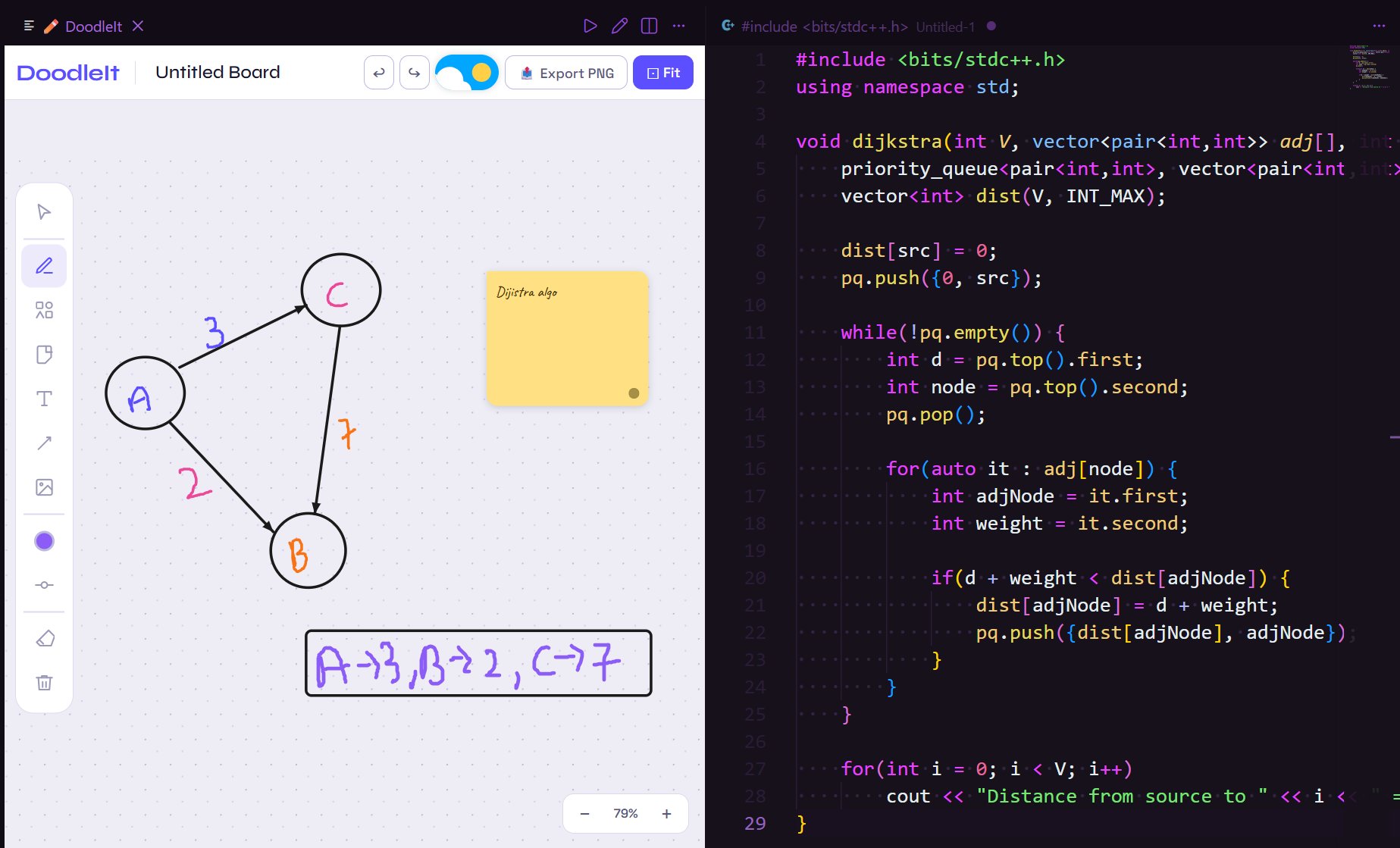
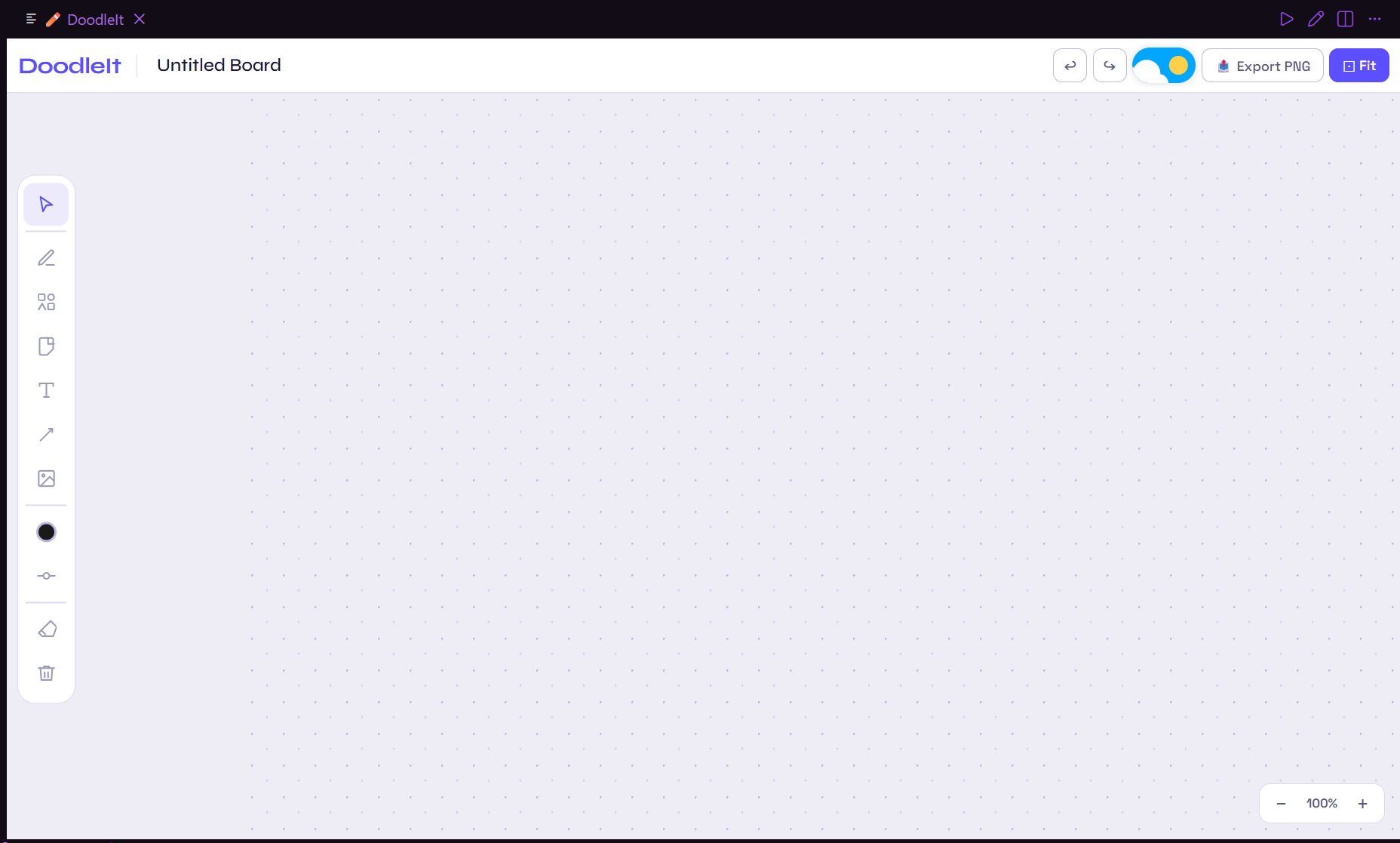
Clean Empty Board
⚡ Quick Start
Press Ctrl+Shift+D (Mac: Cmd+Shift+D) → whiteboard opens beside your code.
Or: Command Palette → "DoodleIt: Open Whiteboard"
✨ Features
| Tool |
Key |
Description |
| Select |
V |
Click, drag, resize, multi-select objects |
| Pen |
P |
Smooth freehand strokes (Catmull-Rom) |
| Arrow |
A |
Draw directional arrows |
| Eraser |
E |
Erase pen strokes by hovering over them |
| Text |
T |
Click anywhere to type |
| Sticky Note |
N |
Draggable sticky notes in 8 colors |
| Shapes |
S |
Rect, Circle, Triangle, Diamond, Star, Hexagon, Arrow, Speech |
| Image |
— |
Upload or drag-and-drop images onto the board |
🎨 Styling
- 12 preset colors + custom color picker
- Stroke size 1–40px with live preview
- Opacity 5–100%
🌙 Themes
- Toggle Dark / Light mode with the moon button
📤 Export
- Export the full board as PNG (works inside VS Code's sandboxed webview)
🔍 Zoom
- Scroll wheel to zoom in/out (centered on cursor)
- + / − buttons
- Fit button resets to 100%
⌨️ Keyboard Shortcuts
| Key |
Action |
V |
Select tool |
P |
Pen tool |
A |
Arrow tool |
E |
Eraser tool |
T |
Text tool |
N |
Sticky note |
S |
Shapes panel |
Ctrl+Z |
Undo |
Ctrl+Y / Ctrl+Shift+Z |
Redo |
Ctrl+C / V / D |
Copy / Paste / Duplicate |
Delete / Backspace |
Delete selected |
Escape |
Deselect all |
+ / − |
Zoom in / out |
0 |
Reset zoom |
🔧 Install from Source
git clone https://github.com/Mrudul1234/doodleit
cd doodleit
npm install
npm run compile
# Press F5 in VS Code to launch
📦 Build & Publish
npm install -g @vscode/vsce
vsce package          # creates doodleit-X.X.X.vsix
vsce publish          # publish to Marketplace
📁 Project Structure
doodleit/
├── src/extension.ts        # Extension entry — registers Ctrl+Shift+D
├── media/
│   ├── whiteboard.html     # Full board UI (single self-contained file)
│   ├── icon.png            # Extension icon
│   ├── screenshot-1.png    # Screenshot — in action with code
│   └── screenshot-2.png    # Screenshot — empty board (light mode)
├── out/                    # Compiled JS (git-ignored)
├── package.json
├── tsconfig.json
├── .vscodeignore
└── README.md
📄 License
MIT © Mrudul
| |

