Modelglass MCPRegisters the live Modelglass pricing/capability MCP server directly in Copilot's agent mode — no manual .vscode/mcp.json editing. Read-only tools (models, pricing history, competitors, account/tier info). Same Modelglass account as the Cost-Aware Router extension, but installable on its own. Installation Launch VS Code Quick Open ( Ctrl+P), paste the following command, and press enter.Copied to clipboard |

Modelglass MCPRegisters the live Modelglass pricing/capability
MCP server directly in VS Code, so its tools show up automatically in
Copilot Chat's agent mode — no manual This extension does exactly one thing: it declares the Modelglass MCP server
(
What you getSeven read-only tools, backed by the live Modelglass pricing feed:
All tools carry Setup
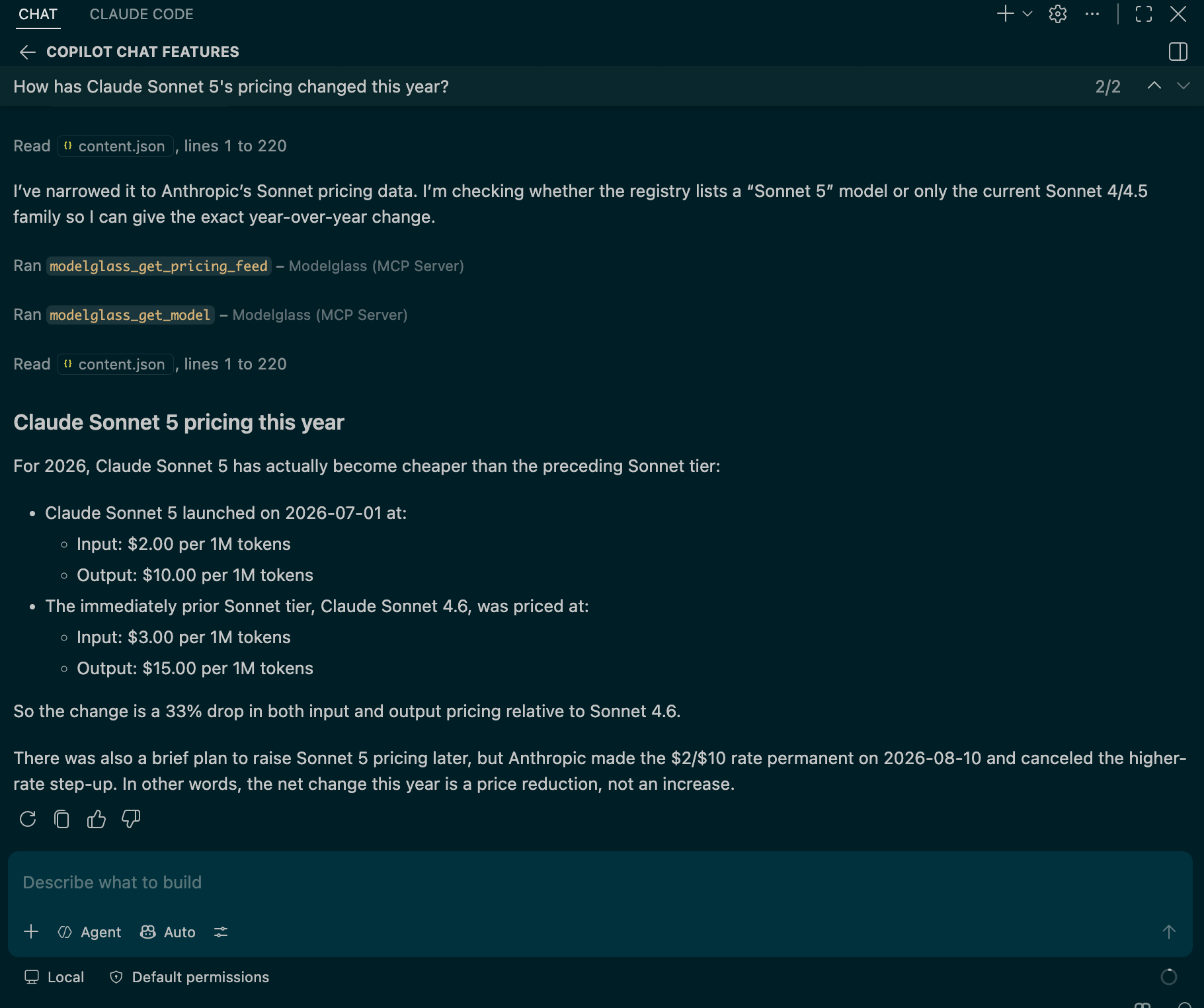
Free-plan keys work here the same as every other Modelglass surface (the REST API, the stdio MCP server, the site) — nothing in this extension is gated to Starter/Pro. How this differs from Modelglass Cost-Aware RouterModelglass Cost-Aware Router is a separate extension that actively routes and executes dev tasks against the cheapest capable LLM (and generates video/audio), using your own provider keys. It's an opinionated, hands-on-the-wheel router. Modelglass MCP (this extension) does none of that. It's a thin, declarative bridge that hands Copilot's own agent the same pricing data as a set of callable tools, so Copilot — not this extension — decides when and how to use them. If you want the router's automatic model selection and execution, install Cost-Aware Router. If you just want Copilot's agent to be able to answer "what's the cheapest model that can do X" or "how has this model's pricing changed" on its own, this is the smaller, single-purpose extension for that. Both extensions use the same Modelglass account and API key — installing both doesn't require separate setup. Links |