🚀 Overview
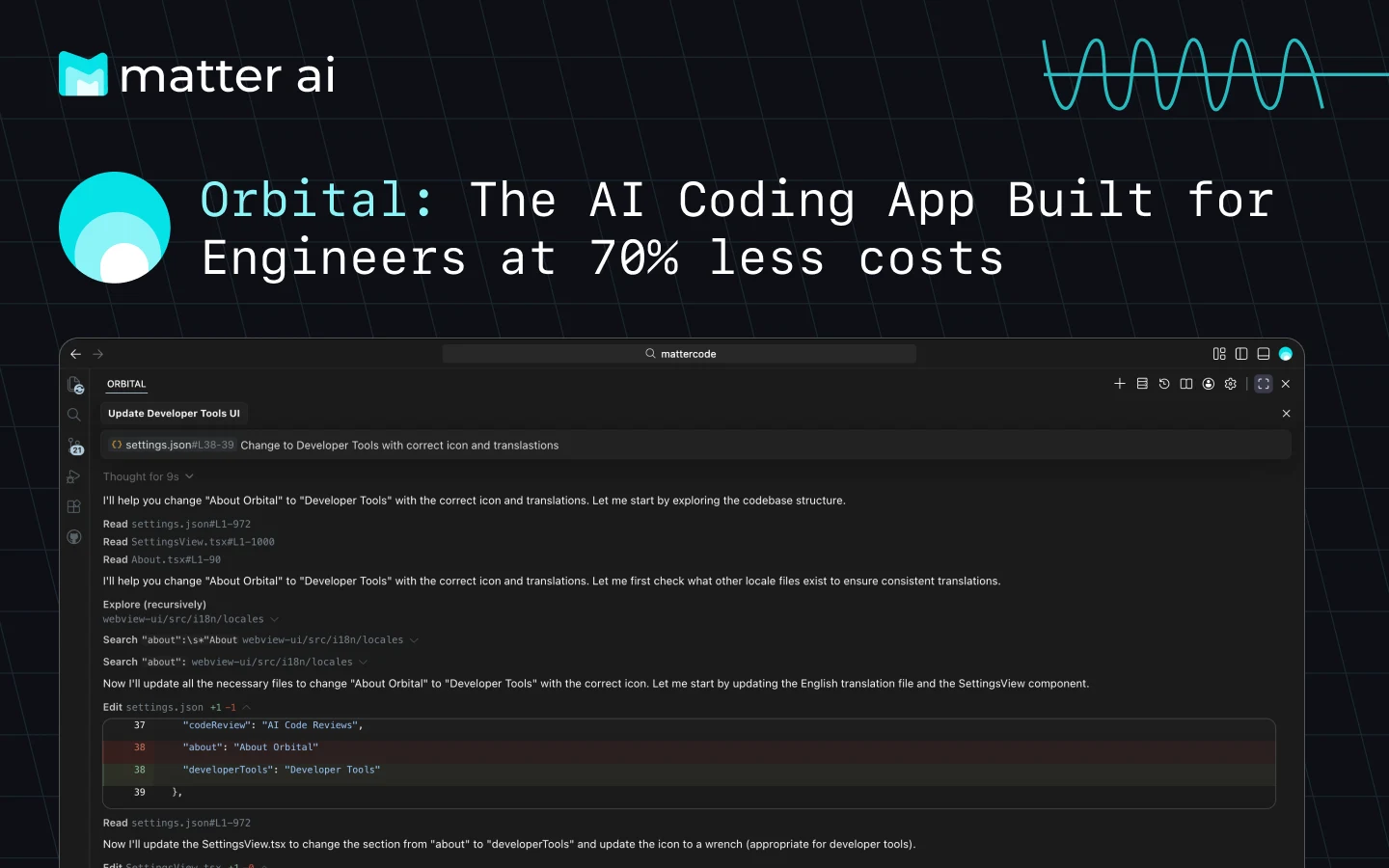
Orbital delivers frontier model performance directly into your development environment, providing intelligent workflows, autonomous task execution, and deep codebase understanding. Built for enterprise-grade productivity with cutting-edge AI capabilities.

✨ Key Features
| Feature |
Status |
Description |
| Agent Mode |
✅ |
Autonomous coding — let Orbital handle complex tasks independently |
| Plan Mode |
✅ |
Strategic planning — generate comprehensive implementation plans |
| AI Code Reviews |
✅ |
Automatic reviews of all local changes with 1-click fixes |
| Agentic Tool Calling |
✅ |
Smart tool use — intelligent use of development tools and APIs |
| Advanced Reasoning |
✅ |
Deep understanding of context, requirements, and trade-offs |
| Codebase Indexing |
✅ |
Complete context — automatically indexes your entire codebase |
| Tab Auto-Complete |
🔄 |
Lightning fast completions as you type (Coming Soon) |
AI Code Reviews Demo

- Orbital IDE — Dedicated AI-first IDE
- Visual Studio Code — Full extension support
- Cursor — Full extension support
- Windsurf — Full extension support
- JetBrains IDEs — Coming Soon
- Command Line Interface — Coming Soon
Orbital provides a comprehensive suite of intelligent tools:
fileEdit - Advanced diff-patch application systemexecuteCommand - Secure CLI command executionread_multi_file - Multi-file reading and analysiswriteToFile - Intelligent file creation and updatessearchFiles - Advanced file search capabilities
Web Integration
web_search - Comprehensive web searchweb_fetch - Targeted link data extraction
Task Management
newTask - Create and manage complex tasksupdateTodoList - Dynamic todo list managementrunSlashCommand - Execute custom slash commands
Code Intelligence
listCodeDefinitionNames - Code structure analysislistFiles - Intelligent file system navigation
Communication
askFollowupQuestion - Interactive user engagementattemptCompletion - Task completion verificationfetchInstructions - Dynamic instruction retrieval
🤖 AI Models
Choose the right model for your workflow — switch seamlessly between efficiency and power. The model catalog is served dynamically from the MatterAI backend, so new models appear automatically in the model selector:
| Model |
Provider |
Credit Usage |
Use Case |
Capabilities |
| Muse Spark 1.3 Contributor |
Meta |
2x |
Everyday coding |
Open general-purpose model for everyday coding tasks |
| DeepSeek V4 Flash |
DeepSeek |
5x |
Fast, low-cost coding |
Fast, low-cost open model for day-to-day coding tasks |
| GLM 5.3 |
Z.ai |
4x |
Complex agentic tasks |
Frontier open model for complex coding and long-running agents |
| GLM 5.3 Flash |
Z.ai |
4x |
Everyday coding |
Fast, low-cost open model for everyday coding tasks |
| GPT-5.6 Luna |
OpenAI |
2x |
Everyday coding |
Fast, low-cost open model for everyday coding tasks |
| GPT-5.6 Sol |
OpenAI |
5x |
Complex reasoning |
Open reasoning model for complex coding and long-running agents |
| Gemini 3.8 Flash |
Google |
3x |
Everyday coding |
Fast, low-cost model for everyday coding tasks |
📦 Installation
VS Code Extension
- Open VS Code
- Navigate to Extensions (
Ctrl+Shift+X)
- Search for "Orbital"
- Click Install
JetBrains Plugin
- Open JetBrains IDE
- Go to Settings/Preferences
- Navigate to Plugins
- Search for "Orbital"
- Install and restart IDE
CLI Installation
npm install -g @matterai/axon-code
🚀 Quick Start
- Install the extension for your preferred IDE
- Sign in with your MatterAI account
- Select your preferred model from settings
- Start coding with AI assistance
📚 Documentation
💰 Pricing
Simple, transparent pricing. All plans include access to all models.
| Plan |
Monthly |
Credits |
Value |
Best For |
| Free |
$0 |
$5 |
— |
Perfect for testing |
| Developer |
$10 |
$20 |
2x value |
Great for side projects |
| Pro ⭐ |
$20 |
$50 |
2.5x value |
Best for professionals |
| Max |
$50 |
$150 |
3x value |
Power users & teams |
Visit our pricing page for detailed plans and enterprise solutions.
📊 Analytics
Track your coding productivity with powerful analytics:
- Credit Tracking — No budget surprises—monitor your credit usage as you code
- Daily Code Velocity — Visualize lines added, modified, and removed over time
- Net Time Saved — See exactly how much time Orbital saves you each day
- Granular Analytics — Team-Level, Engineer-Level, and Repo-Level breakdowns
🌟 Why Developers Love Orbital
- 50% faster code writing with intelligent completions
- Catch bugs early with real-time code analysis
- Learn faster with instant code explanations
- Better code quality with AI-powered suggestions
🤝 Contributing
We welcome contributions! Please see our Contributing Guide for details.
Development Setup
# Clone the repository
git clone https://github.com/matterai/axon-code.git

# Install dependencies
pnpm install
📄 License
This project is licensed under the MIT License - see the LICENSE file for details.
Join our growing community:
- Discord - Real-time chat and support
- Reddit - Community discussions
- Twitter - Updates and news
- Blog - Technical insights and tutorials
📞 Support
Built with ❤️ by the MatterAI Team
Universal AI Super Intelligence