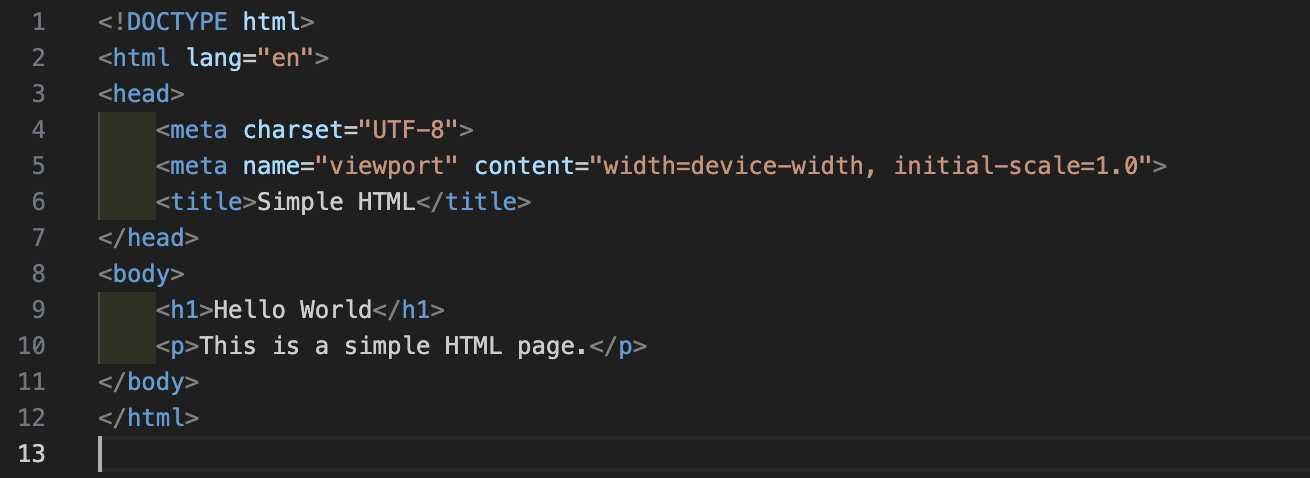
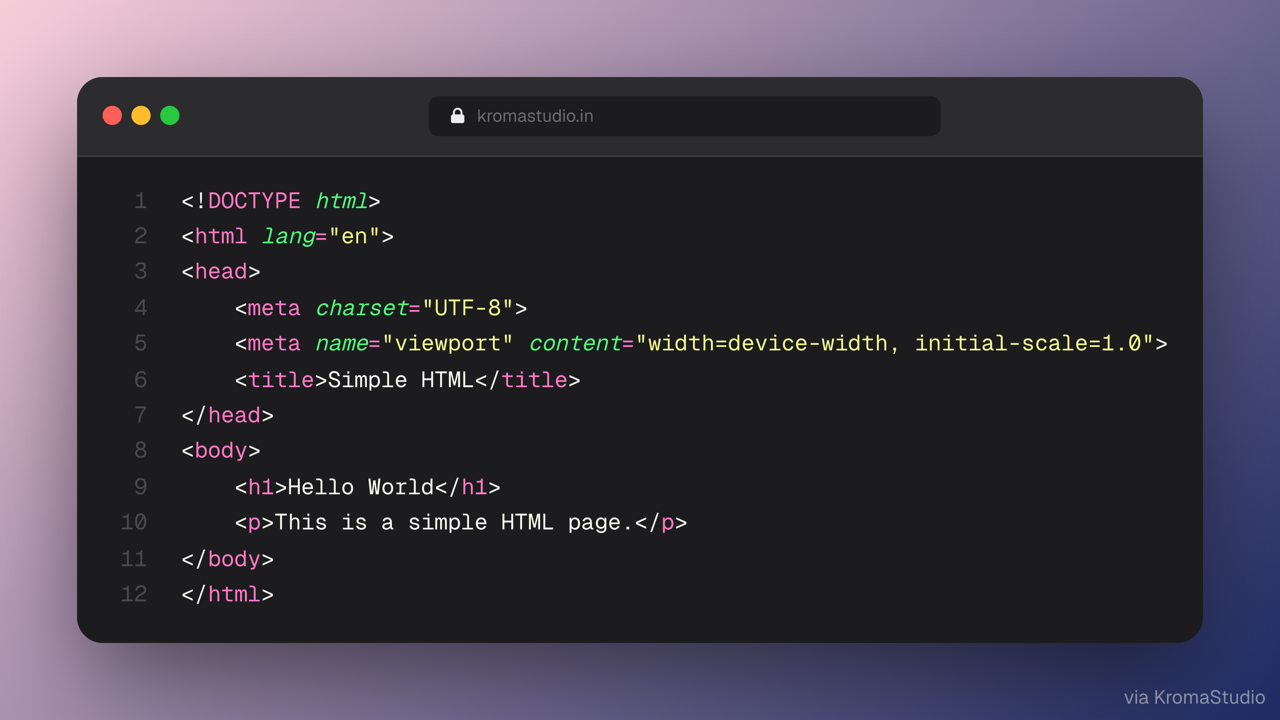
KromaStudio📷 Turn selected code into share-ready screenshots in KromaStudio — syntax highlighting, gradients, mockups. Carbon / ray.so alternative. Cmd+Shift+K to capture. Installation Launch VS Code Quick Open ( Ctrl+P), paste the following command, and press enter.Copied to clipboard |

KromaStudio for VS CodeSelect code in the editor → press Cmd+Shift+K (macOS) or Ctrl+Shift+K (Windows/Linux) → polish in KromaStudio → export a share-ready PNG or animated Free and client-side — a Carbon.now.sh / ray.so alternative with gradient backgrounds, browser mockups, and social templates. How it worksIn VS Code — select code and run Capture Selection (
In KromaStudio — customize theme, background, and export
Commands
Context menu: right-click in the editor → KromaStudio: Capture Selection (when text is selected) or Capture Current File. Settings
LinksLocal developmentPress F5 in VS Code or Cursor with the For a local KromaStudio instance, set in user settings: |