Marp to Editable PPTX


Export your Marp Markdown presentations to truly editable PowerPoint files — no LibreOffice, no extra software.
Each text box, image, and shape is placed as an individual native PowerPoint object, so you can freely move, resize, and restyle content in PowerPoint after export.
Why this extension?
The official Marp toolchain offers two PPTX export modes, both with limitations:
|
Marp: PPTX (screenshot) |
Marp: PPTX (LibreOffice) |
This extension |
| Text/shapes are editable |
❌ flat image |
⚠️ messy PDF-converted objects |
✅ clean native objects |
| Requires LibreOffice |
— |
❌ must install |
✅ not needed |
| Works in enterprise environments |
✅ |
❌ |
✅ |
| Layout faithfulness |
✅ |
⚠️ |
⚠️ |
The LibreOffice-based export works by converting the slide to a PDF and then importing it into PowerPoint via LibreOffice. This results in cluttered, hard-to-edit objects. More importantly, many enterprise users cannot install LibreOffice due to IT policies.
This extension uses a different approach: it reads the browser-rendered DOM directly, extracting the exact position, font, color, and content of every element, and builds a native PPTX from scratch.
Layout faithfulness note: Text may look slightly different or wrap at a different point in PowerPoint than in the browser. This happens because browsers and PowerPoint use separate text rendering engines with different character spacing and line-break calculations — even with the same font. The effect is strongest when a Marp theme uses web fonts (e.g. from Google Fonts): PowerPoint substitutes a system font, changing character widths enough to shift a line break and cascade every element below it. Using system fonts in your theme reduces the risk, but a pixel-perfect match is not guaranteed.
Requirements
- Google Chrome or Microsoft Edge — that's it. No LibreOffice, no extra runtime.
Chrome is preferred during automatic detection; if Chrome is not installed,
Edge is detected in standard installation locations on Windows, macOS, and Linux.
The export also honors the document's markdown.marp.browser (auto, chrome,
or edge) and markdown.marp.browserPath settings. A valid explicit executable
path takes precedence over automatic detection:
{
  "markdown.marp.browser": "edge",
  "markdown.marp.browserPath": "/Applications/Microsoft Edge.app/Contents/MacOS/Microsoft Edge"
}
On Windows, a typical Edge executable path is
C:\\Program Files (x86)\\Microsoft\\Edge\\Application\\msedge.exe
(backslashes must be escaped when used in JSON).
Quick Start
- Open a Marp Markdown file (
.md) in VS Code
- Press
F1 and run Marp: Export to Editable PPTX
- Choose a save location in the dialog
- Open the generated
.pptx in PowerPoint — every element is editable
Custom themes
The export mirrors the Marp preview in VS Code: it reads the same Marp for VS Code settings, so whatever you see in the preview is what you get in the .pptx.
Register a custom theme with the markdown.marp.themes setting — the same setting the preview uses — in .vscode/settings.json:
{
  "markdown.marp.themes": ["./custom-demo.css"]
}
A project config file also works, for CLI-style setups — put a .marprc.yml (or marp.config.*) at your workspace root:
# .marprc.yml
themeSet: ./custom-demo.css
Both are supported; when both are present the VS Code settings win (so the export keeps matching the preview). Local paths and remote https://… URLs are both accepted. Then select the theme with the theme: directive in your Markdown front matter. The theme CSS needs a /* @theme name */ header:
/* @theme custom-demo */
@import 'default';
section { background-color: #1e2a38; color: #e8eef5; }
h1, h2 { color: #4fc3f7; }
Preview-driving settings are honored too, so math, line breaks, and typography match: markdown.marp.mathTypesetting, markdown.marp.breaks, markdown.marp.html, and markdown.preview.typographer.
Tip: Registering the theme through markdown.marp.themes also makes it show up in the Marp preview, keeping the preview and the export in sync. .marprc.yml is read for export but, like the Marp for VS Code preview, does not affect the preview itself.
Styling a single slide
A theme applies to the whole deck; there is no per-slide theme. To give one slide a different look, define a class in your theme and apply it with the per-slide local directive <!-- _class: accent -->:
section.accent { background-color: #fff3e0; color: #3e2723; }
section.accent h1, section.accent h2 { color: #e65100; }
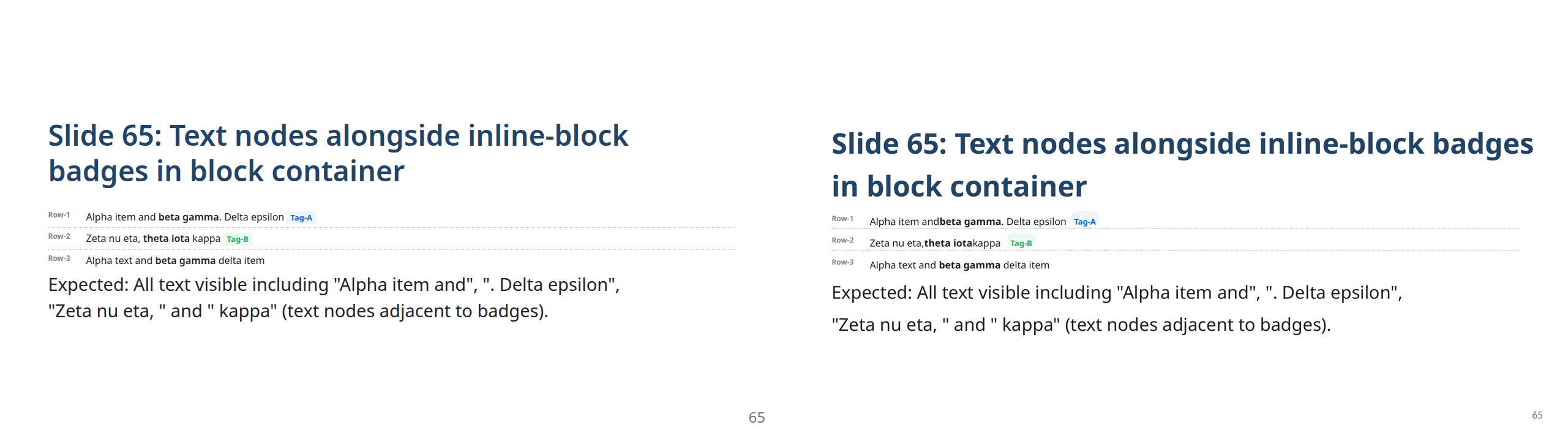
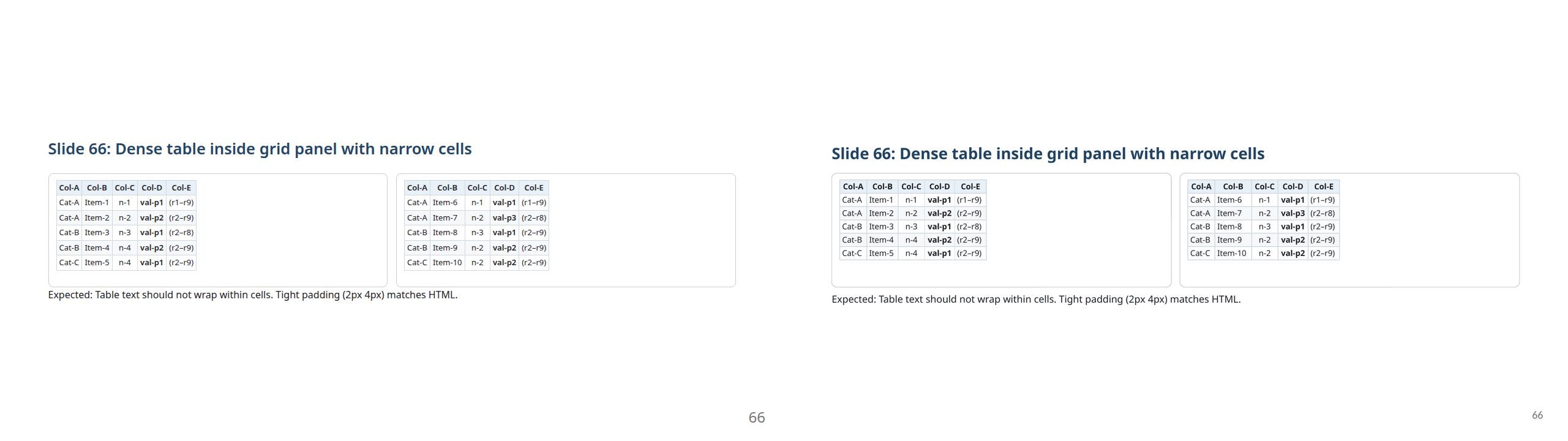
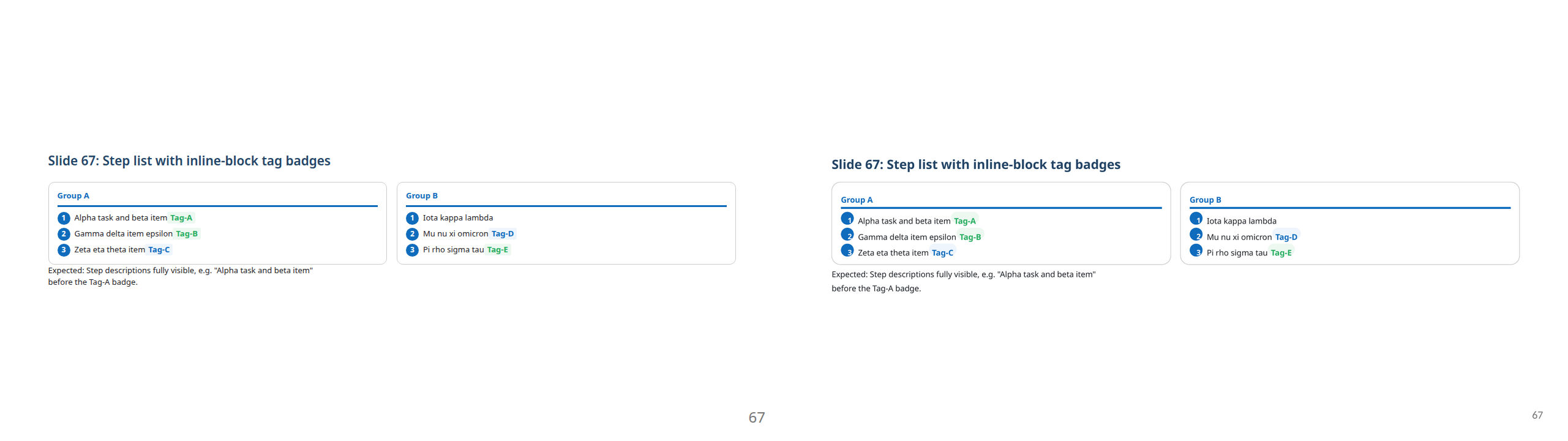
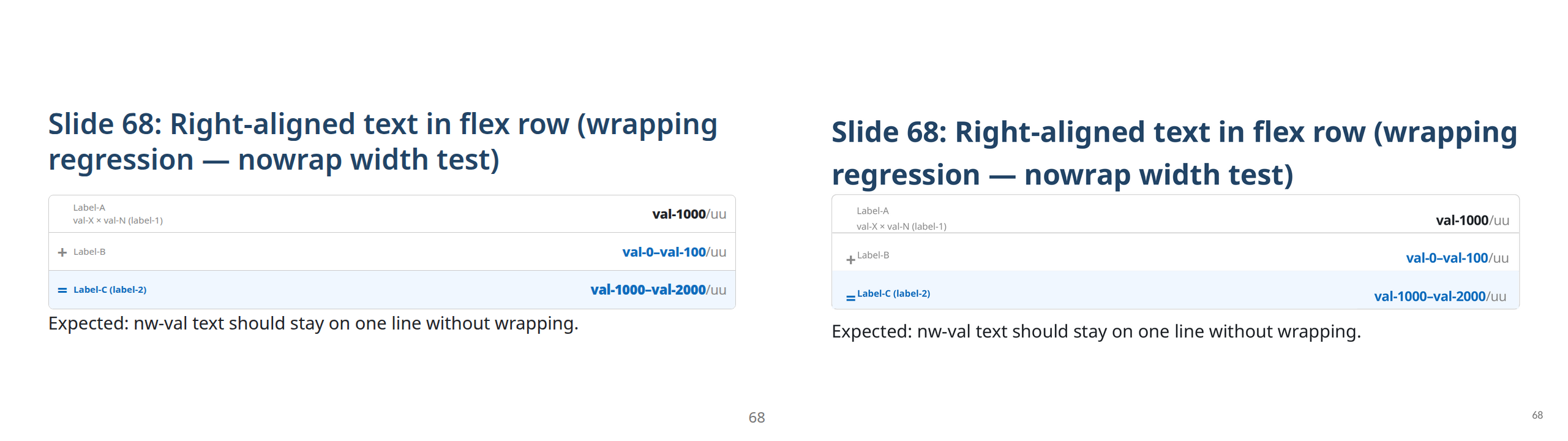
The exported PPTX below uses custom-demo deck-wide, with the second slide opting into _class: accent. Left is the Marp HTML, right is the exported PPTX — each element stays a native, editable PowerPoint object.
Reproduce it from docs/theme-demo/: npx marp docs/theme-demo/deck.md --theme-set docs/theme-demo/custom-demo.css --html --allow-local-files -o docs/theme-demo/deck.html, then export the deck in VS Code.
Slide Quality
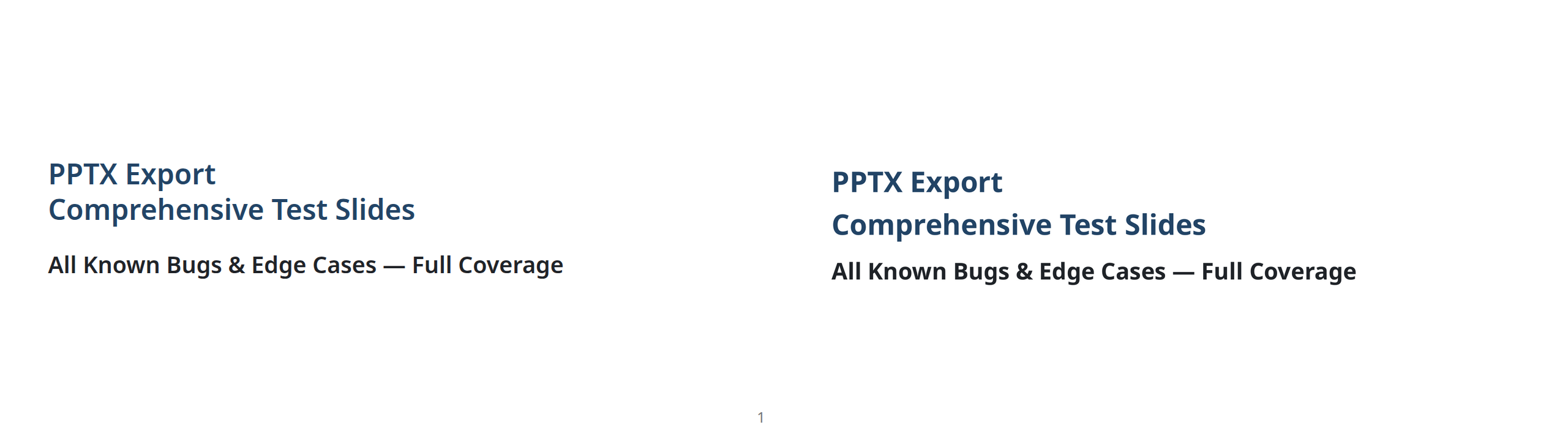
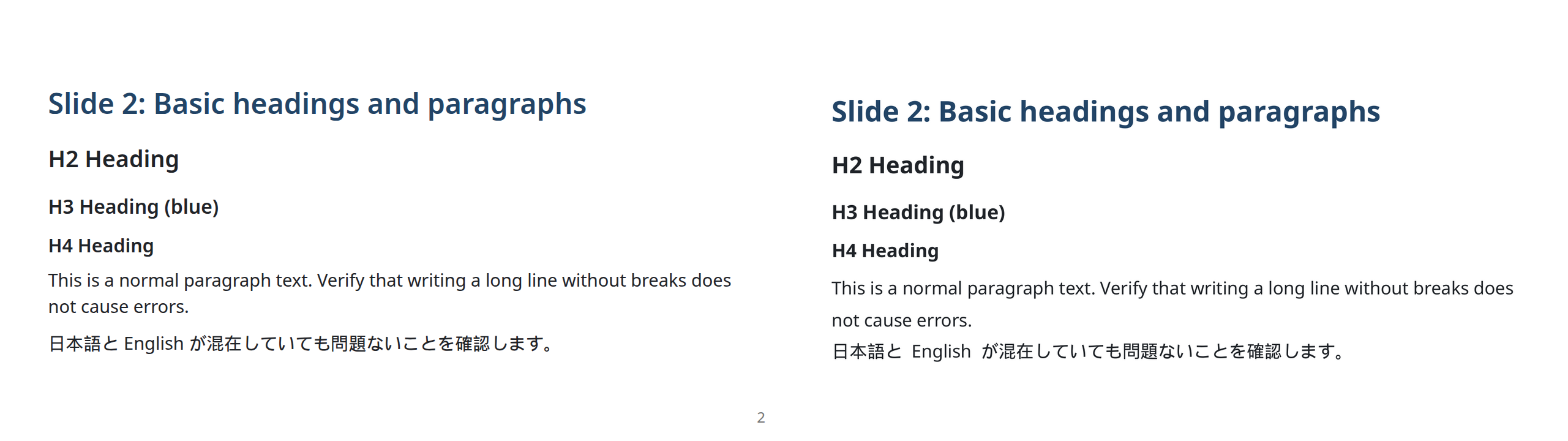
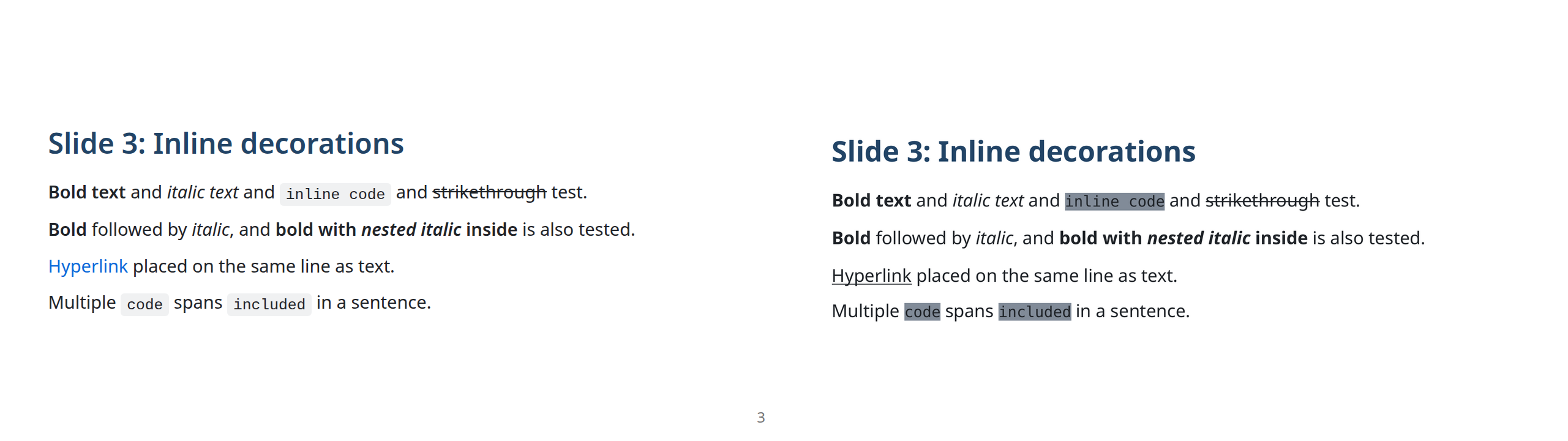
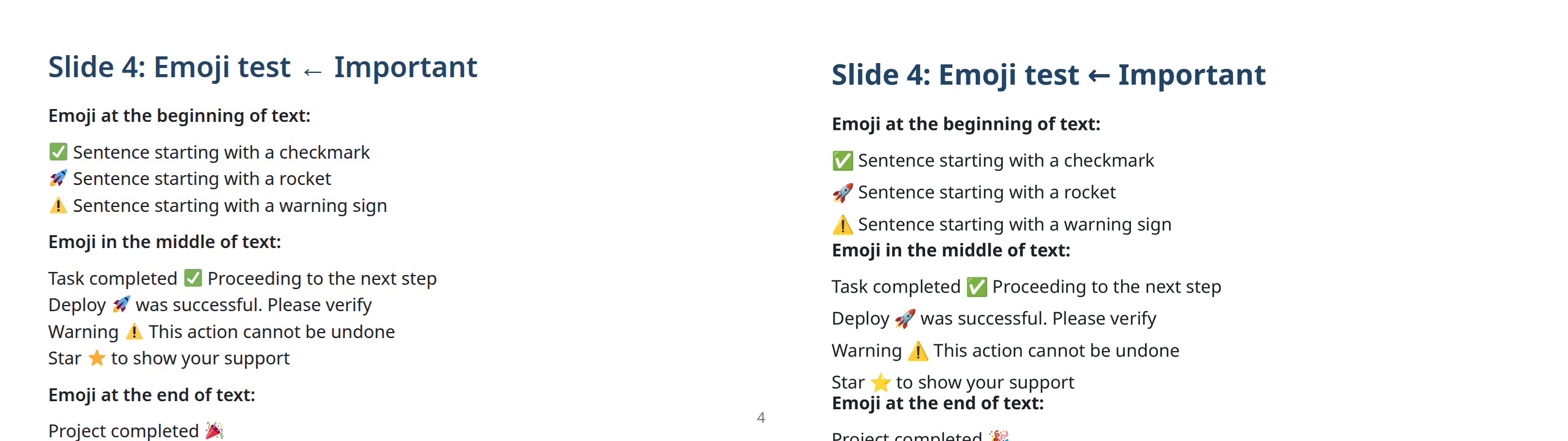
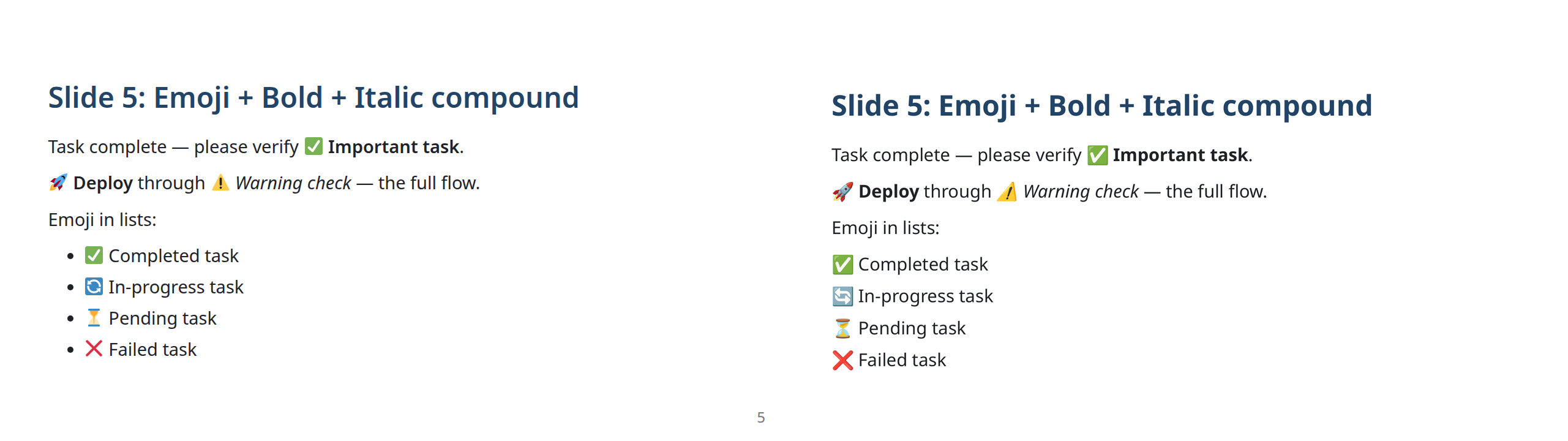
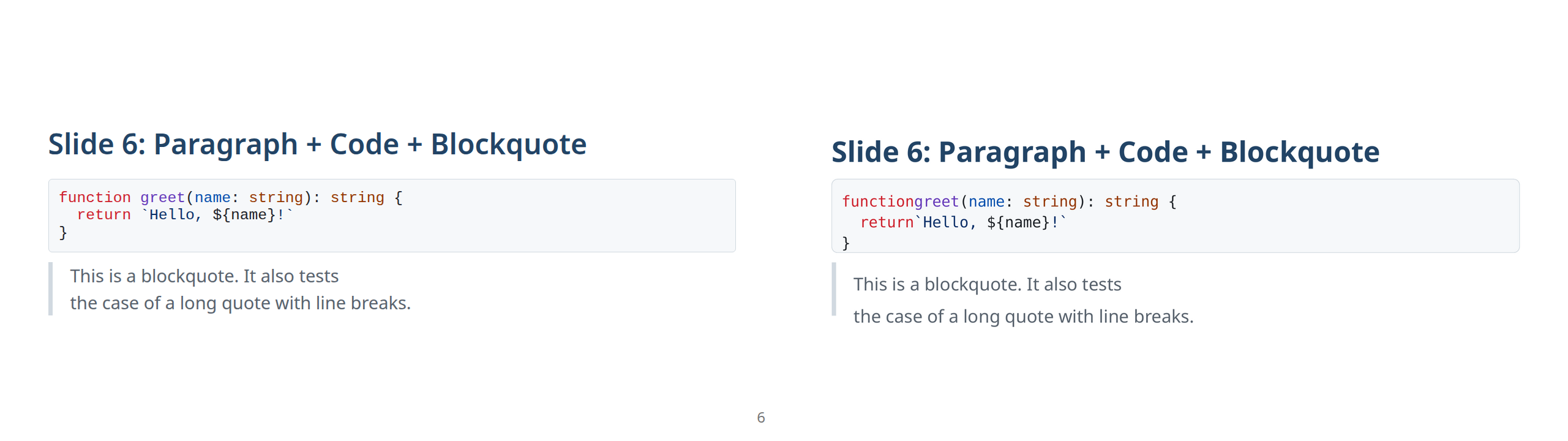
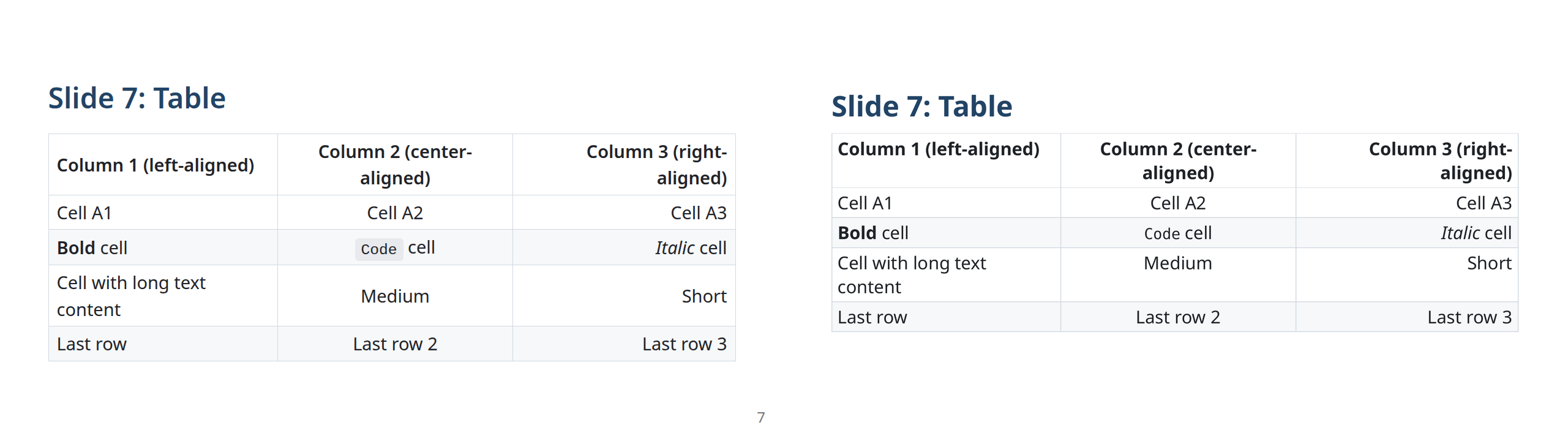
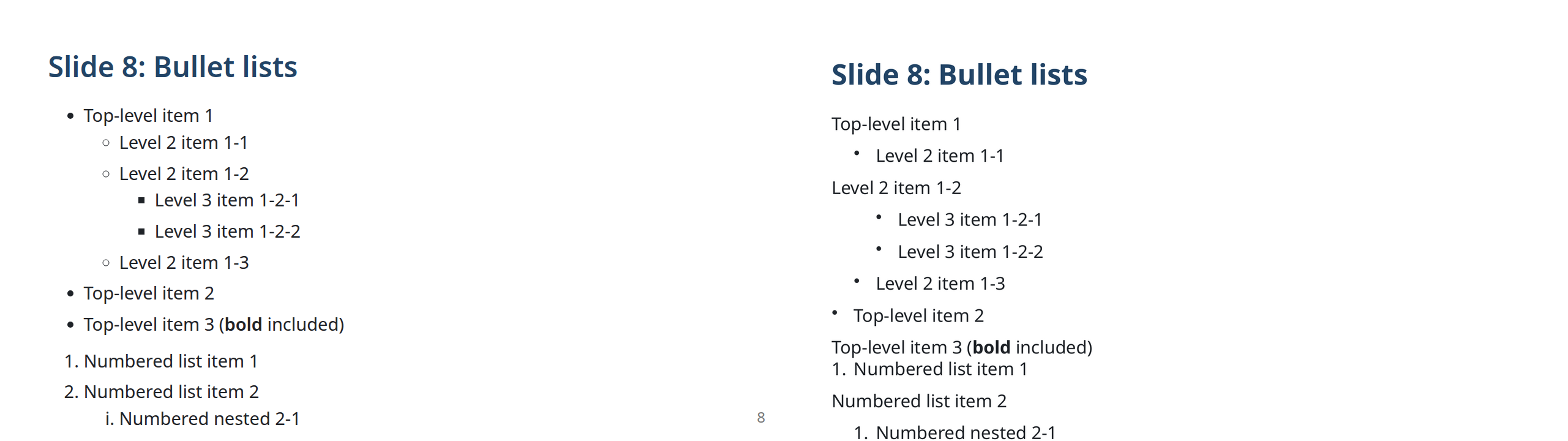
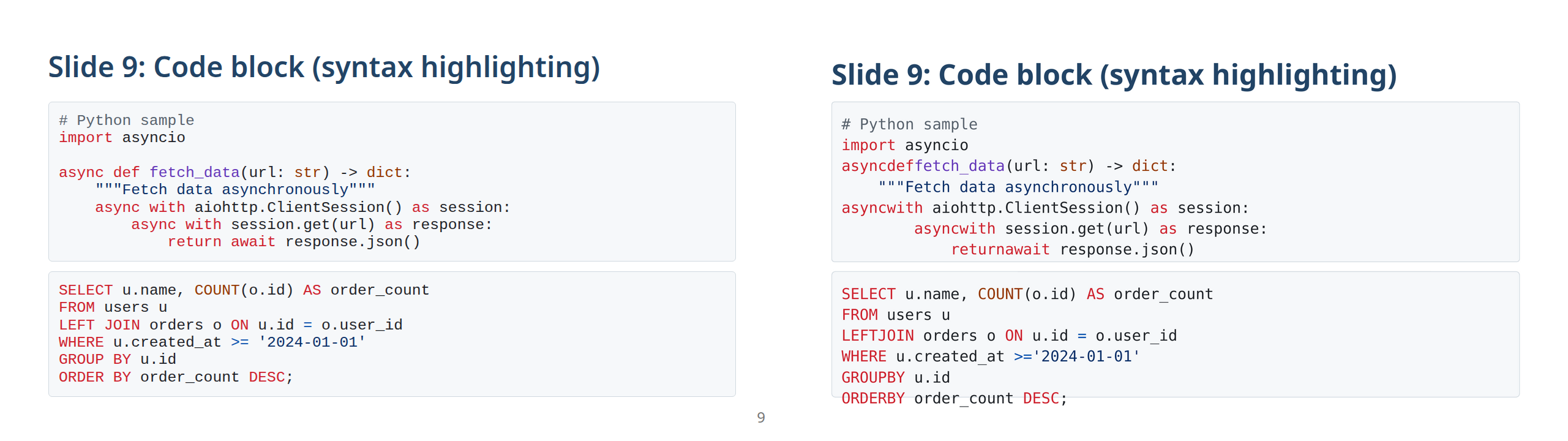
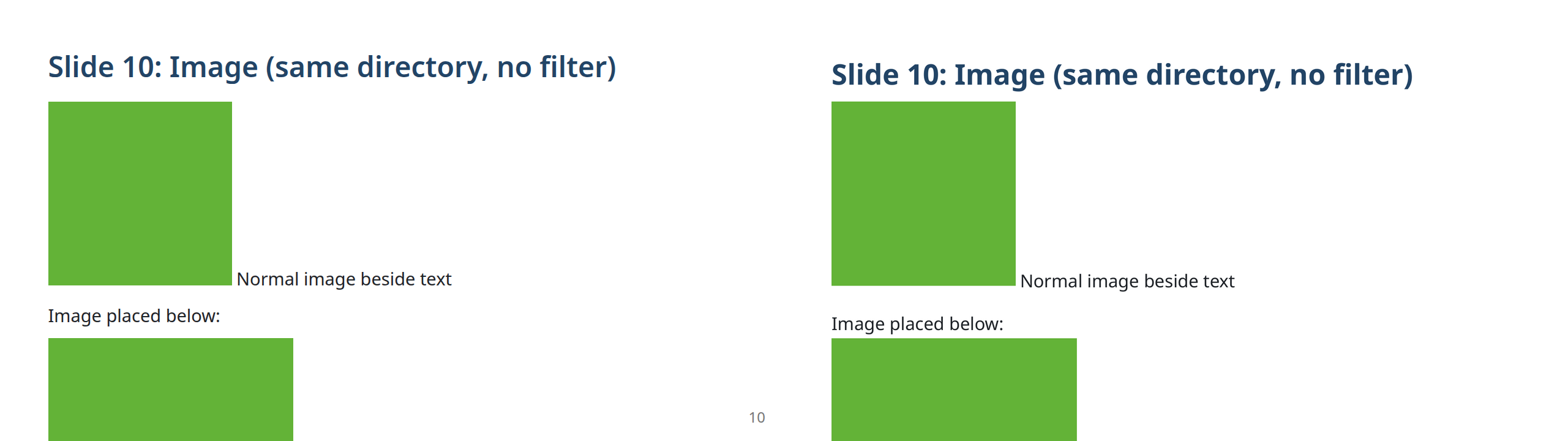
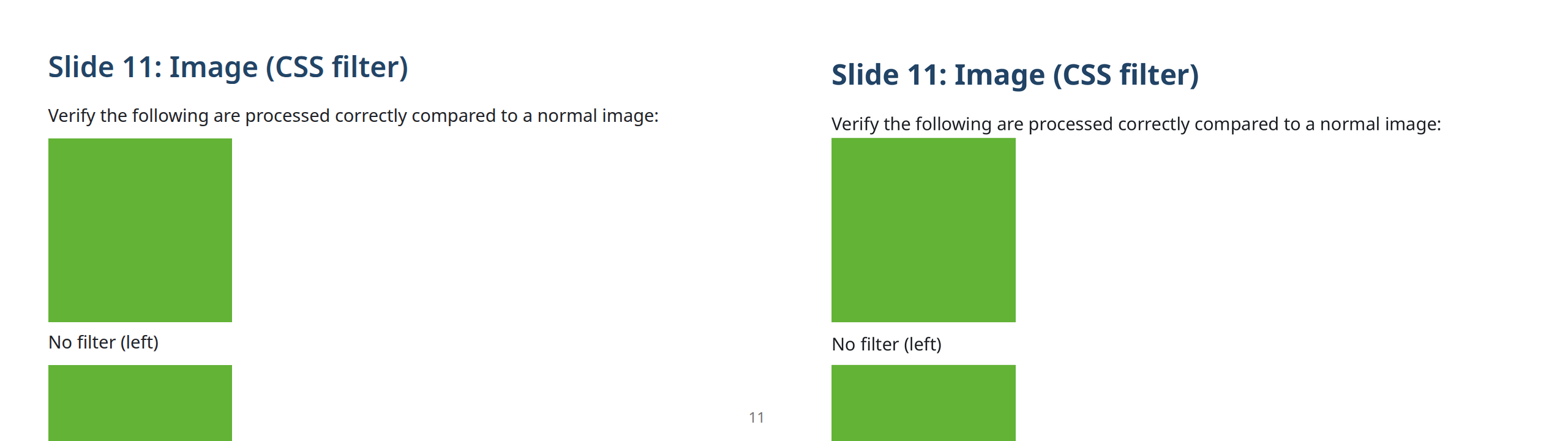
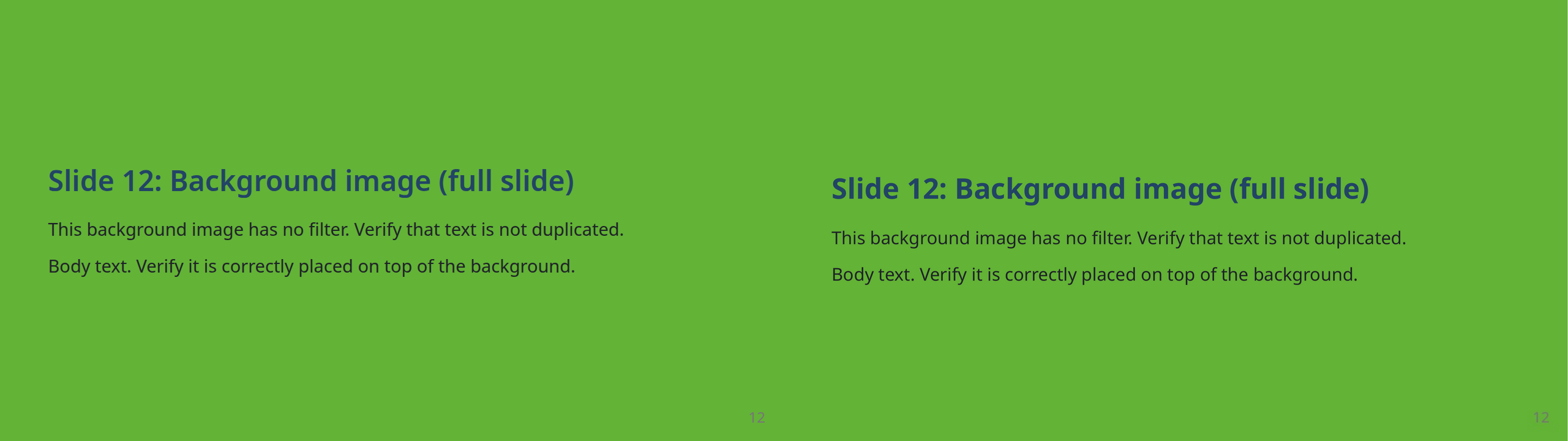
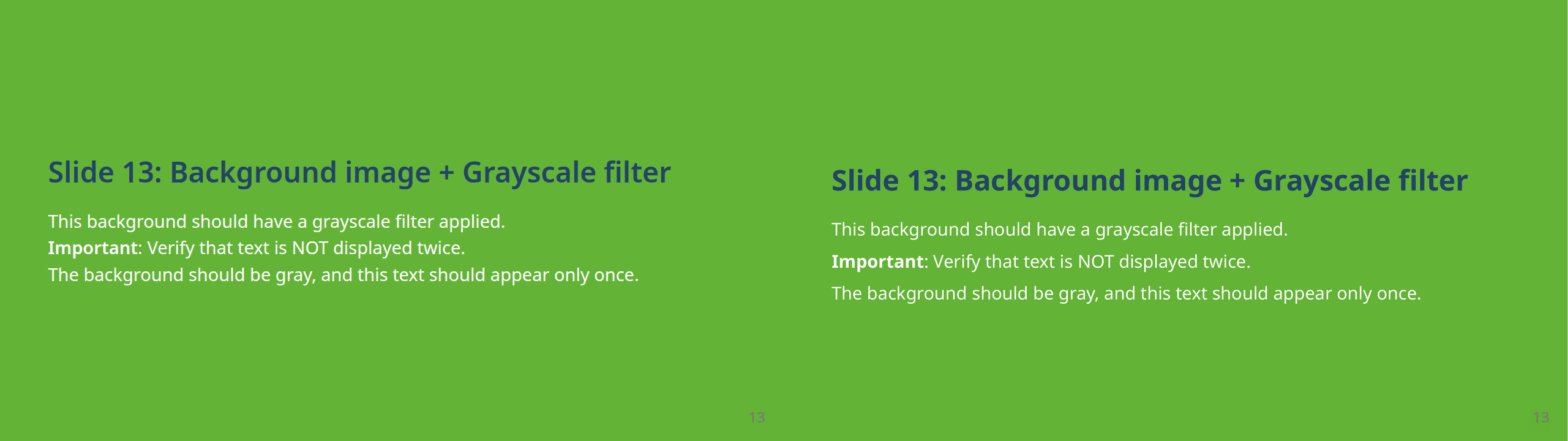
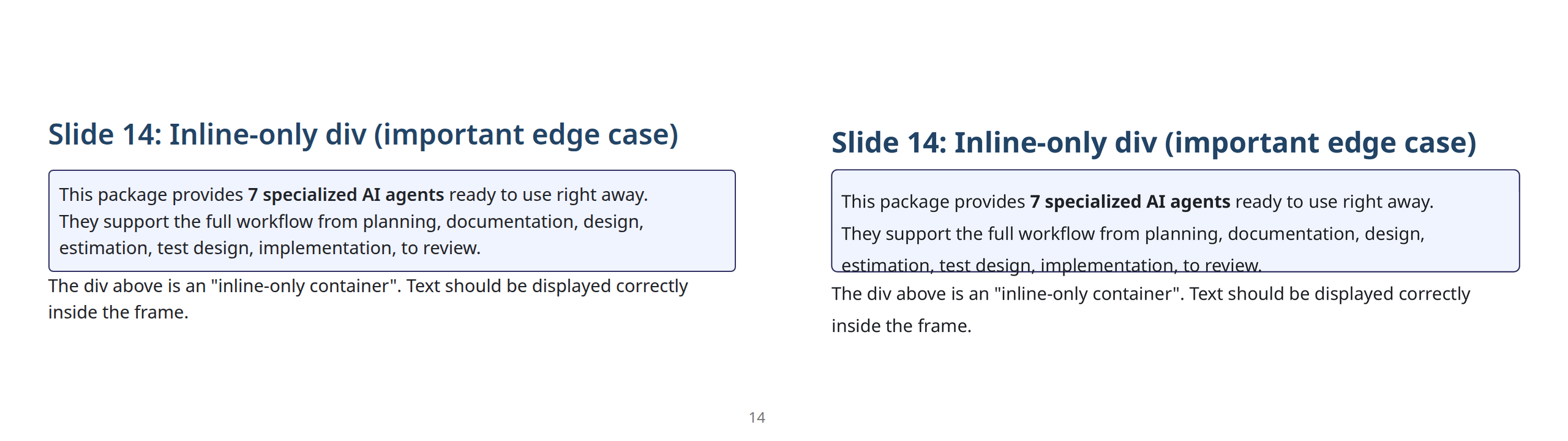
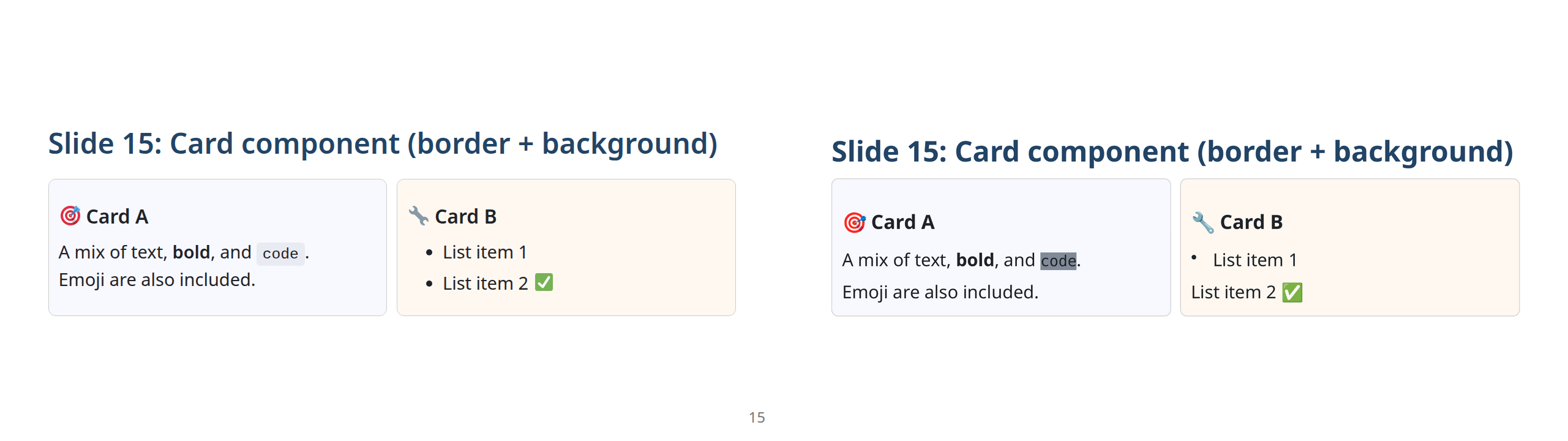
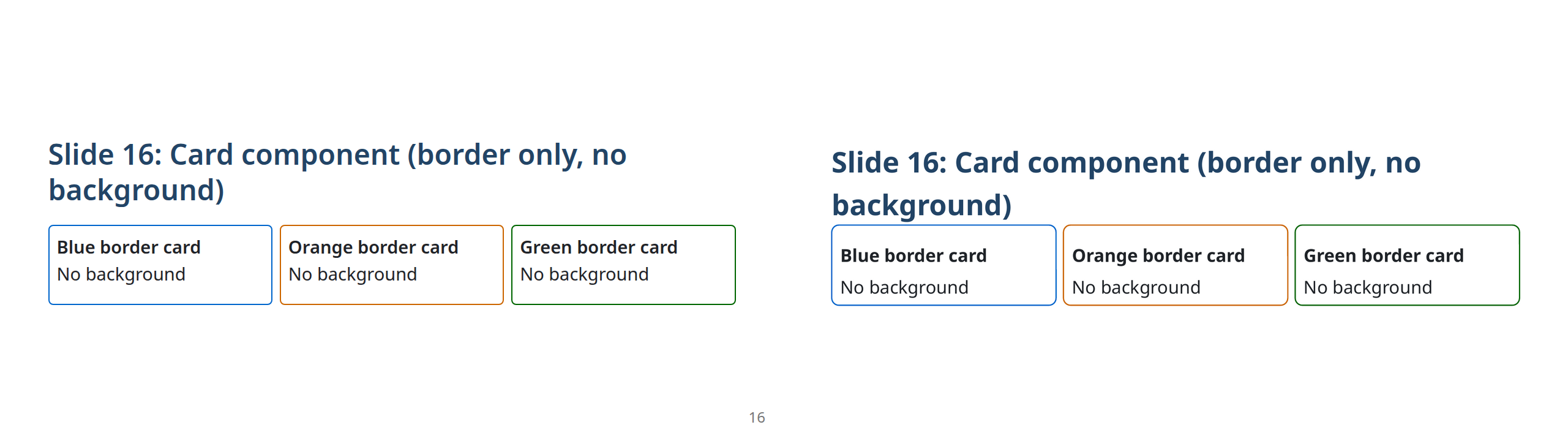
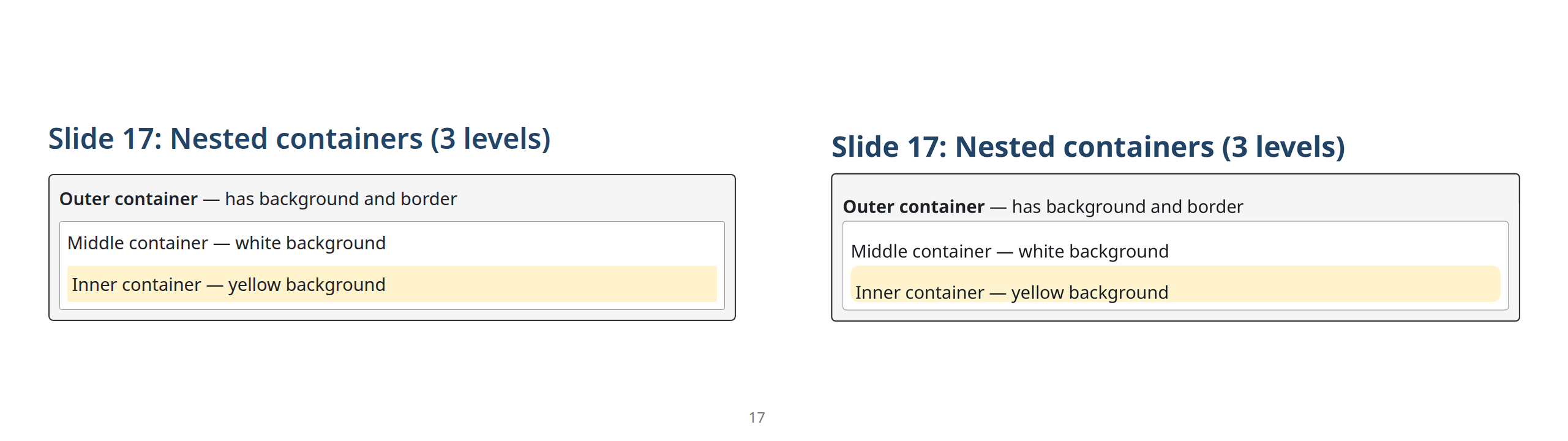
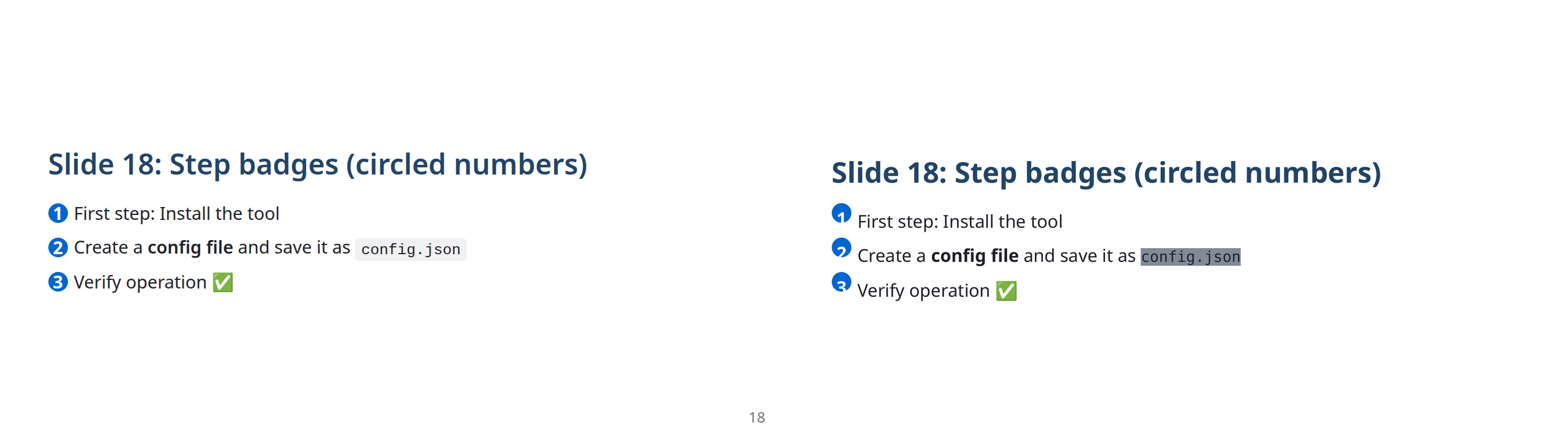
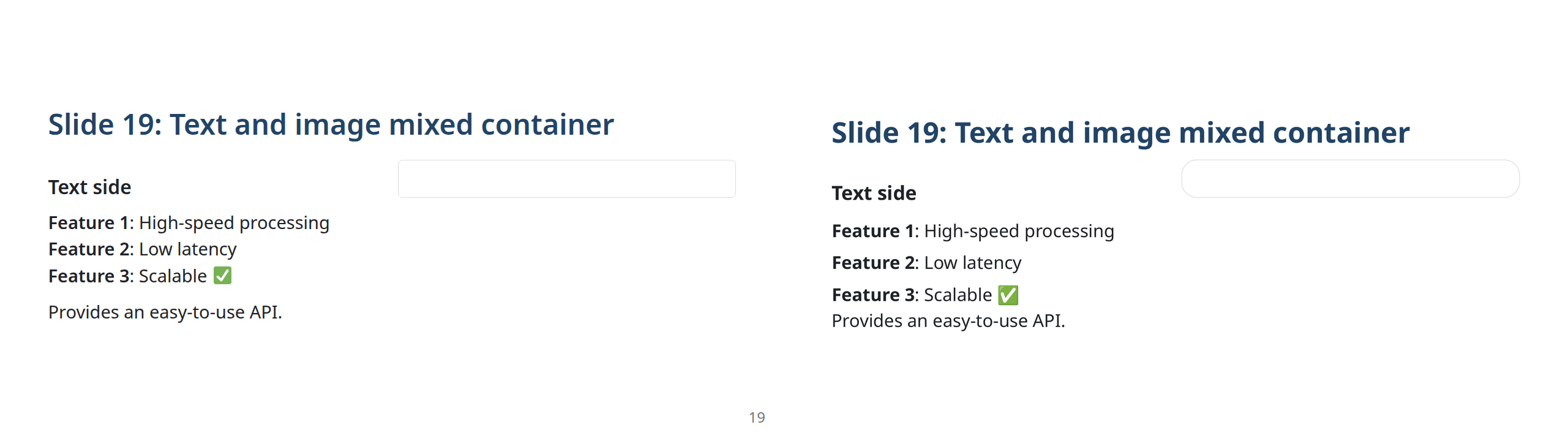
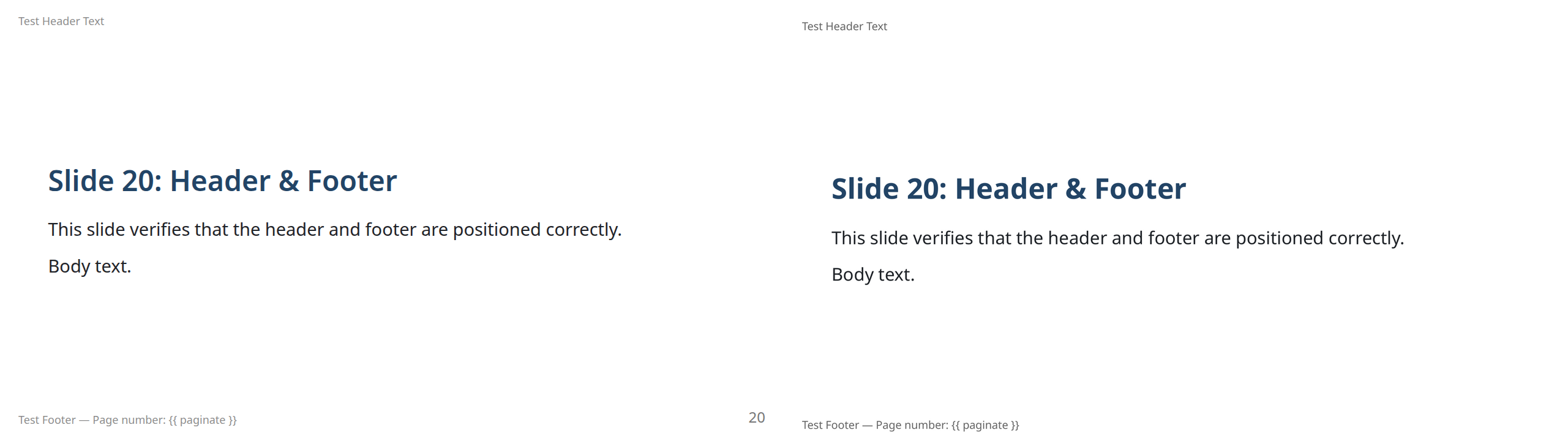
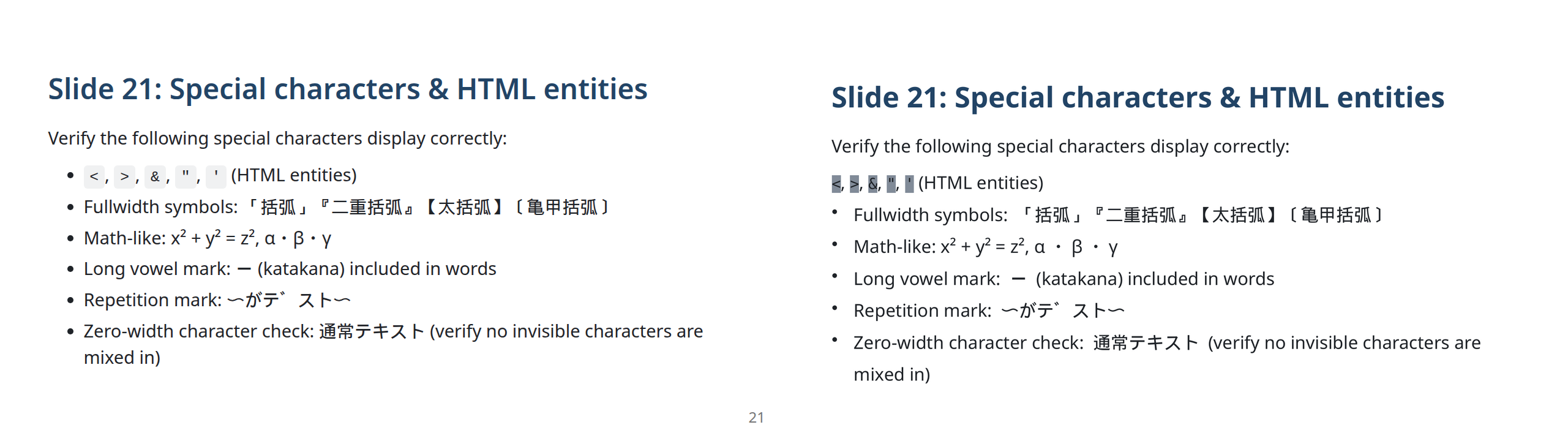
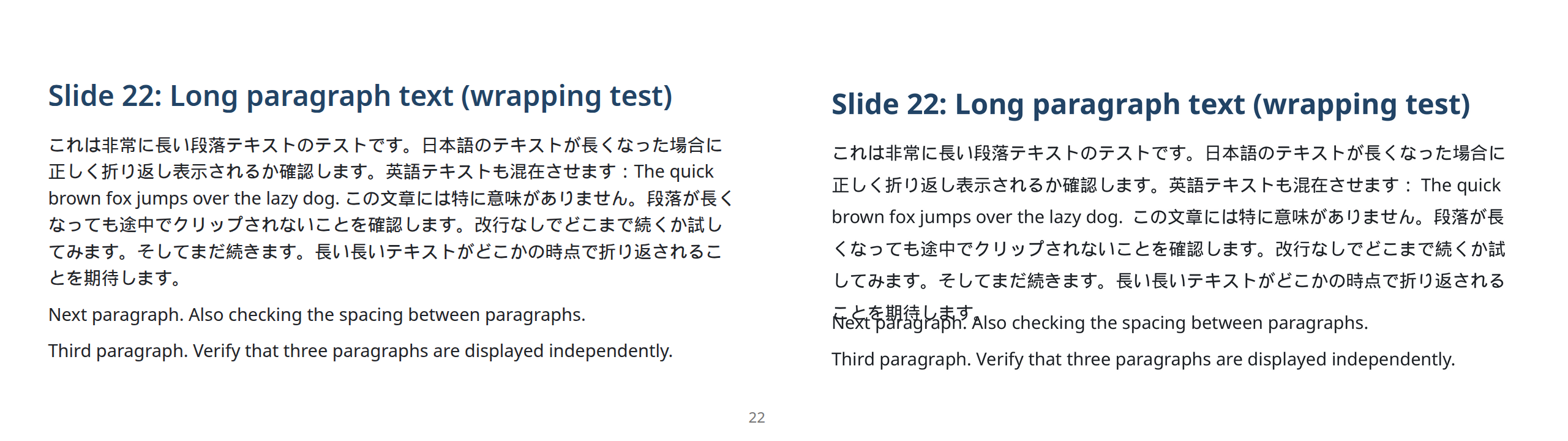
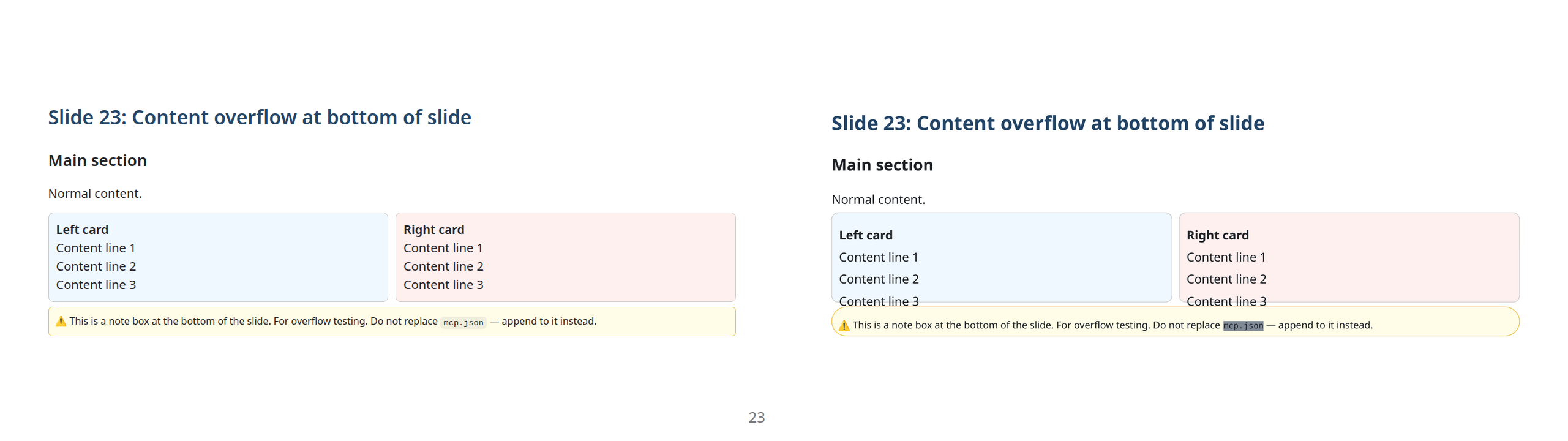
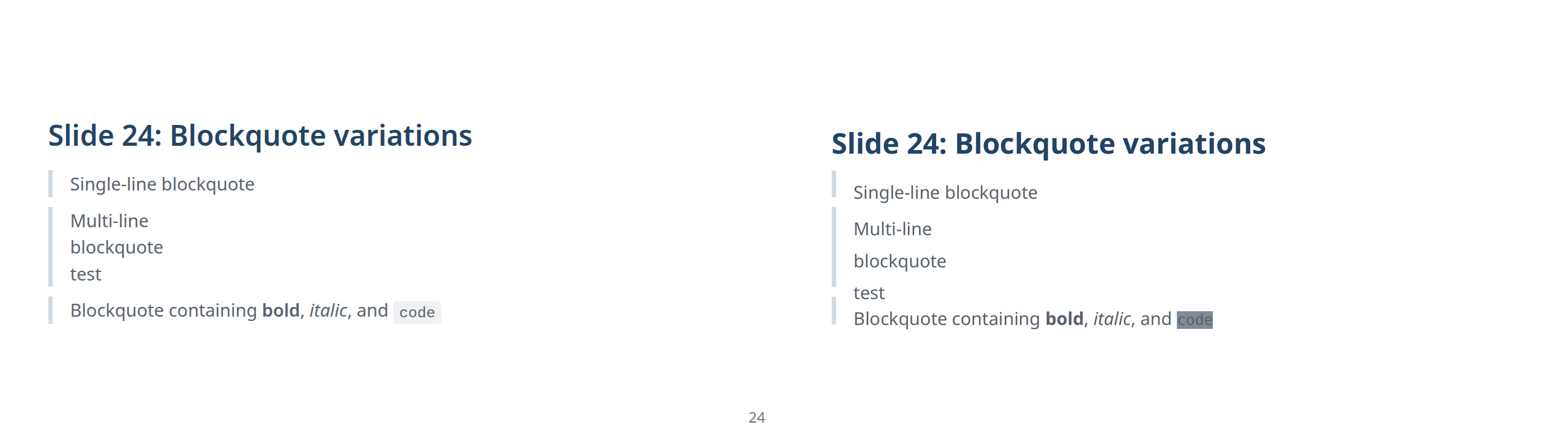
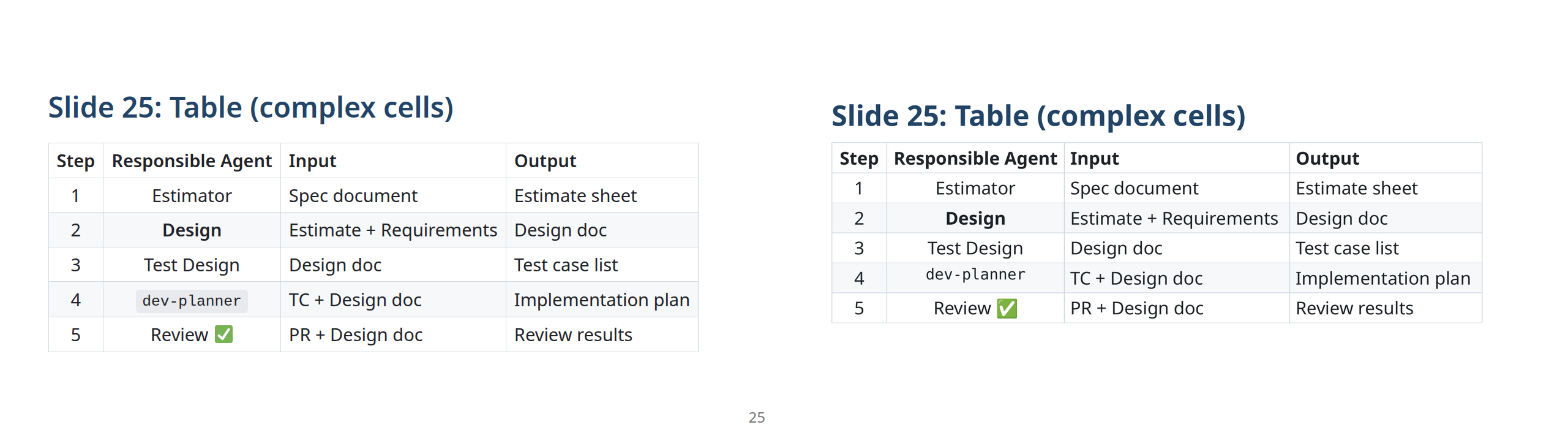
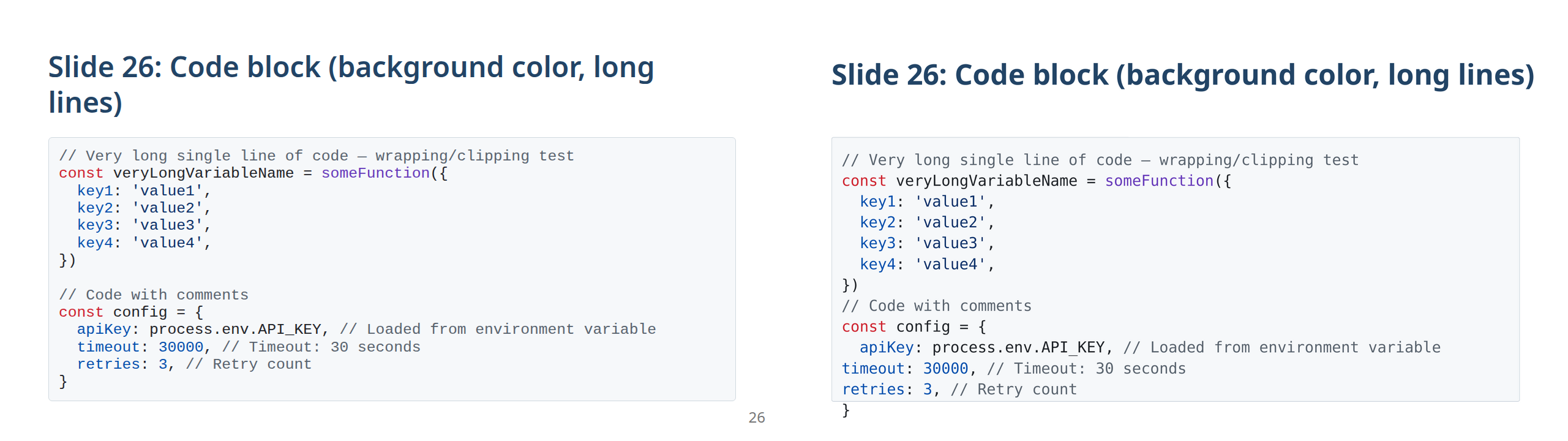
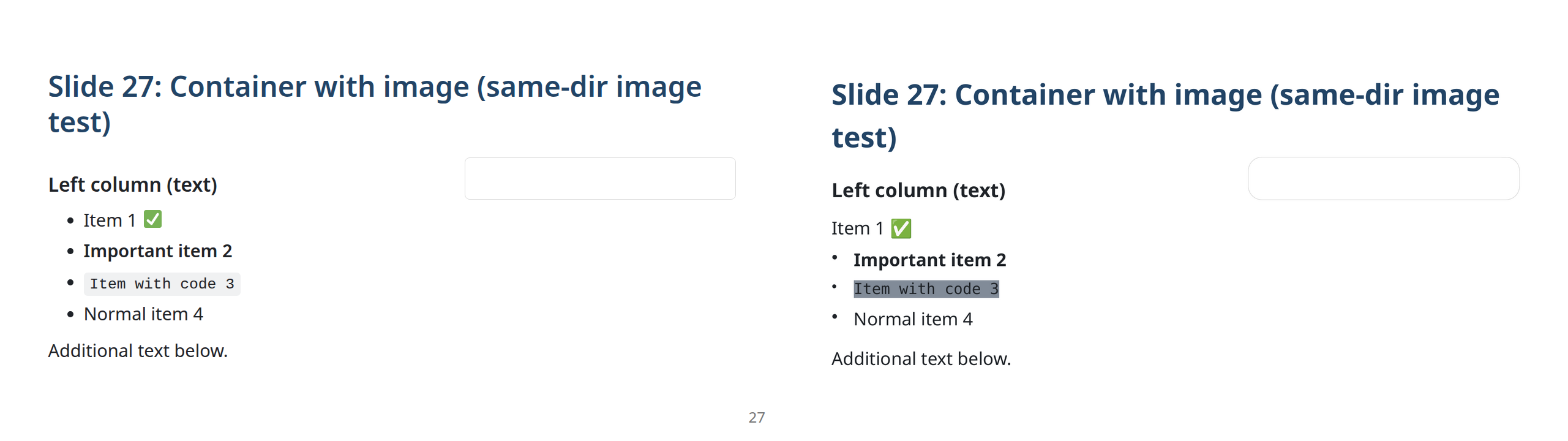
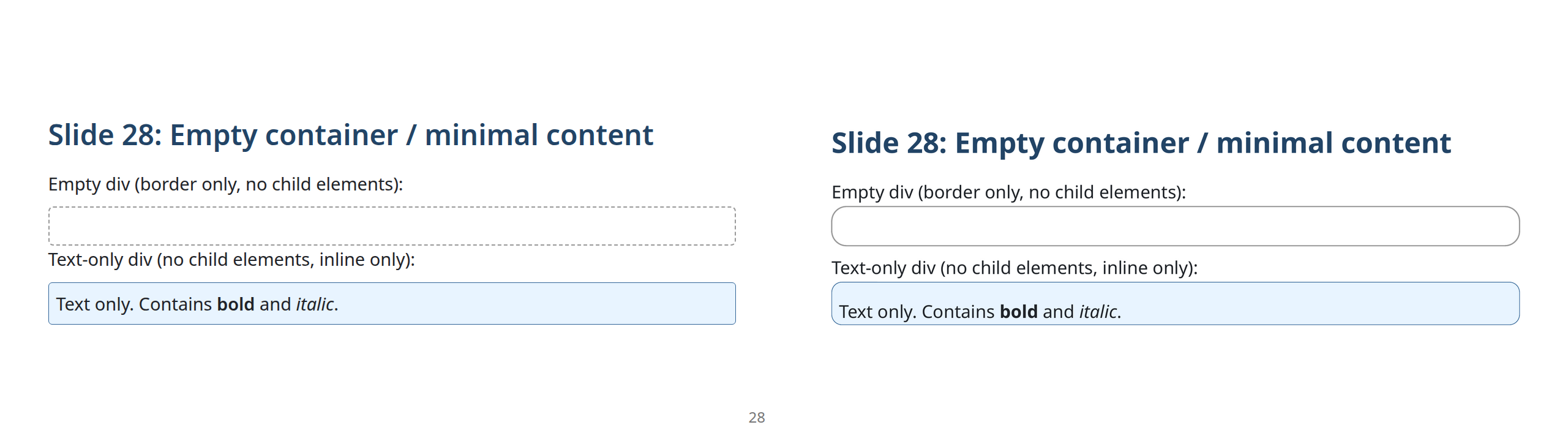
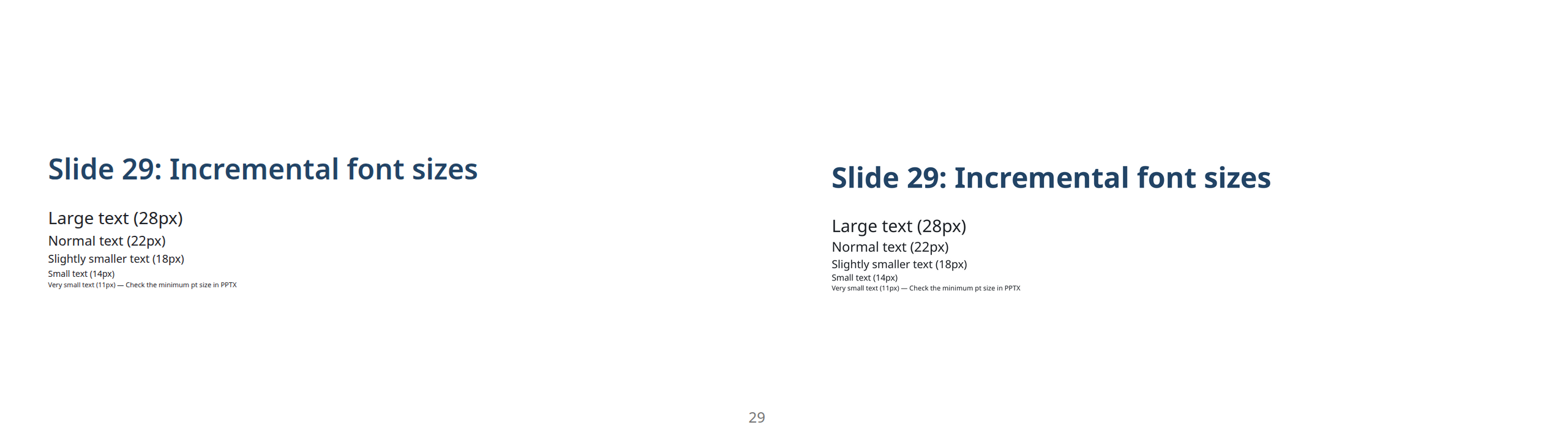
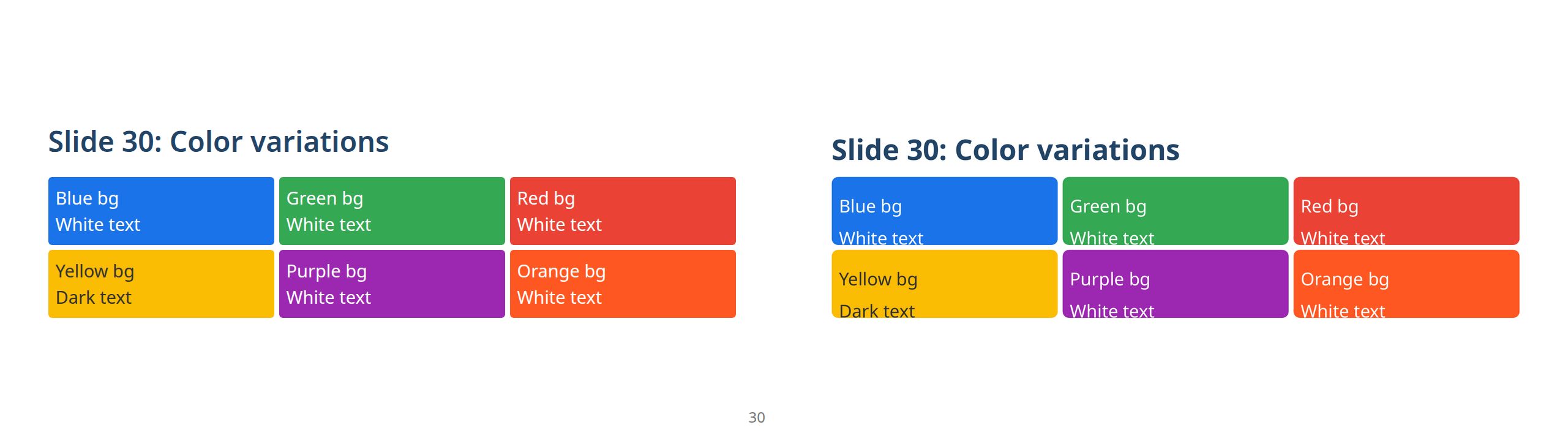
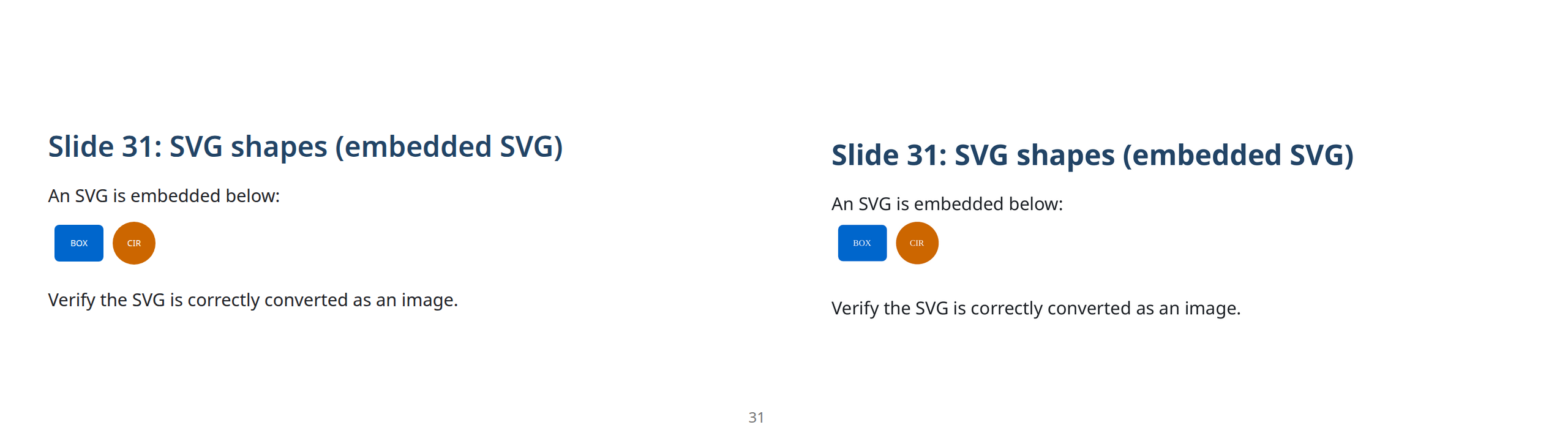
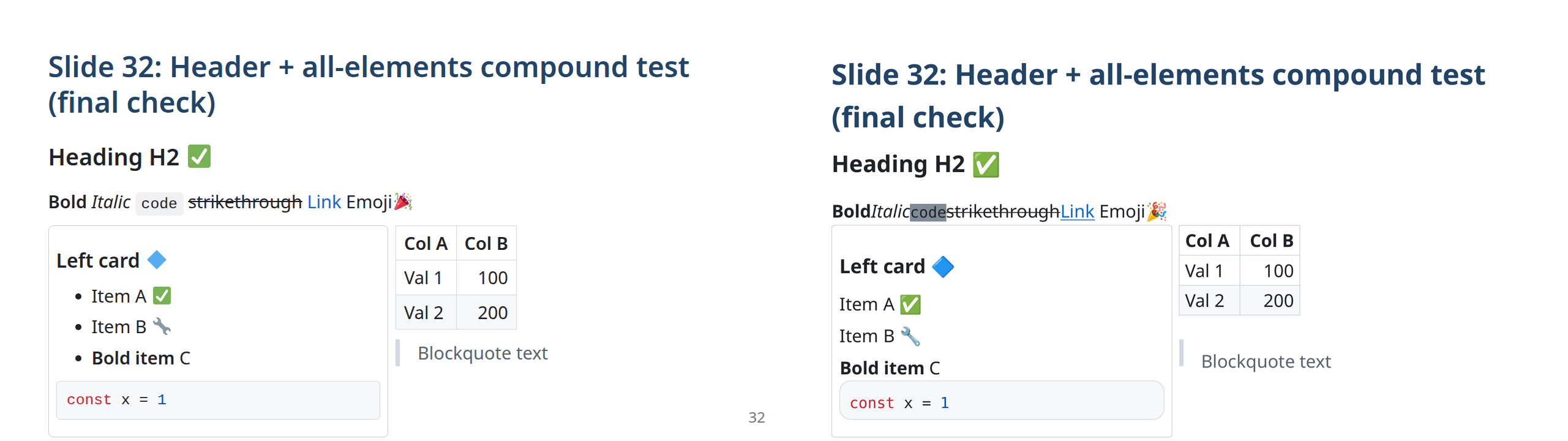
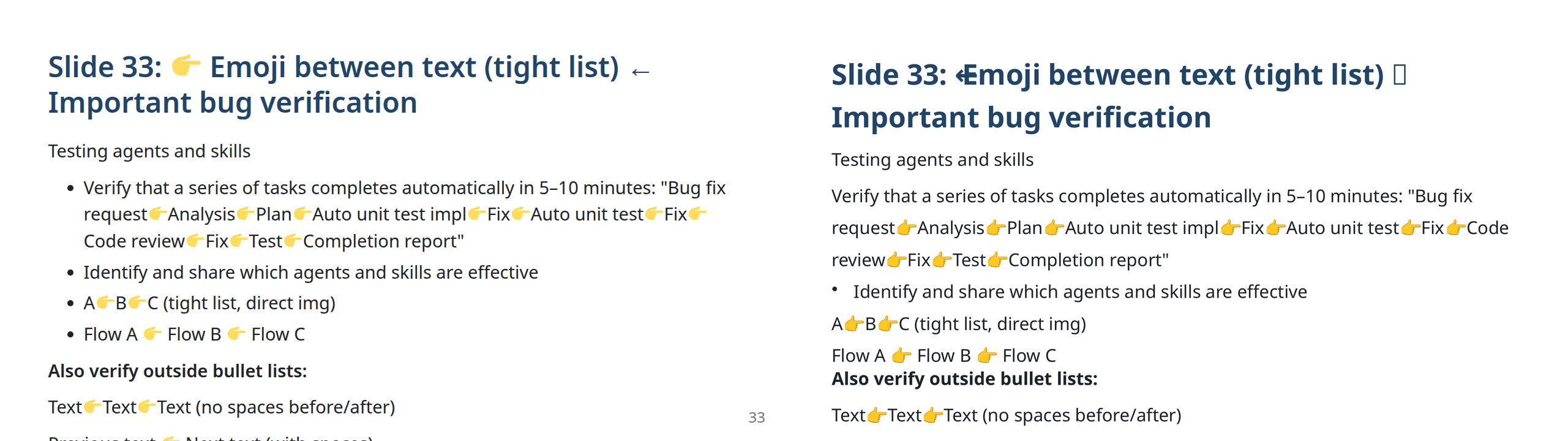
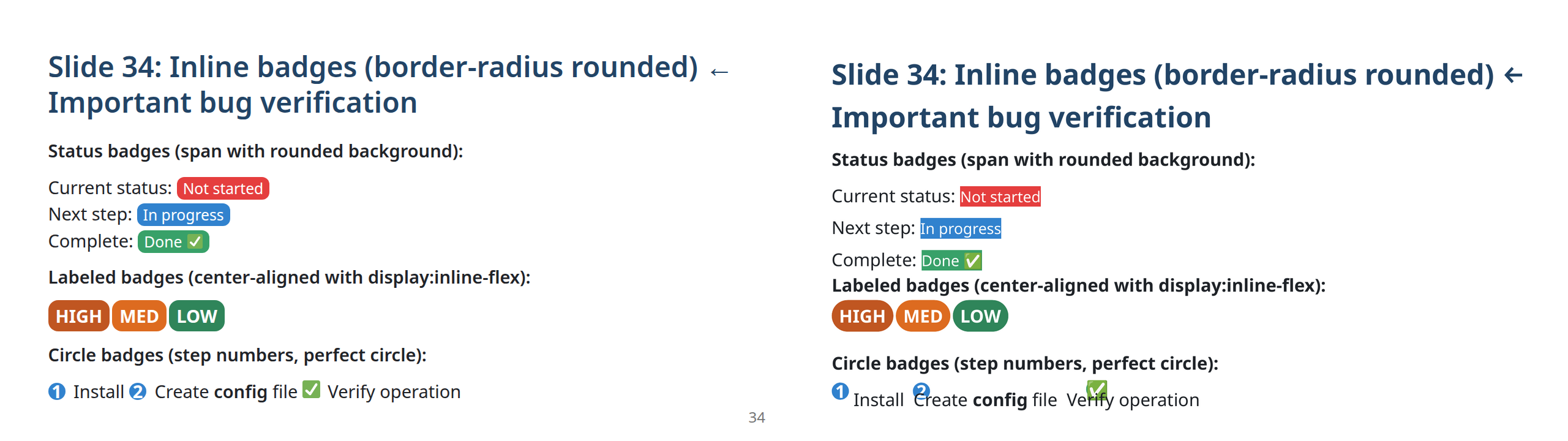
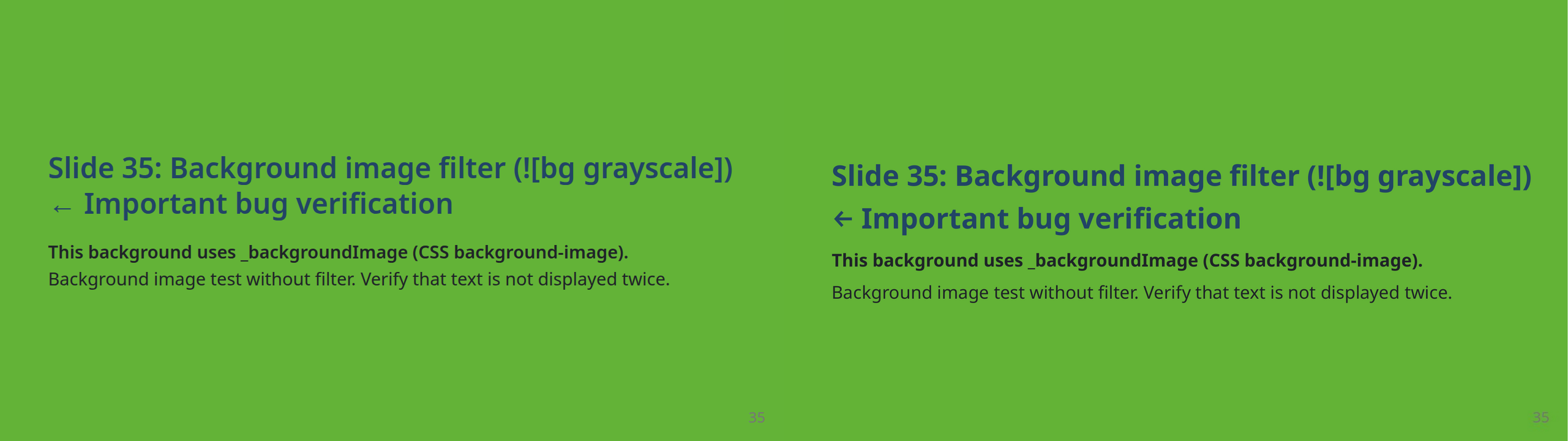
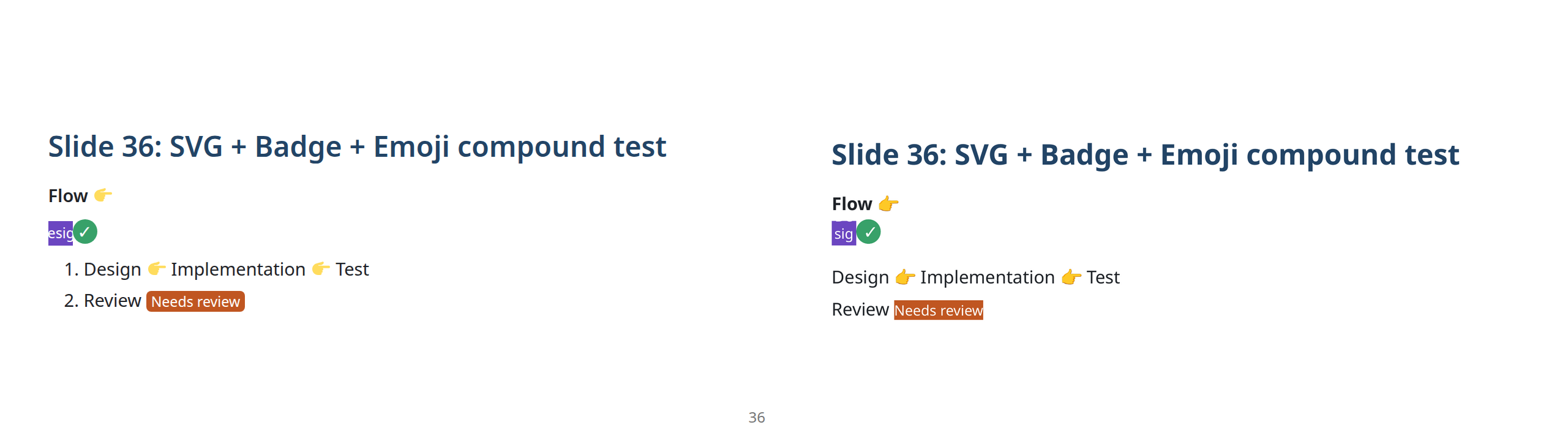
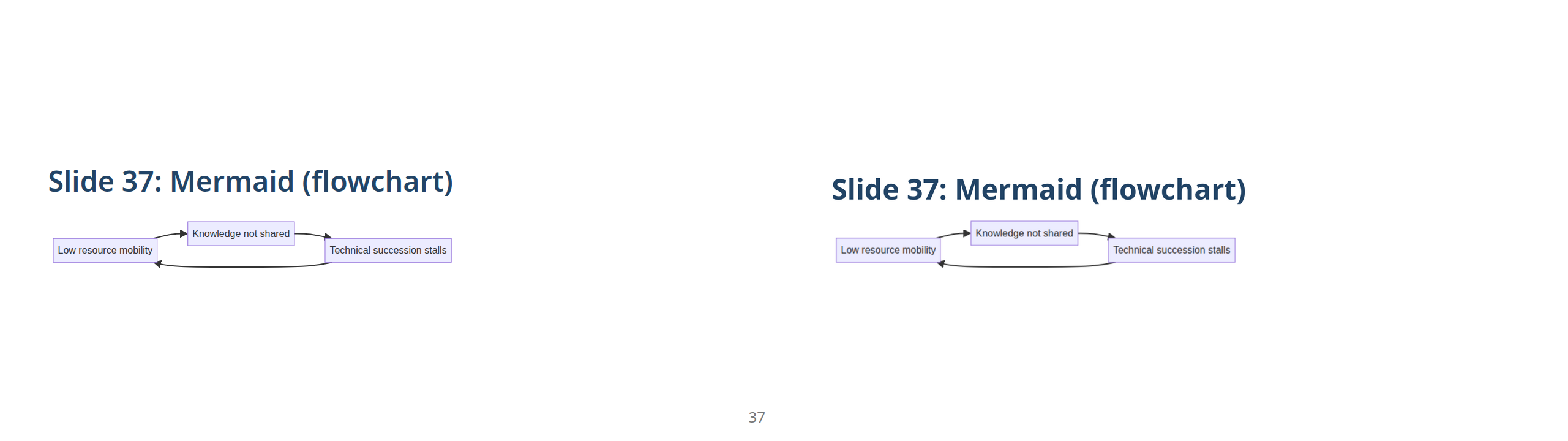
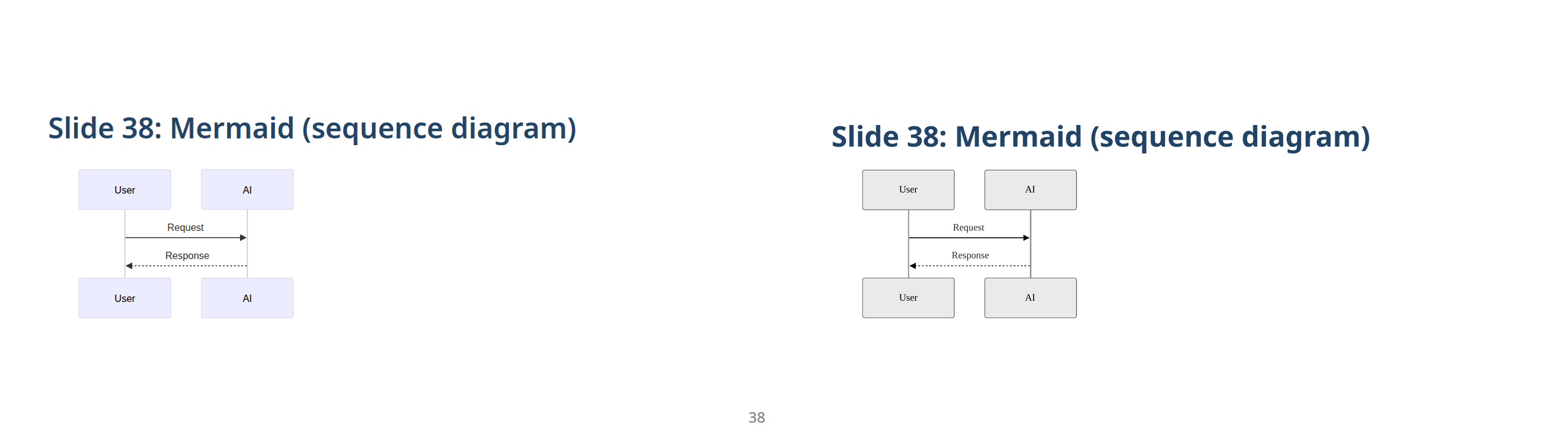
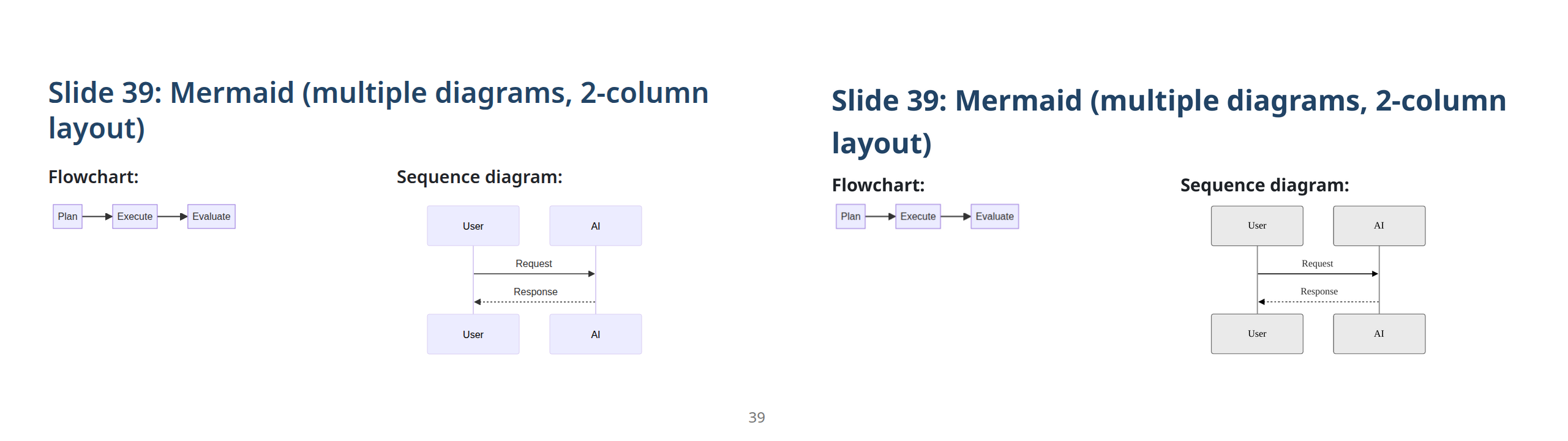
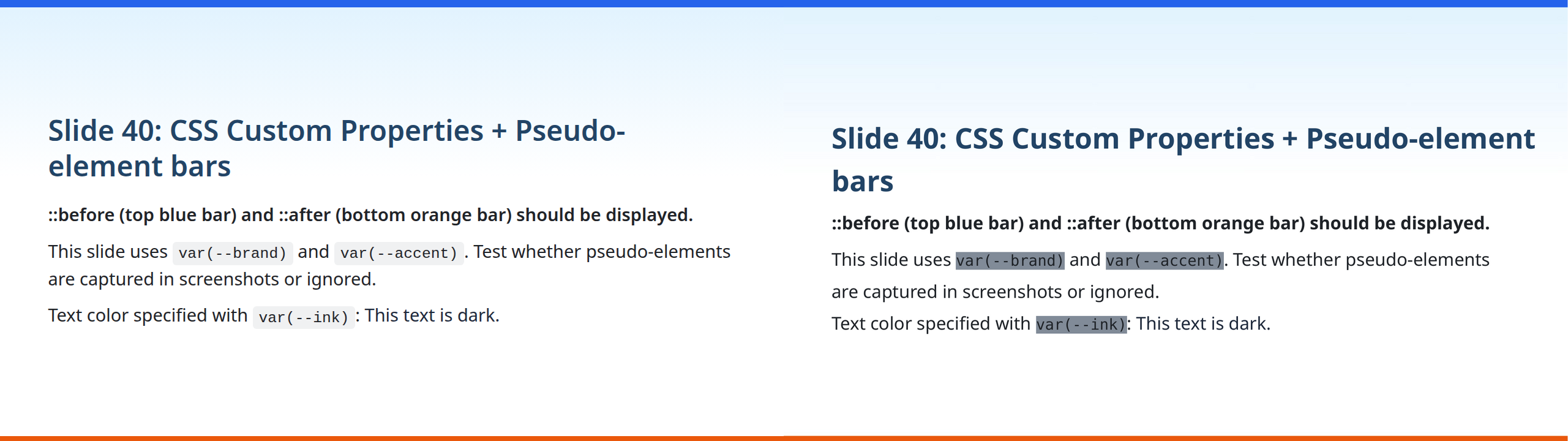
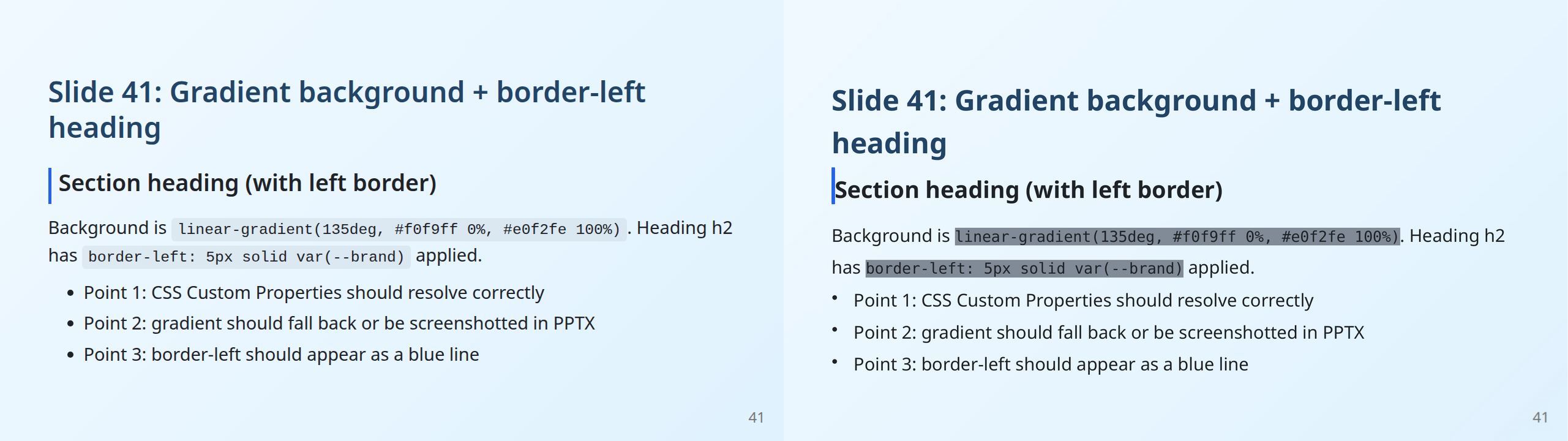
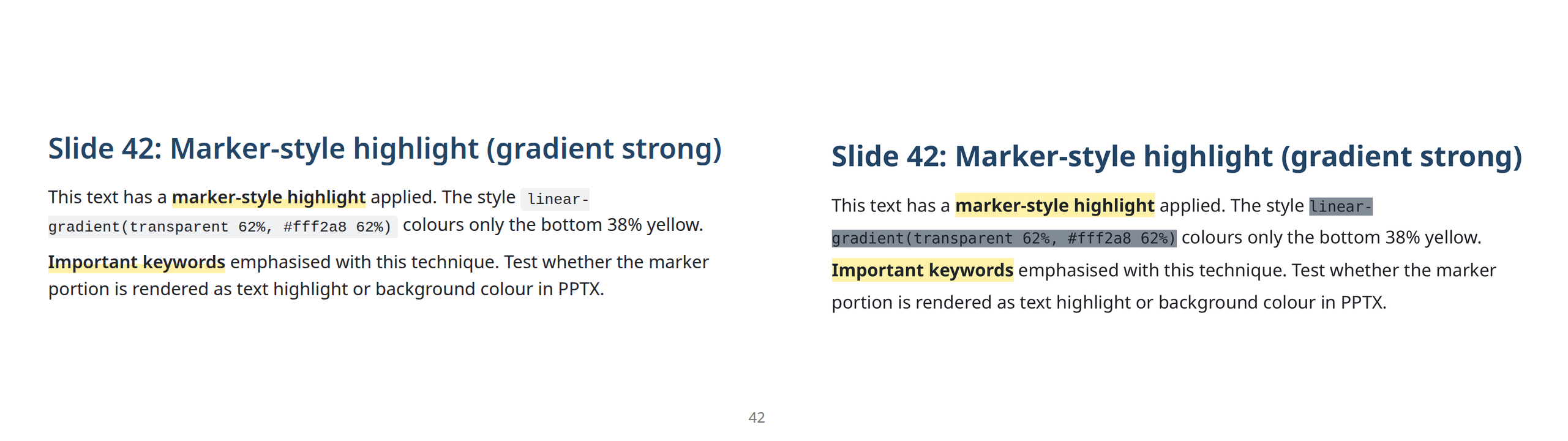
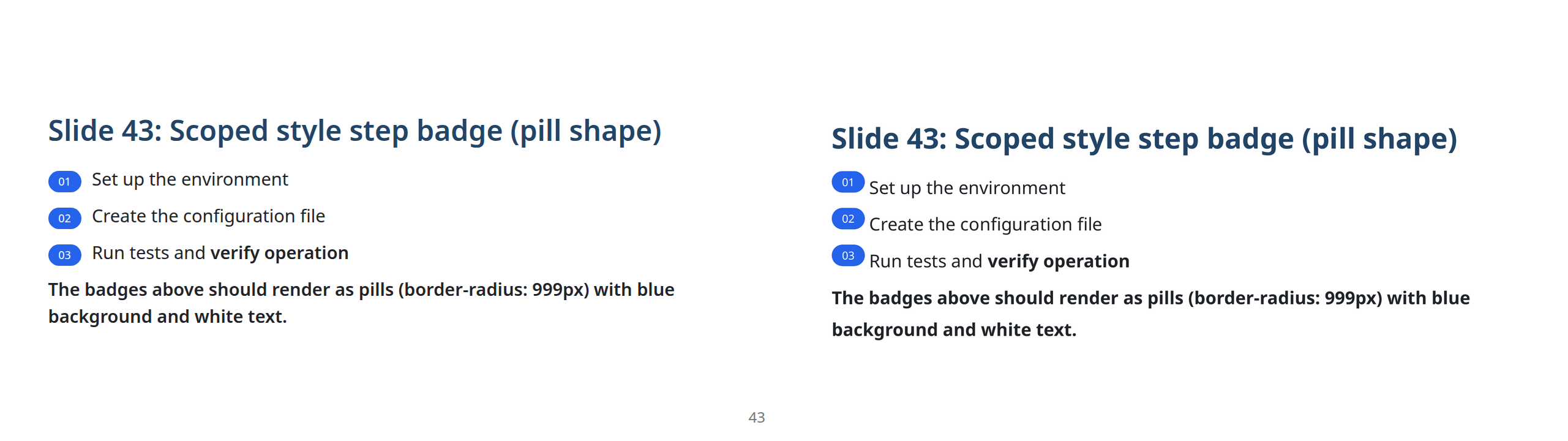
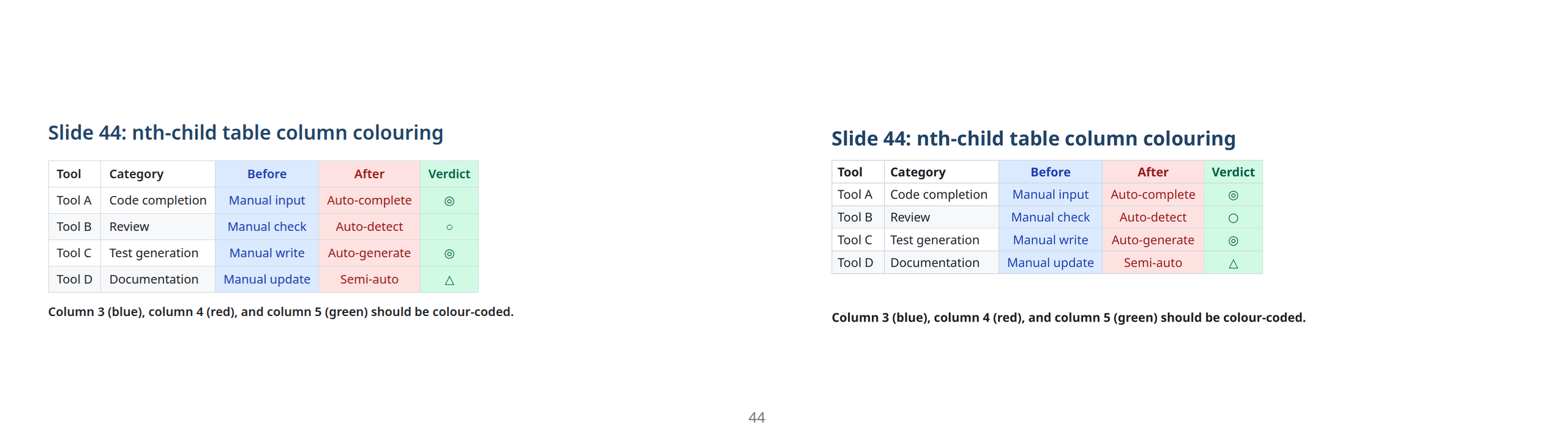
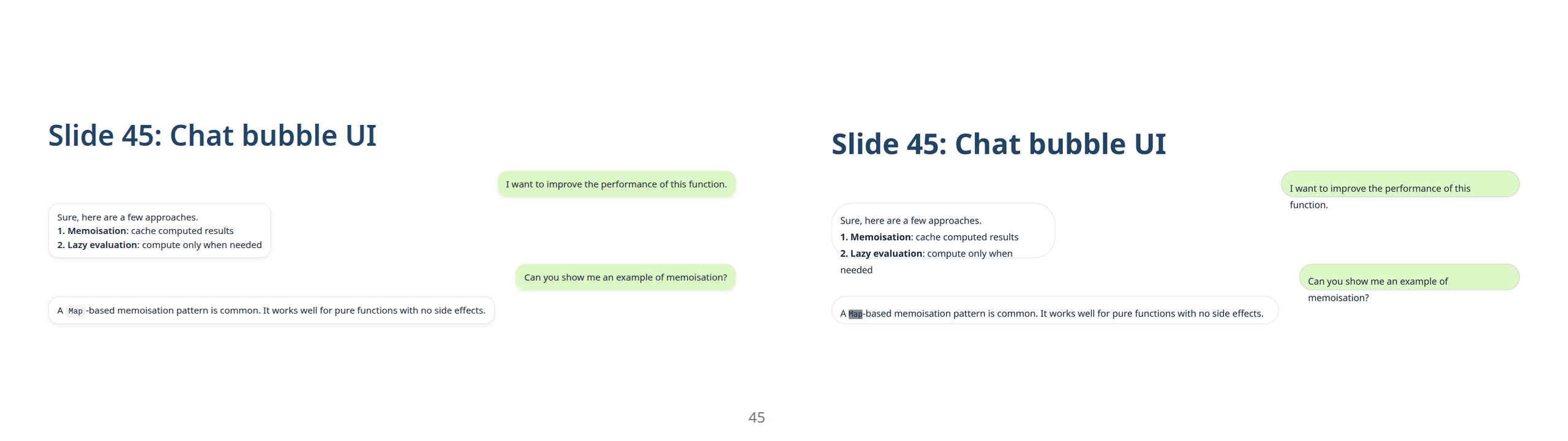
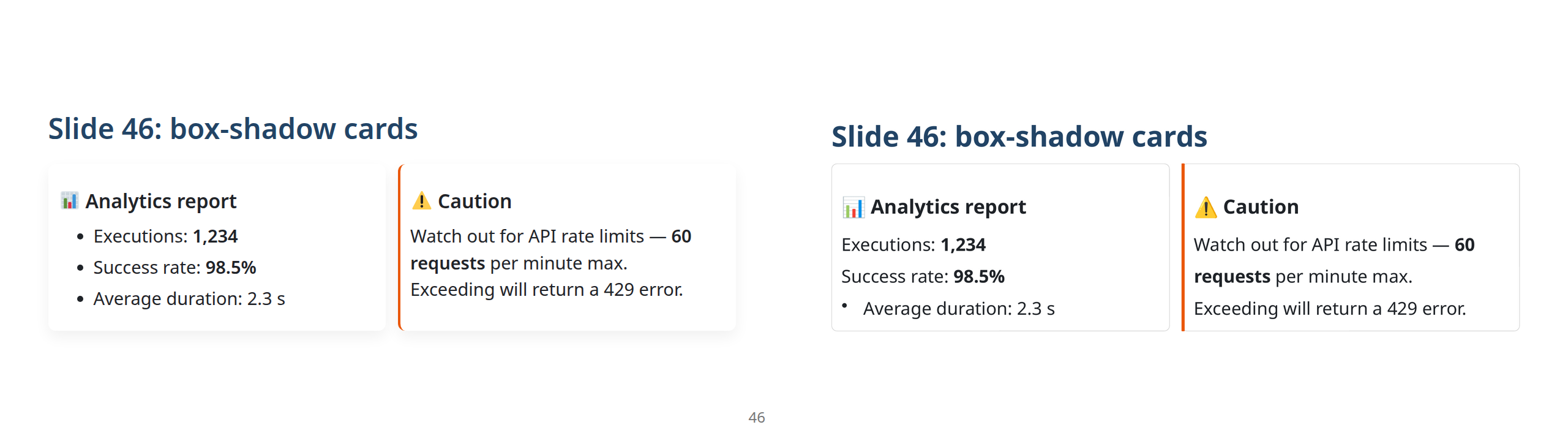
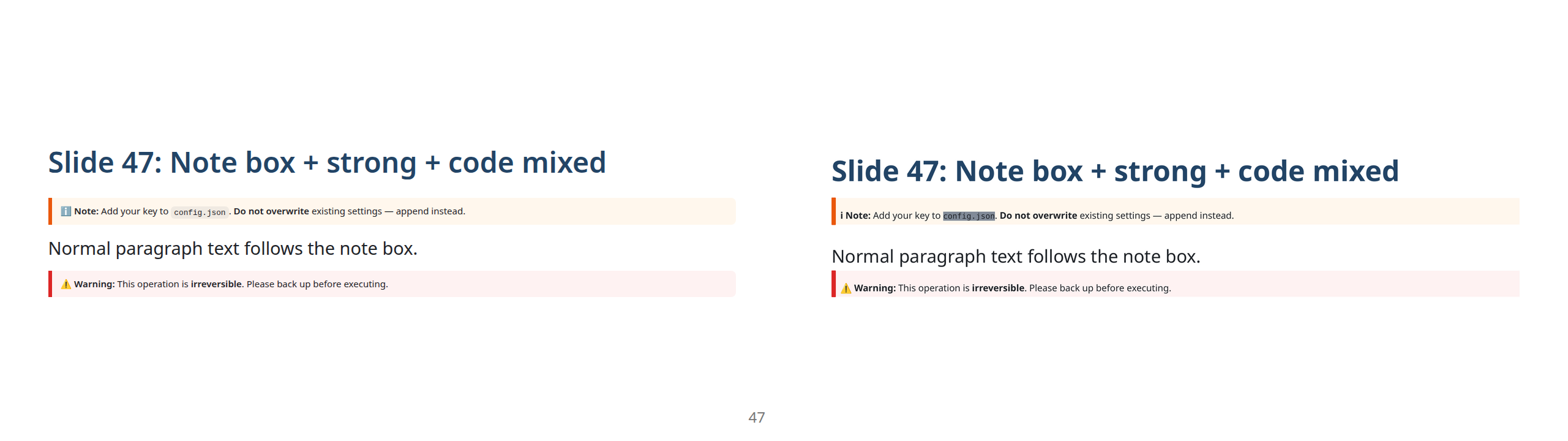
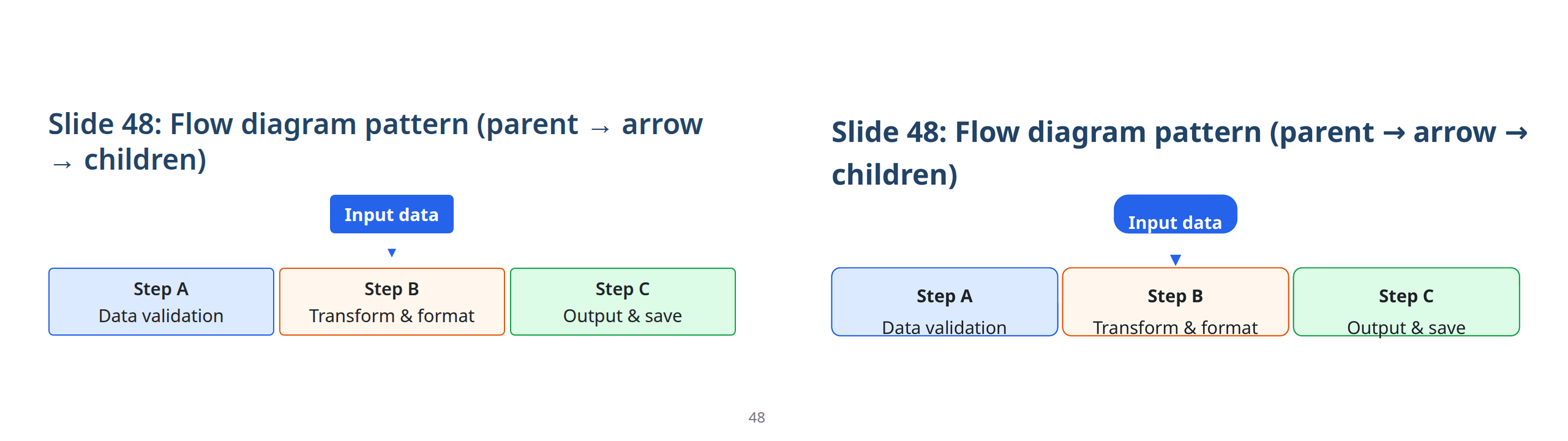
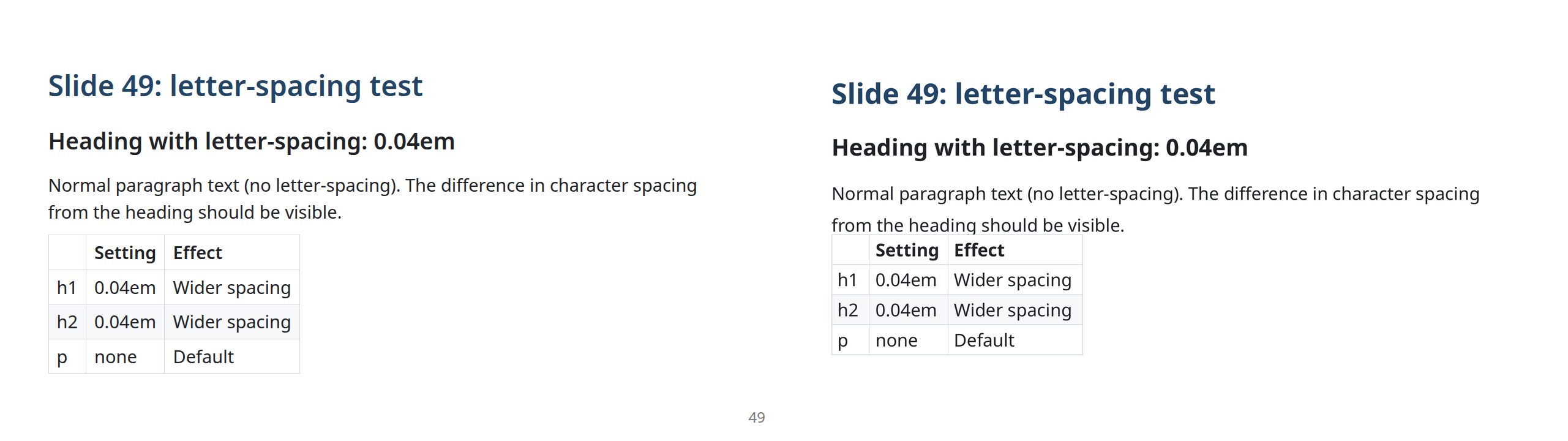
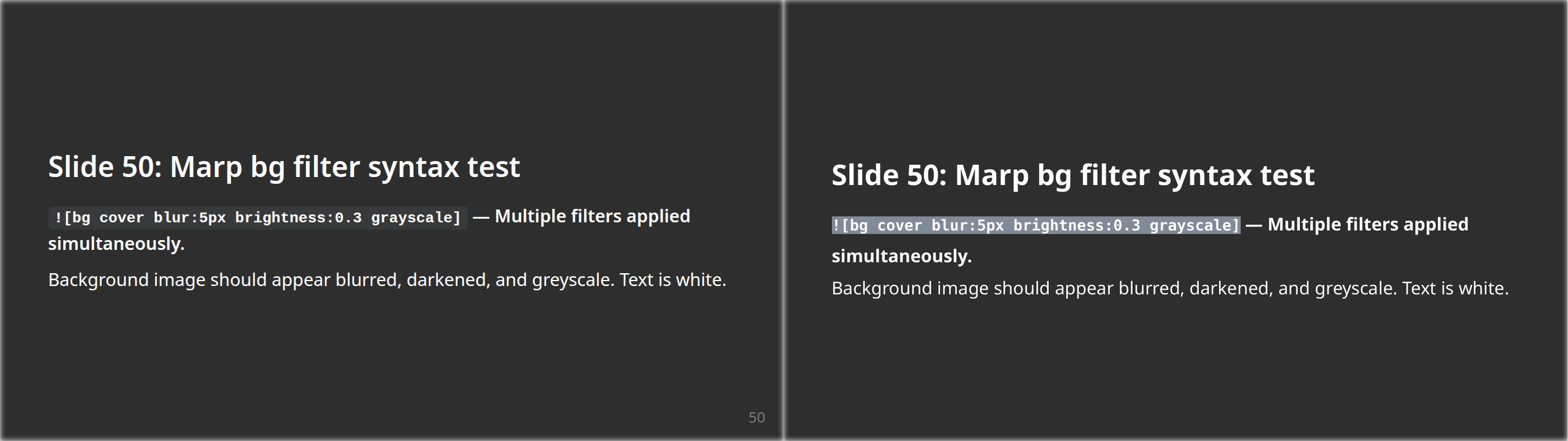
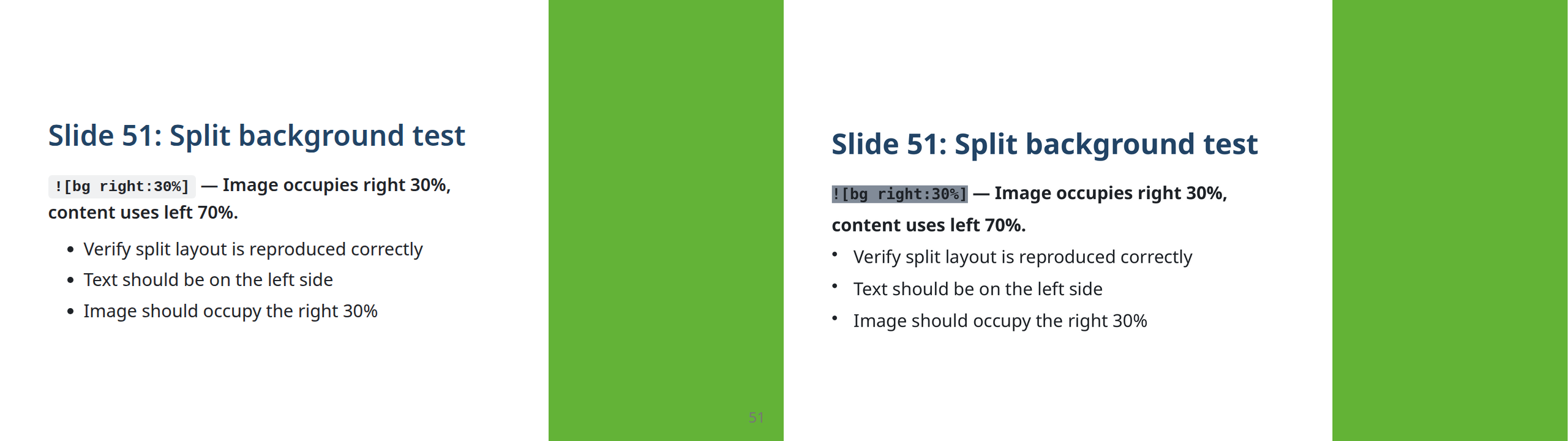
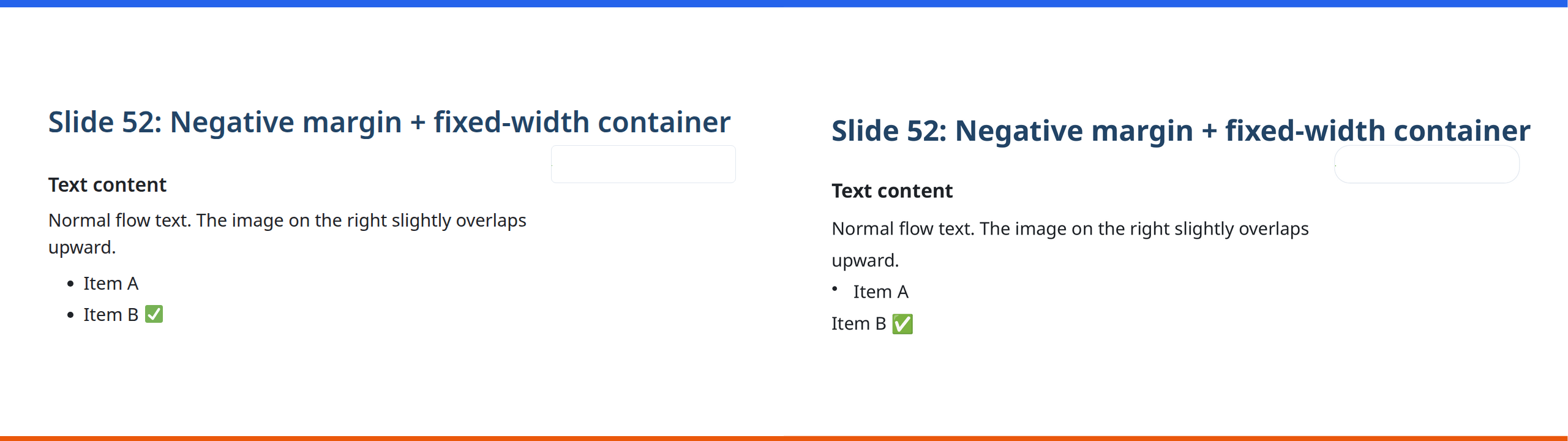
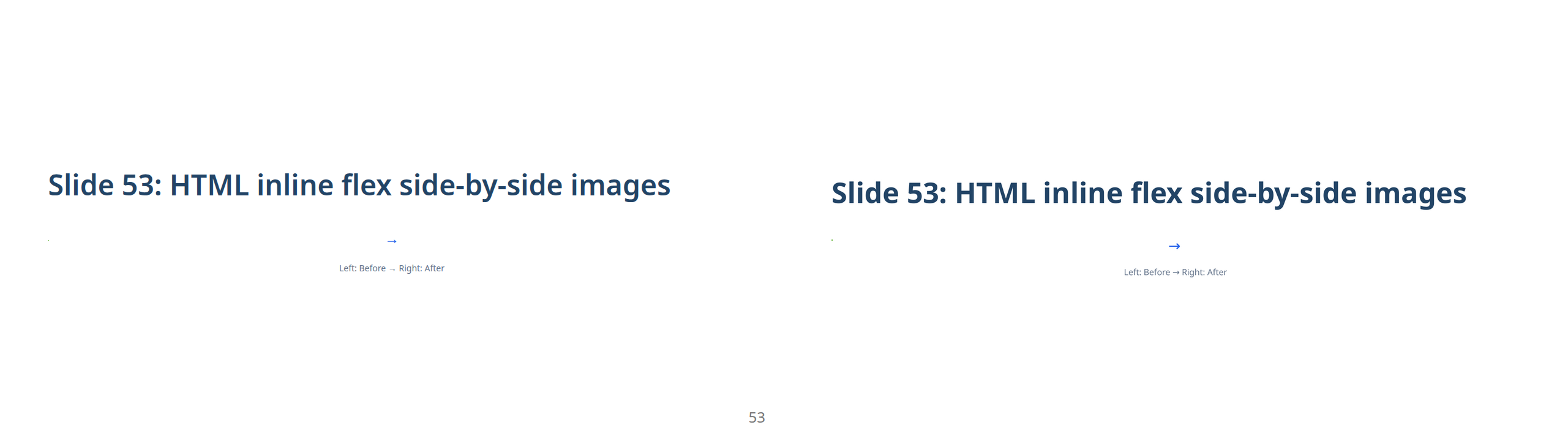
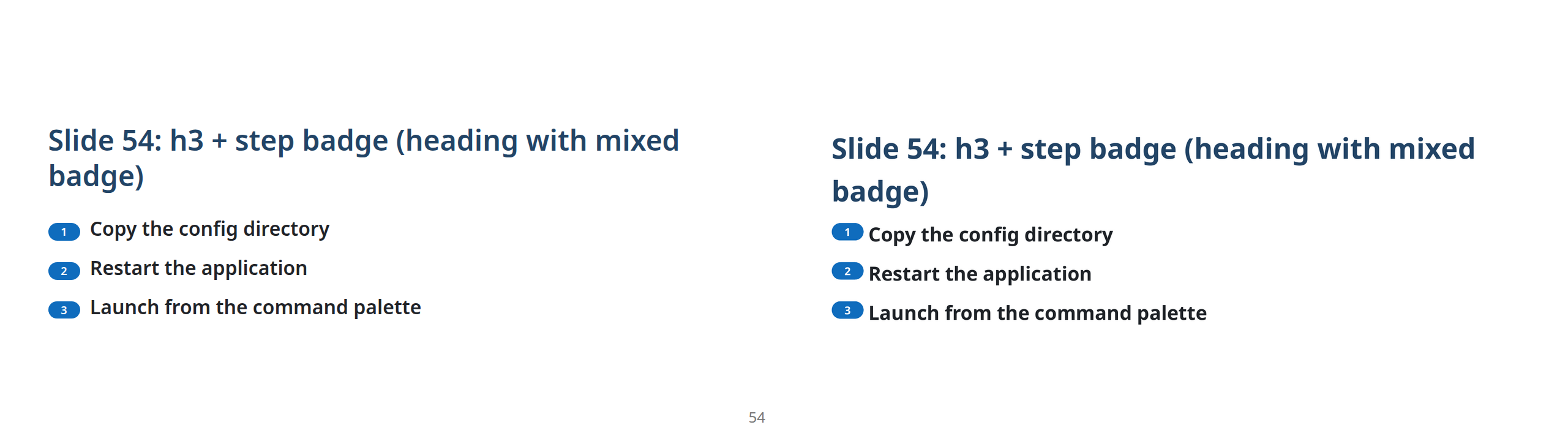
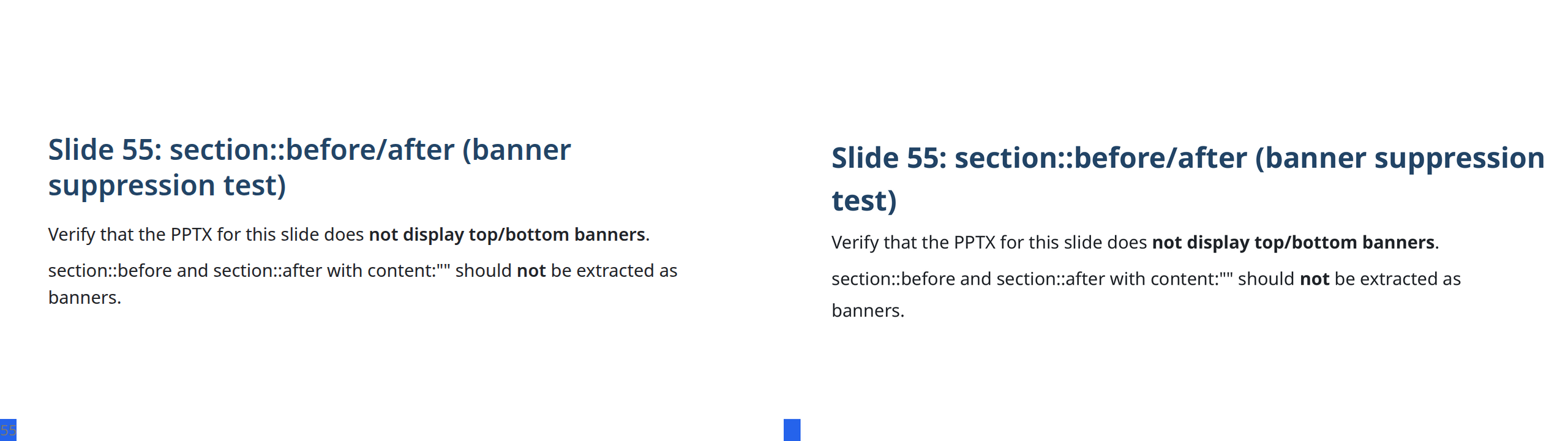
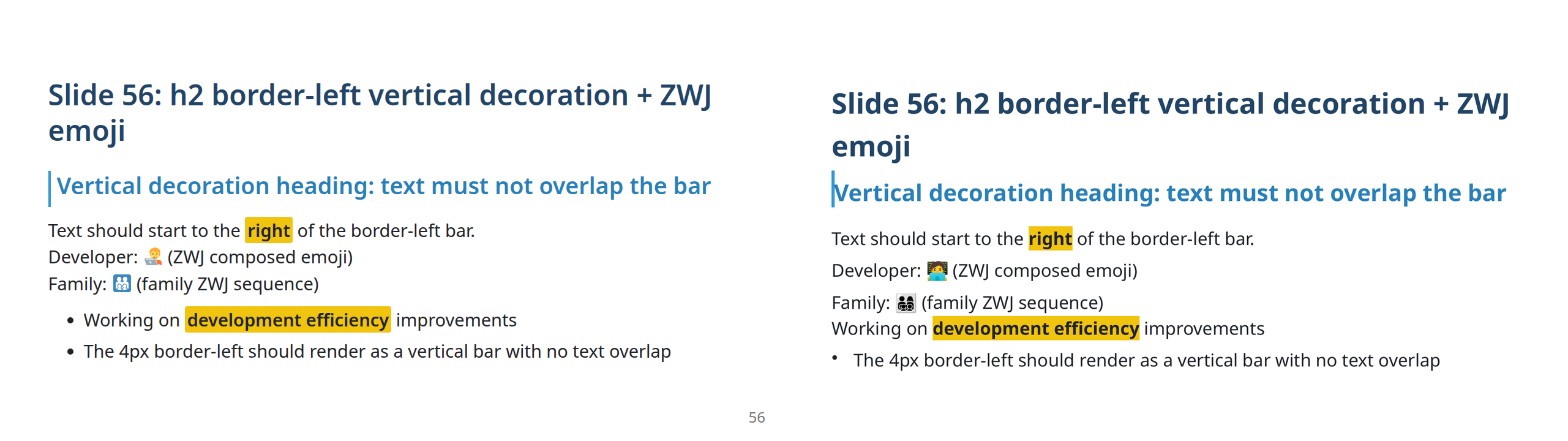
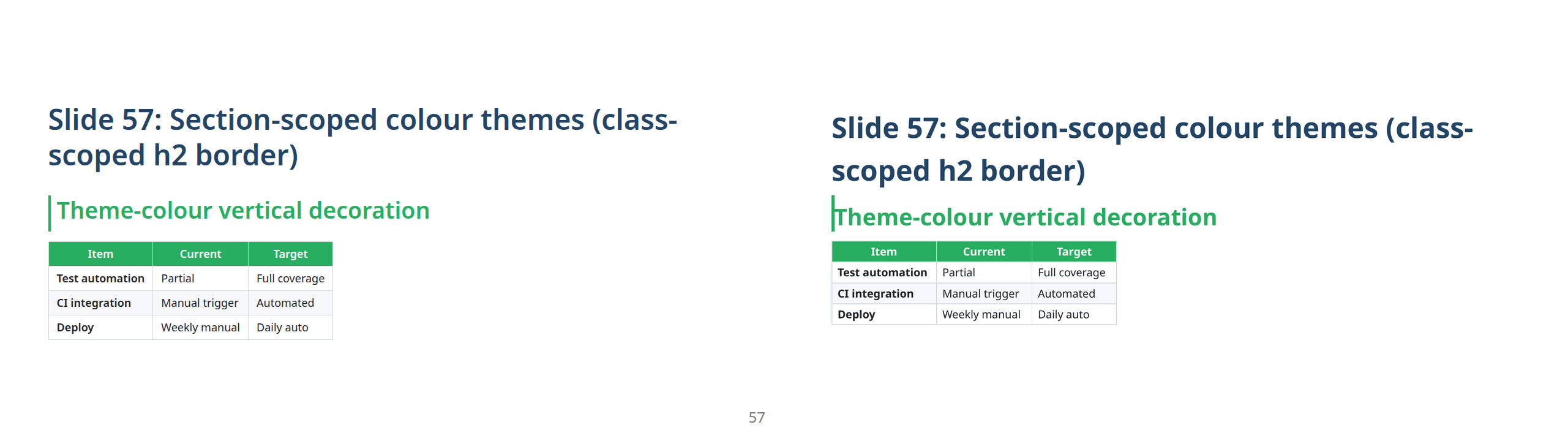
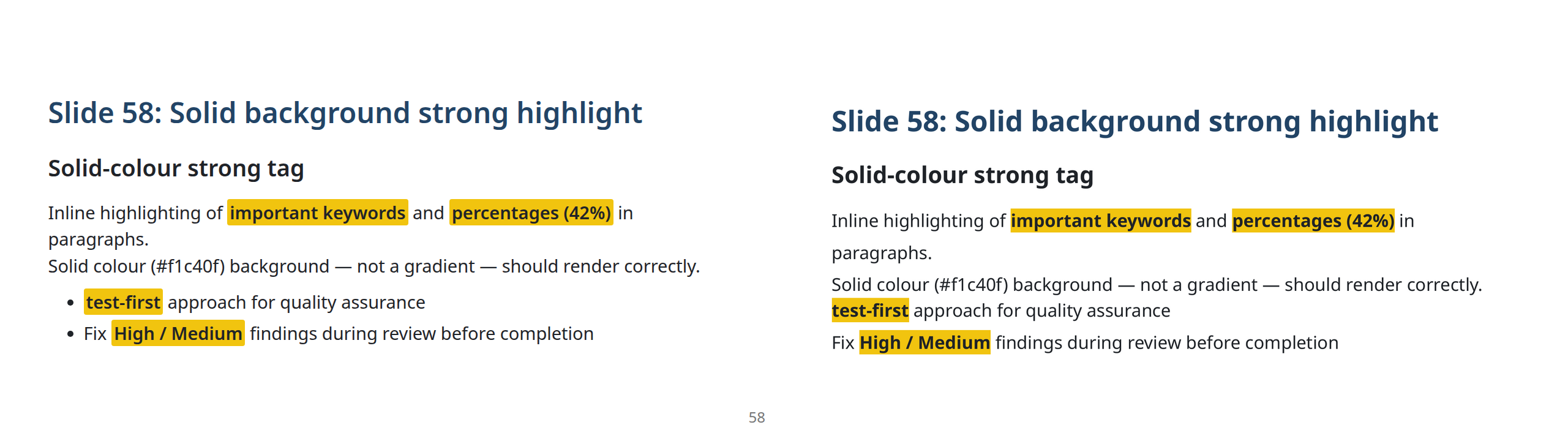
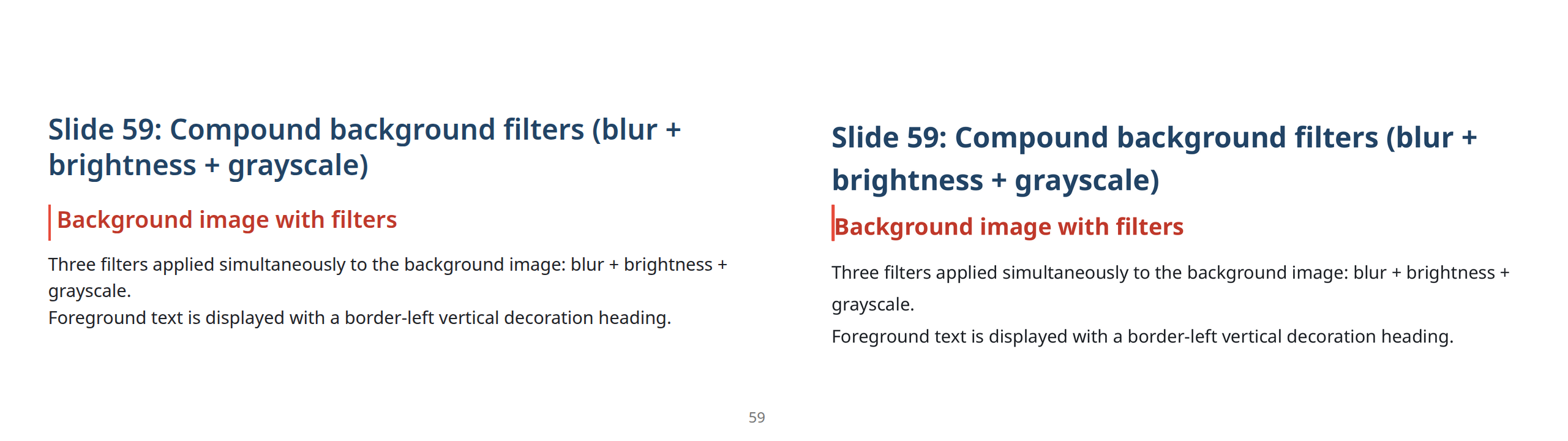
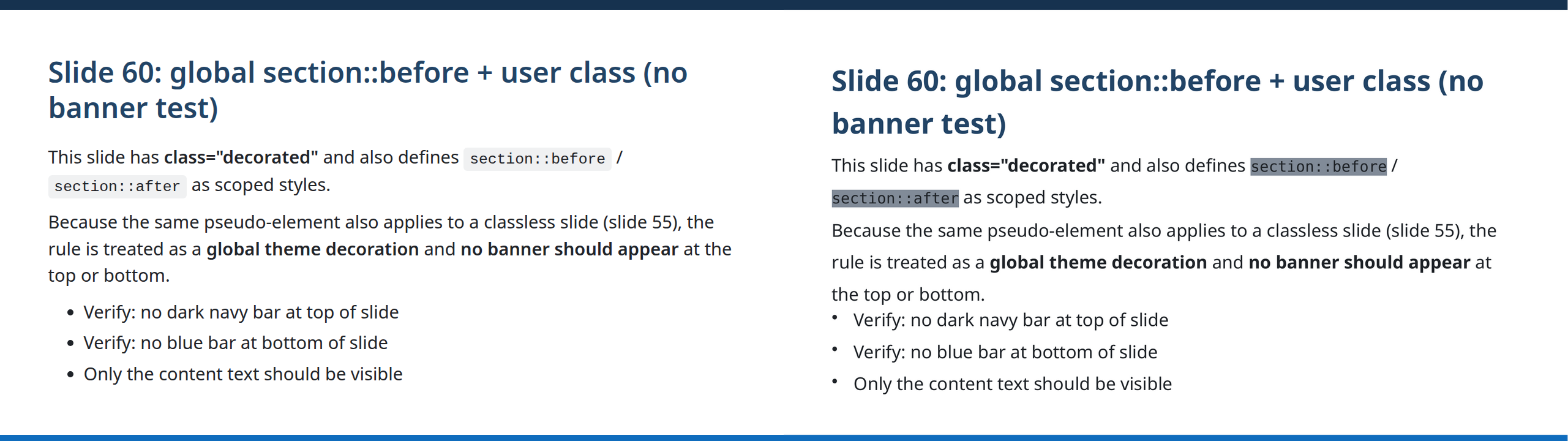
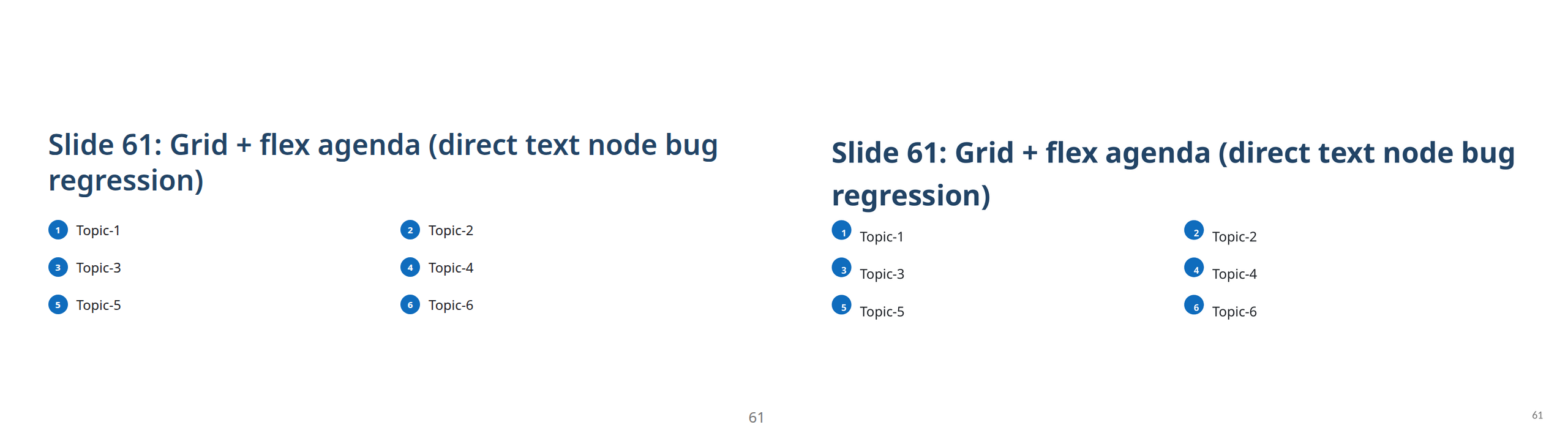
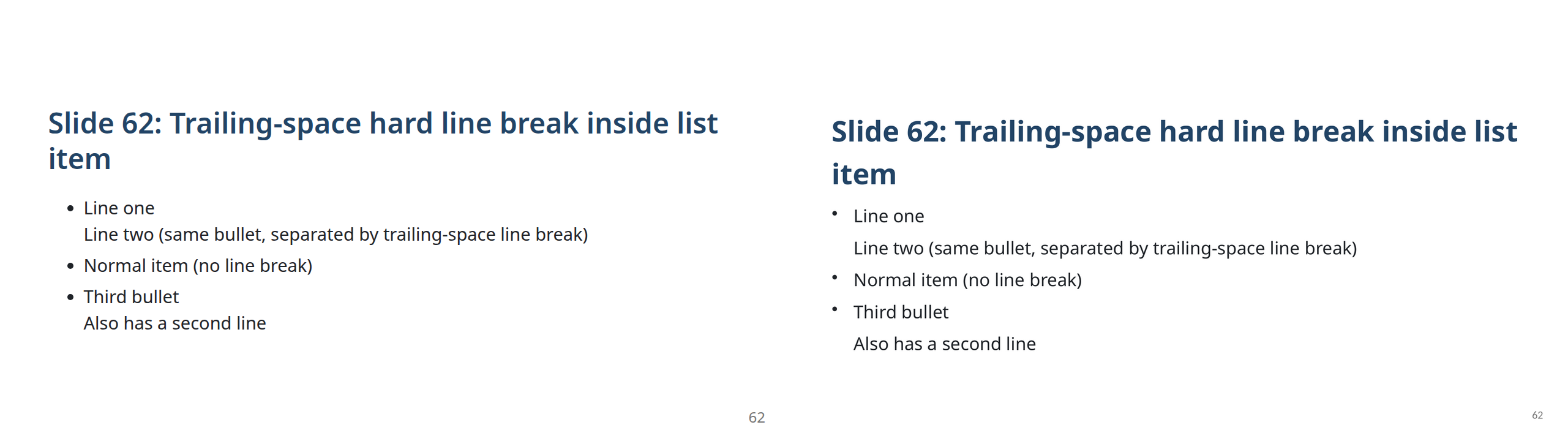
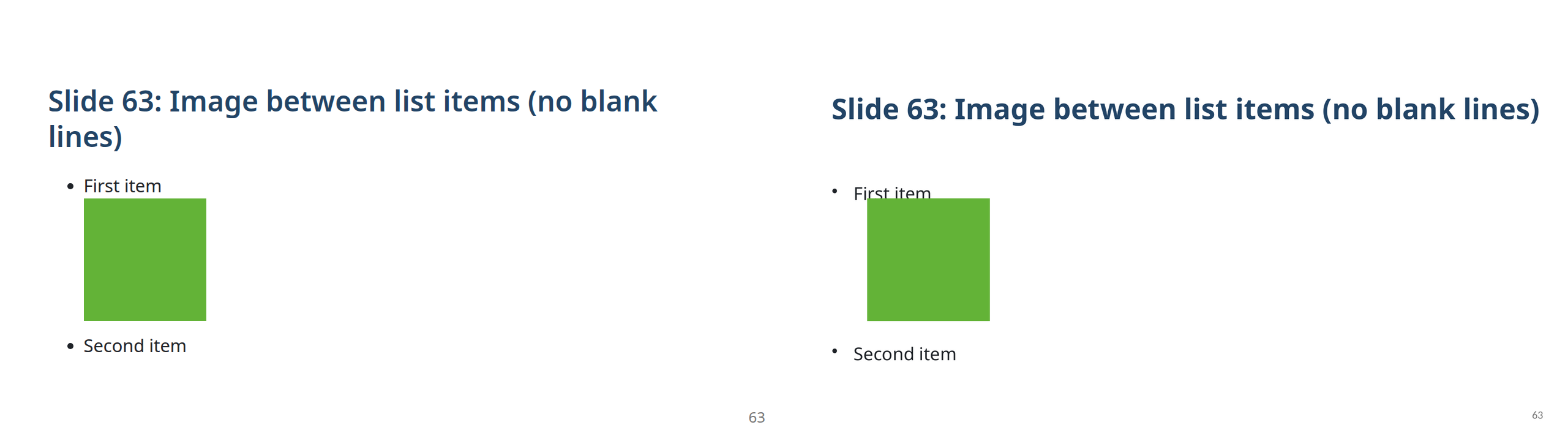
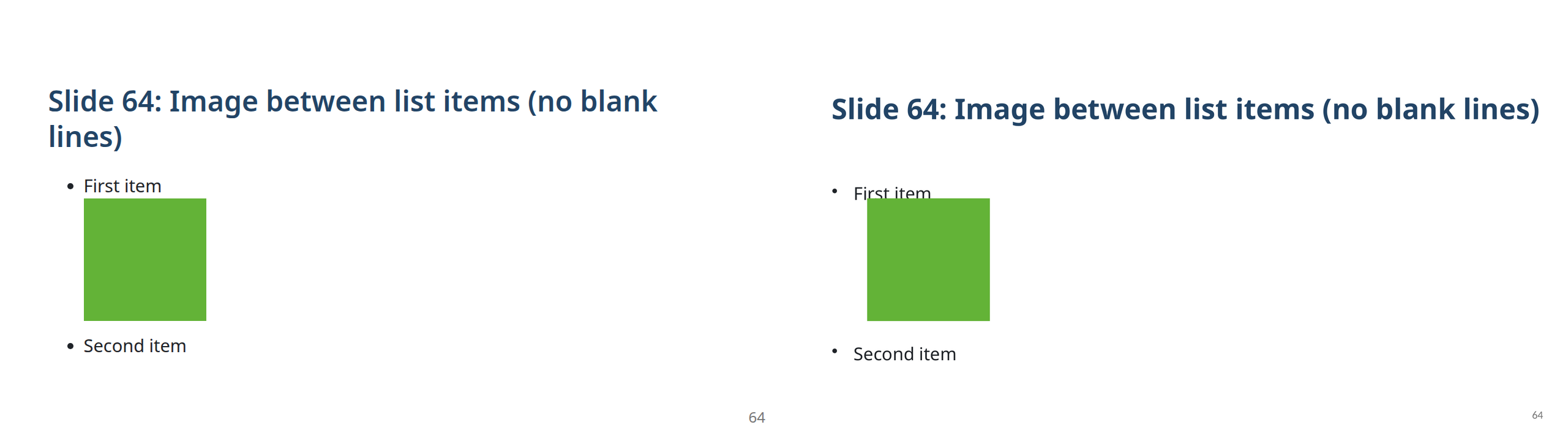
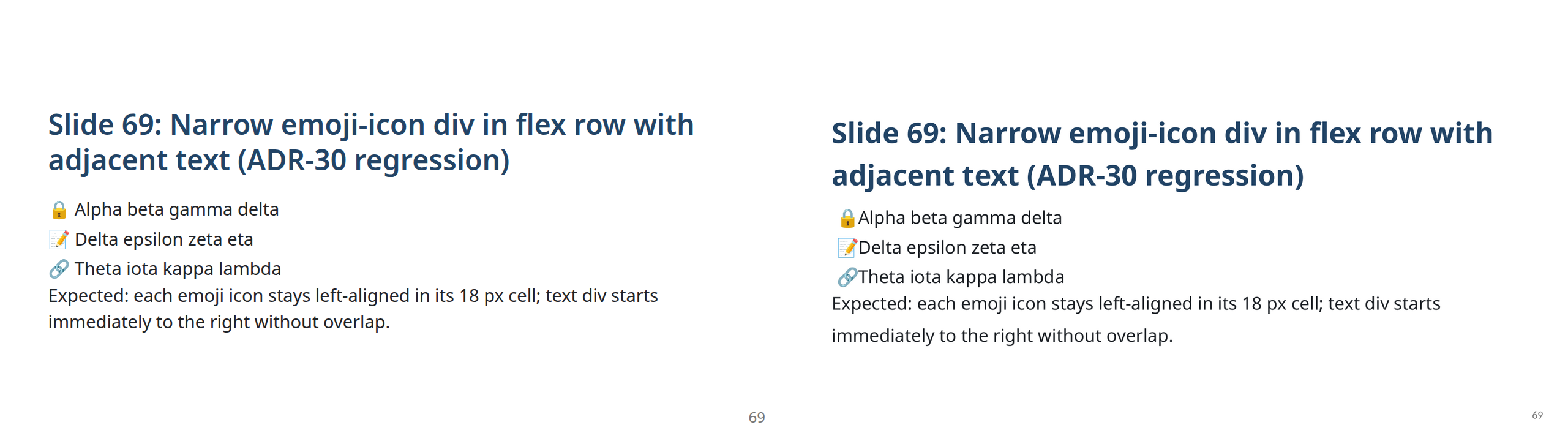
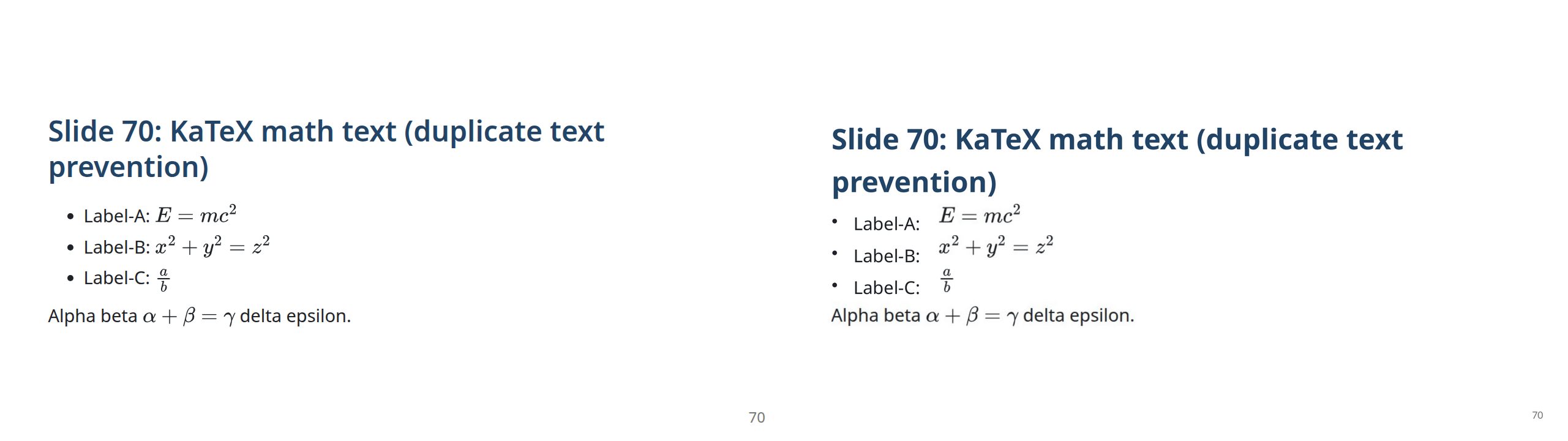
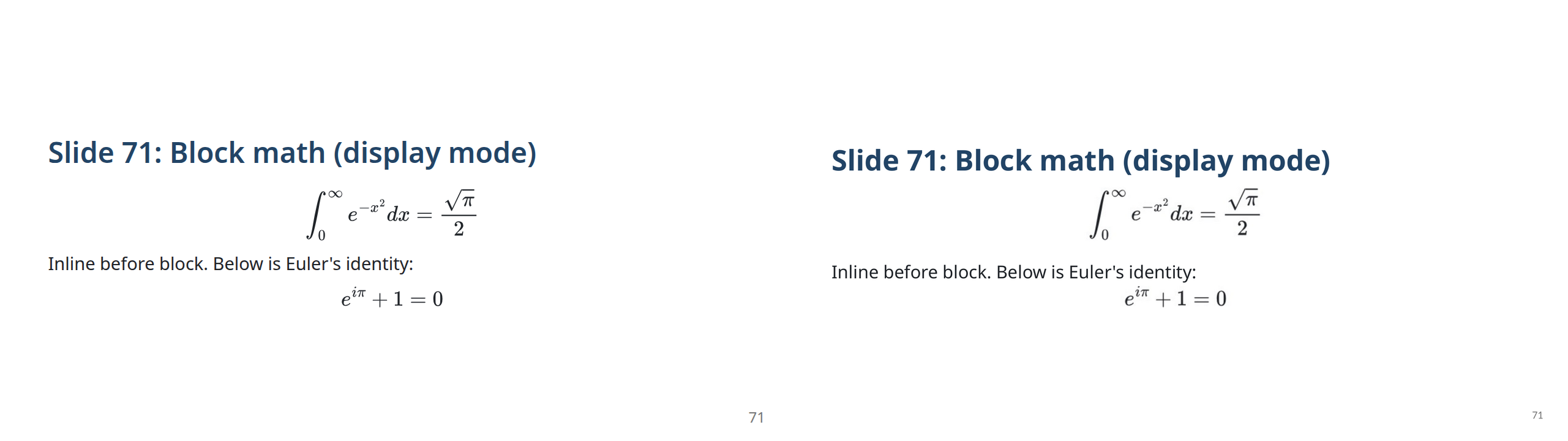
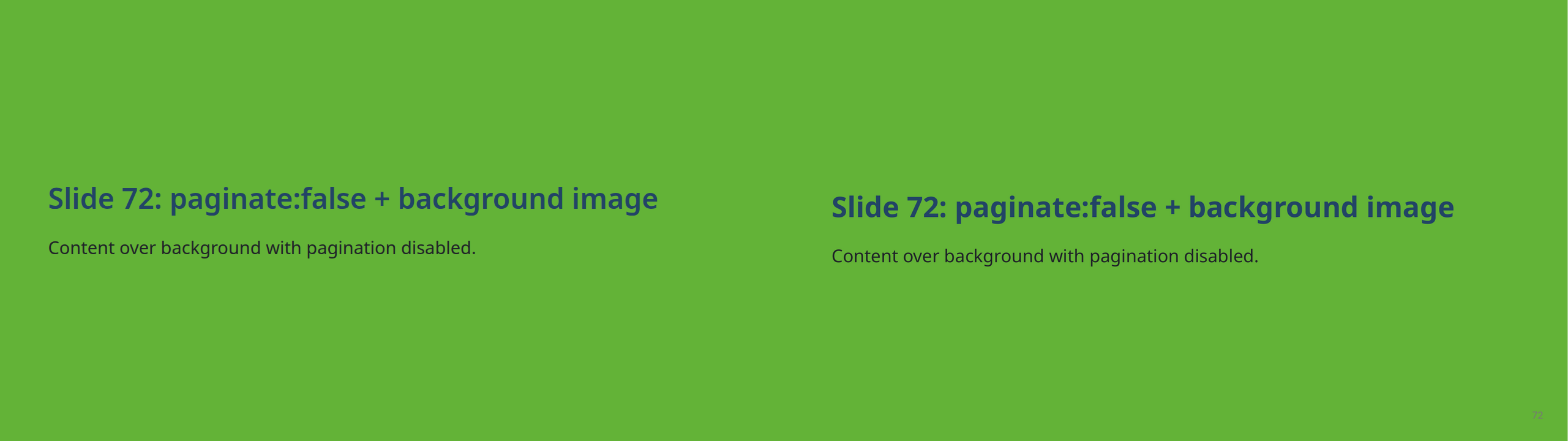
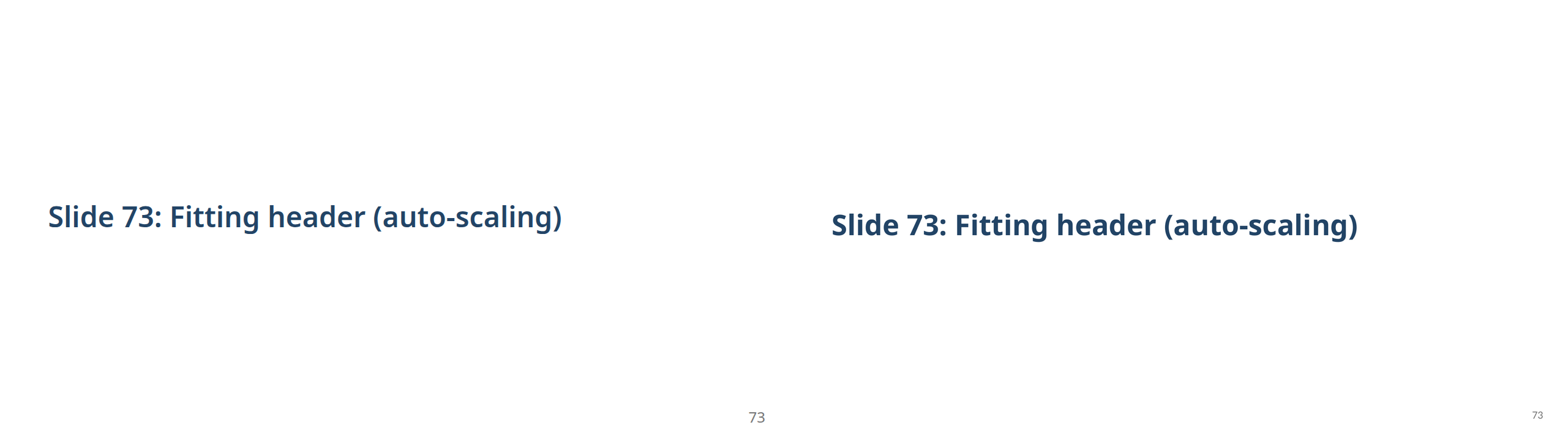
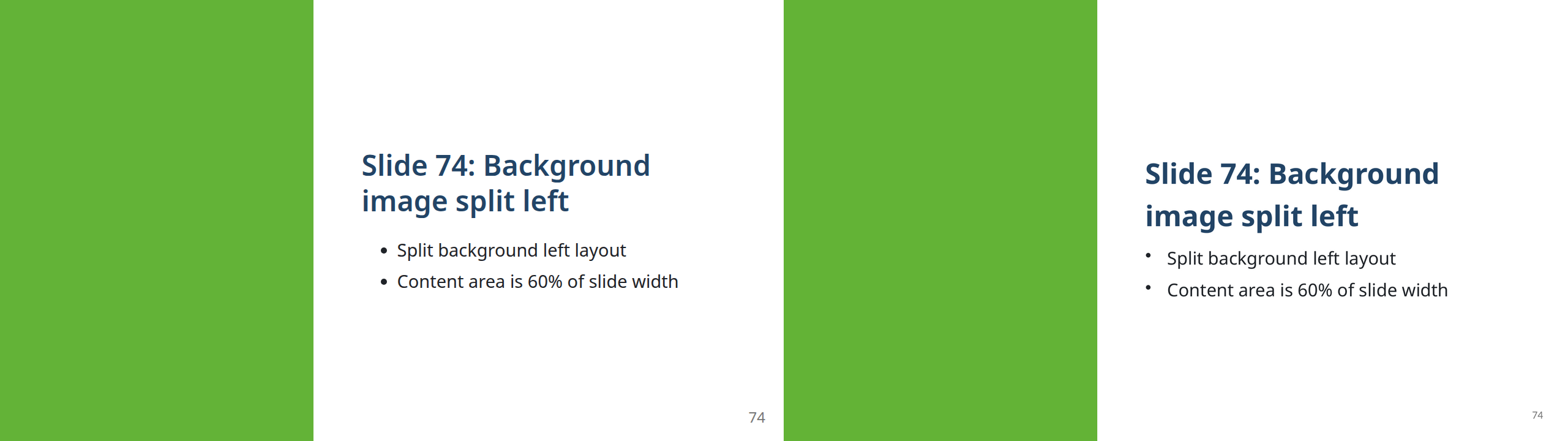
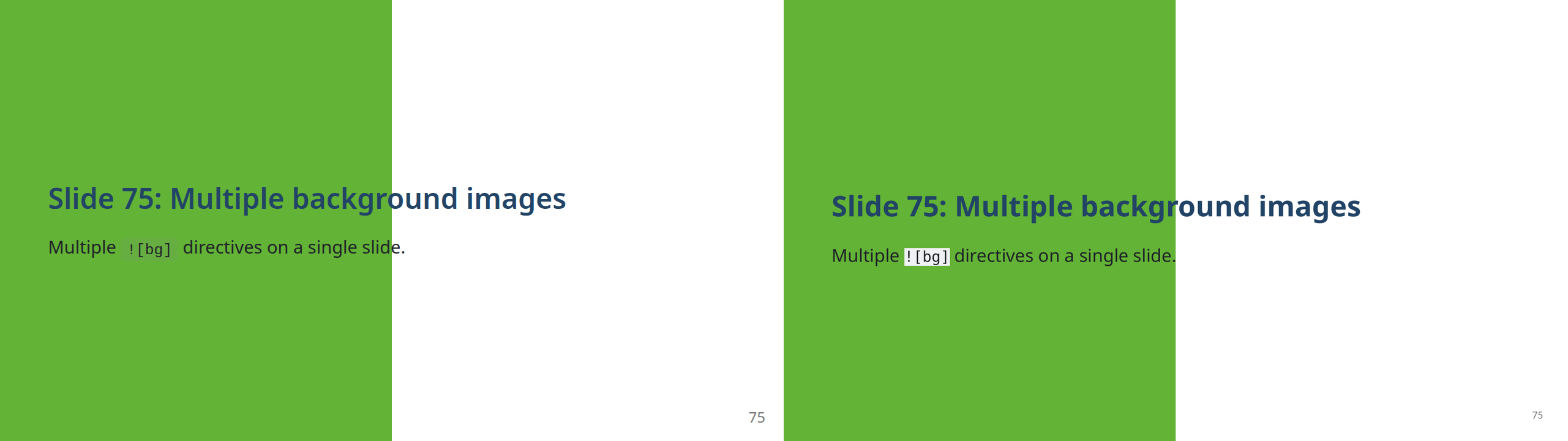
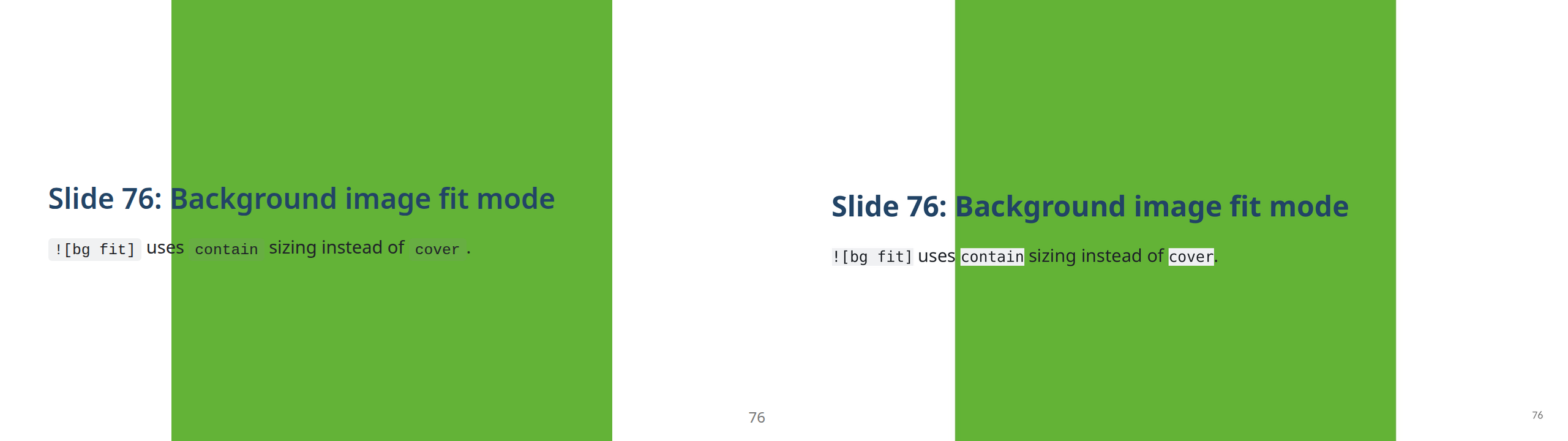
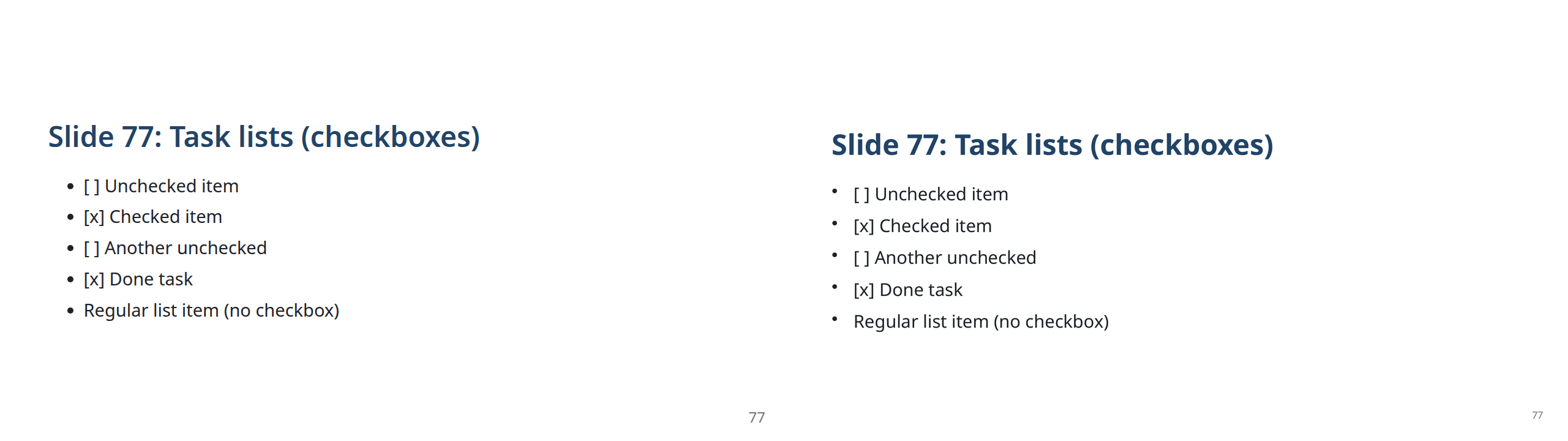
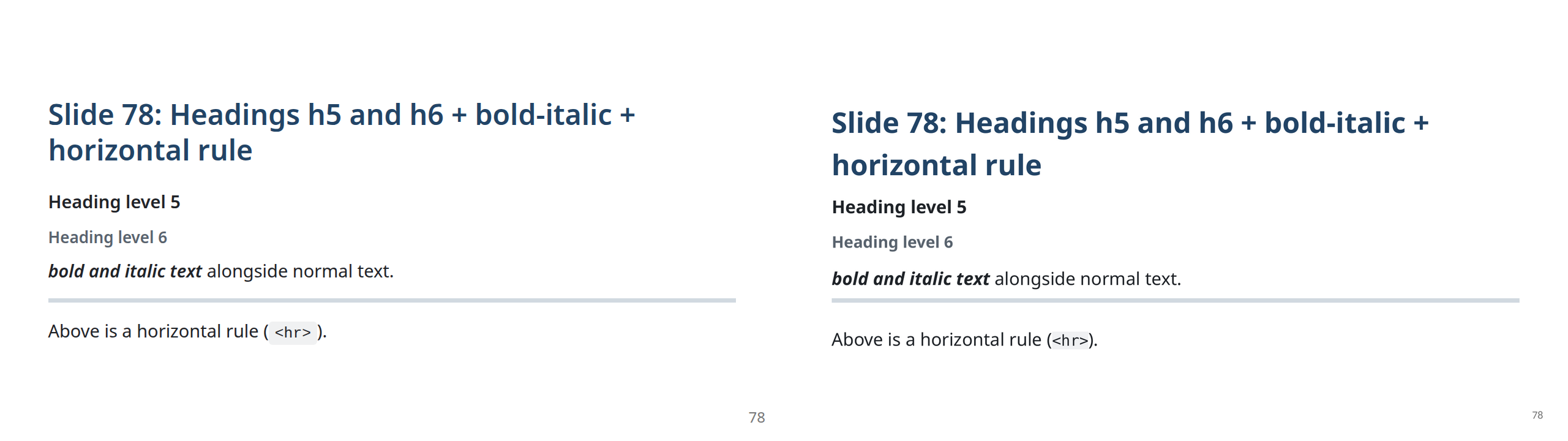
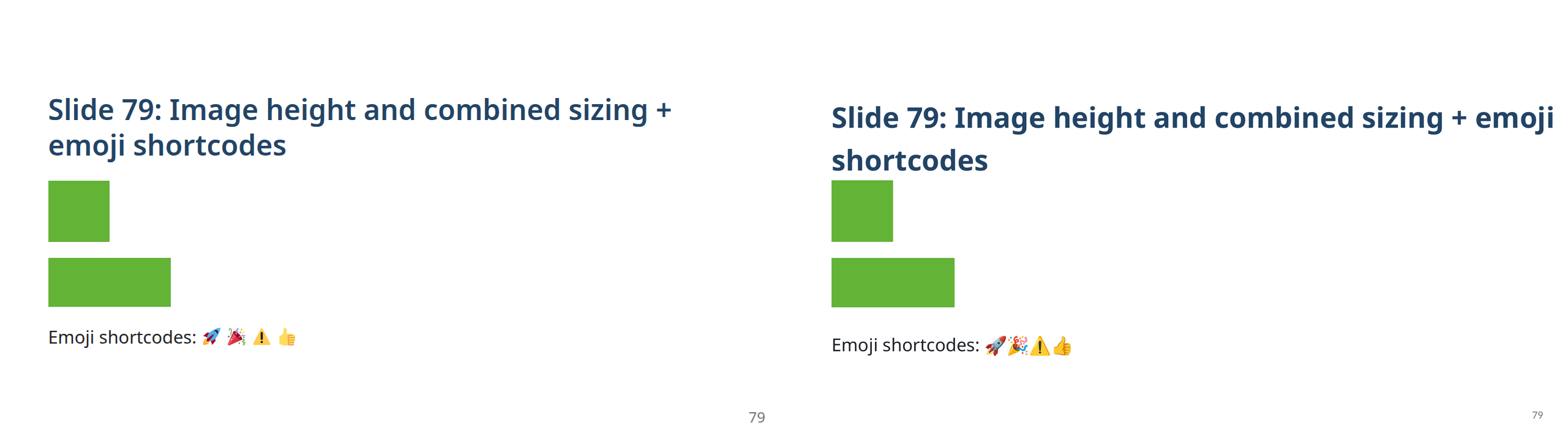
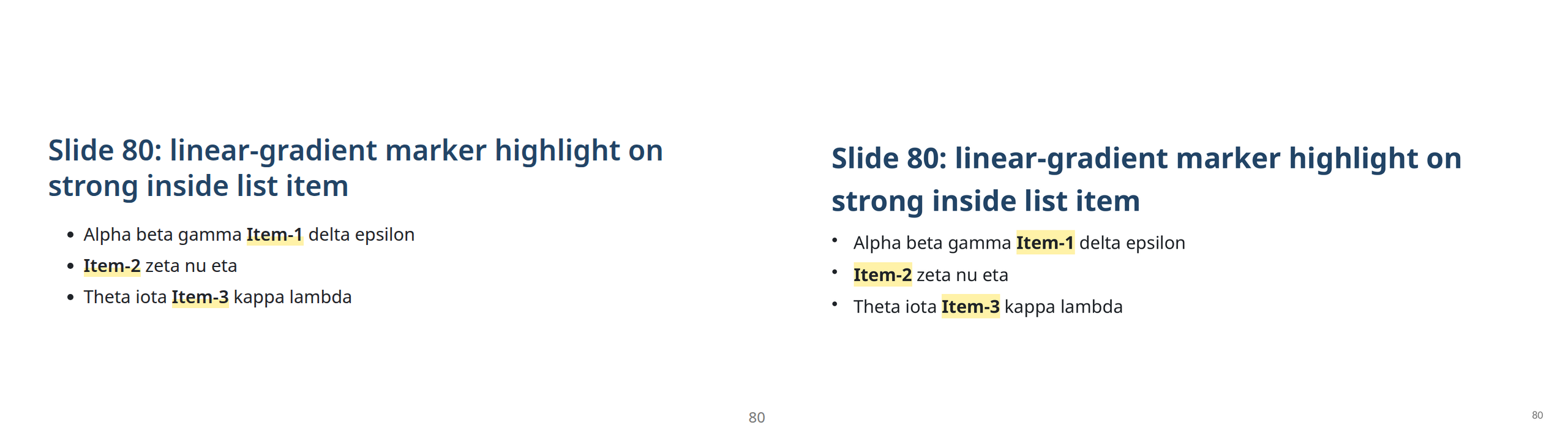
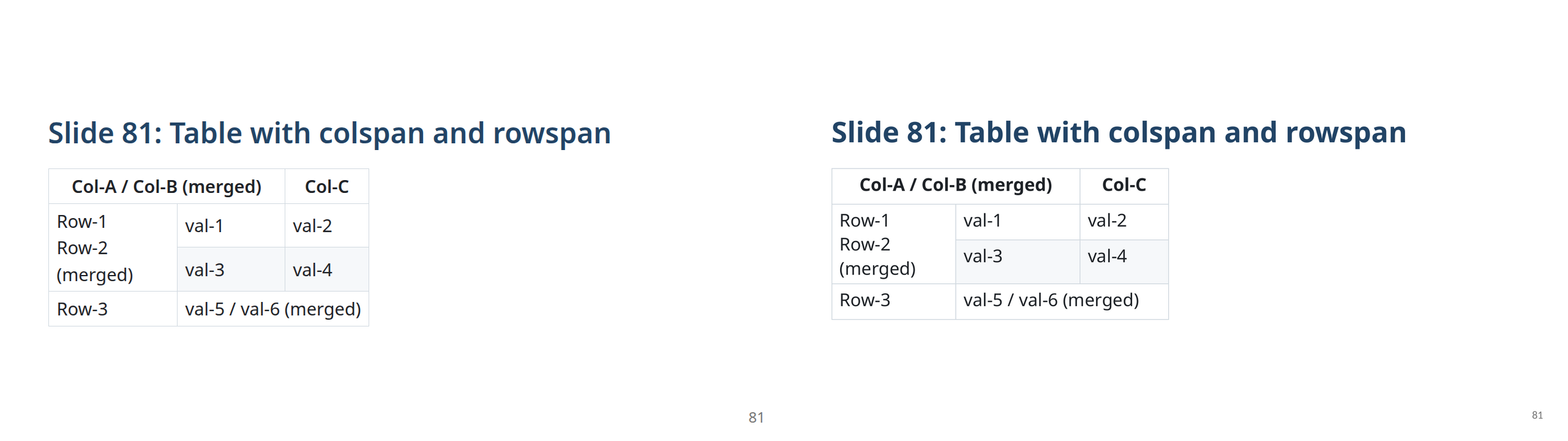
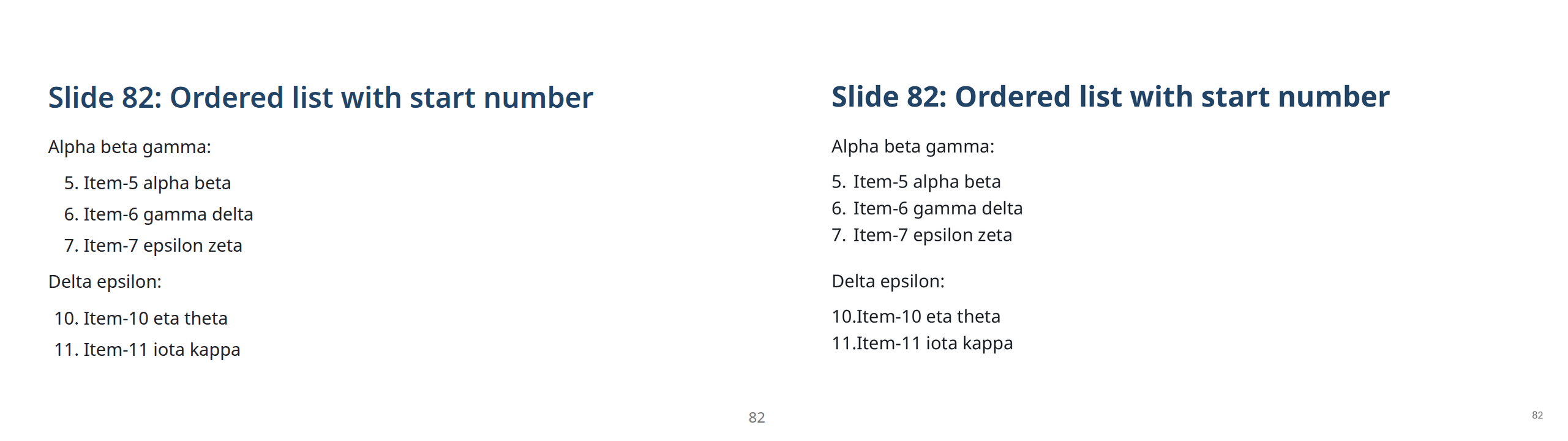
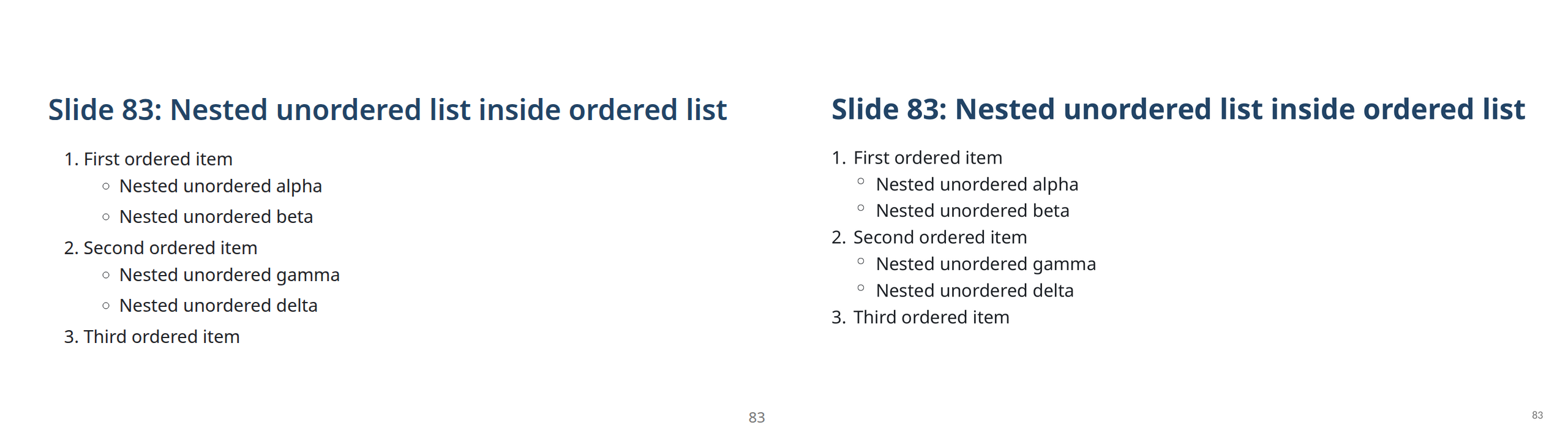
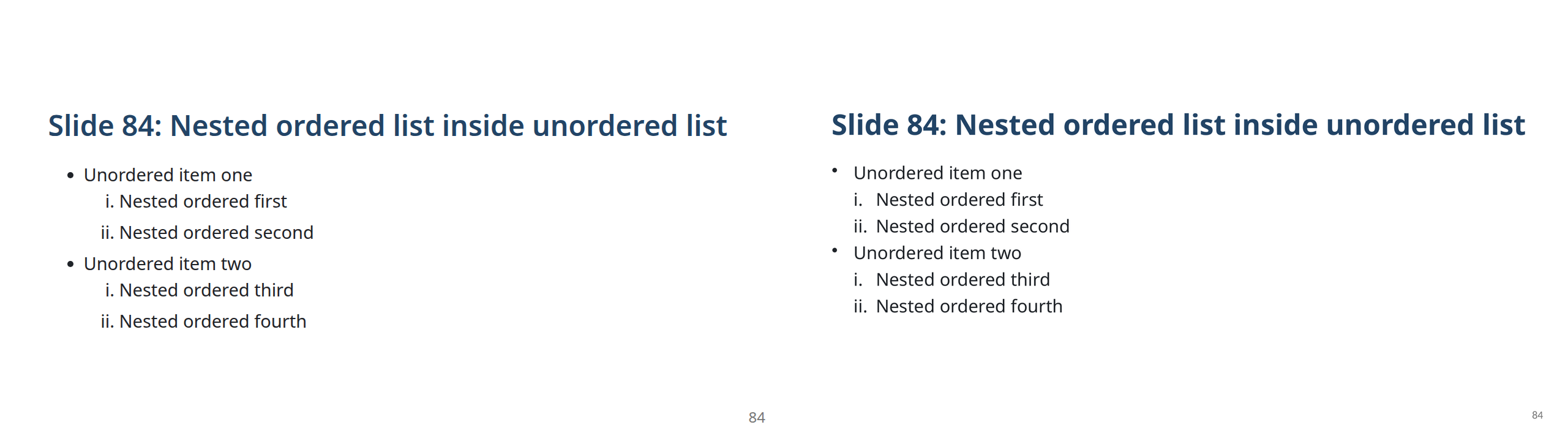
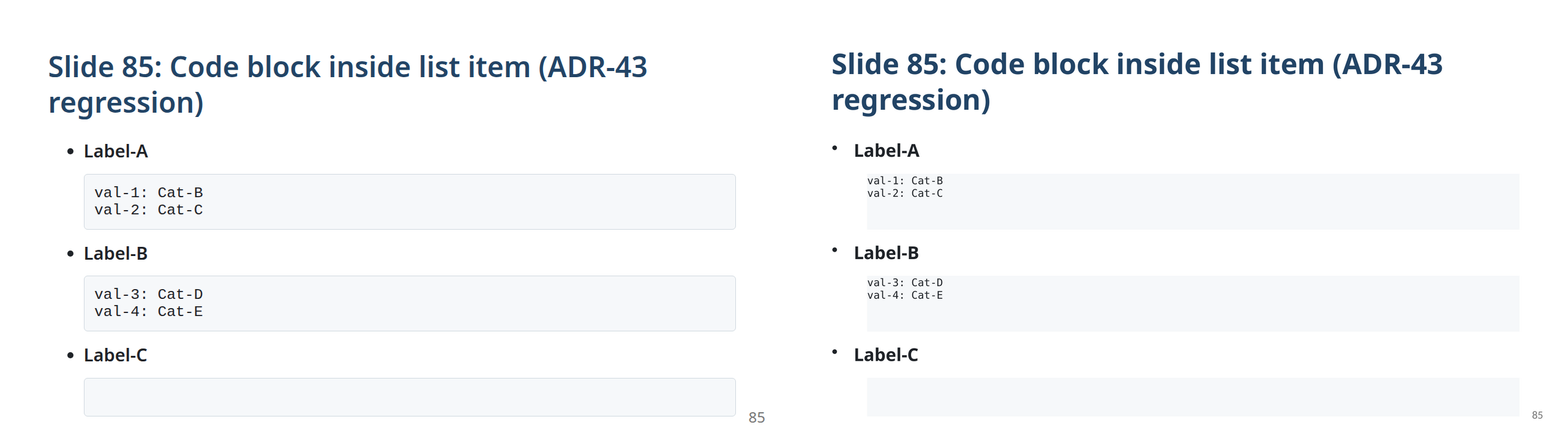
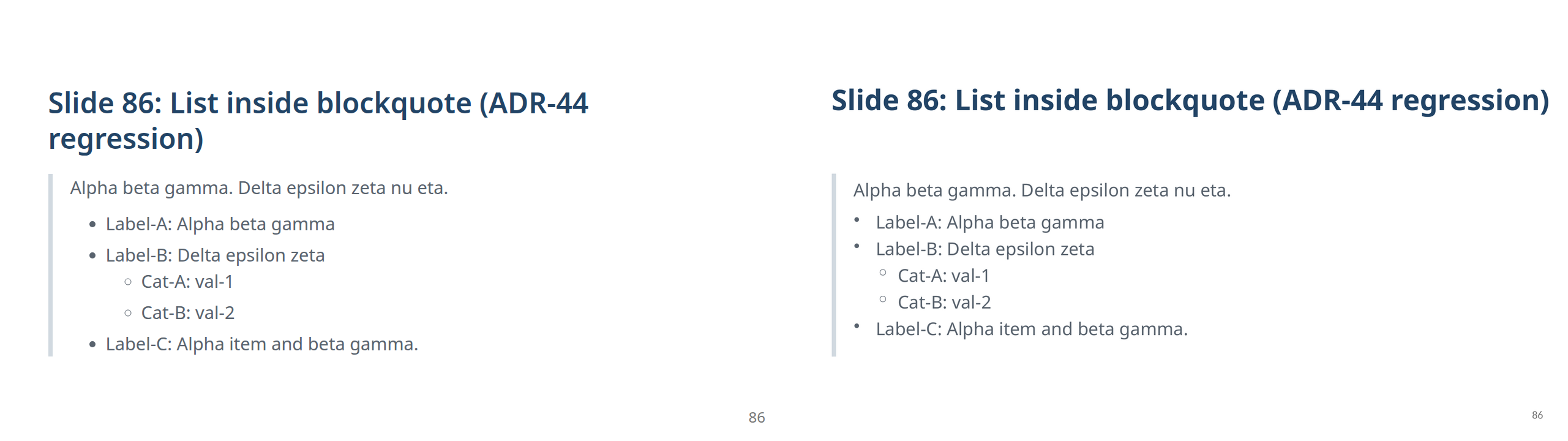
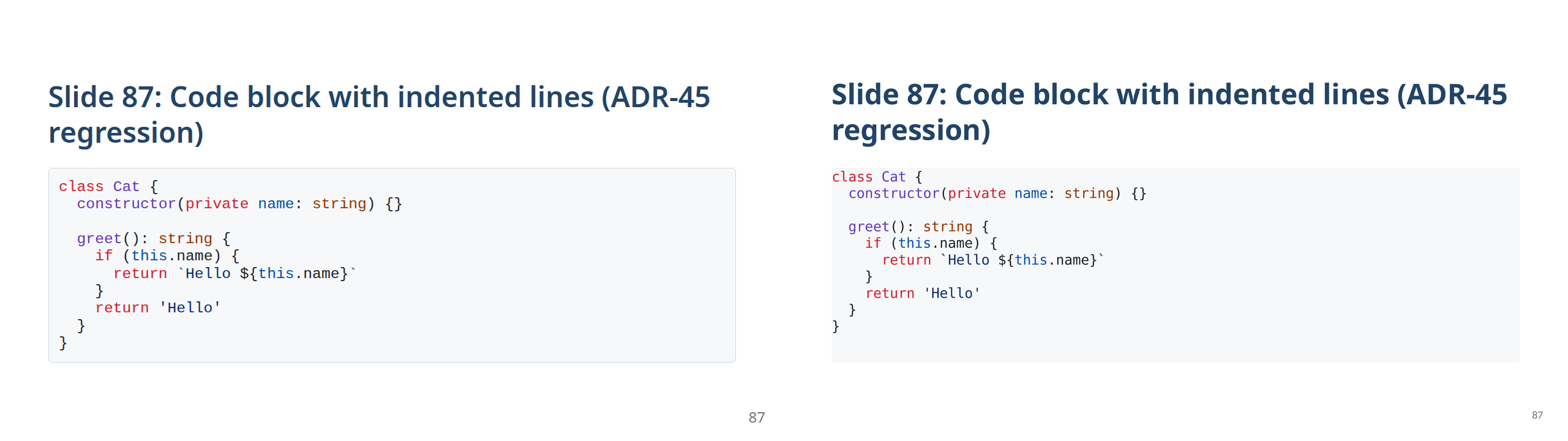
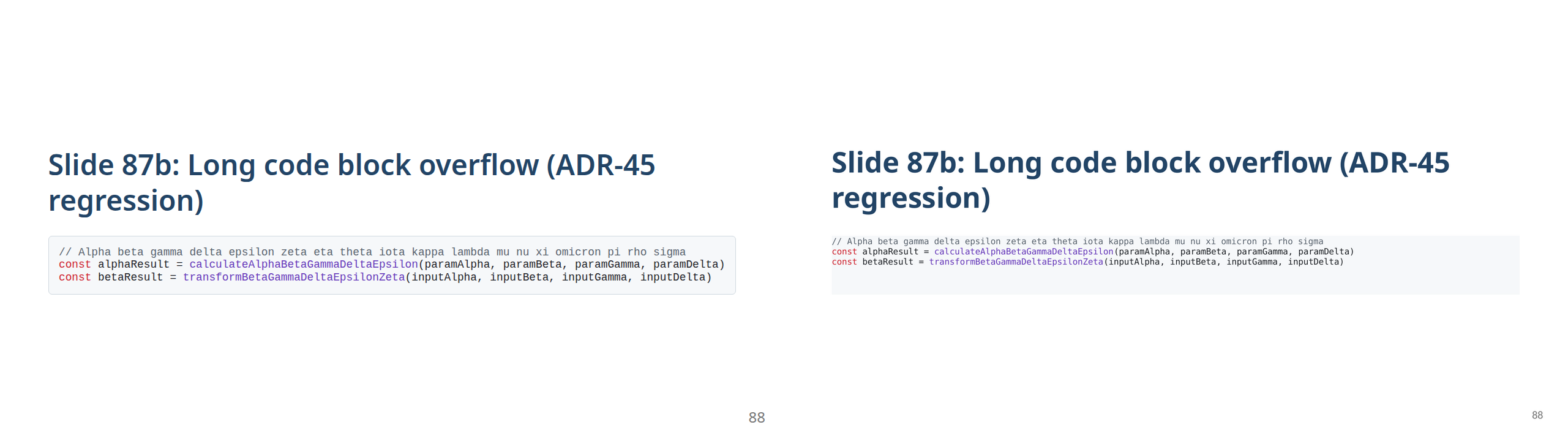
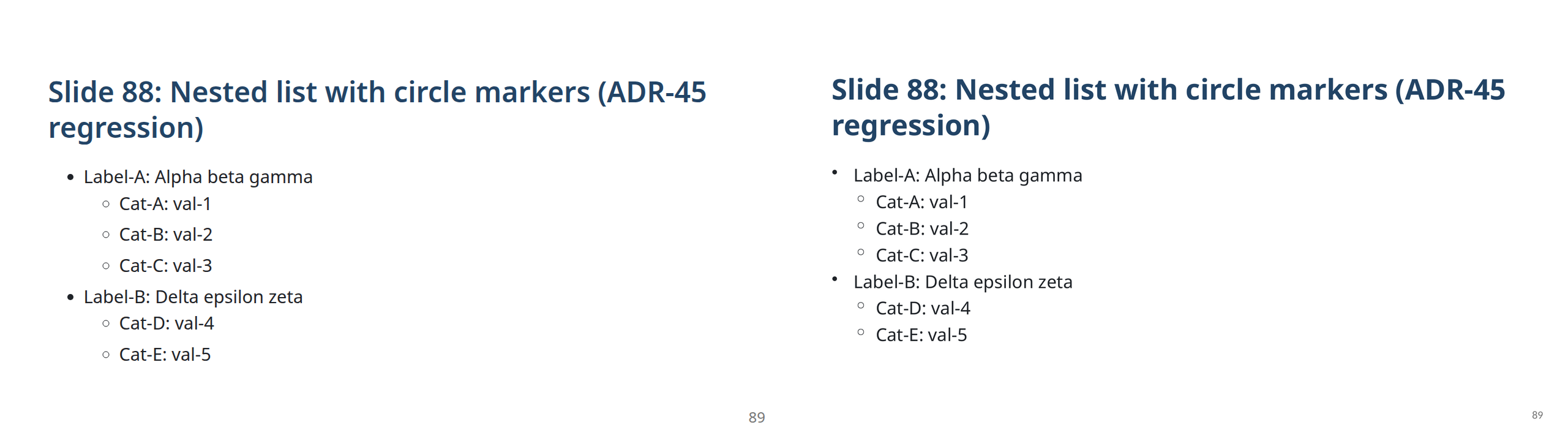
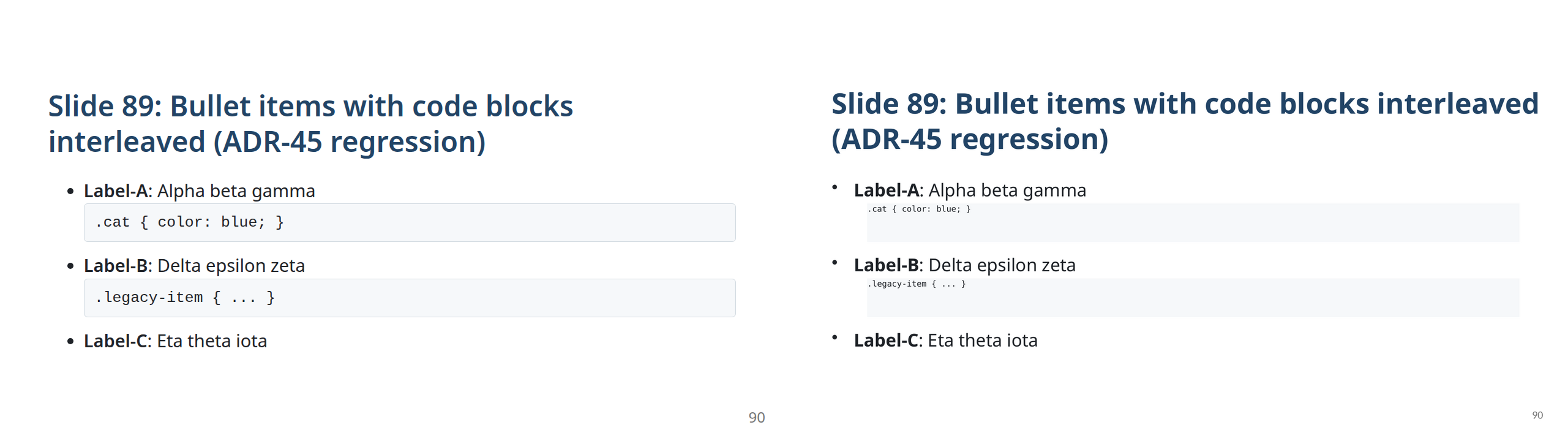
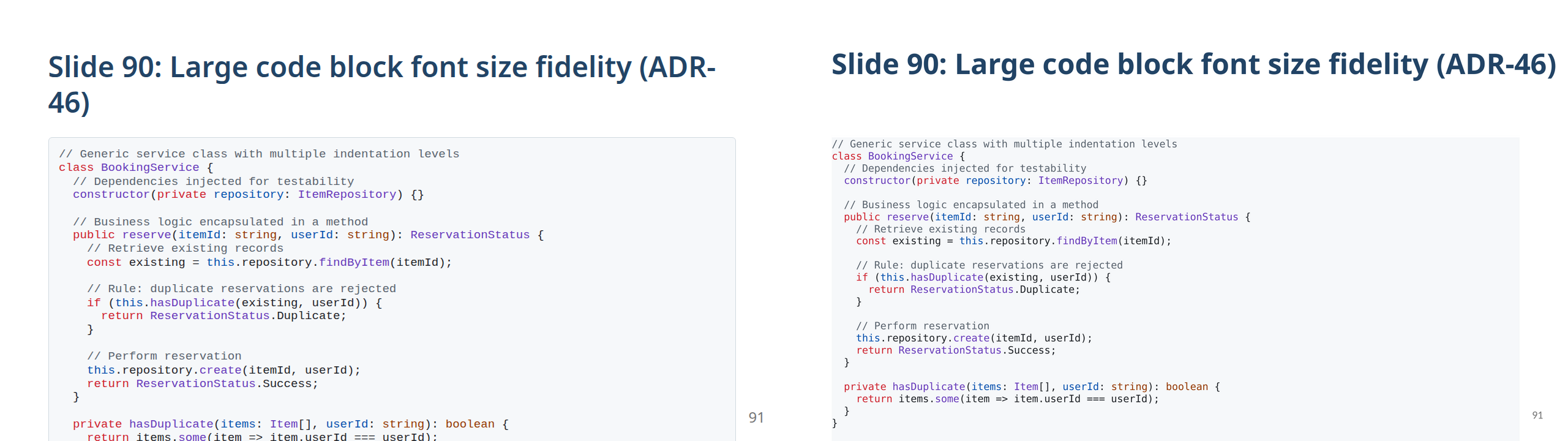
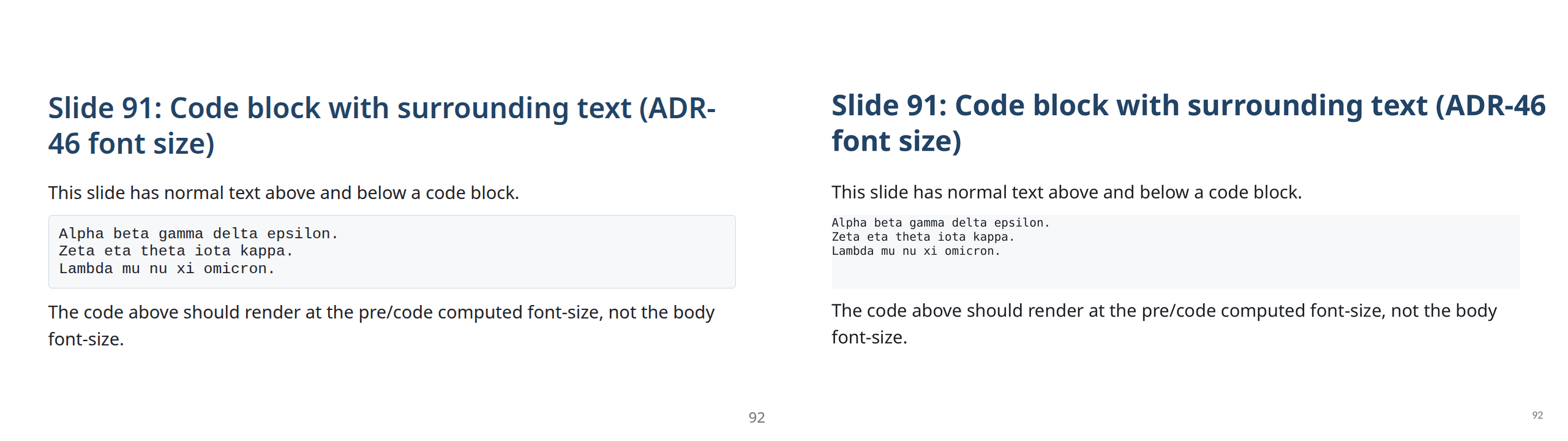
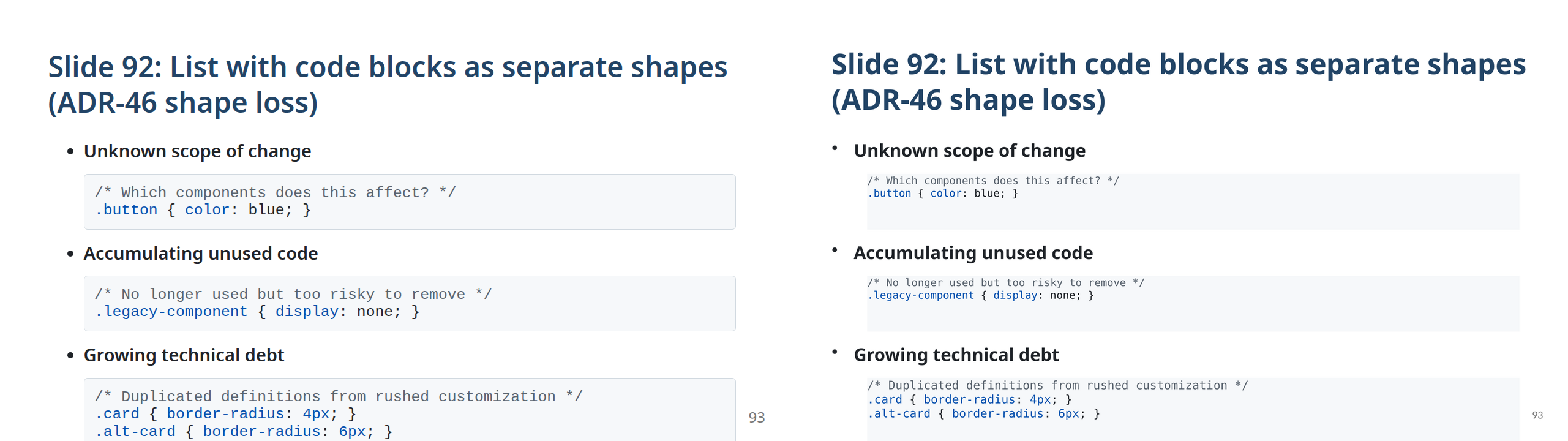
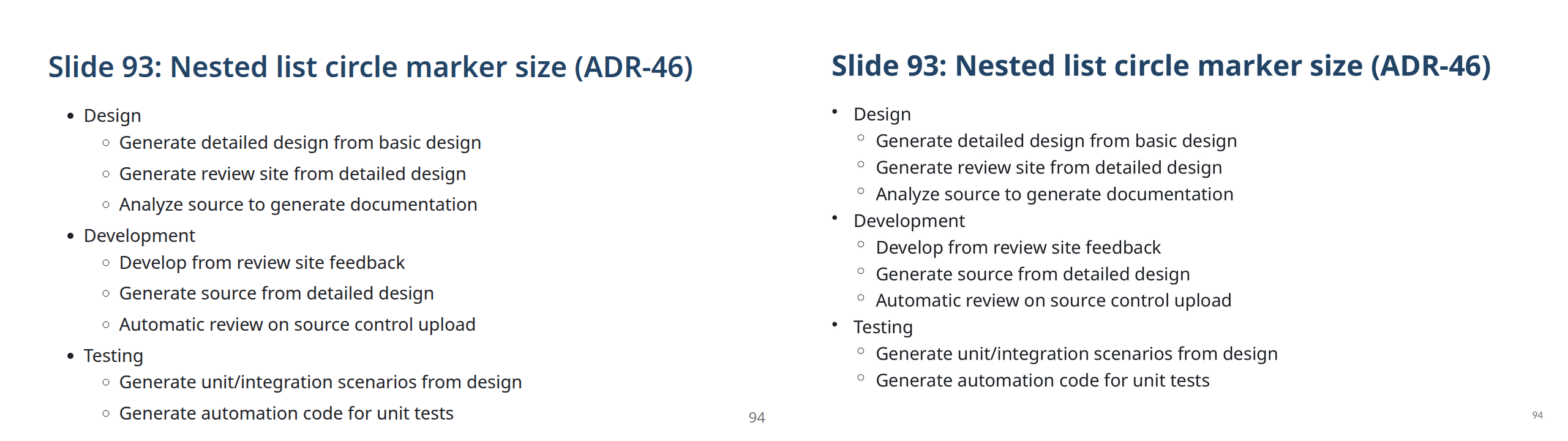
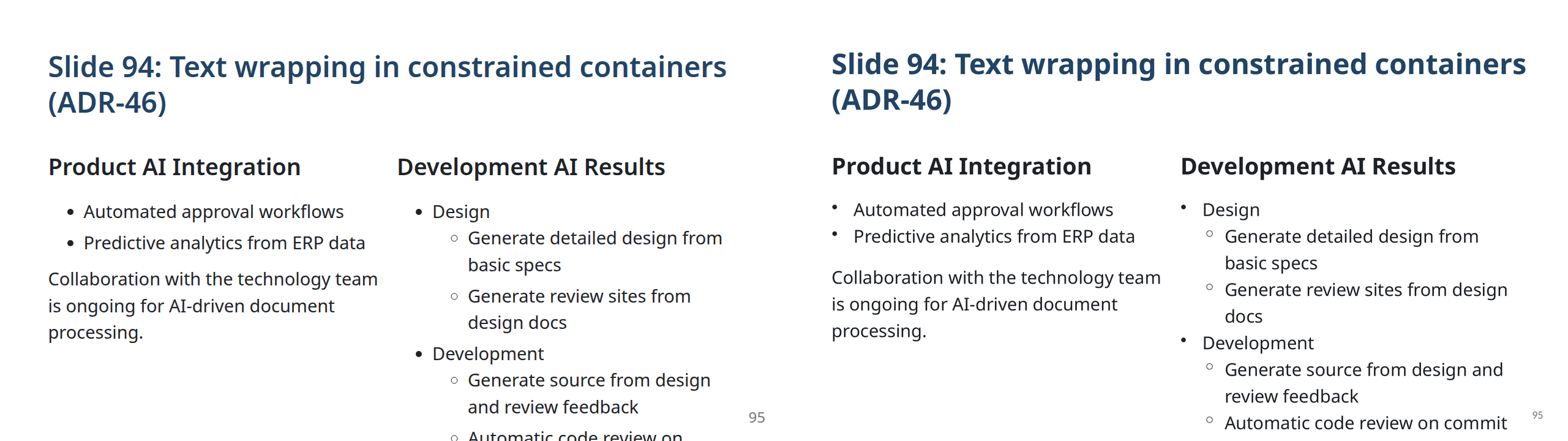
Each image shows Marp HTML on the left and the exported PPTX on the right.
All slides are from the fixture deck src/native-pptx/test-fixtures/pptx-export.md and are automatically updated by CI on every release.
⬇ Download sample PPTX — the latest generated file, updated automatically on every release.
All slide comparisons
How it works
- Converts your Markdown to HTML using @marp-team/marp-cli
- Launches a headless Chrome/Edge to render each slide at full resolution
- Extracts every element's exact position, font, color, and content via
getComputedStyle() and getBoundingClientRect()
- Assembles an editable
.pptx where each element is a native PowerPoint shape
Because it reads the browser's computed layout — not the Markdown source or CSS — it works correctly with any Marp theme, custom CSS, and html: true content. Element positions, sizes, colors, and images are reproduced faithfully; see the Layout faithfulness note above for the known typographic limitation.
For contributors
See CONTRIBUTING.md for setup, the fix workflow (ADR log, fixture slides, visual comparison), commit style, and PR rules.
AI-assisted development
This repository ships with GitHub Copilot customizations:
- Skill —
.github/skills/marp-pptx-visual-diff/SKILL.md: step-by-step guide for the visual fidelity improvement loop
- Instructions —
.github/instructions/marp-editable-pptx.instructions.md: coding conventions, architecture rules, and degression-prevention checklist
Architecture & decisions
src/native-pptx/README.md contains the full architecture description and an ADR (Architecture Decision Record) log that documents every significant design decision and past bug fix.
License
MIT