Top GitHub Trending Repo & People




A social network inside your IDE — discover trending repos, follow developers, and chat in real-time. Stop alt-tabbing to GitHub, Discord, or Slack.
This is the beta. Install it, find @leeknowsai in the chat, and tell me what to build next — I ship updates within 24h.
Install
Features
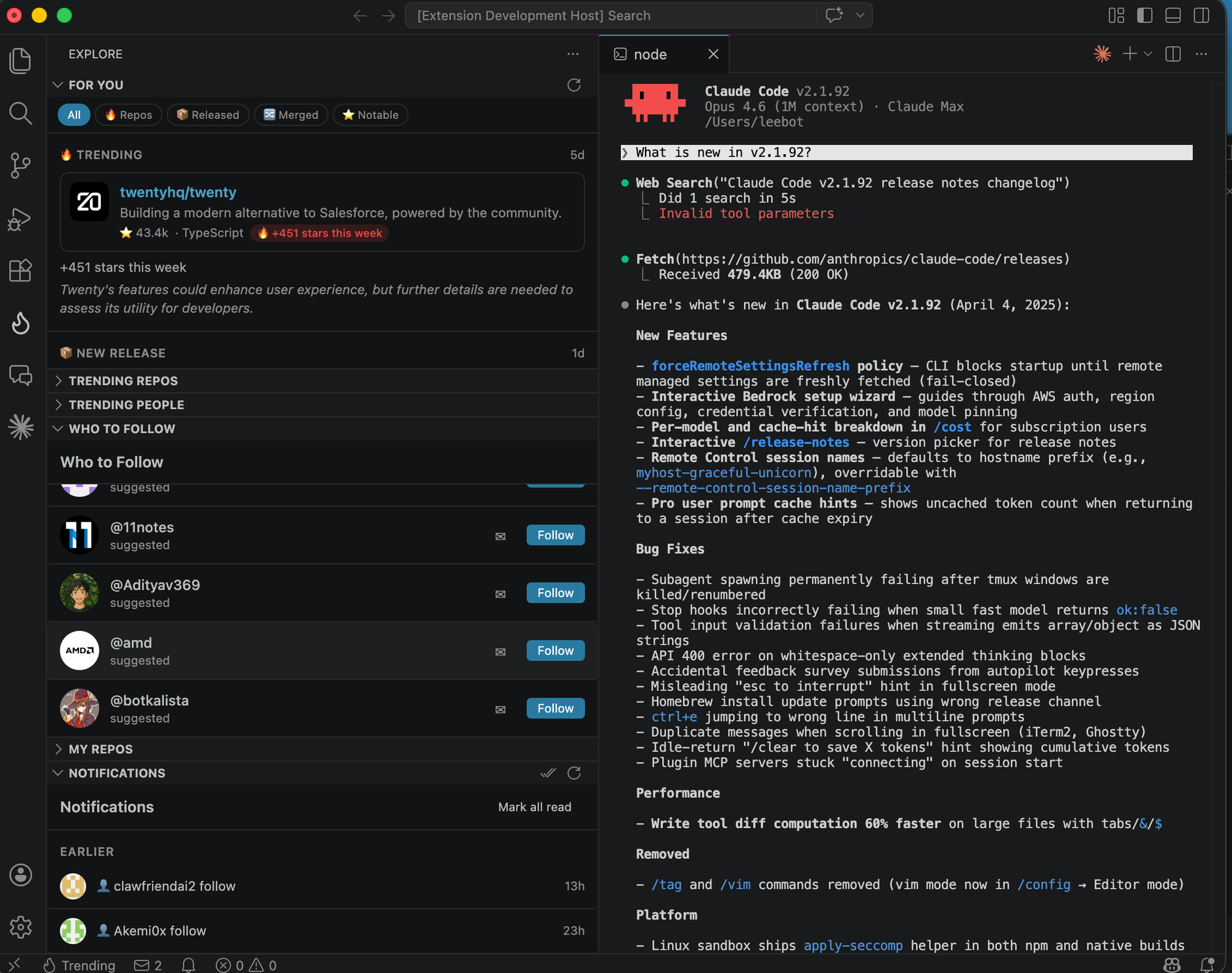
Discover
- Trending Repos — Browse what's hot on GitHub, refreshed every 5 minutes
- Trending People — Find top developers with star power scores
- Activity Feed — Personalized "For You" feed of what your network is building
- Search — Find repos and people from the command palette
Connect
- Follow & Star — Follow devs and star repos without leaving your editor
- Developer Profiles — View profiles with stats, top repos, and star power
- Who to Follow — Smart suggestions based on your GitHub network
Chat
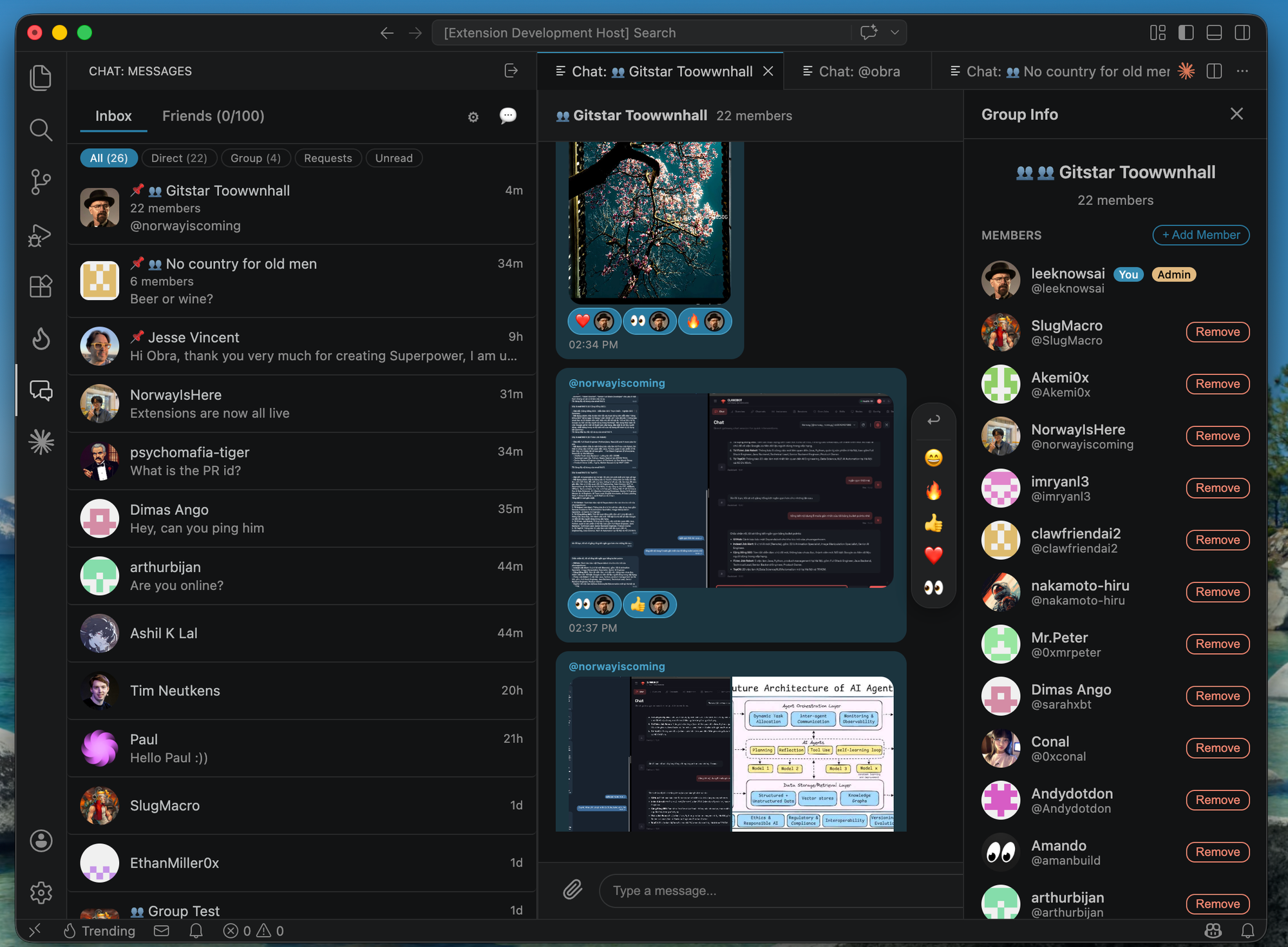
- Direct Messages — Chat with any developer in real-time
- Group Chat — Create groups with your team or community
- Rich Messaging — Reactions, attachments, replies, link previews, typing indicators
- Presence — See who's online right now
Works with
VS Code, Cursor, Windsurf, Antigravity, Void, OpenCode, and any IDE supporting VS Code extensions.
Getting Started
- Install the extension from the Marketplace
- Click the Explore icon in the activity bar
- Browse trending repos and people — no login required
- Sign in with GitHub to unlock social features
Commands & Shortcuts
Open the command palette (Cmd+Shift+P / Ctrl+Shift+P) and type "Trending":
| Command |
Shortcut |
Description |
| Trending: Sign In |
|
Sign in with GitHub |
| Trending: Search |
|
Search repos & people |
| Trending: Browse Trending Repos |
Cmd+Shift+G T |
Open trending repos |
| Trending: Open Inbox |
Cmd+Shift+G M |
Open your messages |
| Toggle Sidebar |
Cmd+Shift+G G |
Show/hide the Explore sidebar |
| Trending: Copy Invite Link |
|
Copy invite message to clipboard |
| Trending: Copy Profile Badge |
|
Copy README badge markdown |
Privacy
This extension uses GitHub OAuth for authentication. See our Privacy Policy.
Feedback & Issues
Found a bug or have a feature request? Open an issue.
License
MIT
| |

