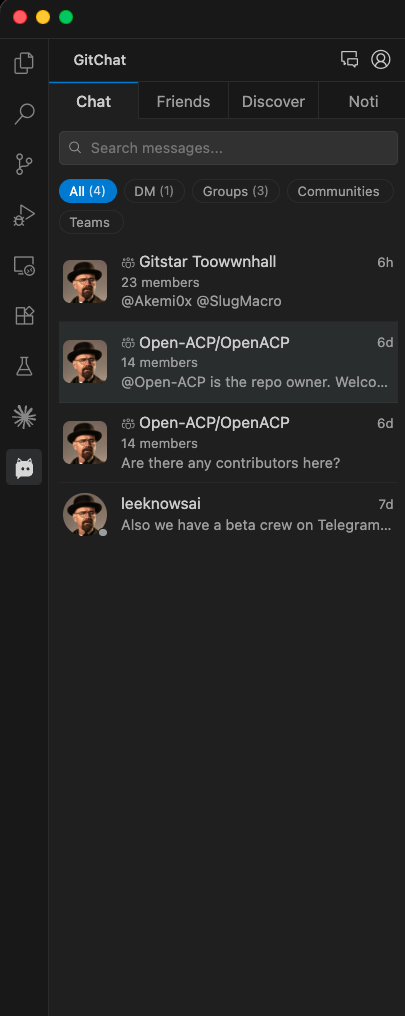
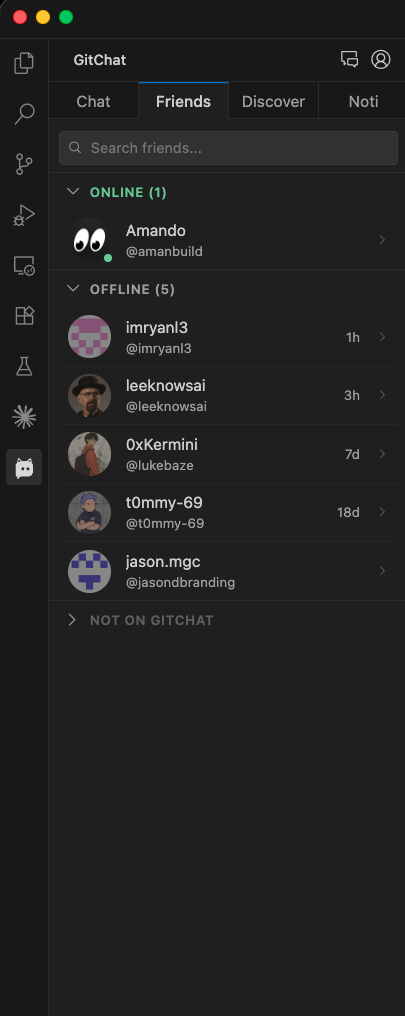
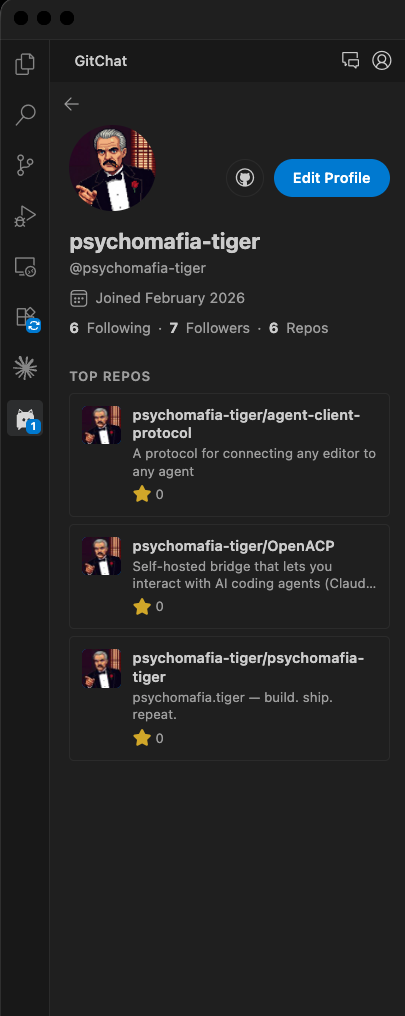
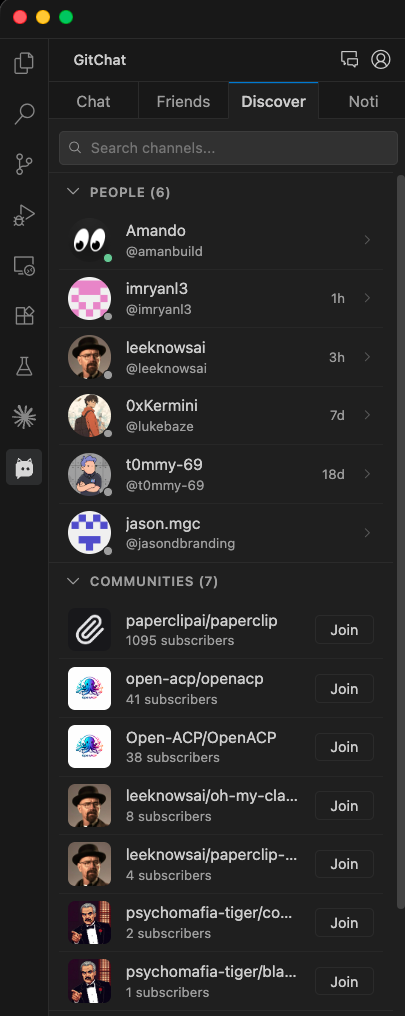
GitChat - The missing chat layer for GitHubChat with contributors, repo owners, and dev communities - without leaving your editor. No alt-tab. No context-switching. Installation Launch VS Code Quick Open ( Ctrl+P), paste the following command, and press enter.Copied to clipboard |

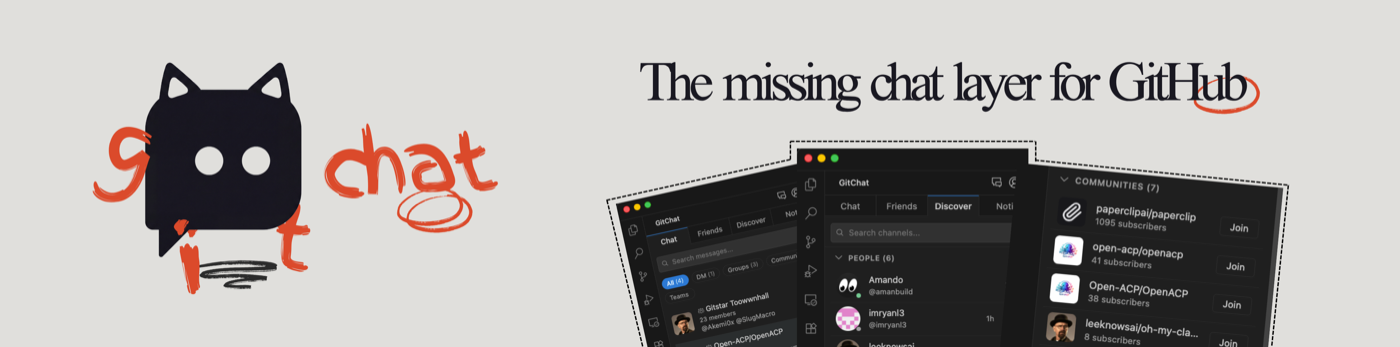
GitChatThe missing chat layer for GitHub
GitChat is a free, open-source IDE extension that brings real-time developer chat, GitHub-based social networking, and repo community channels into VS Code, Cursor, and compatible editors - without leaving your coding environment. When You Actually Need This
Quick Install - Chat With GitHub Developers in SecondsOpen VS Code, Cursor, Windsurf, or Antigravity. Press Works with VS Code, Cursor, Windsurf, Antigravity, and all VS Code-compatible IDEs. What GitChat Does - IDE Chat for GitHub Developers
Why Not Just Use External Chat Apps?
Roadmap - We Ship Fast. Here's What's Live and What's Next.
Get Started - Chat With Developers in 30 Seconds
CommandsOpen the command palette (
Frequently Asked Questions About GitChatWhat is GitChat?GitChat is a free VS Code extension that adds real-time developer chat to your IDE. It uses your GitHub account to connect you with developers you follow - for DMs, group chats, and soon, community channels around repos you care about. No alt-tab, no context-switching, no separate app. What is the best chat extension for VS Code?GitChat is the only VS Code extension built specifically for developer-to-developer chat using GitHub identity. It turns your GitHub follows into a friends list, shows you who's online right now, and lets you DM or group chat - all inside VS Code, Cursor, or any compatible editor. If you want to stay in your editor and chat with the people you code alongside, GitChat is the answer. How to chat with GitHub developers inside VS Code?Install GitChat with How is GitChat different from Copilot Chat or Live Share?Copilot Chat is an AI assistant. Live Share is real-time collaborative editing. GitChat is neither - it's human-to-human messaging. Think of it as the social layer GitHub never shipped: DMs, group chats, and community channels, all tied to your GitHub identity and accessible from inside your editor. Does it work with Cursor, Windsurf, or Antigravity?Yes. GitChat works with any IDE that supports VS Code extensions - VS Code, Cursor, Windsurf, Antigravity, Void, and more. One install, works everywhere. Do I need a new account?No. GitChat uses your existing GitHub account. Sign in with OAuth, and you're in. No new email, no new password, no extra signup. Is GitChat free?Yes. GitChat is free and open source under the MIT license. The core chat features - DMs, group chats, presence, profiles - are free. Always. Free alternative to external chat apps for developer teams inside VS Code?GitChat is a free, open-source alternative to external chat tools for development teams who prefer to work inside their editor. It requires no new accounts, uses GitHub identity for access control, and keeps conversations in the same window as your code. Install it free from the VS Code Marketplace or Open VSX. Can I message GitHub contributors from my IDE?Yes. If you follow someone on GitHub and they follow you back, GitChat adds them to your friends list automatically. You can see if they're online and message them directly - DMs or group chats - from inside your editor. GitChat is the only VS Code extension that lets you message GitHub contributors without leaving your IDE. gitchat.sh · Report Bug · Privacy · MIT License Built for developers who would rather chat where they code. |