

nUIget for VS Code
A Visual Studio-style NuGet package manager for VS Code with a modern split-panel UI and Activity Bar sidebar.
✨ Features
🚀 Quick Start
⚙️ Settings
📋 Commands
⌨️ Keyboard ShortcutsQuick Search Navigation
Version Picker (after pressing
|


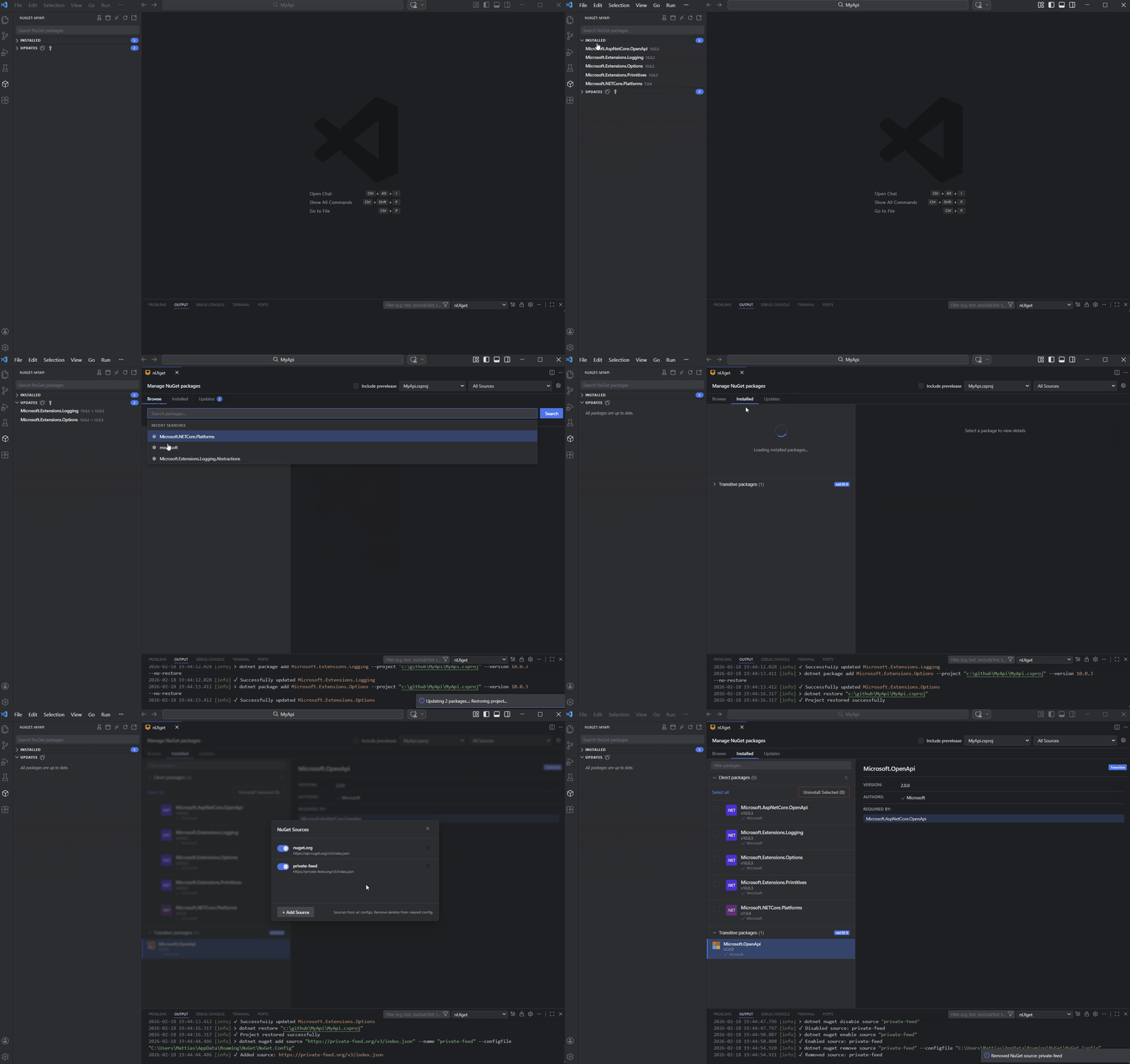
| Key | Action |
|---|---|
↑ / ↓ |
Navigate versions |
← |
Back to package list |
Enter |
Install selected version |
Package List Navigation
| Key | Action |
|---|---|
↑ / ↓ |
Navigate packages |
Home / End |
Jump to first/last |
Enter |
Install (Browse) / Update (Updates) |
Delete |
Uninstall (Installed tab) |
Space |
Toggle checkbox selection |
📁 Configuration
NuGet Sources
The extension reads sources from:
- User-level:
%USERPROFILE%\.nuget\NuGet\NuGet.Config(Windows) or~/.nuget/NuGet/NuGet.Config(Mac/Linux) - Workspace-level:
nuget.configin workspace root
Example nuget.config:
<?xml version="1.0" encoding="utf-8"?>
<configuration>
  <packageSources>
    <add key="nuget.org" value="https://api.nuget.org/v3/index.json" />
    <add key="MyPrivateFeed" value="https://pkgs.dev.azure.com/myorg/_packaging/myfeed/nuget/v3/index.json" />
  </packageSources>
</configuration>
🔐 Private Feeds & Credentials
Supported Private Feeds
nUIget provides browse and search capabilities for authenticated NuGet feeds:
- Azure DevOps Artifacts - Uses Azure Artifacts Credential Provider or nuget.config credentials
- GitHub Packages - Personal access token in nuget.config
- JFrog Artifactory - Username/password or API key
- MyGet, ProGet - Any NuGet v3-compatible feed
How Credentials Are Resolved
Credentials are resolved in priority order:
- nuget.config -
<packageSourceCredentials>section (recommended) - Azure Artifacts Credential Provider - For Azure DevOps feeds (if installed)
- Environment variable tokens -
VSS_NUGET_ACCESSTOKENorARTIFACTS_CREDENTIALPROVIDER_ACCESSTOKEN
Credential Security
When adding a source with credentials:
| Method | Security | Notes |
|---|---|---|
| Encrypted (DPAPI) | ✅ Best | Windows only. Encrypted per-user, per-machine. |
| Environment Variable | ✅ Good | Use %MY_PASSWORD% syntax. Resolved at runtime. |
| Clear Text | ⚠️ Avoid | Stored unencrypted in nuget.config. |
Example with credentials:
<packageSourceCredentials>
  <MyPrivateFeed>
    <add key="Username" value="myuser" />
    <add key="ClearTextPassword" value="%NUGET_FEED_PASSWORD%" />
  </MyPrivateFeed>
</packageSourceCredentials>
See Microsoft's security best practices for more details.
🔧 Troubleshooting
| Issue | Solution |
|---|---|
| Private feed shows empty results | Run dotnet restore --interactive once to cache credentials, then refresh. |
| "401 Unauthorized" in output | Add credentials to nuget.config <packageSourceCredentials> section. |
| Private feed not loading | Check VPN connection. Click ⚙️ to verify source status. |
| "dotnet not found" error | Ensure .NET SDK is installed and dotnet is on your PATH. |
| Source shows ⚠️ warning | Source is unreachable. Check network or disable in settings. |
| Transitive packages empty | Click the refresh button in the header. Project needs to be restored first. |
| Packages not updating | Check Output panel (View → Output → "nUIget") for CLI errors. |
| Sidebar not showing | Only appears when workspace contains .csproj, .fsproj, or .vbproj files. |
Requirements
- Visual Studio Code 1.85.0+
- .NET SDK installed and on PATH
- .NET projects (.csproj, .fsproj, or .vbproj)