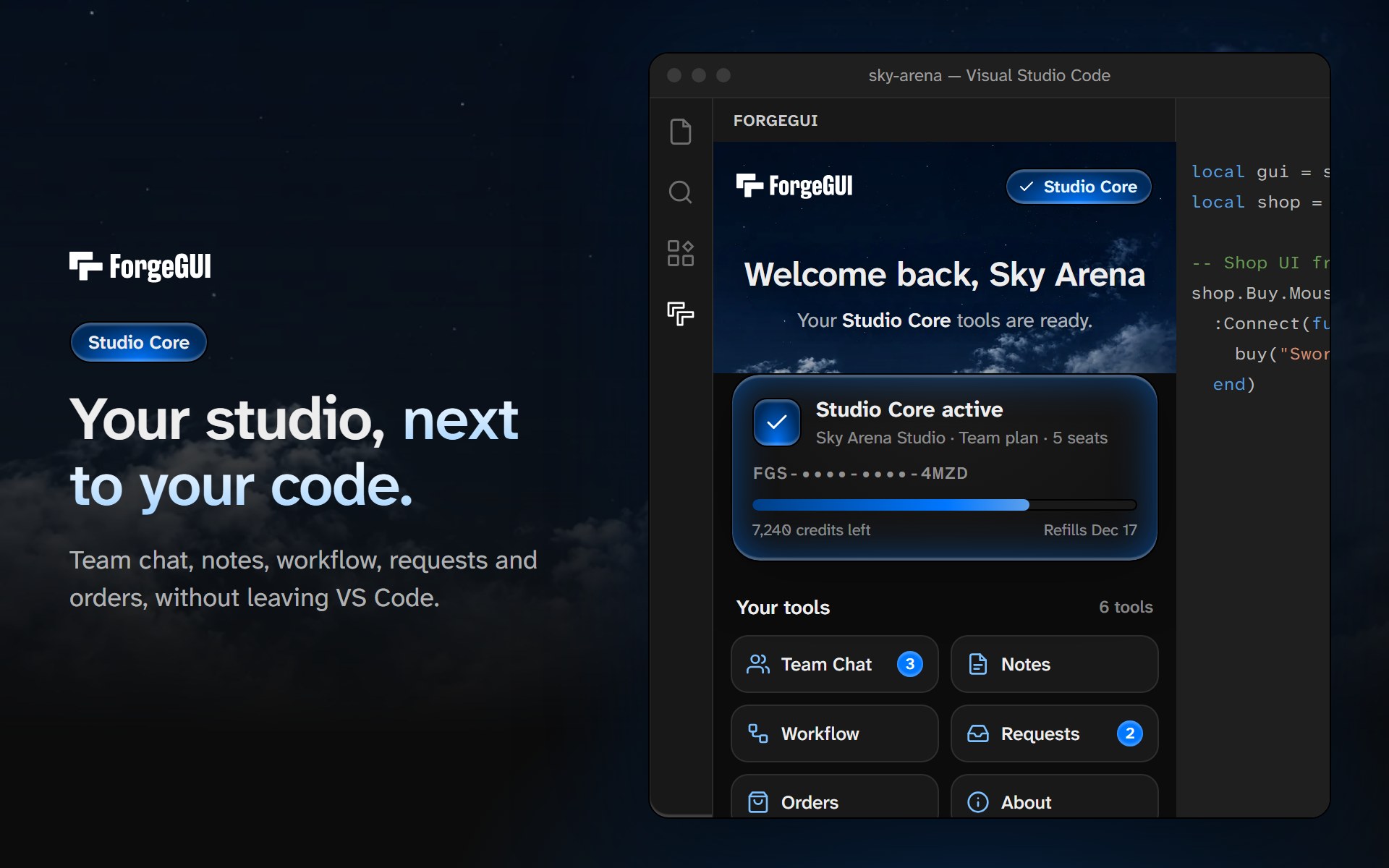
ForgeGUI for VS Code
Your whole studio, next to your code.
Team chat, notes, workflow, requests and orders in your sidebar, plus one-click access to the ForgeGUI Studio.



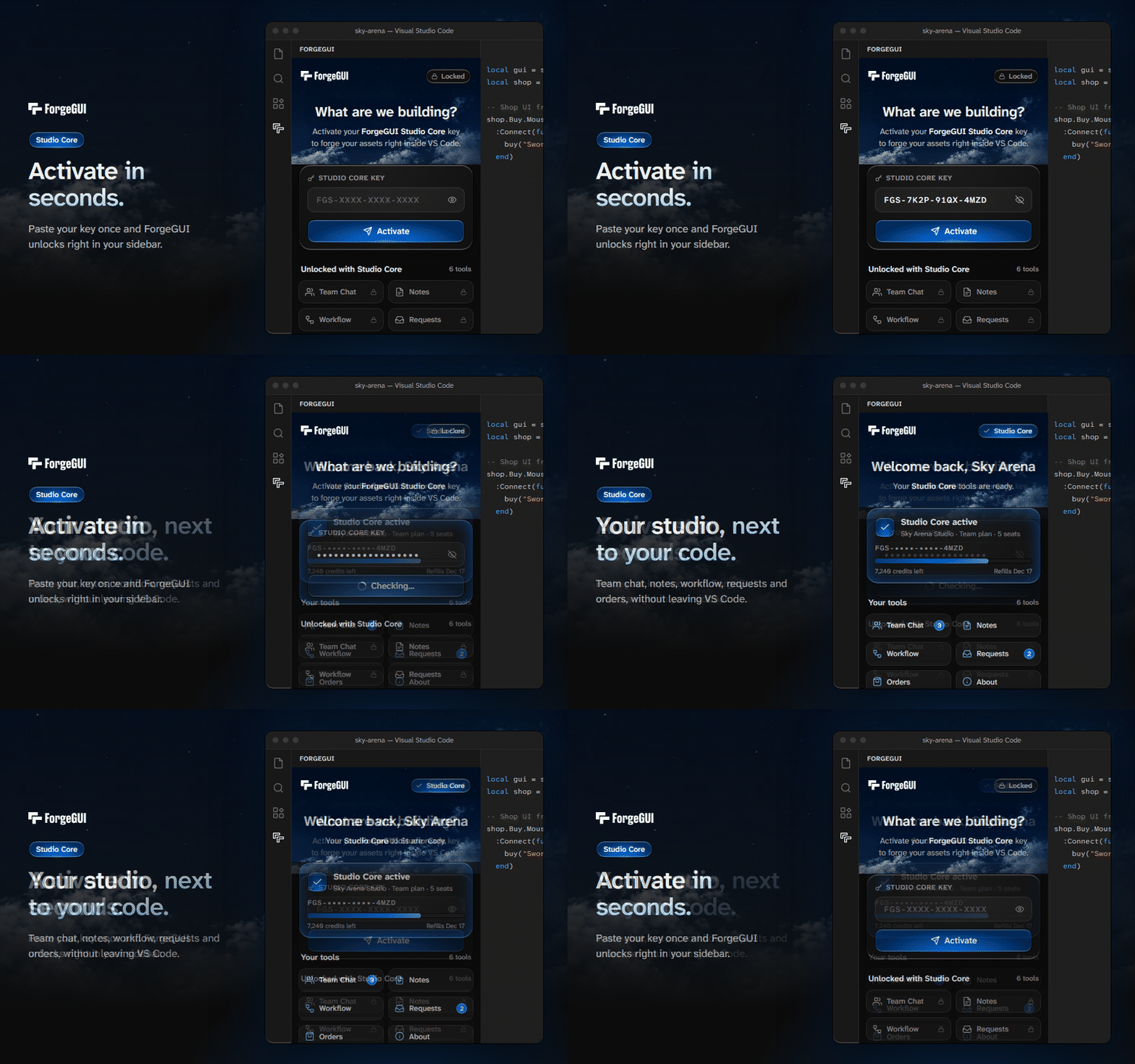
⚡ Activate in seconds
Click the ForgeGUI icon in the activity bar, paste your Studio Core key, done. Everything unlocks right in your sidebar.
|
Tool |
What it does |
| 💬 |
Team Chat |
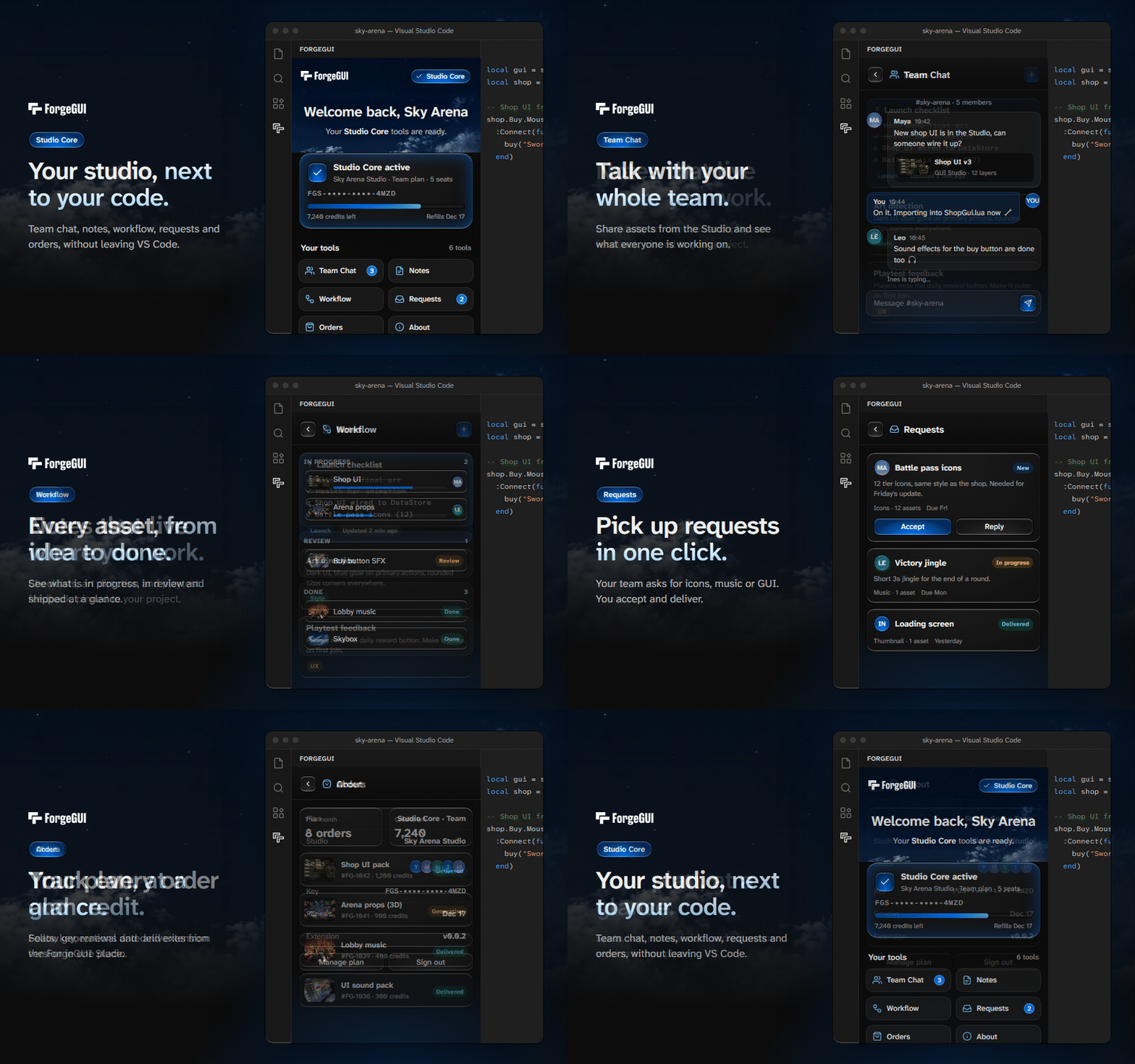
Talk with your team and share assets from the Studio without leaving the editor. |
| 📝 |
Notes |
Checklists, art direction and playtest feedback, pinned to your project. |
| 🗂️ |
Workflow |
See every asset from concept to done: in progress, in review, shipped. |
| 📥 |
Requests |
Your team asks for icons, music or GUI. Accept and deliver in one click. |
| 🧾 |
Orders |
Follow your ForgeGUI generations, deliveries and credits. |
| ℹ️ |
About |
Your plan, seats, key and renewal date at a glance. |
Jump straight into the matching tab of the ForgeGUI Studio:
- Text to 3D Assets
- Sound Effects
- Music
- GUI Studio & Import
🏁 Getting started
- Install ForgeGUI from the Marketplace, or run:
code --install-extension ForgeGUI.forgegui-studio
- Click the ForgeGUI icon in the activity bar.
- Paste your key (
FGS-XXXX-XXXX-XXXX) and hit Activate.
On a team plan? Ask your ForgeGUI admin for a key. No plan yet? See the plans →
⌨️ Commands
| Command |
What it does |
ForgeGUI: Open ForgeGUI |
Opens the ForgeGUI panel. |
ForgeGUI: Enter Studio Core Key |
Enters your key from the Command Palette. |
📋 Requirements
- Visual Studio Code 1.90 or newer
- A ForgeGUI Studio Core key
🔗 Links
Website · Plans · Terms · Privacy
Made with 💙 by ForgeGUI
| |

