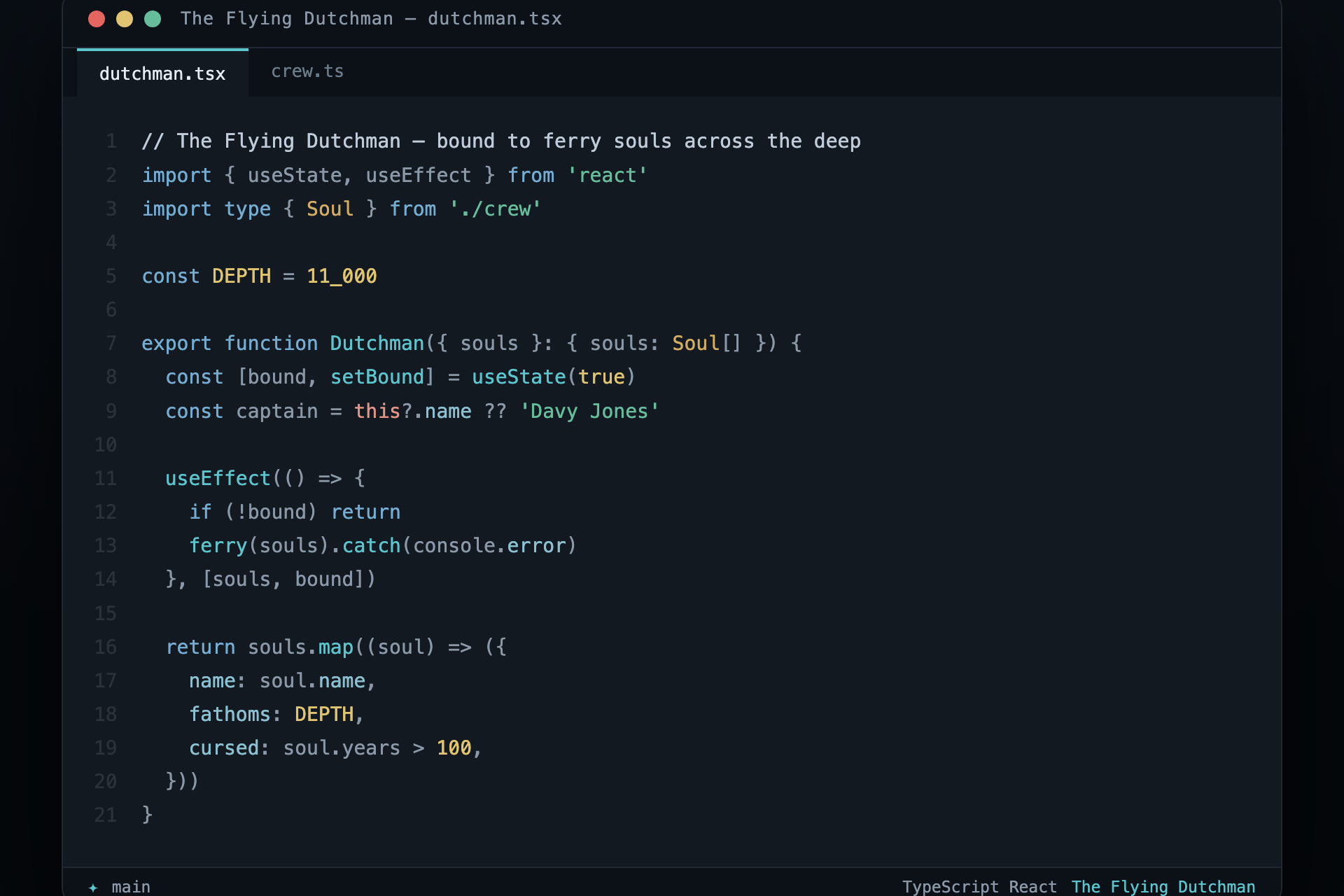
The Flying DutchmanAn artisan nautical dark theme. Abyssal ocean blues, aged brass, and a bioluminescent glow — in three harmonious variants. Also ships for six terminals and editors. Installation Launch VS Code Quick Open ( Ctrl+P), paste the following command, and press enter.Copied to clipboard |

The Flying DutchmanAn artisan nautical dark theme — abyssal ocean, aged brass, and a bioluminescent glow.
Colours drawn from the legend of Davy Jones and his ghost ship: a hull lost in abyssal blue-black, the brass of his organ, seafoam on the wake, and a cold storm-blue in the rigging. Every colour is tuned to the same brightness so the whole palette reads as one weathered instrument rather than a box of crayons. Three variants, one identity — they share their hues and differ only in intensity, so switching never feels like a different theme:
Palette
Every role clears WCAG AA (4.5:1) against the editor background on all three
variants; run Install — VS Code
Or from the command line: Install — terminals & other editorsThe same palette ships for six more surfaces. Each folder holds one file.
One palette, one source of truthEvery theme file in this repo is generated from a single palette so the colours can never drift apart across editors or variants: To adjust a colour, edit LicenseMIT — see LICENSE.
"Part of the ship, part of the crew."
|