VSIX Manifest Designer
🎨 A visual designer for VS Code extension manifest files






🤔 Why?
Editing VS Code extension manifests (package.json) can be tedious. With complex contribution points, activation events, and configuration schemas, it's easy to make mistakes or forget required fields. VSIX Manifest Designer provides a visual interface to edit these files with confidence.
✨ Features
- 🎯 Visual Editor - Edit your extension manifest visually instead of raw JSON
- 🔄 Live Sync - Changes sync bidirectionally between the designer and the underlying JSON
- 🎨 Theme Integration - Seamlessly integrates with your VS Code theme
- 📋 Non-Destructive - Open alongside the standard JSON editor; your choice
🖼️ Screenshots
Getting Started
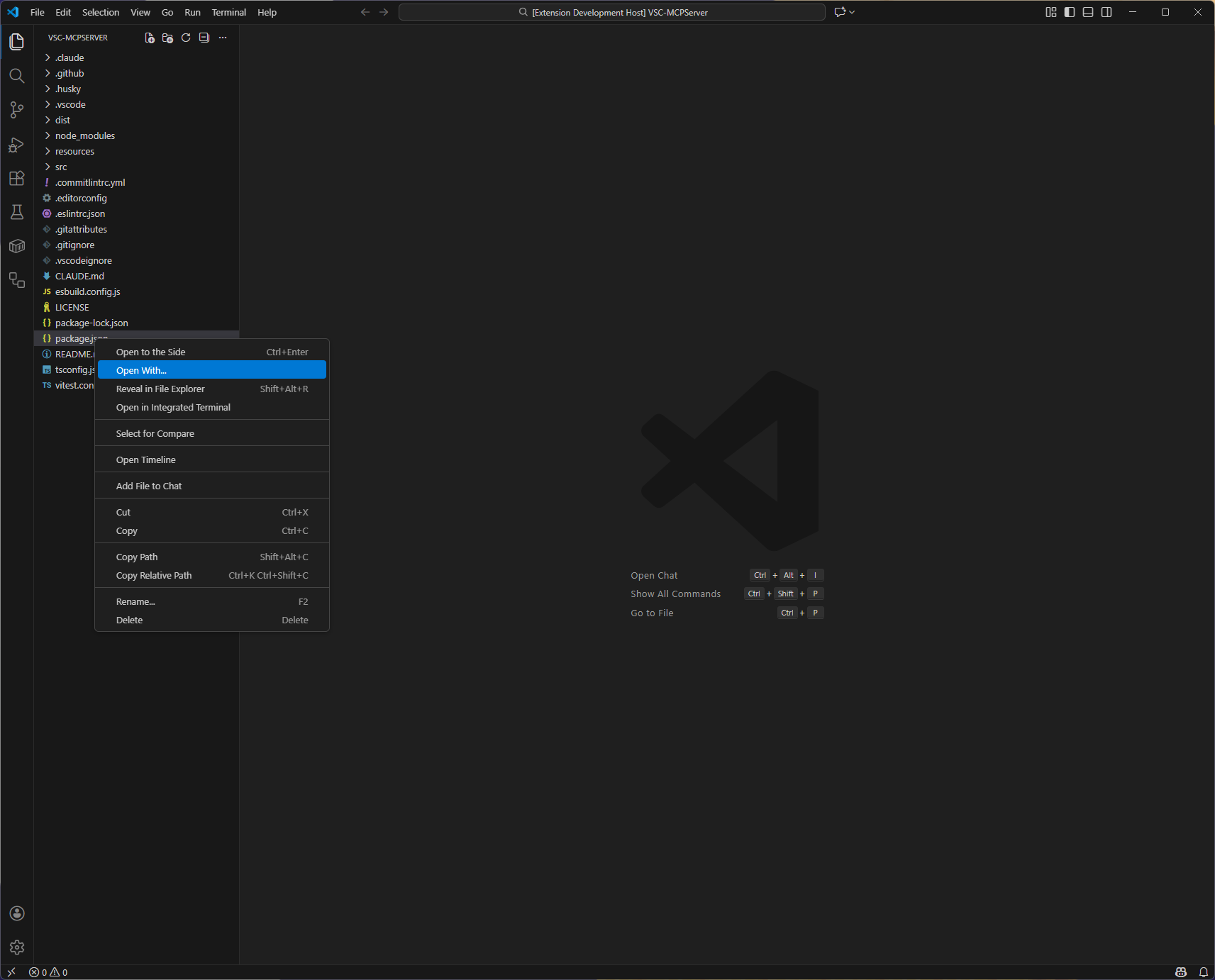
Right-click package.json and select "Open With..."
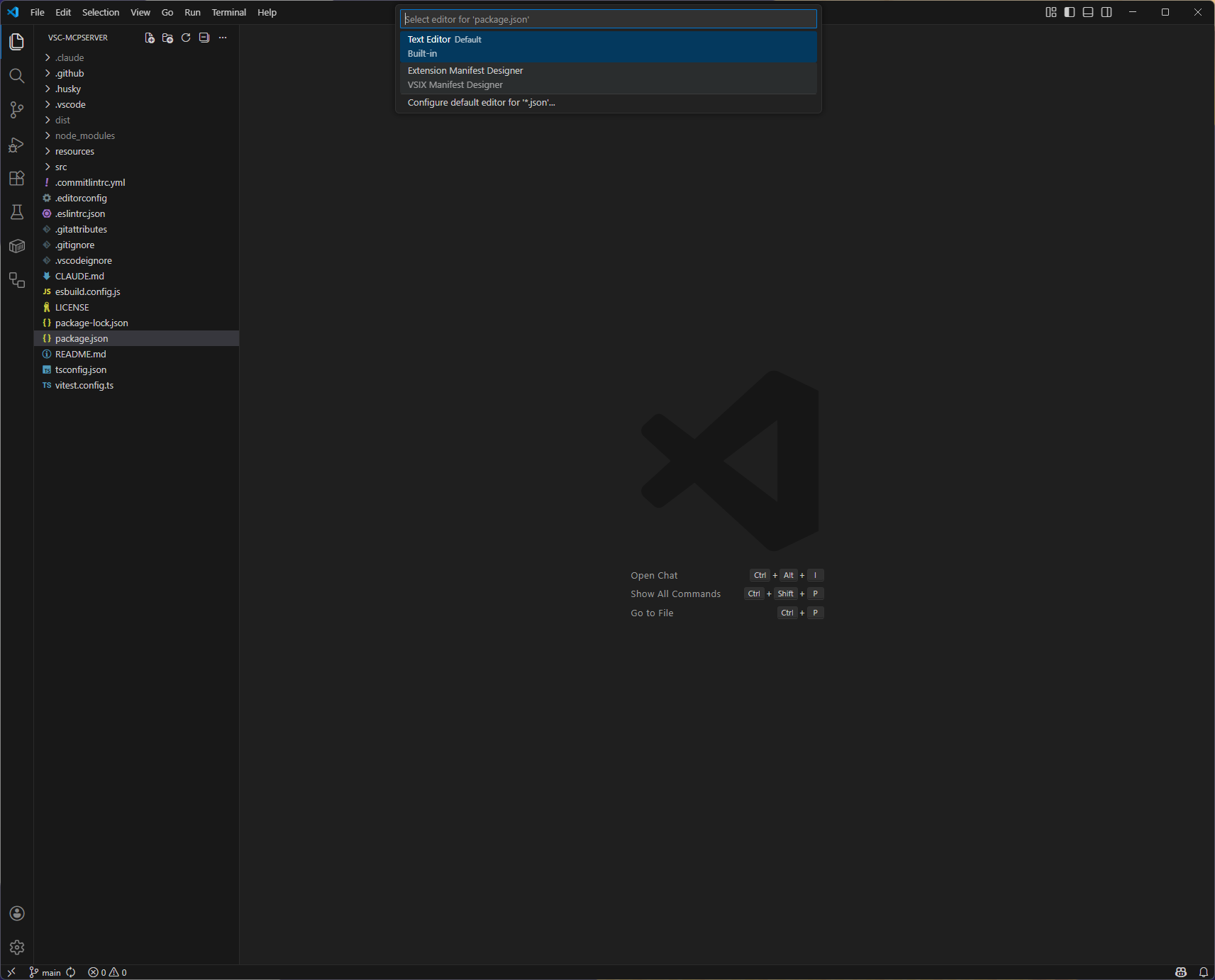
Choose "Extension Manifest Designer"
Editor Views
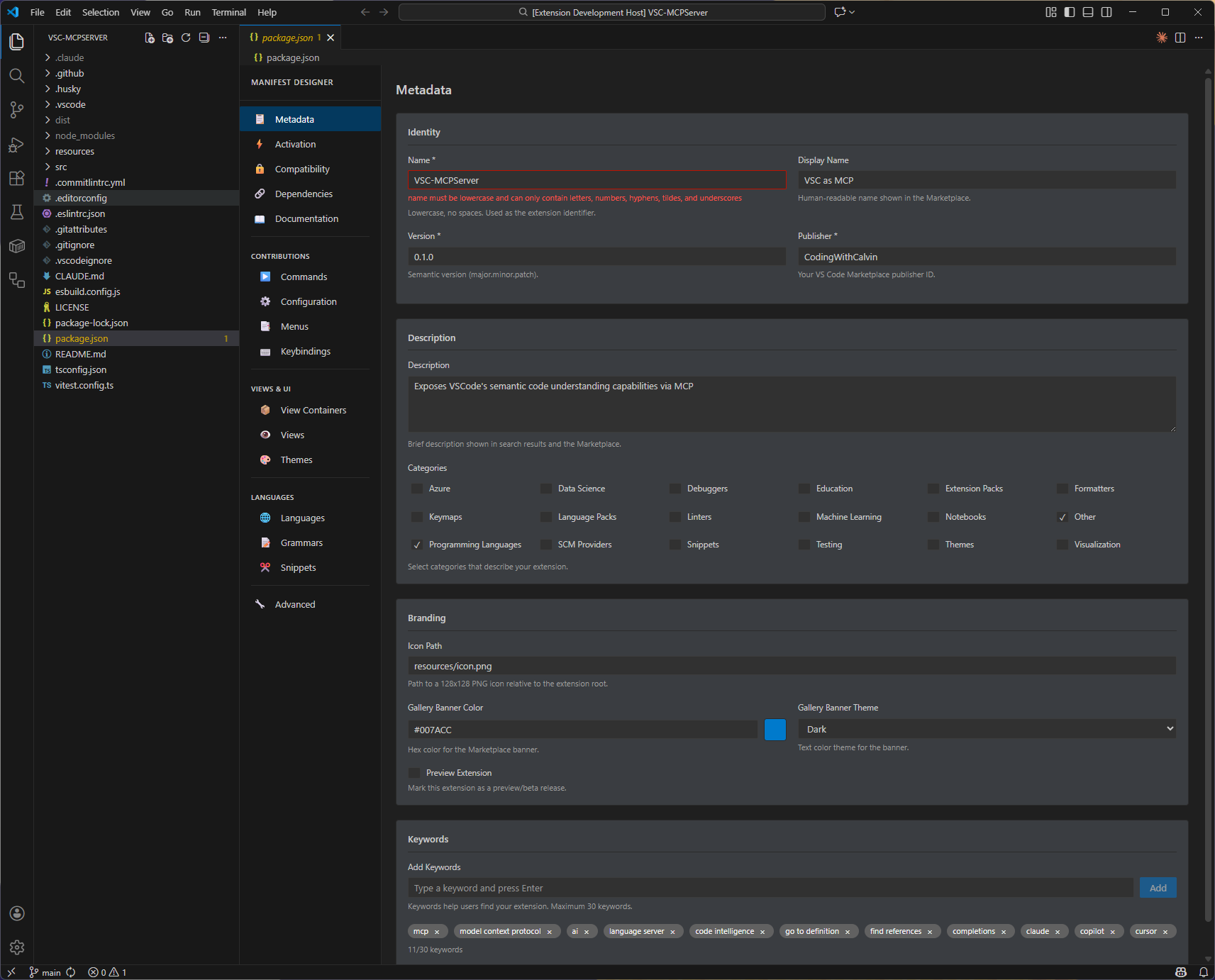
Metadata - Basic extension information
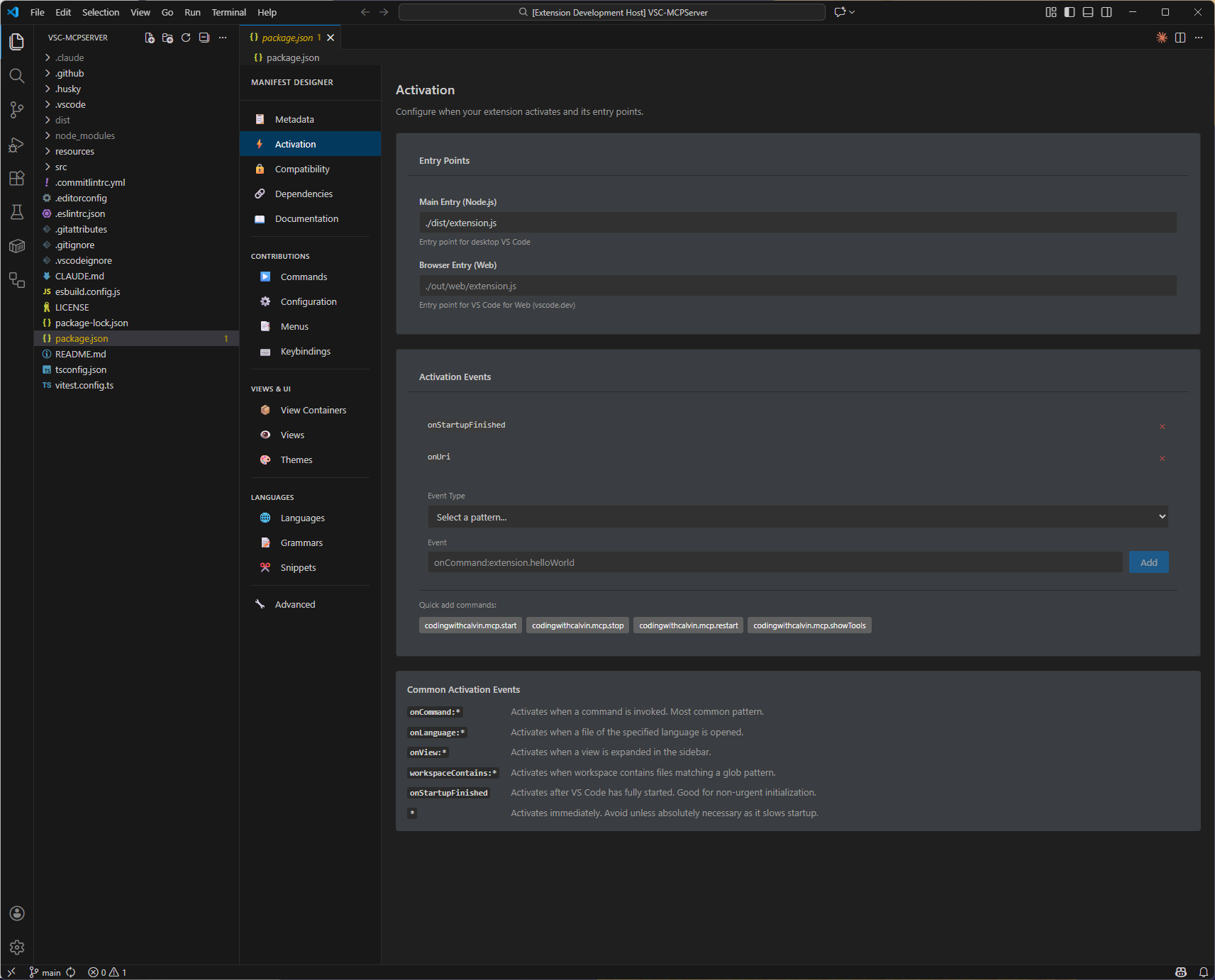
Activation - Entry points and activation events
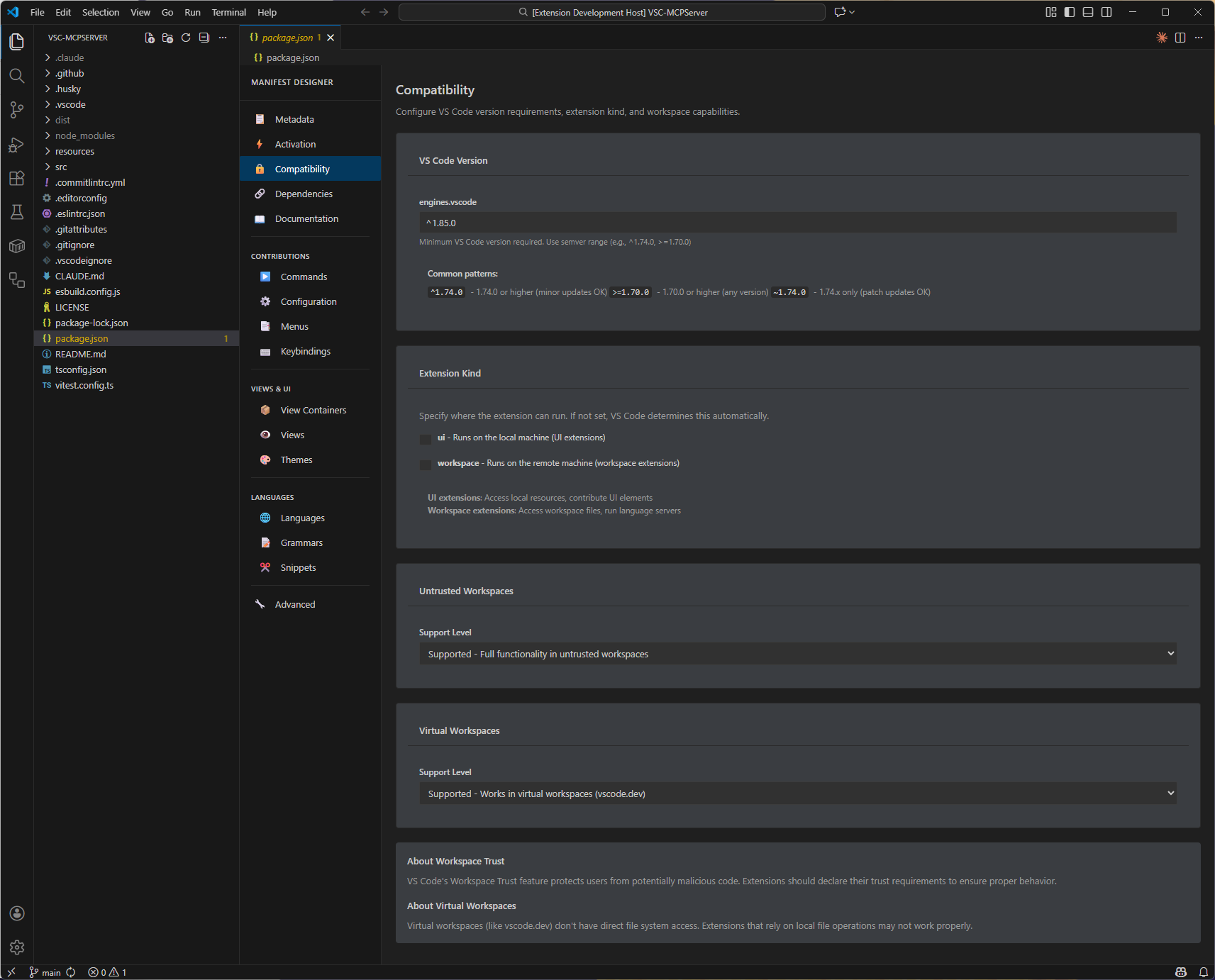
Compatibility - VS Code version and runtime settings
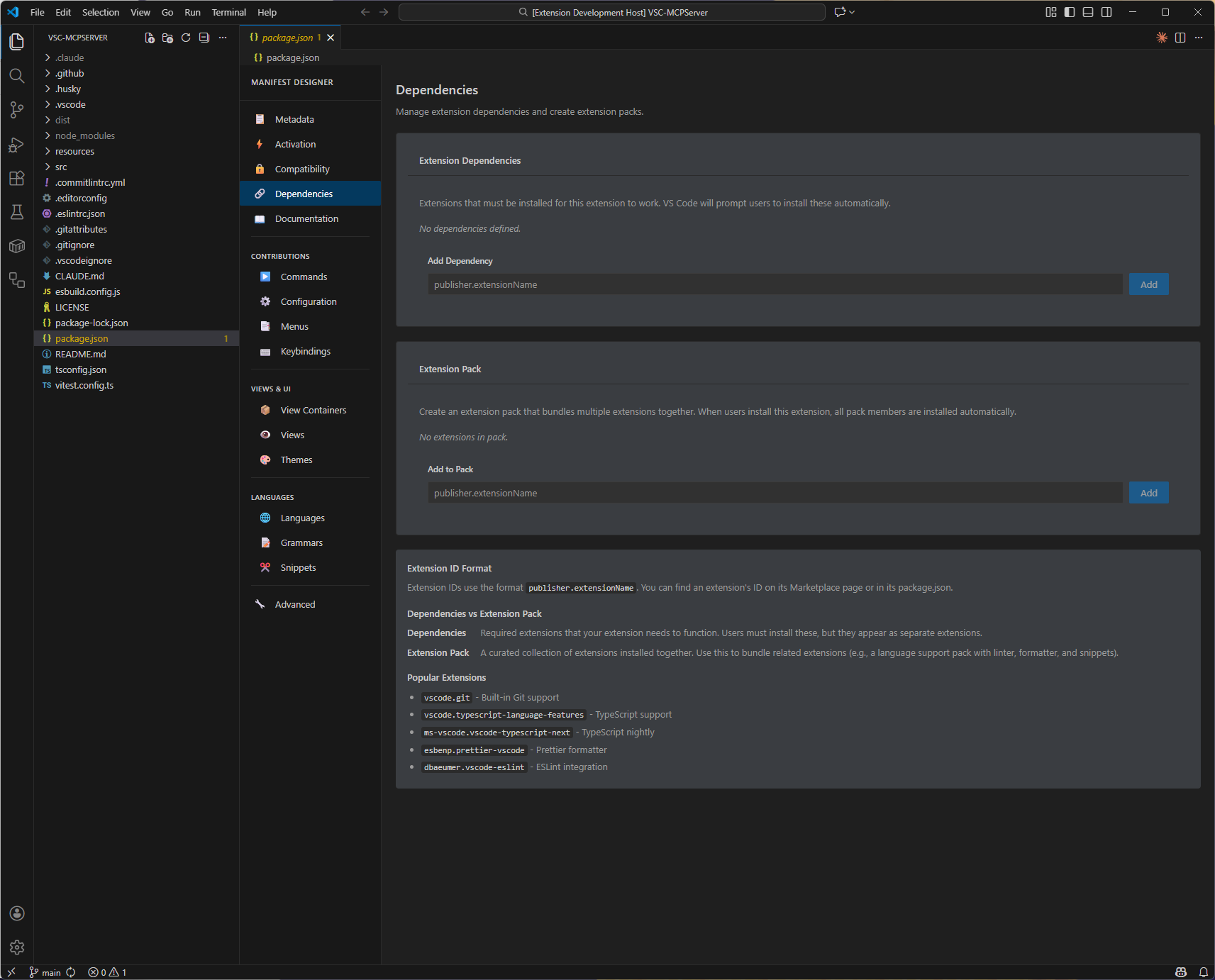
Dependencies - Extension dependencies and packs
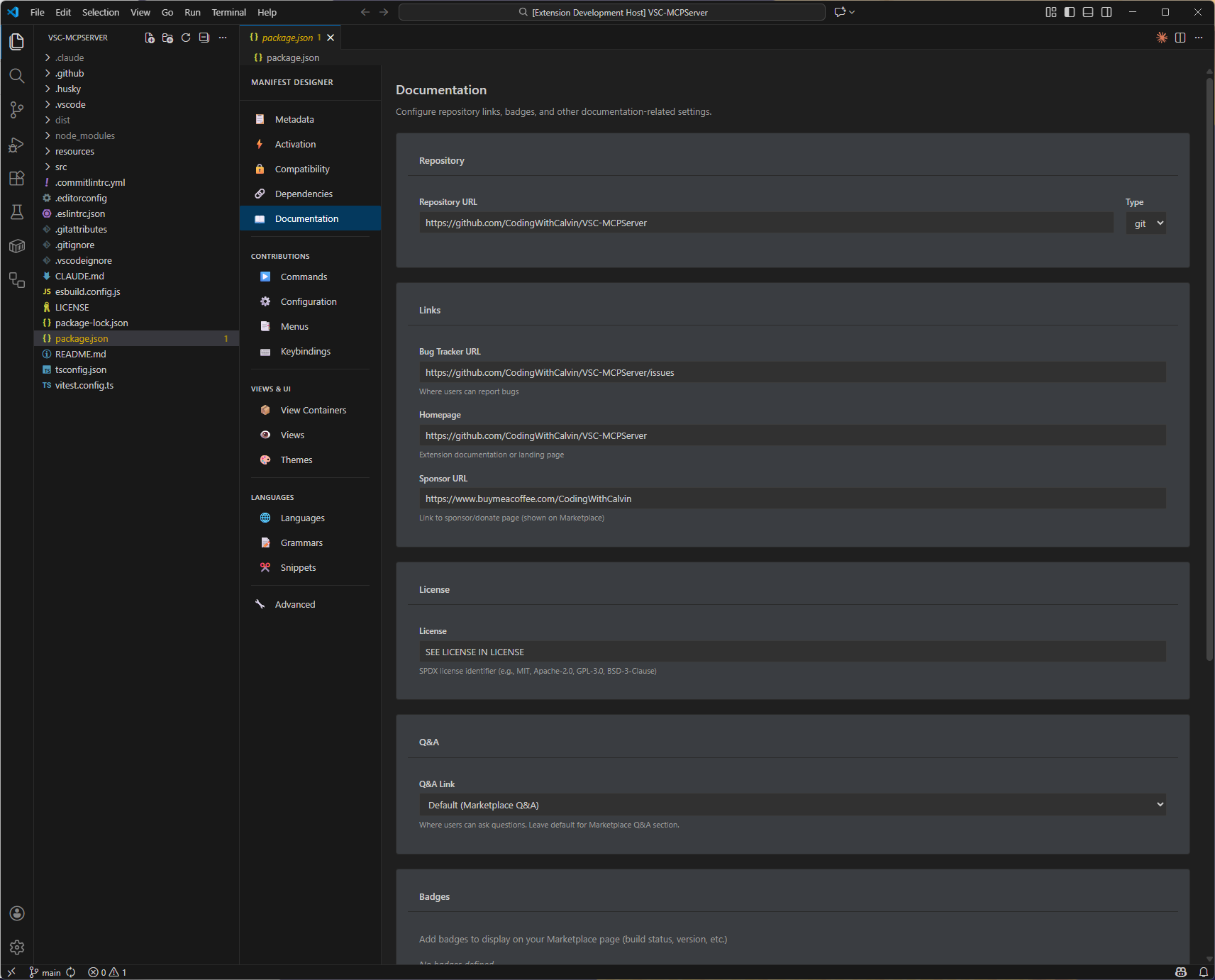
Documentation - Repository, badges, and links
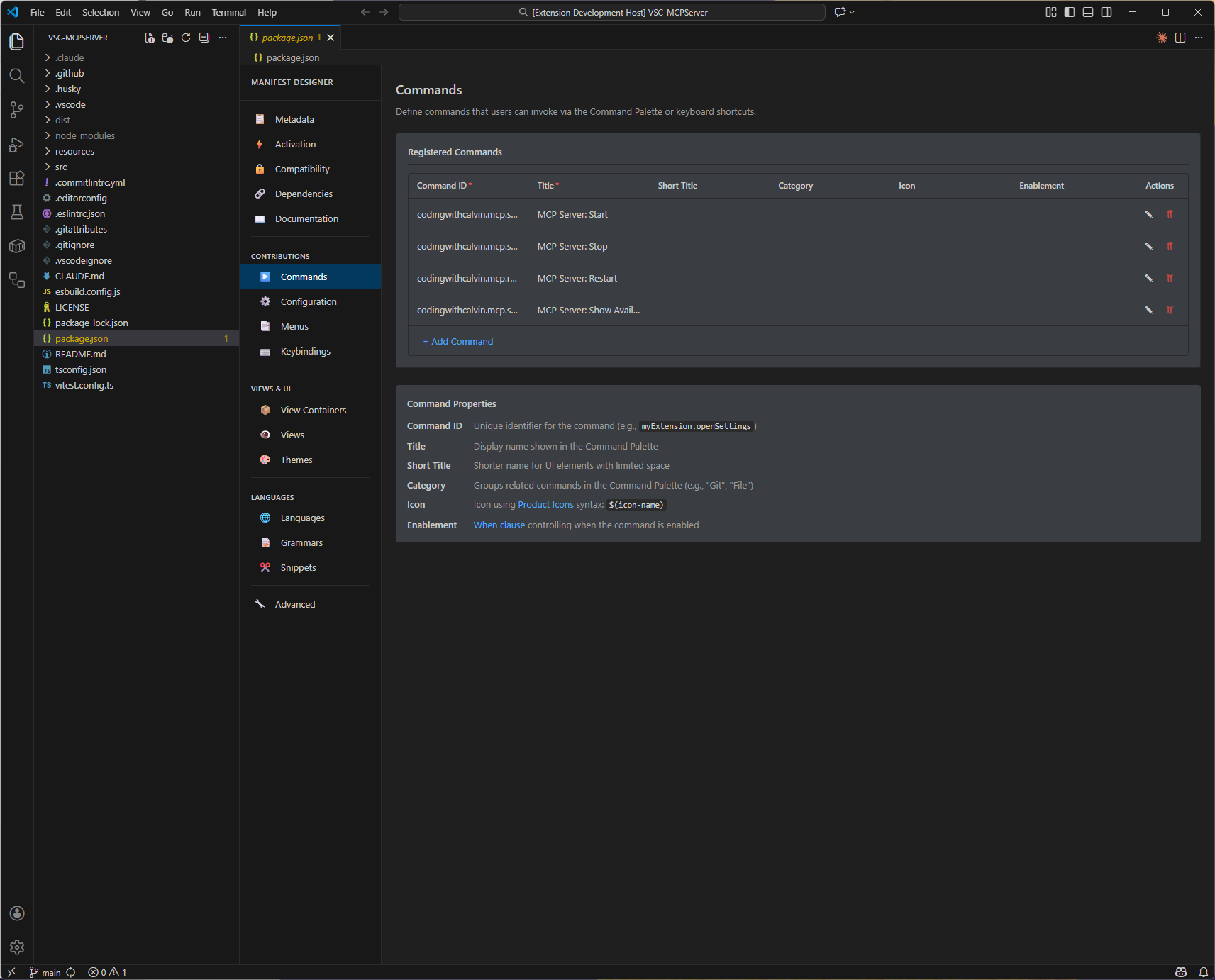
Commands - Command palette contributions
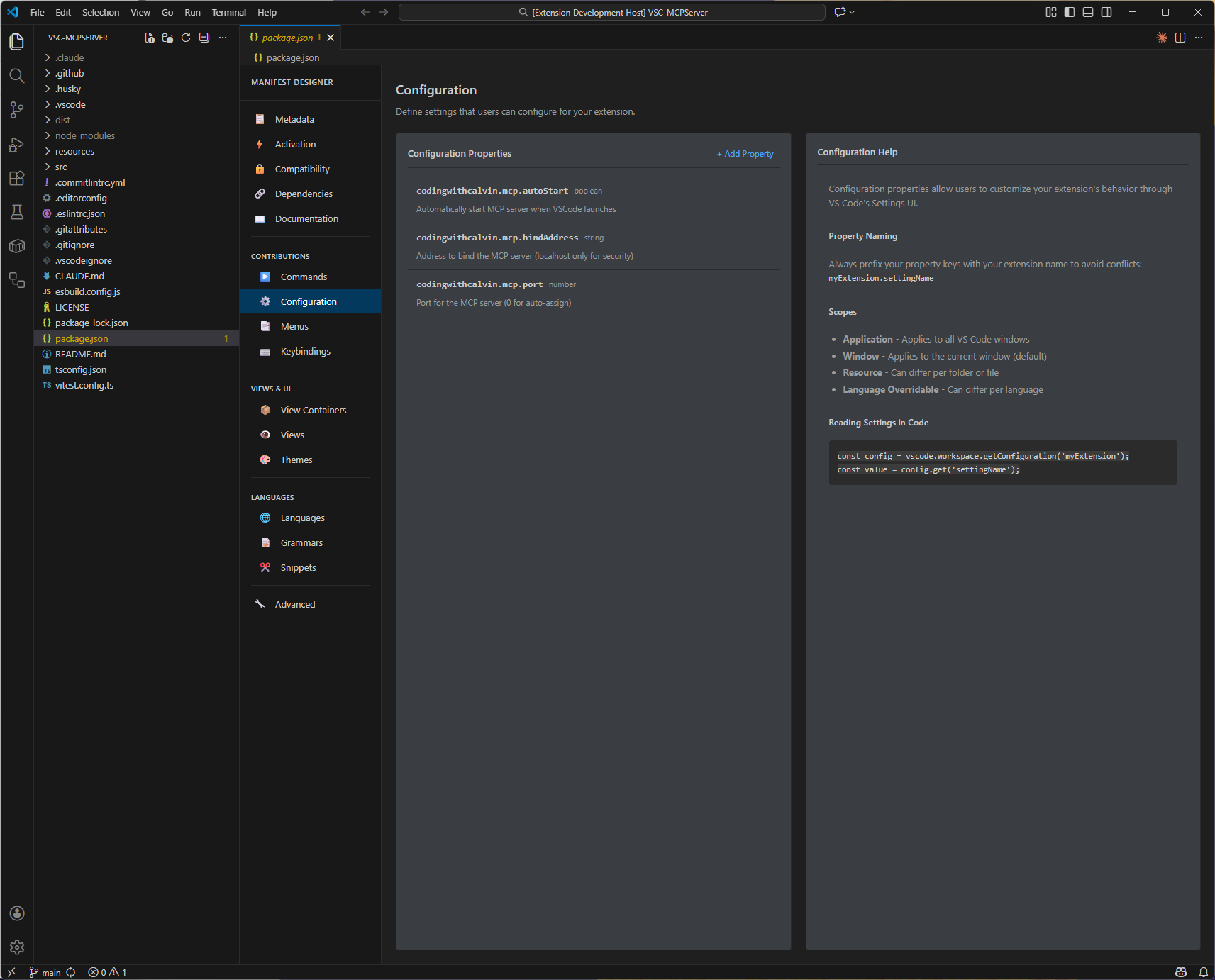
Configuration - Extension settings schema
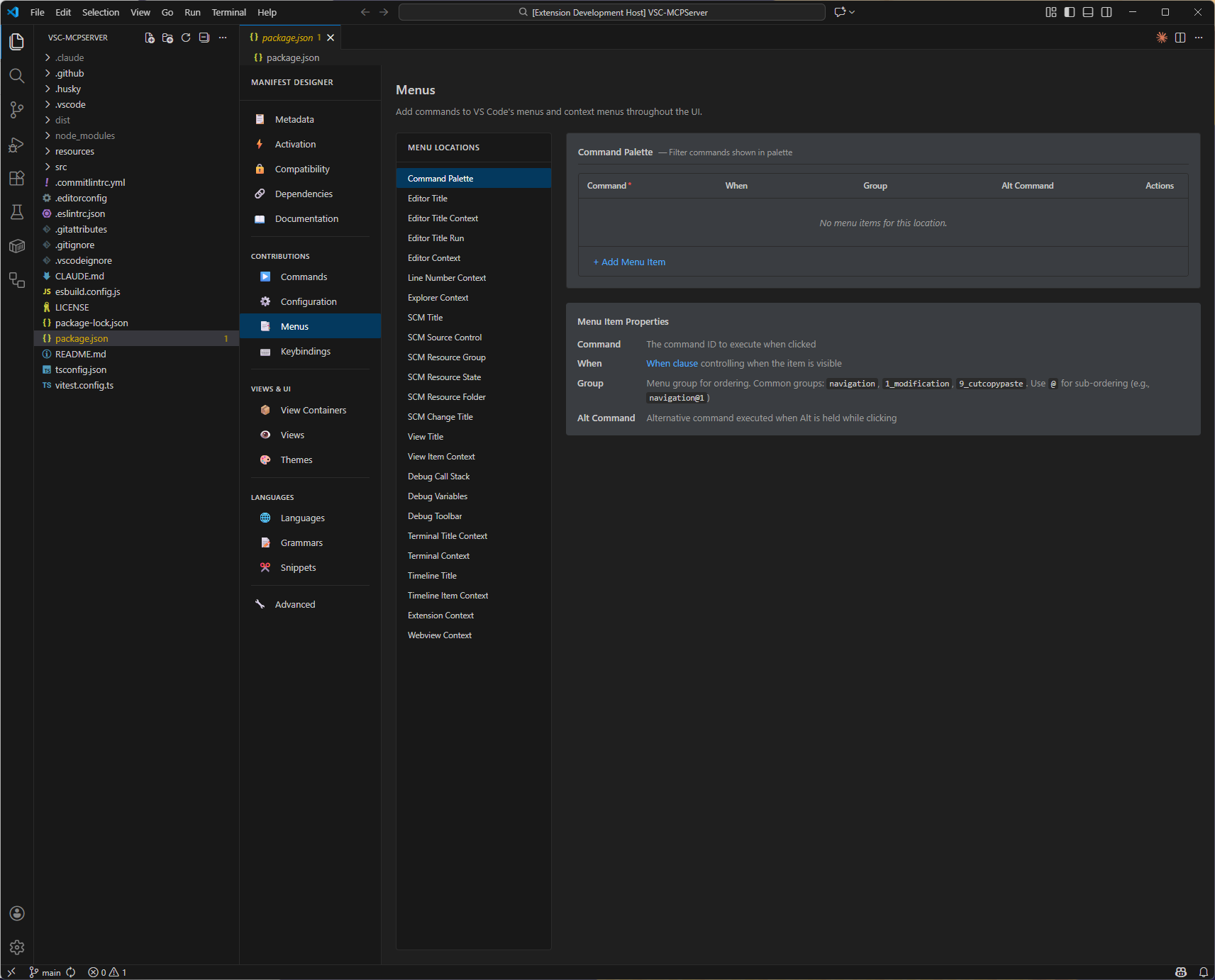
Menus - Menu and context menu contributions
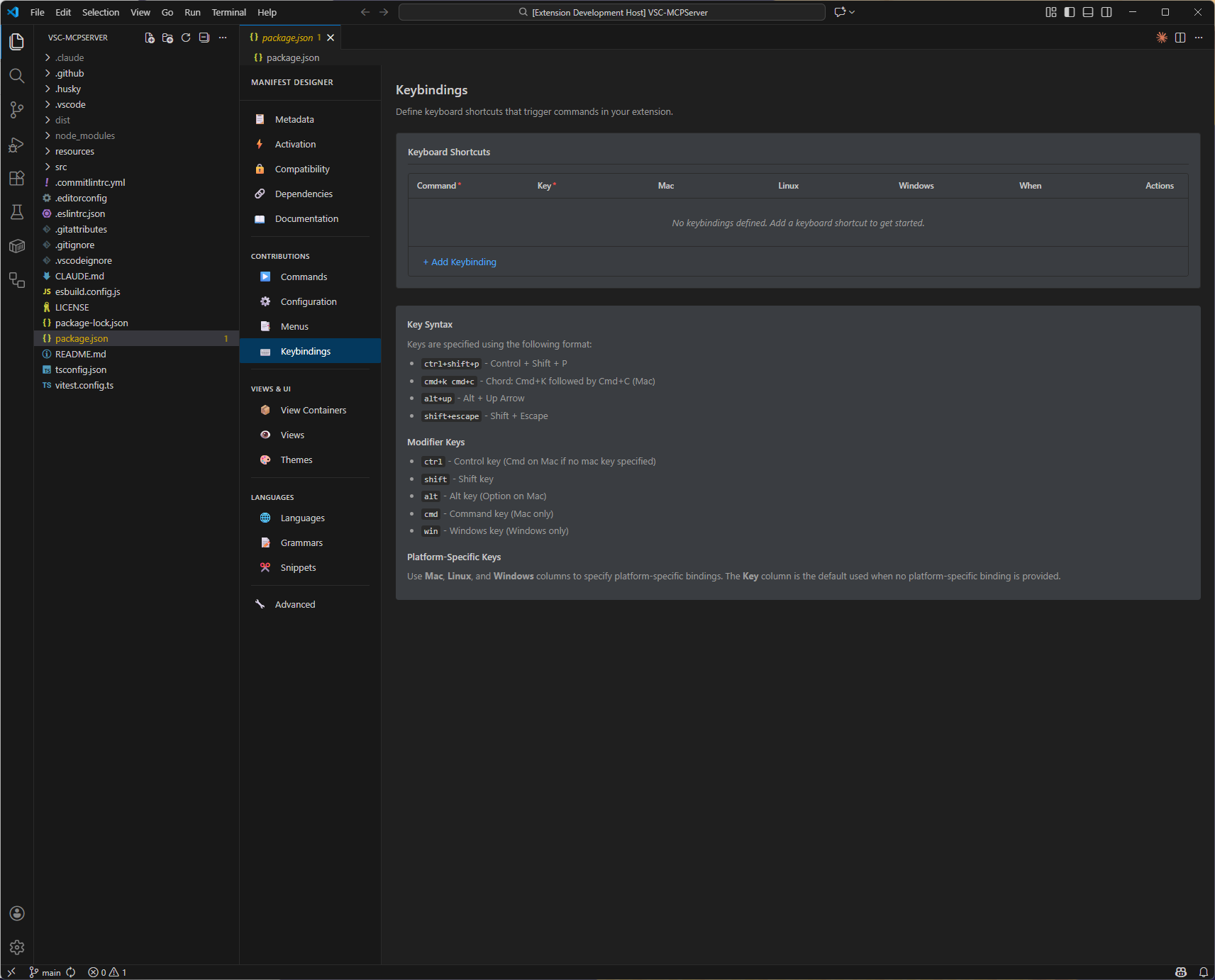
Keybindings - Keyboard shortcuts
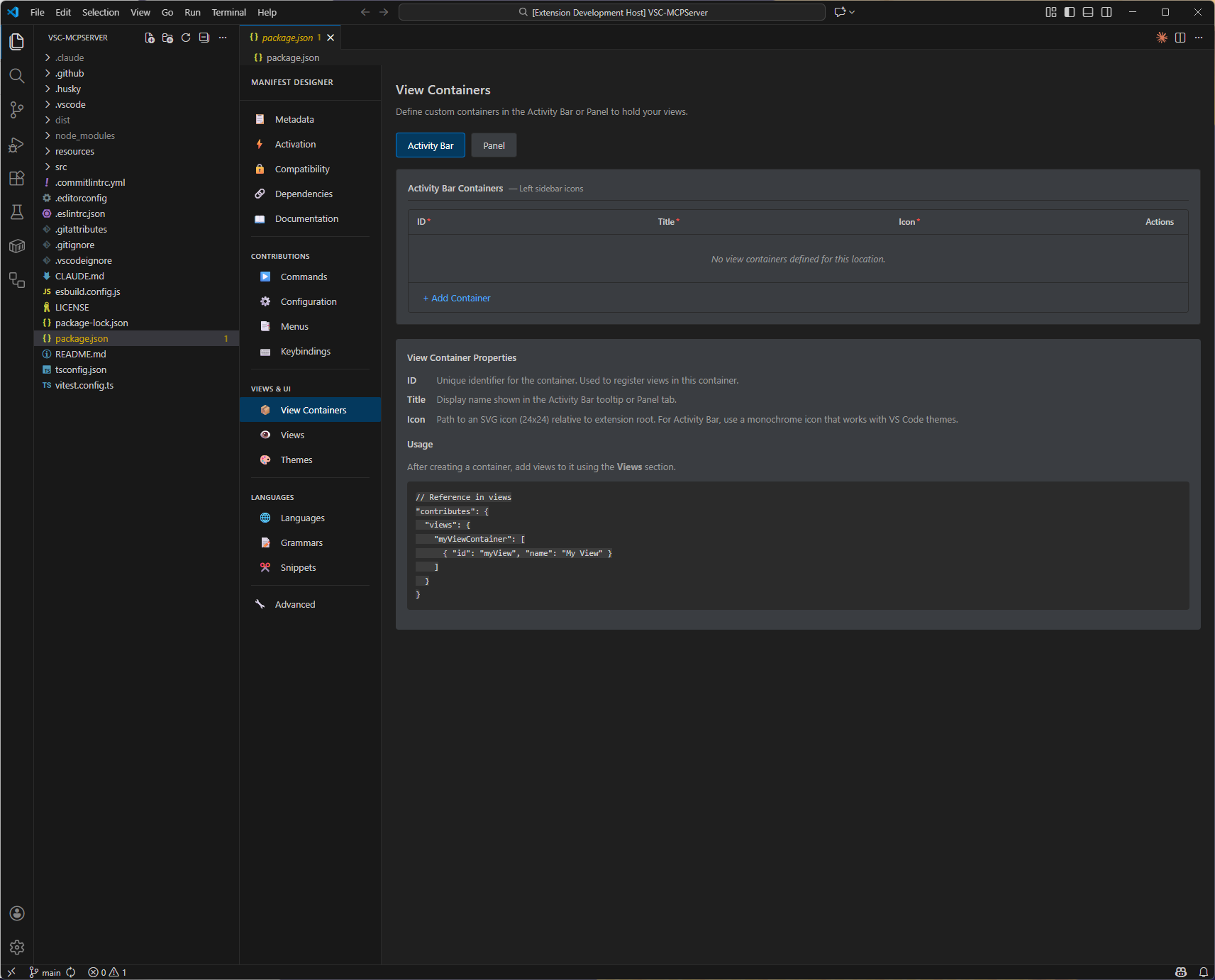
View Containers - Activity bar and panel containers
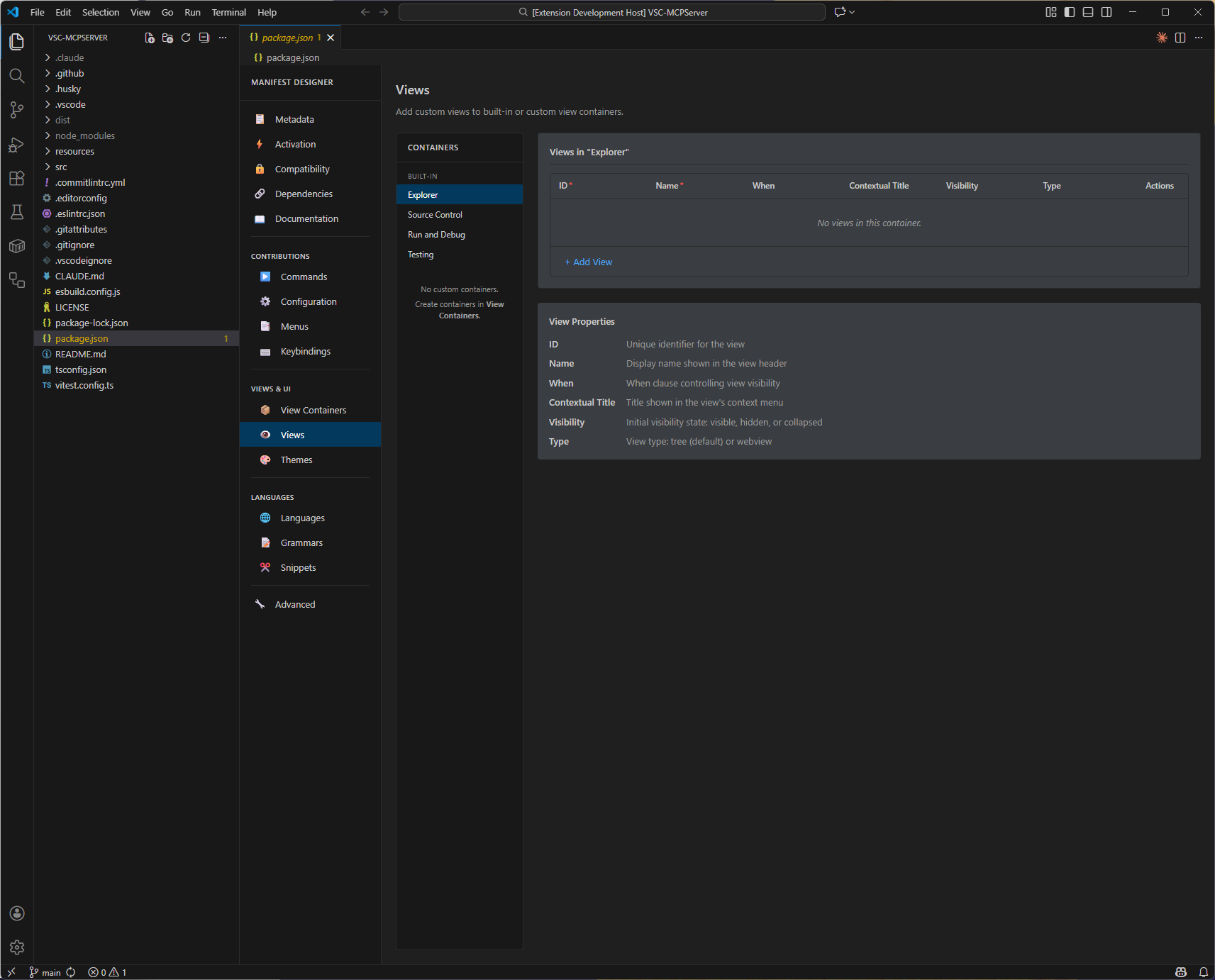
Views - Tree views and webviews
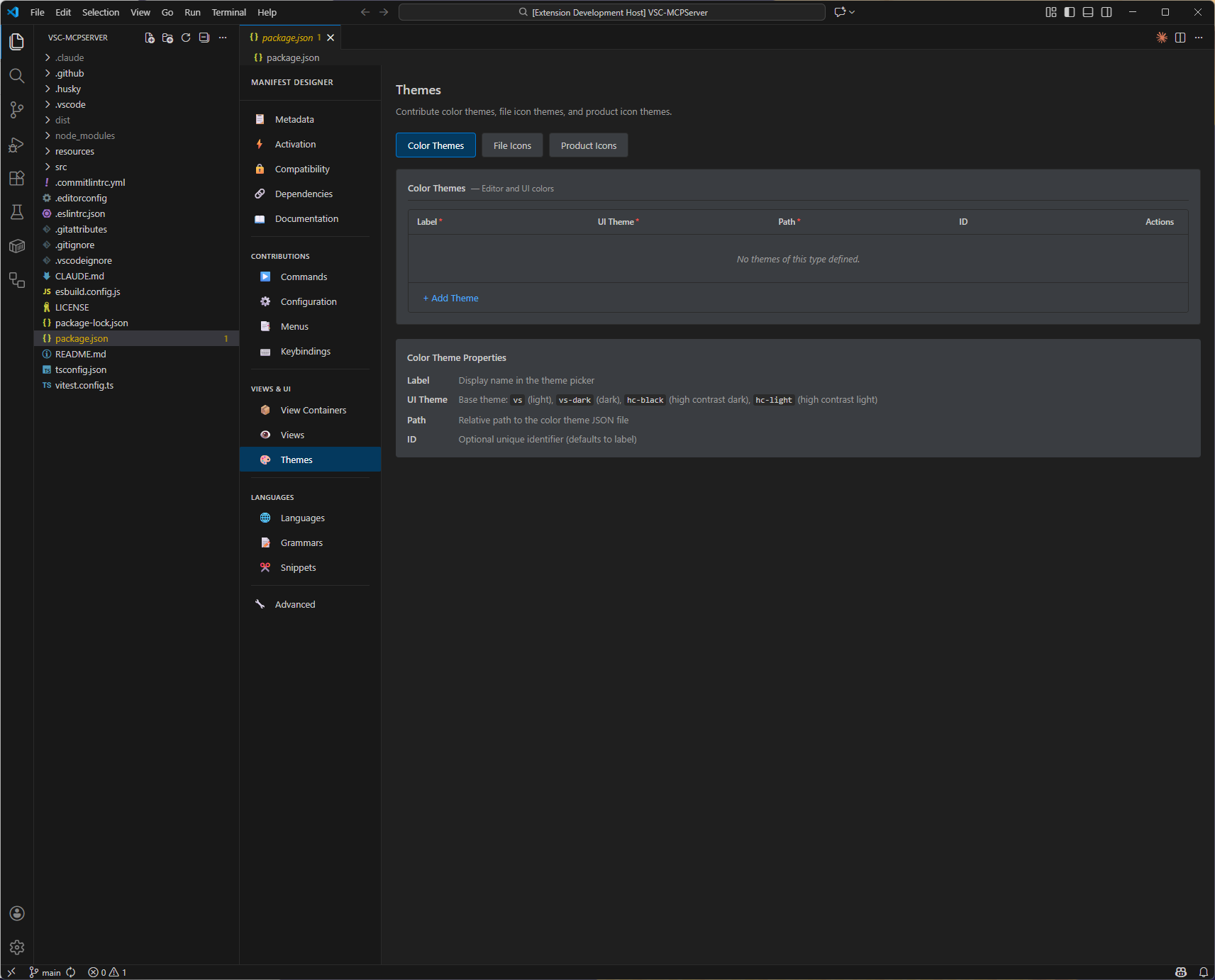
Themes - Color, icon, and product icon themes
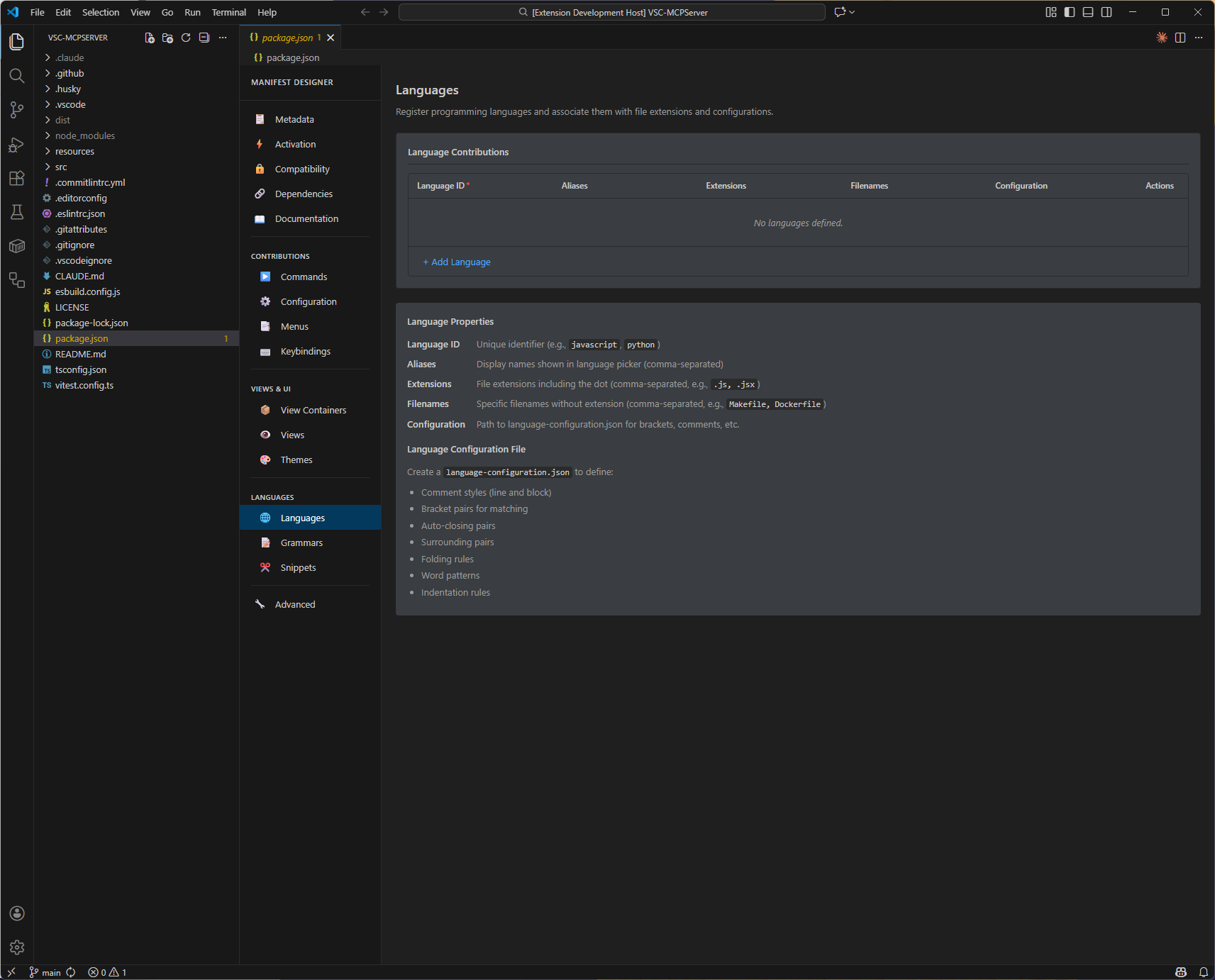
Languages - Language contributions
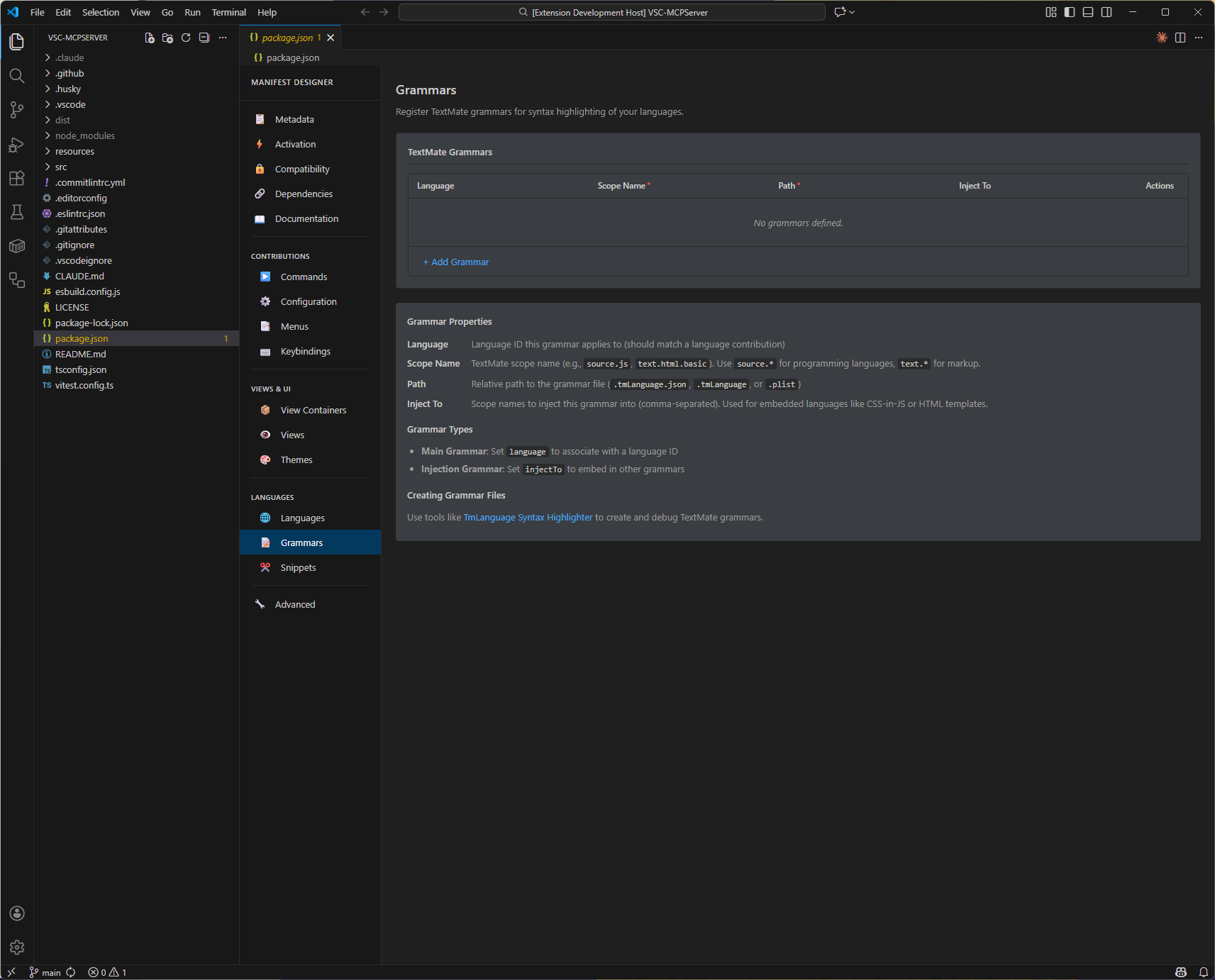
Grammars - TextMate grammar definitions
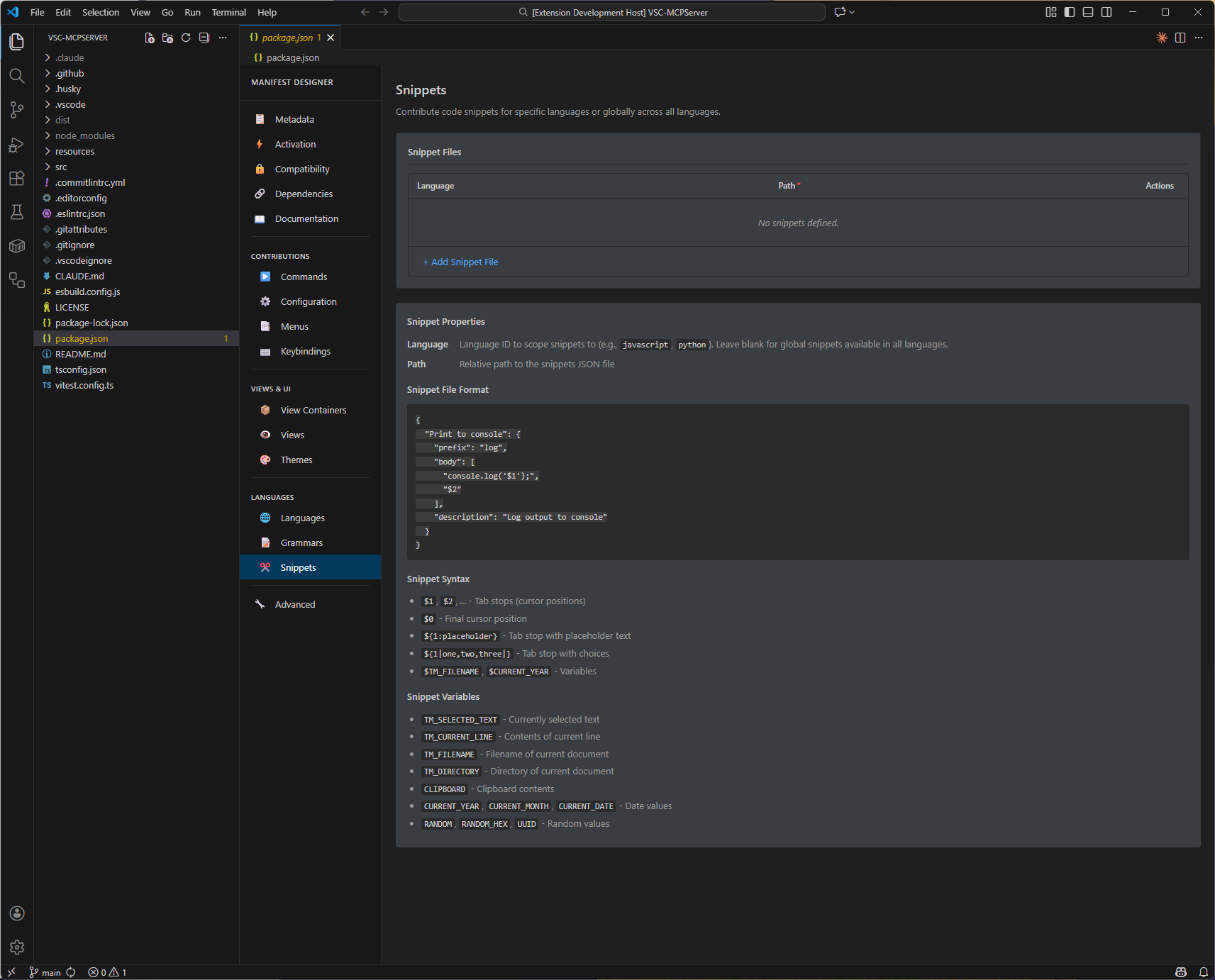
Snippets - Code snippet contributions
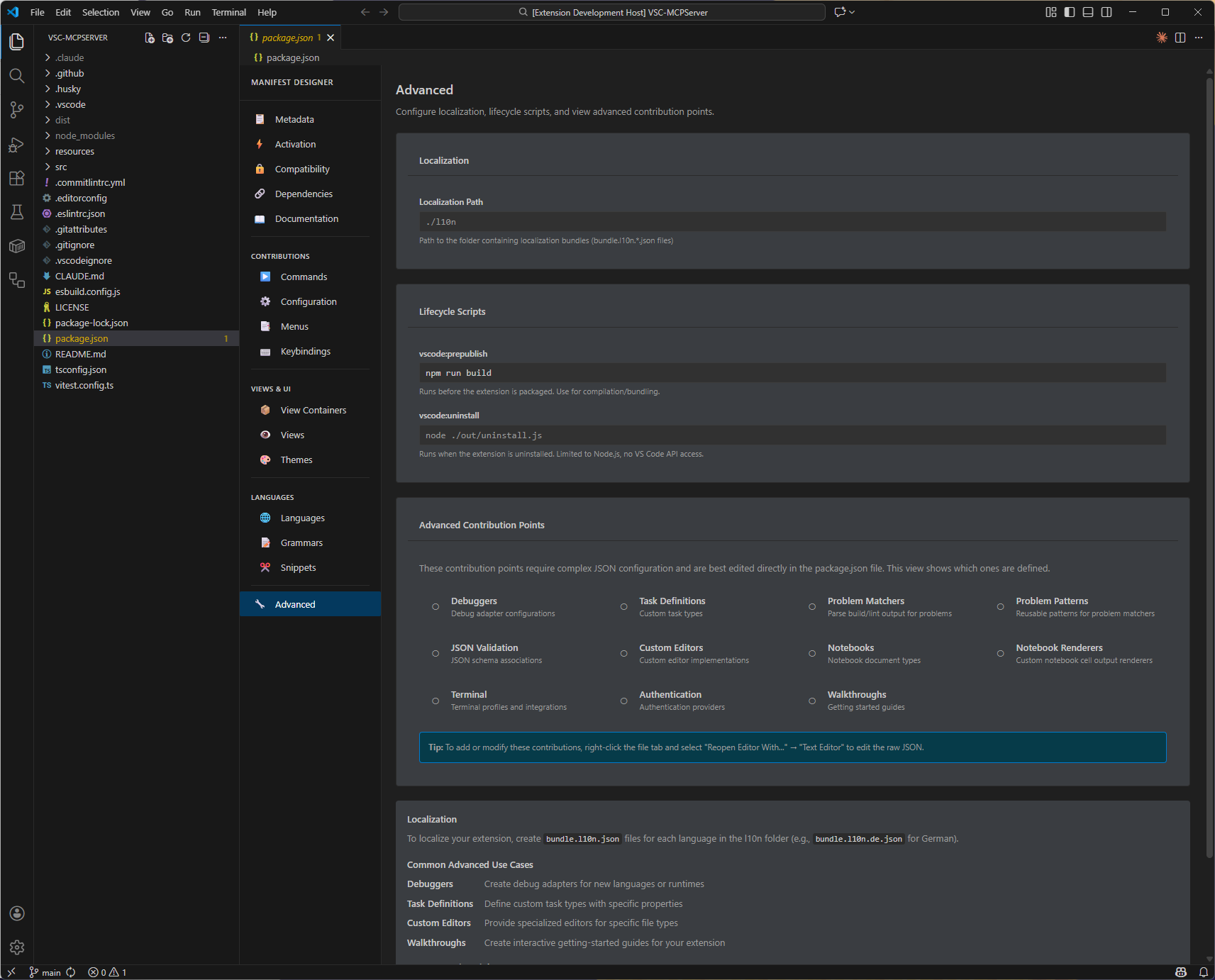
Advanced - Localization and lifecycle scripts
🛠️ Installation
Visual Studio Marketplace
- Open VS Code
- Go to Extensions (Ctrl+Shift+X / Cmd+Shift+X)
- Search for "VSIX Manifest Designer"
- Click Install
Manual Installation
Download the latest .vsix file from the Releases page and install via:
code --install-extension vsix-manifest-designer-*.vsix
🚀 Usage
- Open a folder containing a VS Code extension
- Right-click on
package.json in the Explorer
- Select "Open With..."
- Choose "Extension Manifest Designer"
- Edit your manifest visually 🎉
🤝 Contributing
Contributions are welcome! Please feel free to submit a Pull Request.
Development Setup
- Clone the repository
- Run
npm install
- Press F5 to launch the Extension Development Host
- Make changes and test in the development host
📄 License
This project is licensed under the MIT License - see the LICENSE file for details.
👥 Contributors

Made with ❤️ by Coding With Calvin

