

|




| Version | Version Name | Upgrade Latency |
|---|---|---|
| 0.0.1 | codebabel-brython-syntax | ON DEMAND |
| 0.0.2 | codebabel-brython-syntax | wholroyd.jinja |
brython
🐍 Brython code
<!DOCTYPE html><html lang="en"><!-- brython ajax demo -->
<head>
    <meta charset="UTF-8">
    <meta name="viewport" content="width=device-width, initial-scale=1.0">
    <link rel="shortcut icon" href="favicon.ico" type="image/x-icon">
    <link rel="stylesheet" href="style.css">
    <script type="text/javascript" src="https://cdn.jsdelivr.net/npm/brython@3.13.2/brython.min.js">
    </script>
    <script type="text/javascript" src="https://cdn.jsdelivr.net/npm/brython@3.13.2/brython_stdlib.js">
    </script>
    <title>brython.ajax</title>
</head>
<body>
<script type="text/python">
    from browser import document, ajax

    url = "http://api.open-notify.org/iss-now.json"
    msg = "Position of the International Space Station at {}: {}"

    def complete(request):
        import datetime
        data = request.json
        position = data["iss_position"]
        ts = data["timestamp"]
        now = datetime.datetime.fromtimestamp(ts)
        document["zone10"].text = msg.format(now, position)

    def click(event):
        ajax.get(url, oncomplete=complete, mode="json")
        document["zone10"].text = "waiting..."

    document["button10"].bind("click", click)
</script>
</body></html>
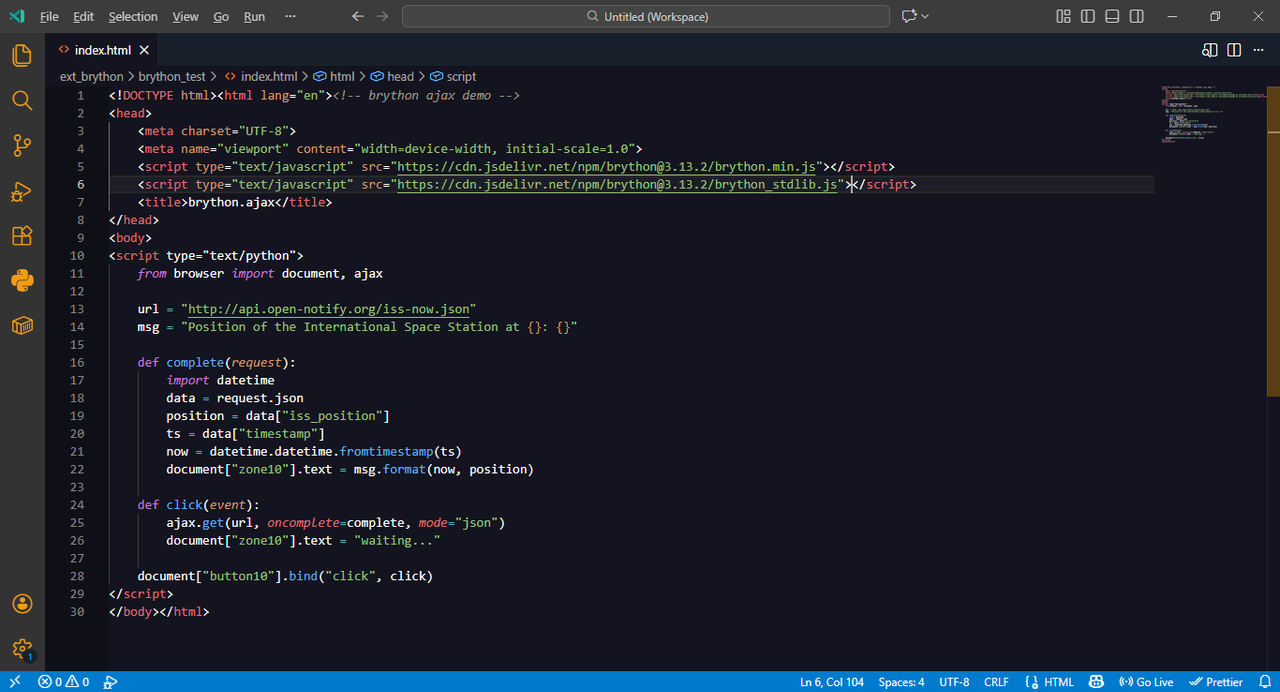
screenshot
📸 Screenshot
Example Code...
site
🐍 brython site
🔗 https://brython.info/index.html
💜 Thank's 🧡
{PTBR}
Valeu por usar a extensão codebabel-brython-syntax.
tmj!

{EN}
Thanks for using the codebabel-brython-syntax extension.
see ya!

extension by codesofty@codebabel.
© Copyright 2026, codebabel from brython users.