Skip to content
| Marketplace
Sign in
Visual Studio Code>Themes>Valley of Bowser ThemeNew to Visual Studio Code? Get it now.
Valley of Bowser Theme

Valley of Bowser Theme

Caio Deoli

|
28 installs
| (0) | Free
A deep dark theme for VS Code
Installation
Launch VS Code Quick Open (Ctrl+P), paste the following command, and press enter.
Copied to clipboard
More Info

logo

Valley of Bowser Theme

A deep dark theme for Visual Studio Code

Color Palette

Palette Hex HSL
Background #000000 0° 0% 0% #000000
Foreground #ededed 0° 0% 93% #ededed
Blue #87c3ff 210° 100% 76% #87c3ff
Green #a5cc76 80° 39% 59% #a5cc76
Orange #ebc88d 39° 68% 73% #ebc88d
Purple #aaa0fa 248° 91% 80% #aaa0fa
Pink #e394dc 308° 63% 75% #e394dc
Gray #a1a1a1 0° 0% 63% #a1a1a1
Red #f14c4c 0° 79% 60% #f14c4c

Preview

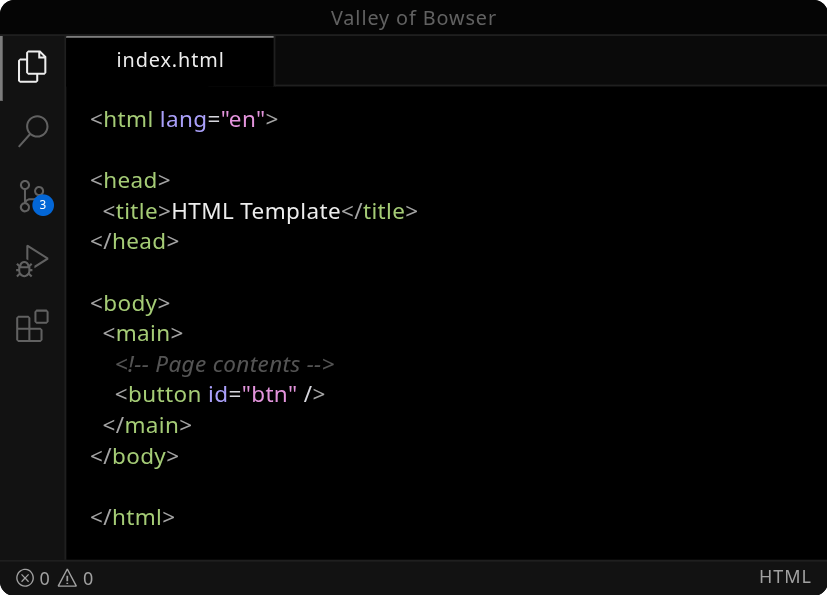
🌐 HTML
html preview
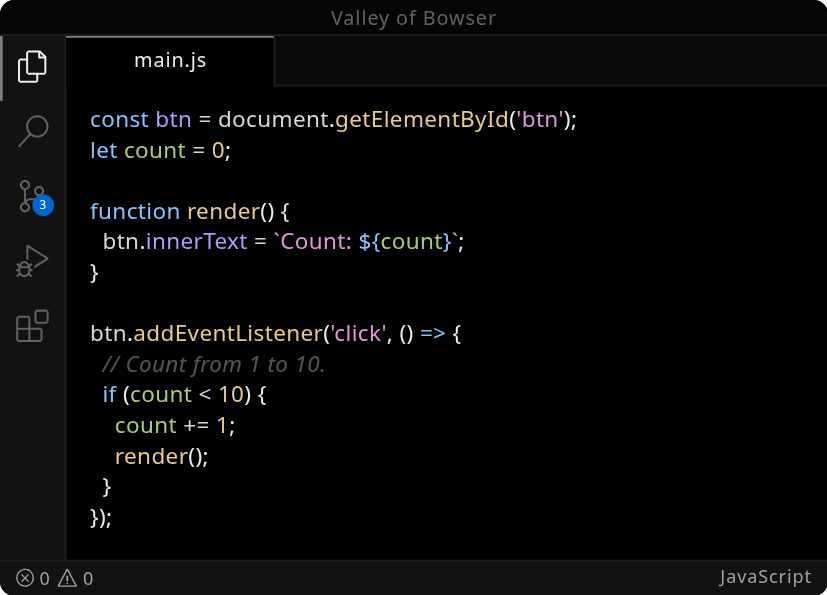
🟨 JavaScript
javascript preview
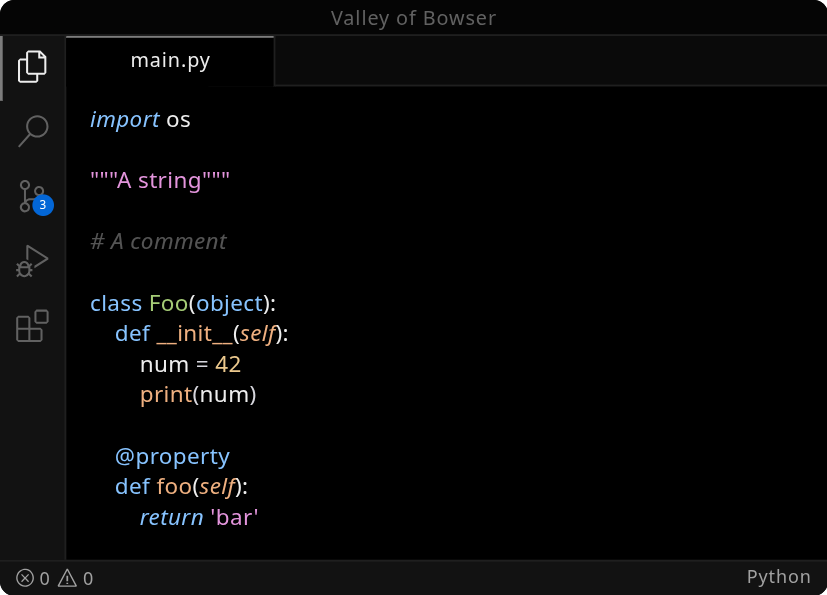
🐍 Python
python preview
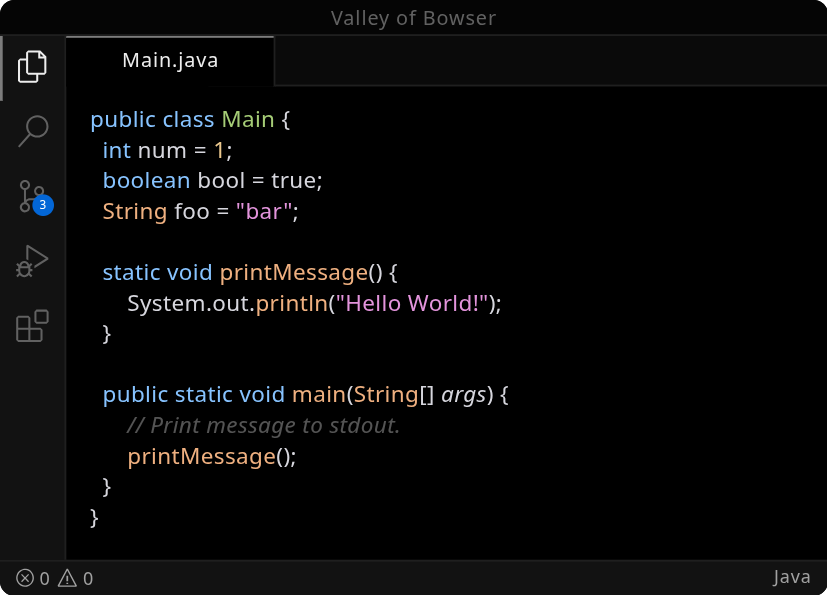
☕ Java
java preview

Install

Available on:

  • Visual Studio Marketplace
  • Open VSX Registry
  1. Open Extensions sidebar panel in VS Code. View → Extensions
  2. Search for Valley of Bowser
  3. Click Install to install it.
  4. Click Reload to reload your editor
  5. File > Preferences > Color Theme > Valley of Bowser

Why "Valley of Bowser"?

The name originates from the darker final world of Super Mario World for the Super Nintendo / Super Famicom. This game is one of my favorites, and the theme’s name is a small homage to it.

And yes… this is only a tribute. Please, Nintendo, don’t sue me. 🍄

License

MIT License

  • Contact us
  • Jobs
  • Privacy
  • Manage cookies
  • Terms of use
  • Trademarks
© 2026 Microsoft