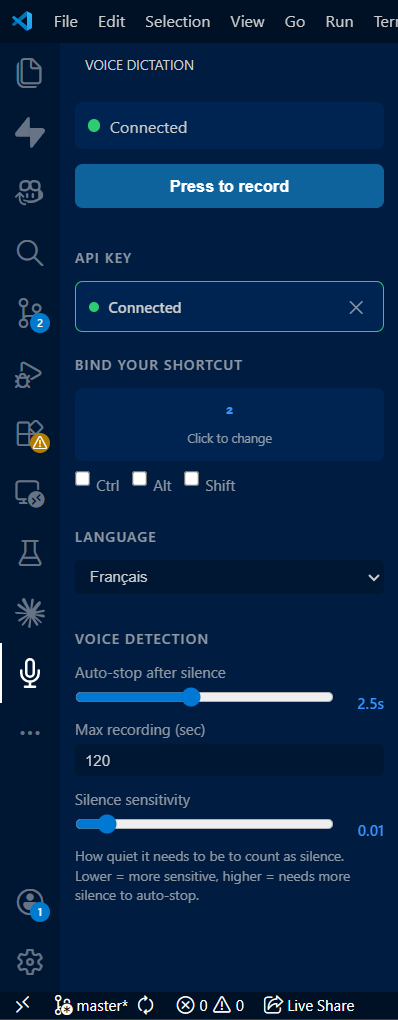
Voice DictationPress a key, speak, text appears. Voice dictation for VS Code with any STT API. Installation Launch VS Code Quick Open ( Ctrl+P), paste the following command, and press enter.Copied to clipboard |

Voice Dictation for VS CodePersonal project I built to dictate into VS Code and Claude Code without touching the keyboard. Publishing it for free so anyone can use it. Bring your own API key. Install from VS Code Marketplace
How it works
Features
Supported APIs
Requirements
Dependencies are installed automatically on first launch. macOS is here!Voice Dictation now works fully on Mac press your shortcut anywhere (a file, the terminal, Claude Code…) and your words appear right where your cursor is. current problem: Allow VS Code once : open System Settings › Privacy & Security › Accessibility and turn on Visual Studio Code. This lets it type for you. LicenseMIT — GitHub |