Claude Deck
The fastest way to unlock everything Claude Code can do. Stop editing JSON files by hand. Stop hunting for slash command syntax. Stop copy-pasting MCP configs from GitHub READMEs. Claude Deck gives you a one-click control panel - right inside VS Code - to install Skills, wire up MCP servers, configure Hooks, and manage Memory in seconds. Why Claude Deck?Out of the box, Claude Code is powerful. But unlocking that power means digging through docs, manually editing
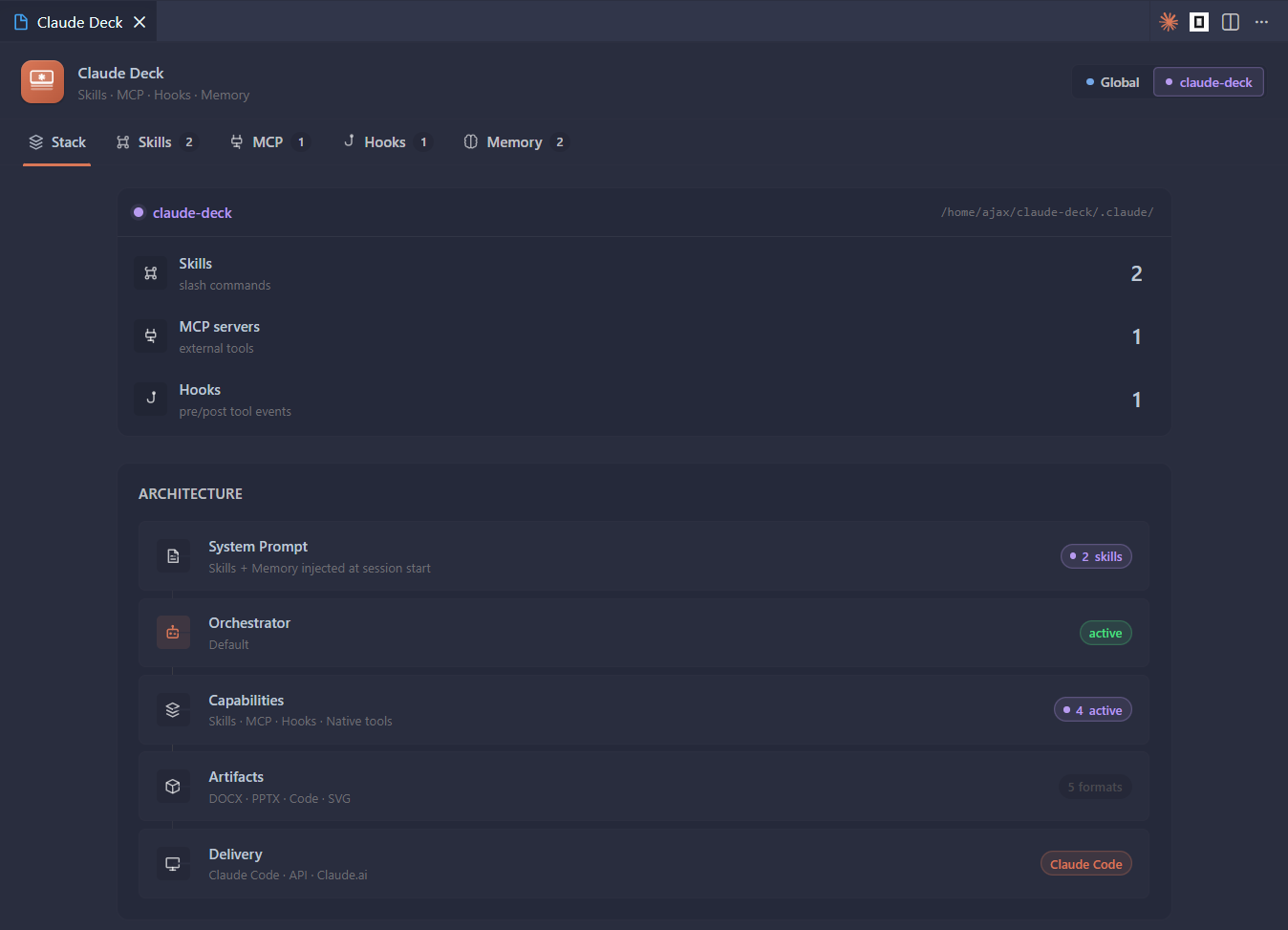
FeaturesStack - Your Claude at a GlanceA live dashboard showing your entire Claude Code setup: active model, installed skills, connected MCP servers, active hooks, and memory files - global and per-project. Know exactly what Claude has access to before you start a session.
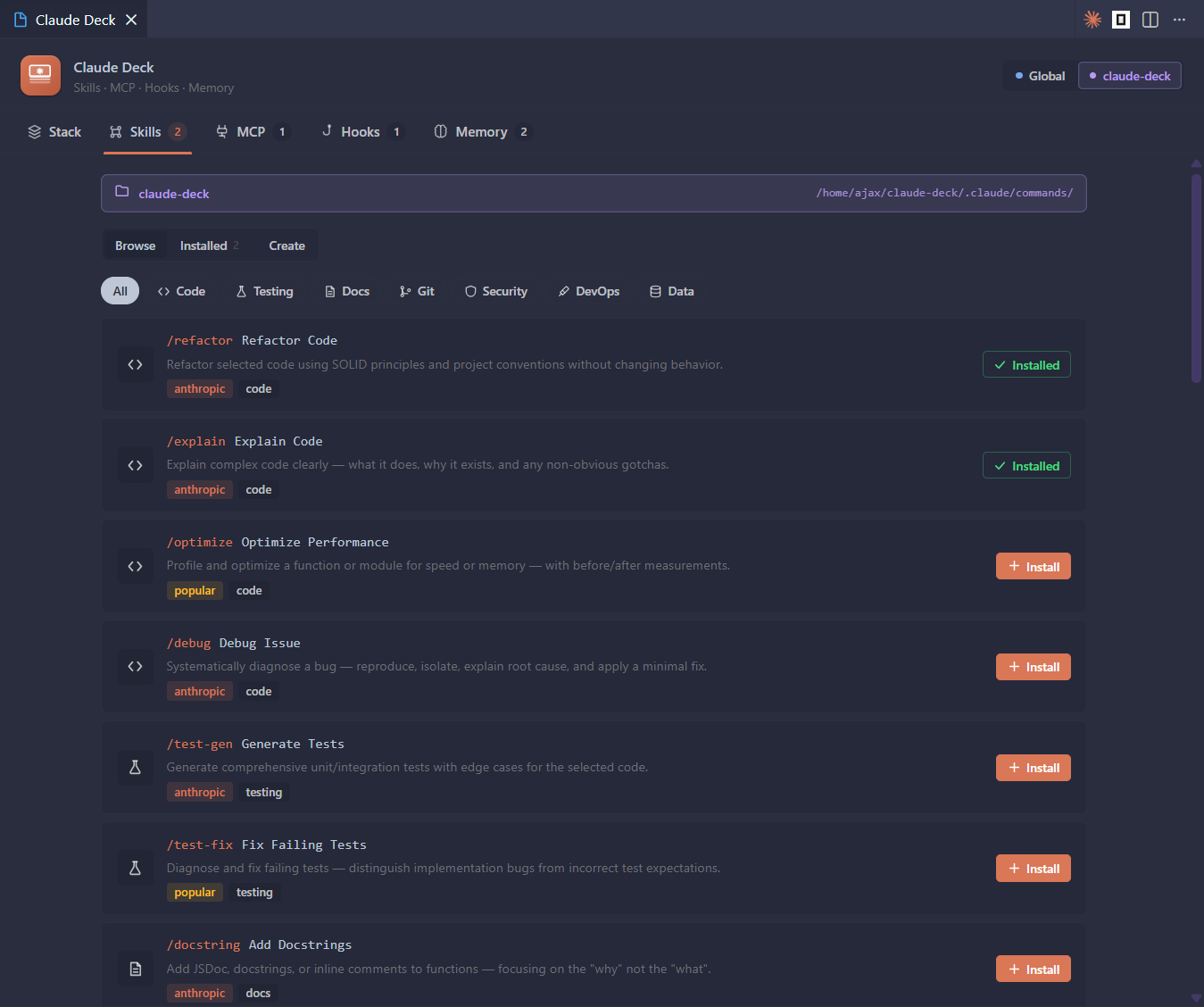
Skills - One-Click Slash CommandsBrowse a curated library of slash commands and install them instantly into your global or project scope. Get
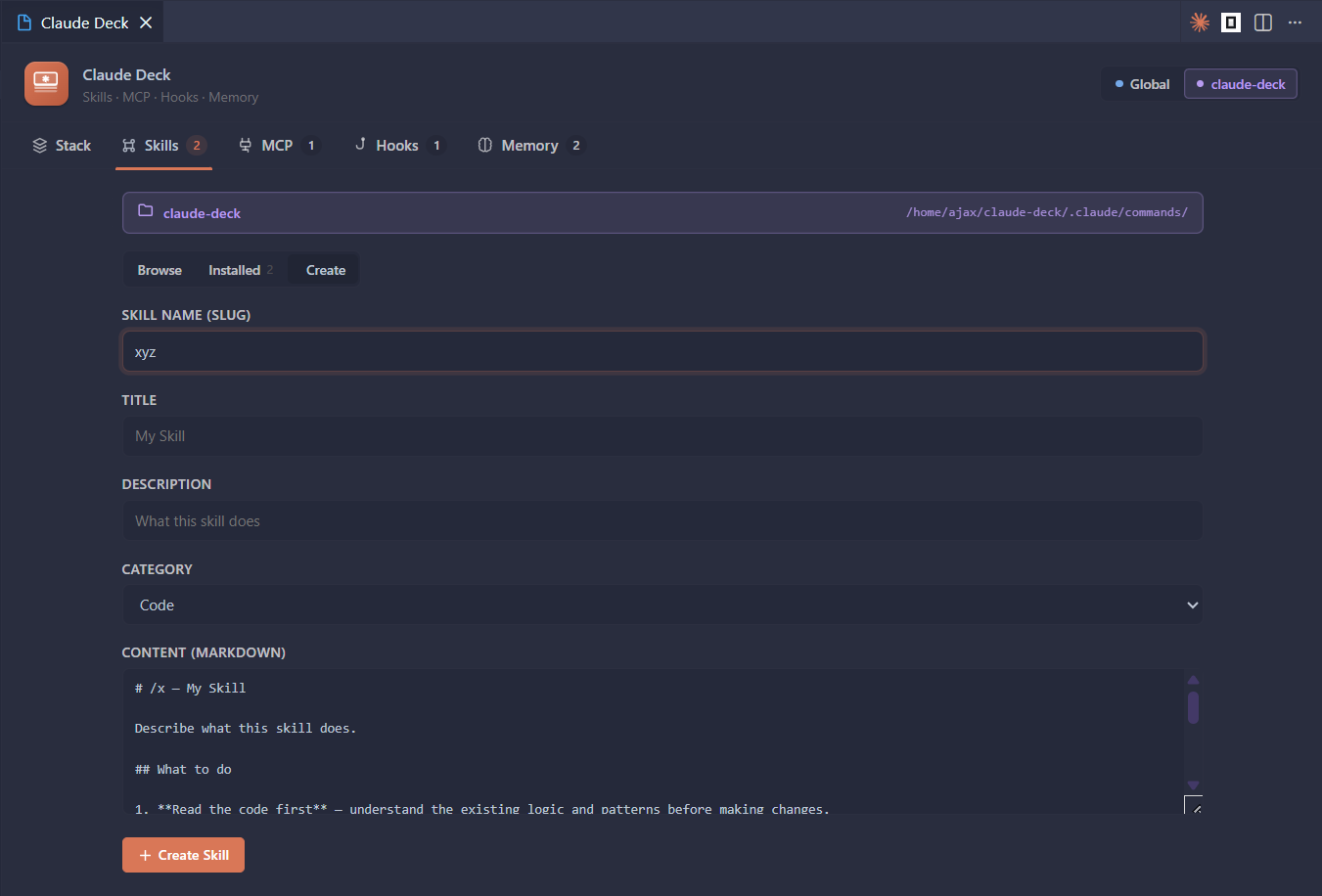
Create a custom skill from a template in seconds:
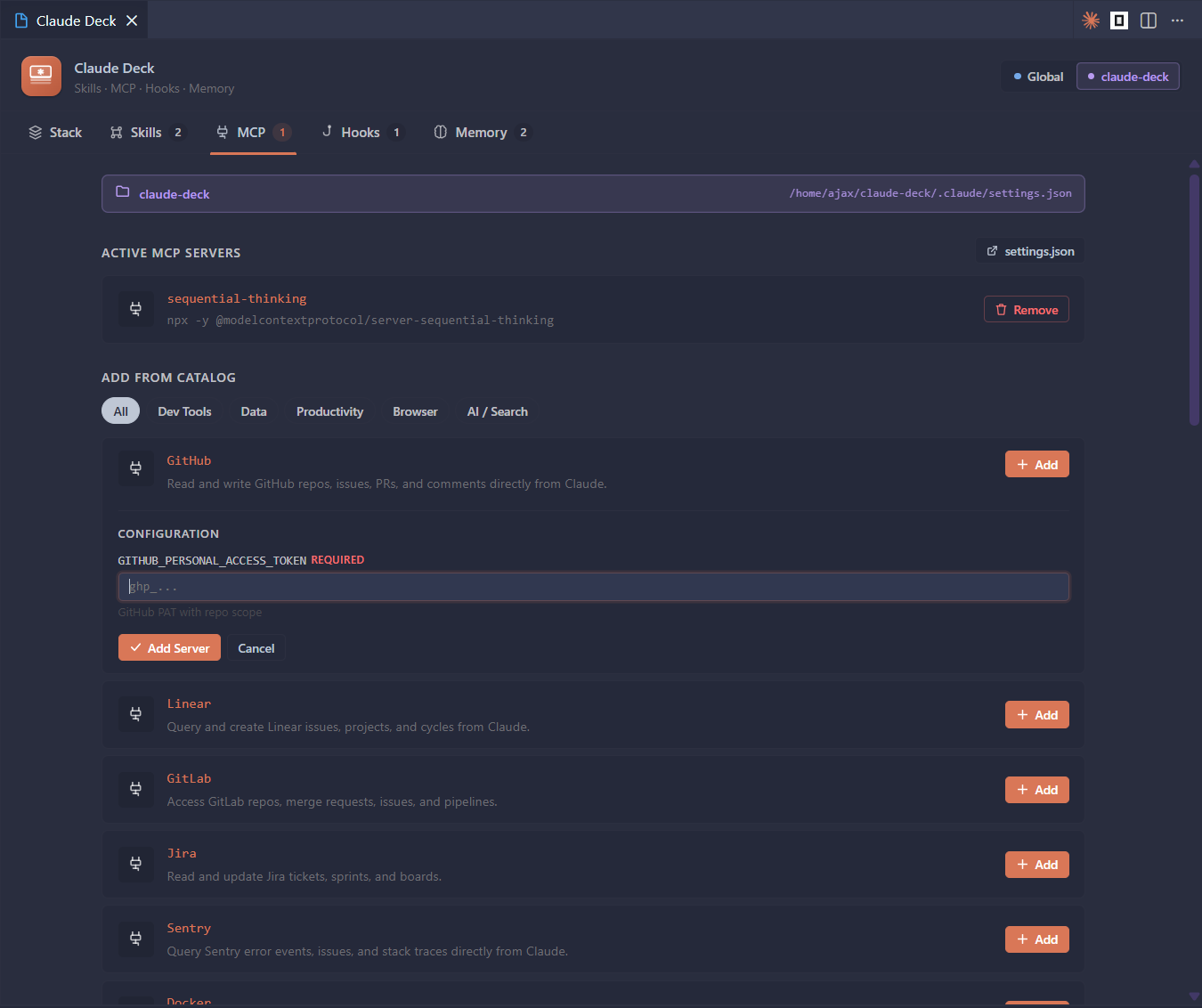
MCP Servers - Plug In New Capabilities InstantlyAdd powerful Model Context Protocol servers from a built-in catalog - all with one click. Need Claude to read files? Browse GitHub? Query a database? Control a browser? It's one click away. Servers that need API keys or connection strings show an inline config form - no manual JSON editing required.
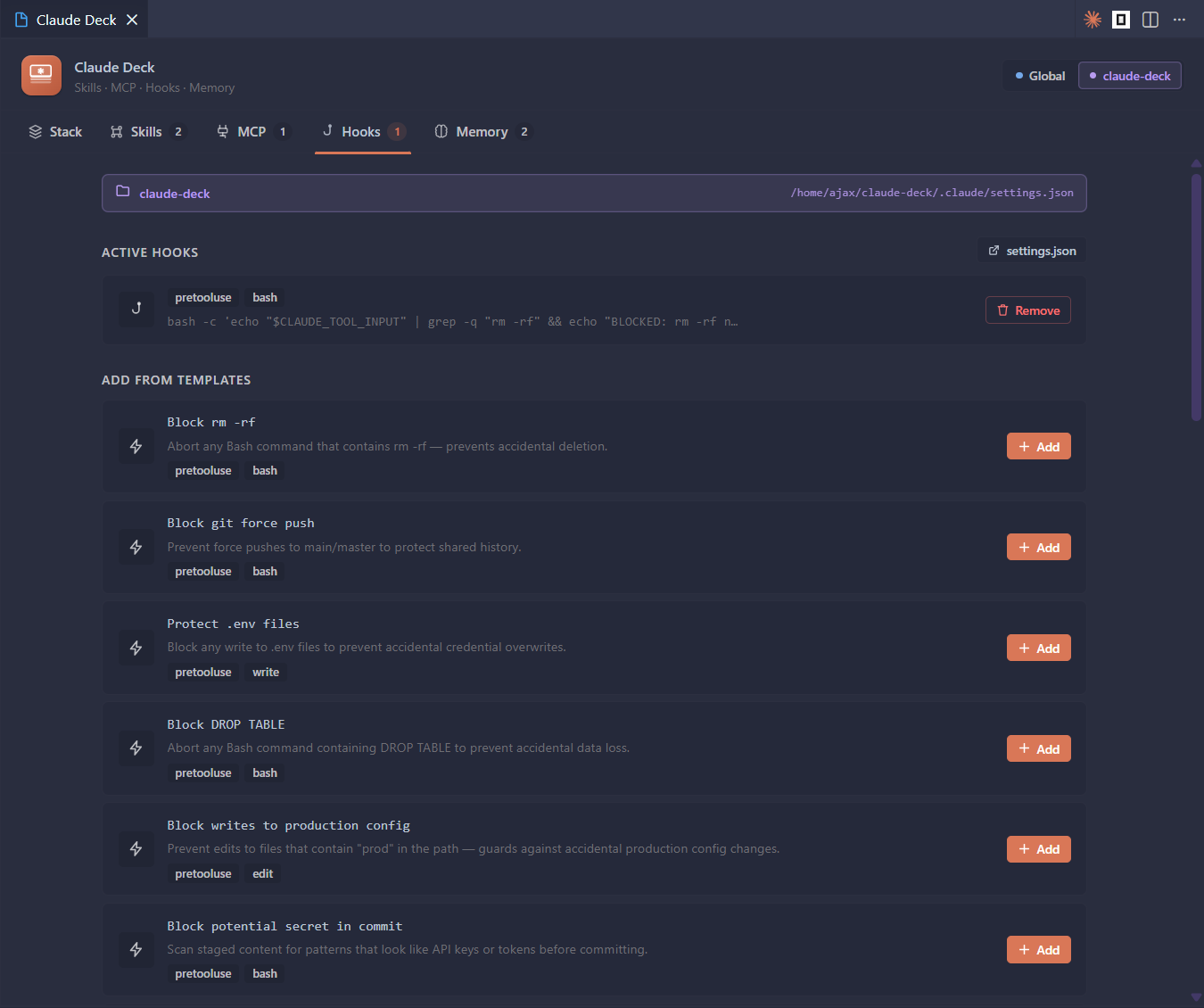
Hooks - Automate Your Entire WorkflowInstall pre-built lifecycle hooks that trigger before or after Claude tool calls. Ship with safety guards that block dangerous commands, code quality runners that auto-lint after edits, desktop notifications when long tasks finish, and workflow helpers that fit your team's process. All managed in
Memory - See What Claude RemembersBrowse and edit every memory file that gets injected into Claude's context - Getting Started
That's it. Usage
ScopeEvery feature supports two scopes:
Requirements
Release NotesSee CHANGELOG.md for version history. |