
Stellar Kit StudioKit Studio by Stellar Kit: Build, deploy, and manage Soroban smart contracts on Stellar directly from VS Code. One-click deploy, transaction simulation, and integrated CLI workflows. Installation Launch VS Code Quick Open ( Ctrl+P), paste the following command, and press enter.Copied to clipboard |

Kit Studio by Stellar Kit
Kit Studio is a developer toolkit for building, deploying, and managing smart contracts on the Stellar network — directly from your editor. Build, deploy, and simulate Soroban contracts from VS Code without jumping between the terminal and the editor: the Stellar CLI is wired into a sidebar and commanded s so you can stay in the flow. What it does
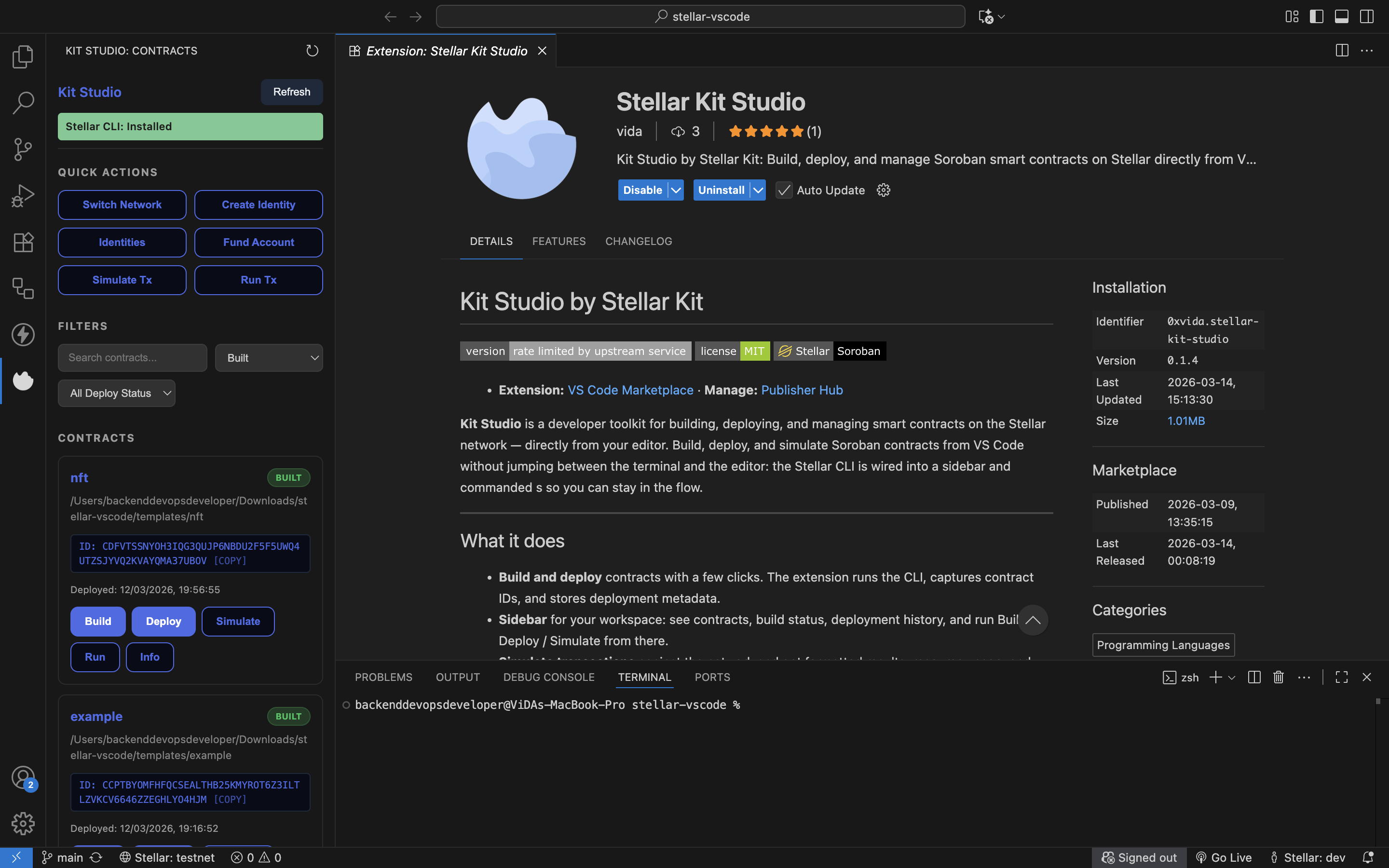
Screenshot of the current Stellar Kit Studio MVP. The project and repo were originally released as Stellar Suite; the product is now named Stellar Kit Studio with parent brand retaining Stellar Kit. Install and runInstall Kit Studio from the VS Code Marketplace (Extensions view,
Build from source: clone the repo, run Main workflowsDeploy: Command Palette → Stellar Kit: Deploy Contract. Pick WASM, network, source account, and signing method. The extension runs the CLI, handles signing, and shows the result and contract ID. Build: Command Palette → Stellar Kit: Build Contract, or use the sidebar. Chooses the contract folder if you have more than one. Simulate: Command Palette → Stellar Kit: Simulate Soroban Transaction. Enter contract ID, function, and arguments; results show in a panel with return values and resource usage. Using the SidebarThe Stellar Kit sidebar provides a visual interface for managing contracts:
ContributingFork the repo, clone it, run SupportOpen an issue on GitHub for bugs or feature ideas. |


