SSH ClientSSH Client for Visual Studio Code. Installation Launch VS Code Quick Open ( Ctrl+P), paste the following command, and press enter.Copied to clipboard |


Database Client
All-in-one database management extension for Visual Studio Code. Connect to SQL and NoSQL databases, browse and edit data, run queries with IntelliSense, manage SSH servers, Docker, and remote files — without leaving the editor.
TelemetryThe extension collects anonymous usage data to help improve the product. Read the Privacy Policy for details. Telemetry follows VS Code's telemetry settings. You can also disable it independently: Getting StartedConnect
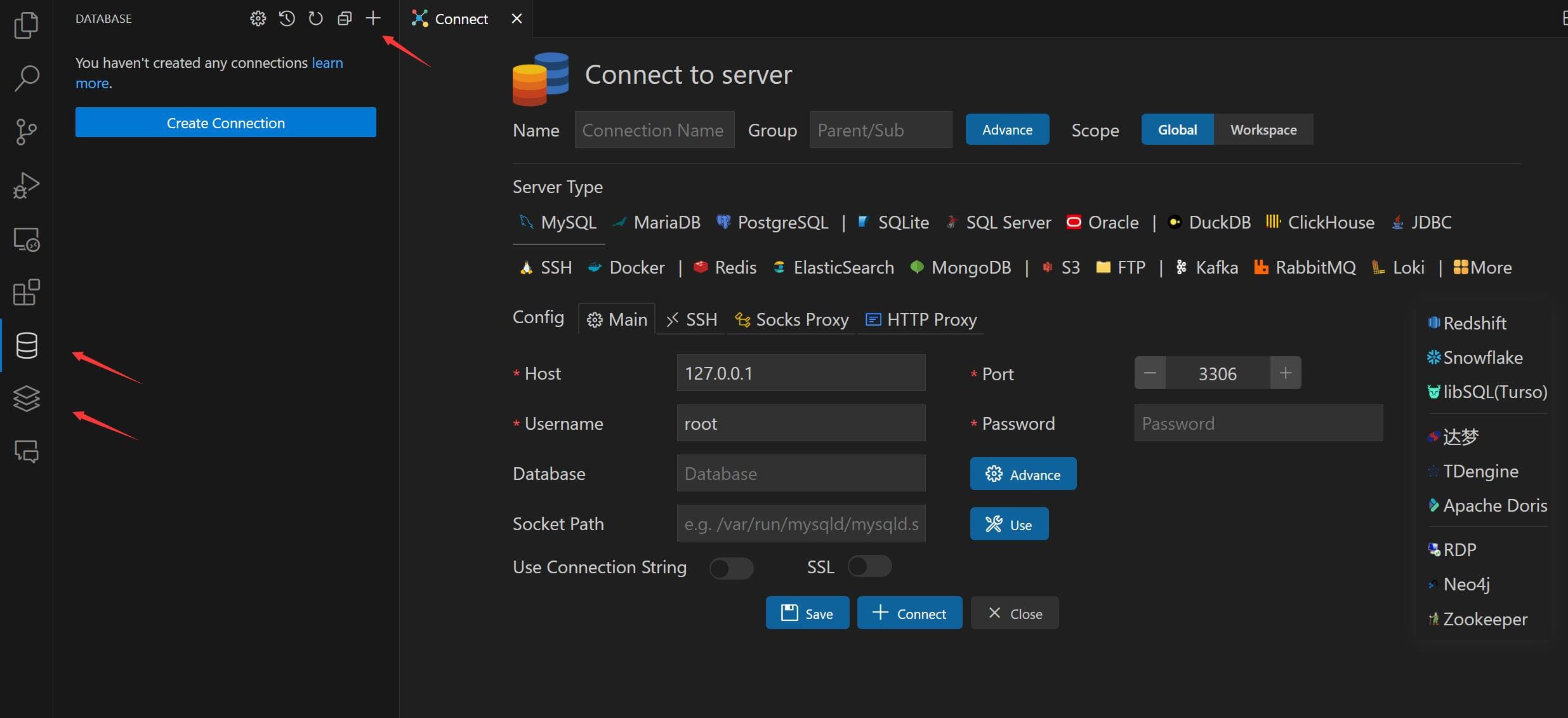
Connections support SSH tunnel, SSL/TLS, SOCKS proxy, and HTTP auth where applicable. Browse Tables
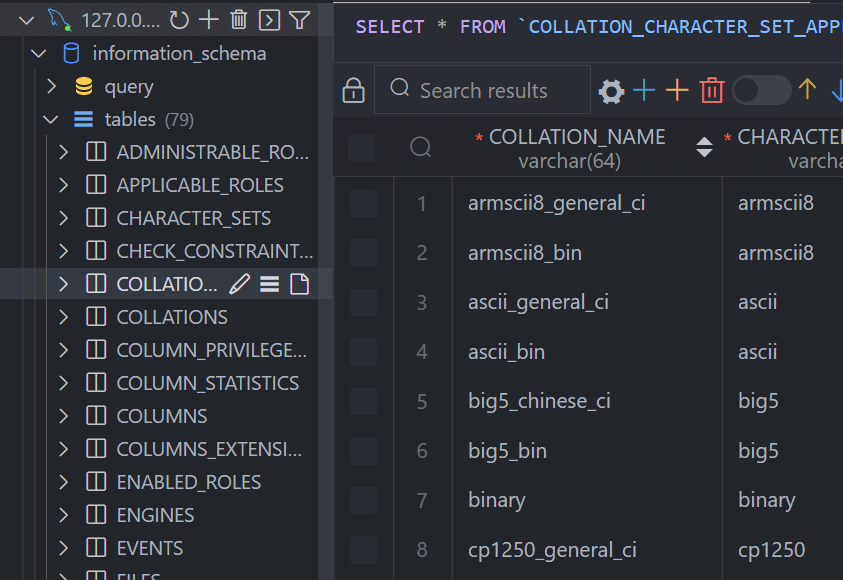
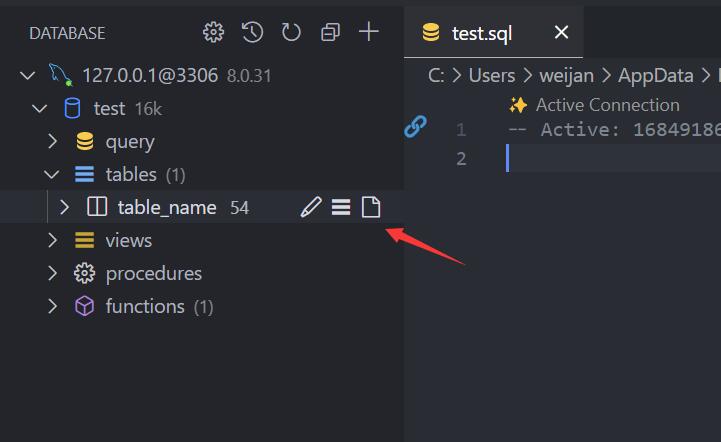
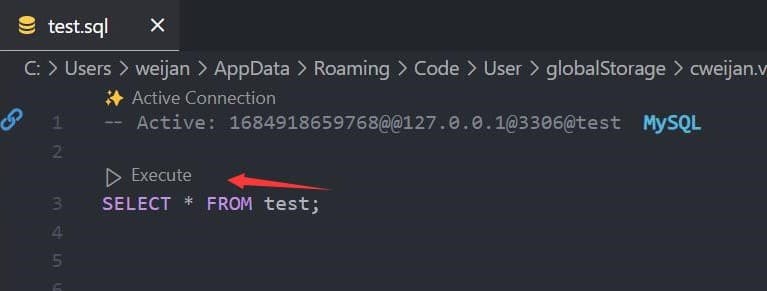
Use the search box next to Tables to filter objects in the explorer. Execute SQLClick Open Query on a connection to open a SQL editor bound to that database.
The editor provides:
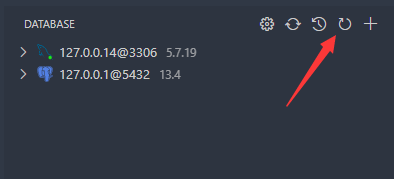
CacheDatabase metadata is cached for performance. If the schema changes externally, click the Refresh button on the connection to update.
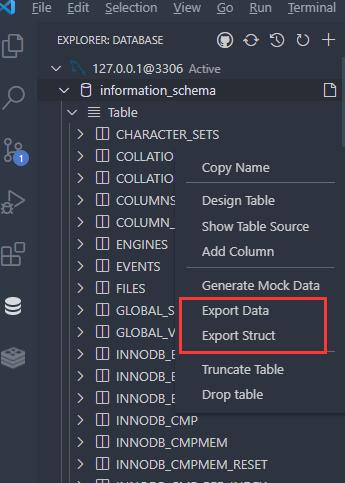
Backup & ImportRight-click any database or table node to access Export and Import options. For MySQL and PostgreSQL, adding
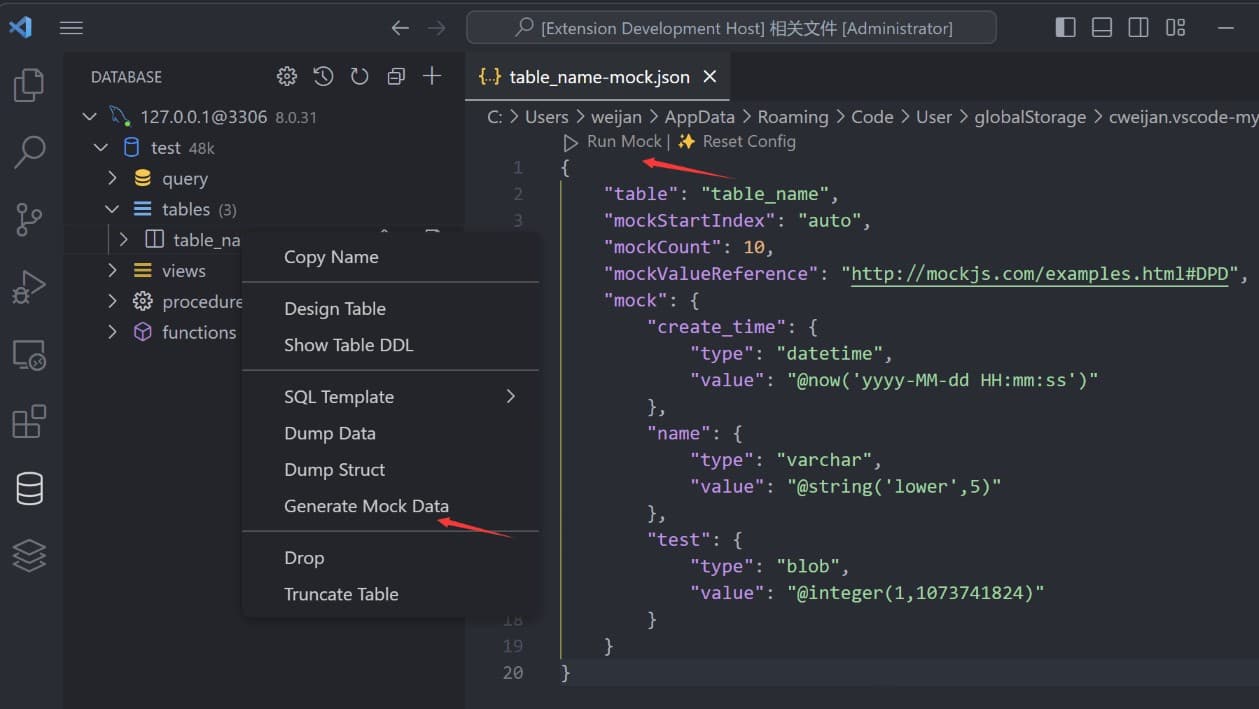
SSH & Port ForwardingConnect to an SSH server to access the terminal, browse remote files, and set up port forwarding for tunneling database connections. Mock DataGenerate test data from table templates or
Query HistoryClick the history button in the SQL editor toolbar to view recently executed queries. SettingsOpen VS Code Settings and search for Common options:
DevelopmentPrerequisites
BuildPress PackageCredits
|