Skip to content
| Marketplace
Sign in
Visual Studio Code>Themes>Haar ThemeNew to Visual Studio Code? Get it now.
Haar Theme

Haar Theme

Zorzen Studios

|
2 installs
| (0) | Free
Six calm fog colour themes for VS Code, each in light and dark. Free, from Zorzen Studios.
Installation
Launch VS Code Quick Open (Ctrl+P), paste the following command, and press enter.
Copied to clipboard
More Info

Haar Theme

Six calm fog colour themes for VS Code, each in light and dark. Free, from Zorzen Studios.

The six fogs

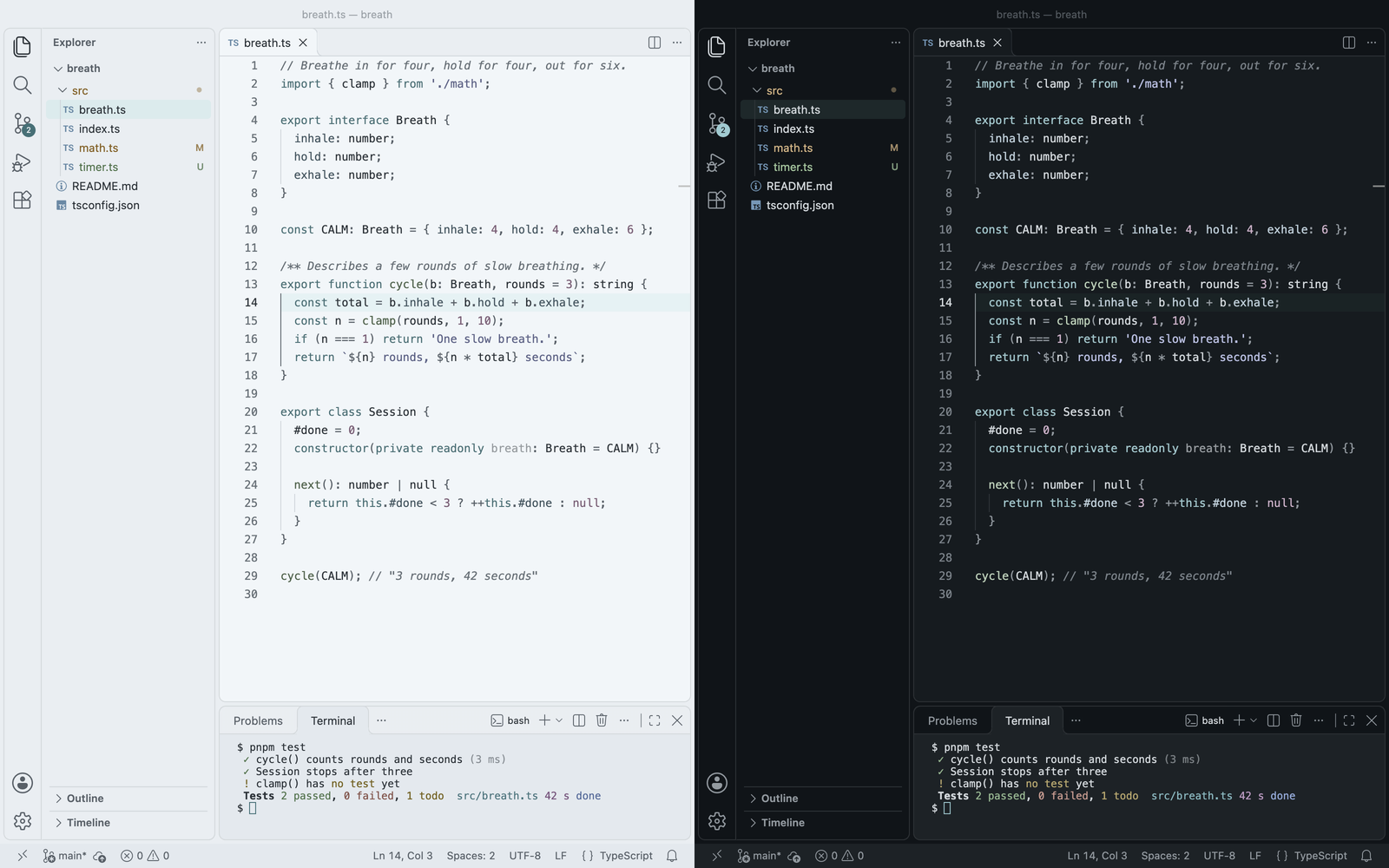
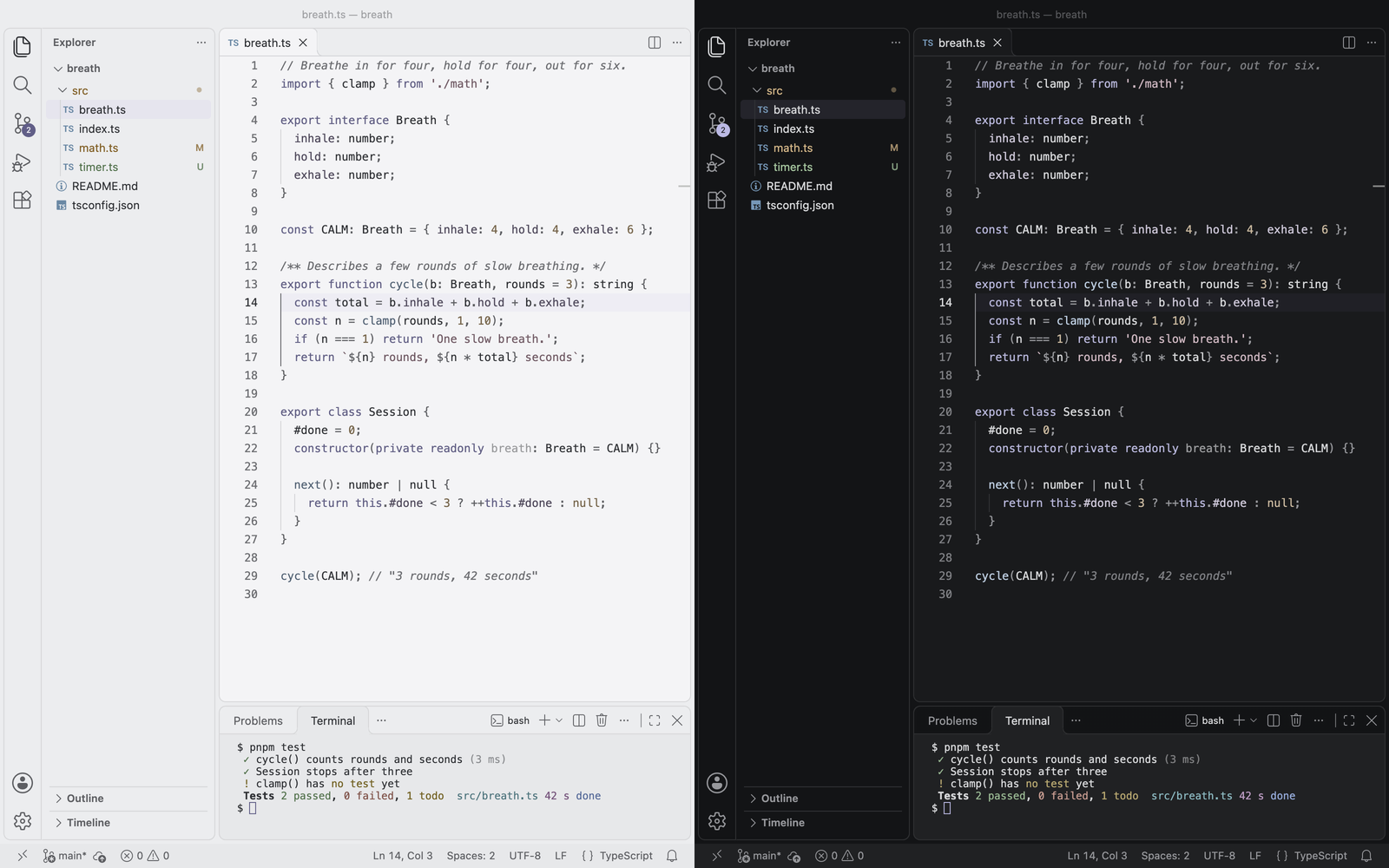
Haar

Haar Light and Haar Dark, side by side in VS Code: a TypeScript file, the Explorer with git changes, and a test run in the terminal.

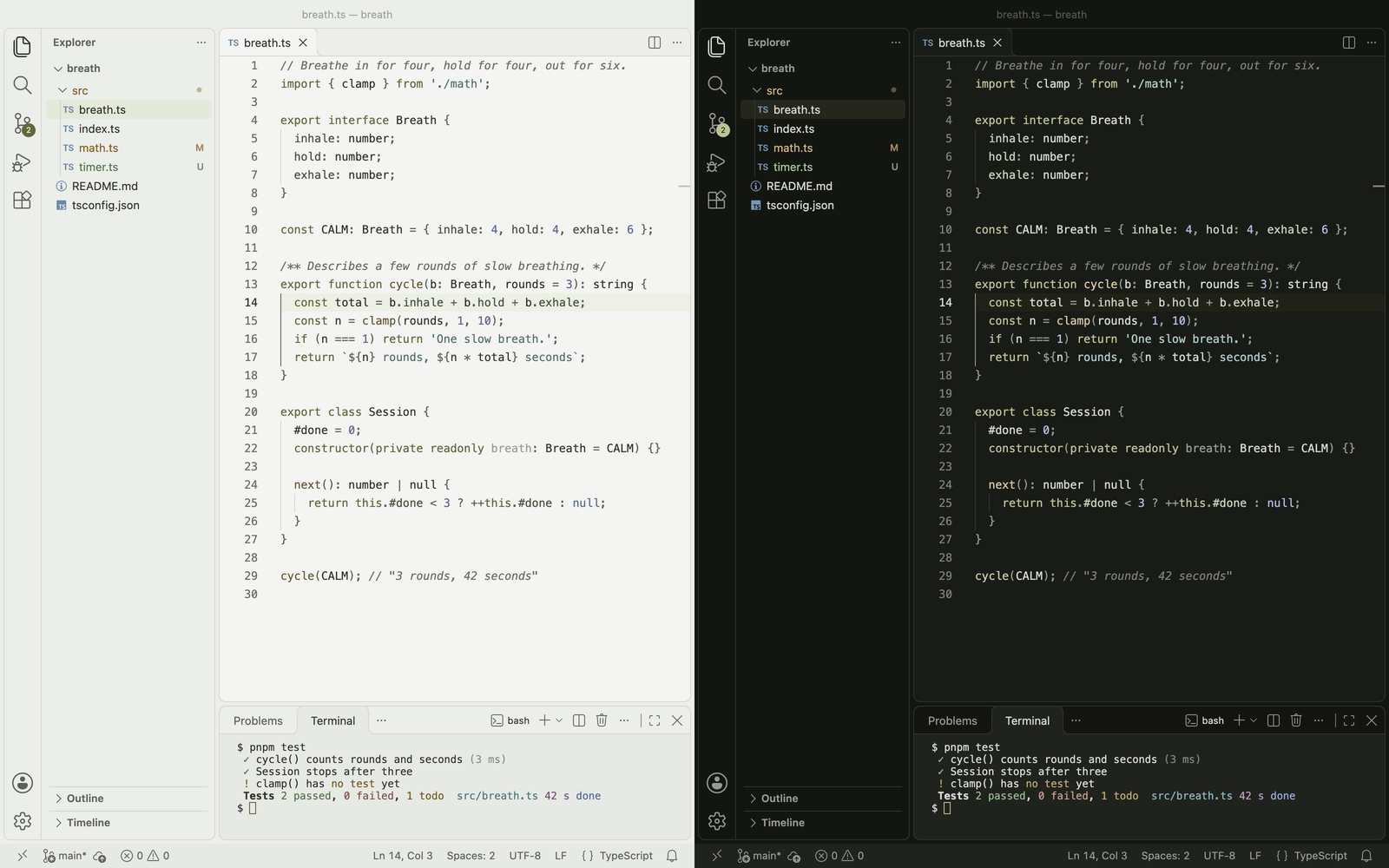
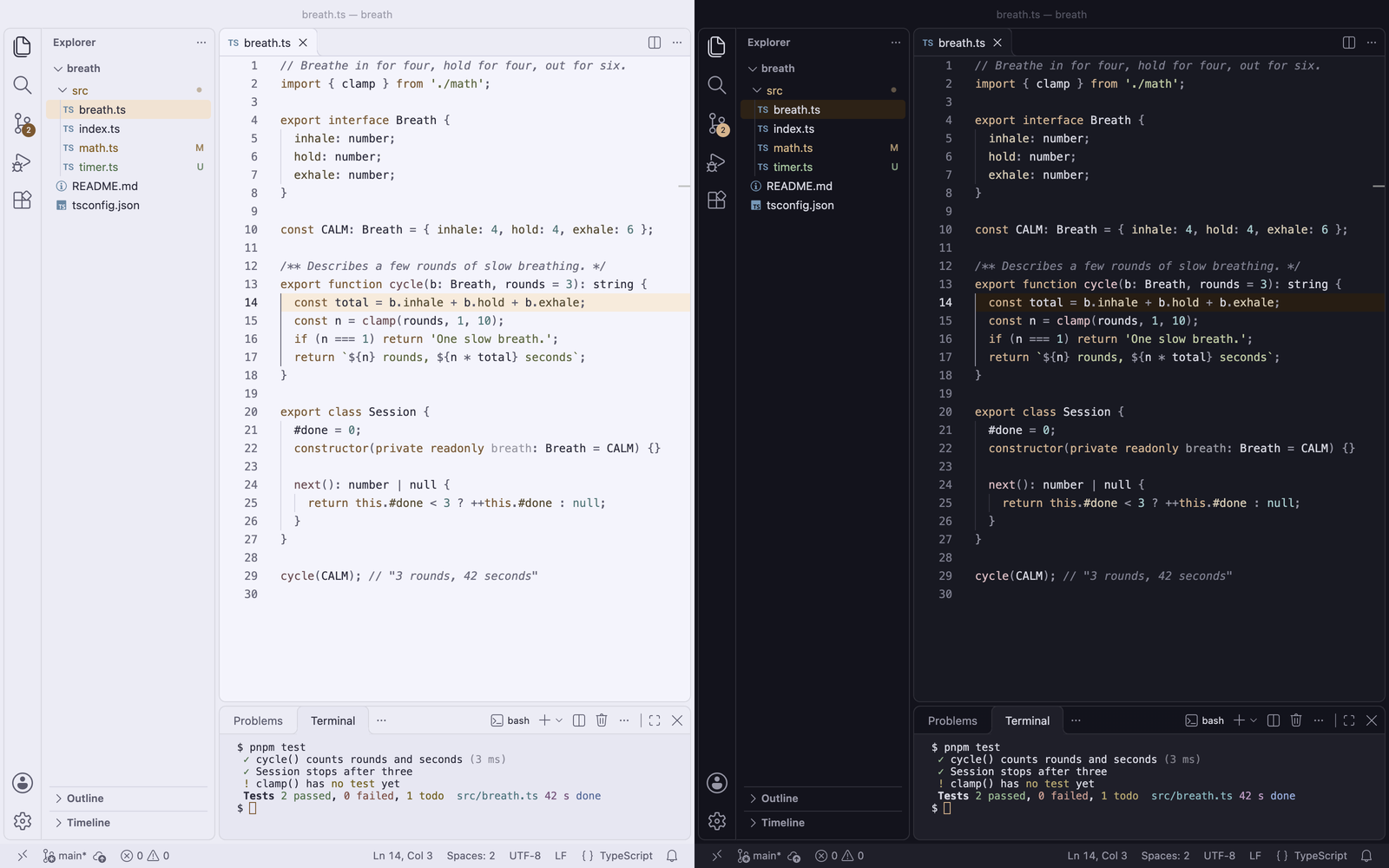
Matcha

Haar Matcha Light and Haar Matcha Dark, side by side in VS Code: a TypeScript file, the Explorer with git changes, and a test run in the terminal.

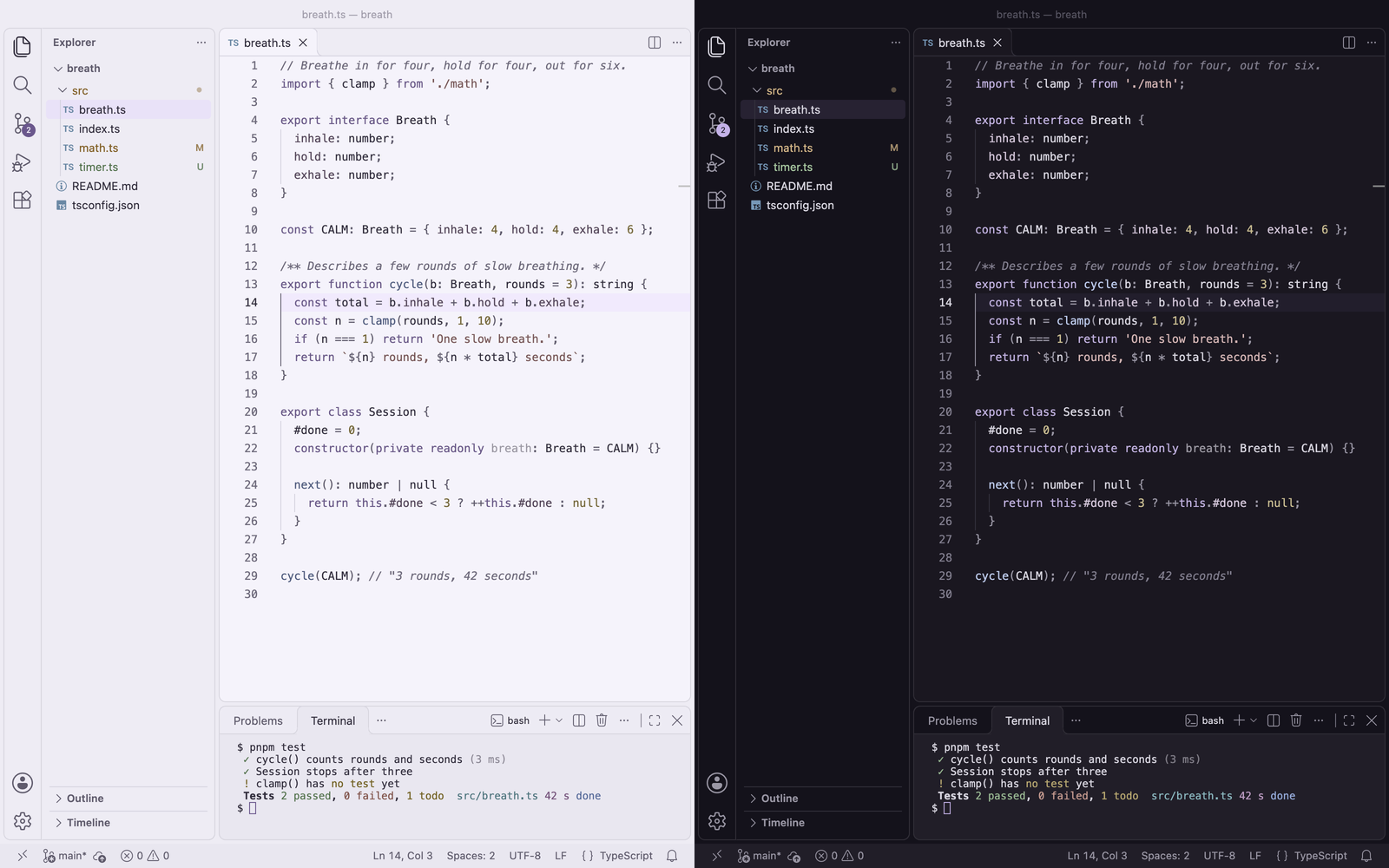
Lilac

Haar Lilac Light and Haar Lilac Dark, side by side in VS Code: a TypeScript file, the Explorer with git changes, and a test run in the terminal.

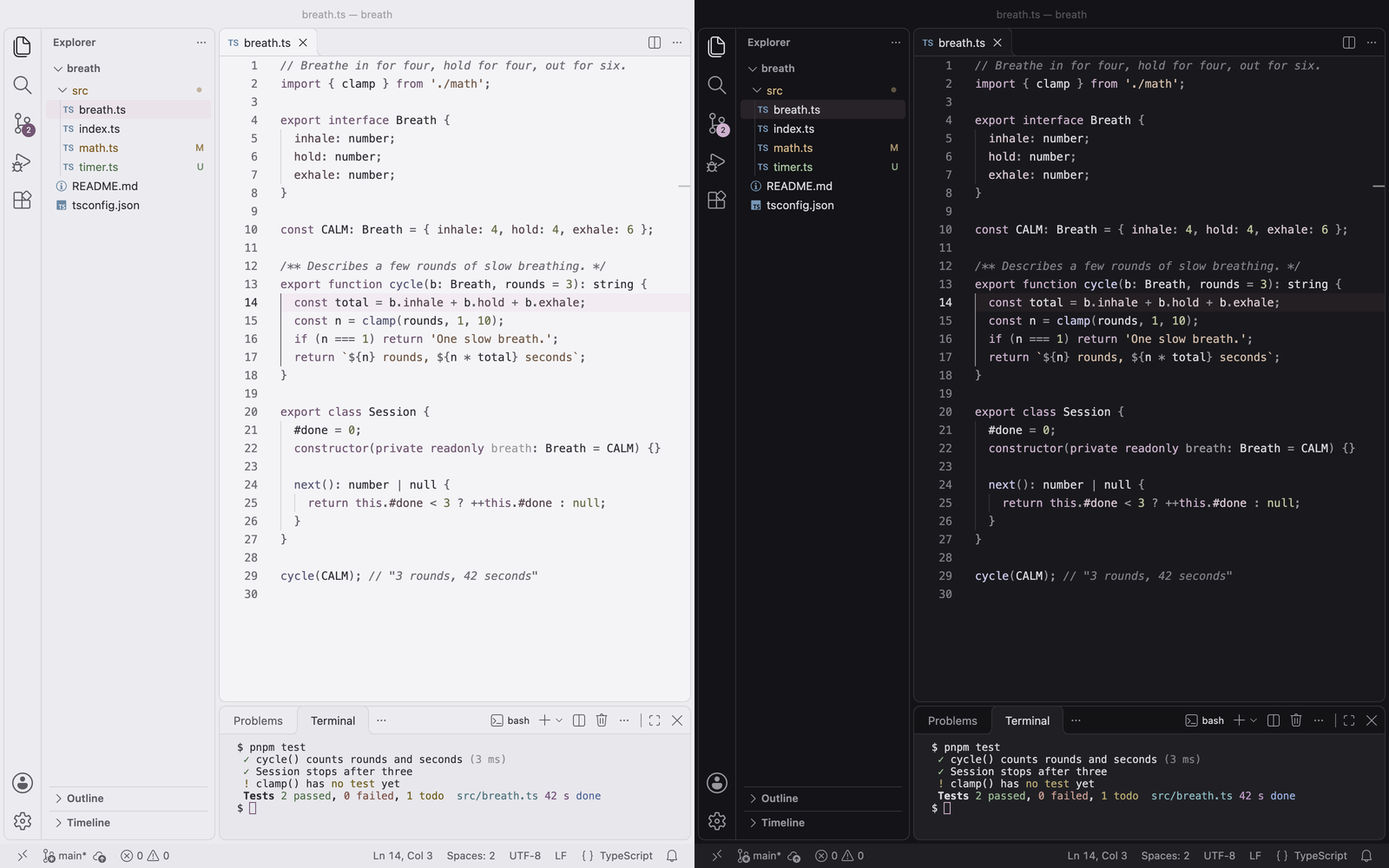
Kasumi

Haar Kasumi Light and Haar Kasumi Dark, side by side in VS Code: a TypeScript file, the Explorer with git changes, and a test run in the terminal.

Pewter

Haar Pewter Light and Haar Pewter Dark, side by side in VS Code: a TypeScript file, the Explorer with git changes, and a test run in the terminal.

Dusk

Haar Dusk Light and Haar Dusk Dark, side by side in VS Code: a TypeScript file, the Explorer with git changes, and a test run in the terminal.

Theme (label in VS Code)
Haar Light / Haar Dark
Haar Matcha Light / Haar Matcha Dark
Haar Lilac Light / Haar Lilac Dark
Haar Kasumi Light / Haar Kasumi Dark
Haar Pewter Light / Haar Pewter Dark
Haar Dusk Light / Haar Dusk Dark

Use

Open the Command Palette, run Preferences: Color Theme and pick a Haar theme.

Tip: follow your system's light and dark mode

Turn on window.autoDetectColorScheme, then choose a light and a dark Haar theme:

{
  "window.autoDetectColorScheme": true,
  "workbench.preferredLightColorTheme": "Haar Light",
  "workbench.preferredDarkColorTheme": "Haar Dark"
}

Any pair works, for example "Haar Matcha Light" with "Haar Matcha Dark".

Support

Questions and bug reports: support@zorzenstudios.com.

Made by Zorzen Studios. Also from us: Chakra Moments, MonoVue, Agent Watchdog.

  • Contact us
  • Jobs
  • Privacy
  • Manage cookies
  • Terms of use
  • Trademarks
  • Your Privacy Choices
  • Consumer Health Privacy
© 2026 Microsoft