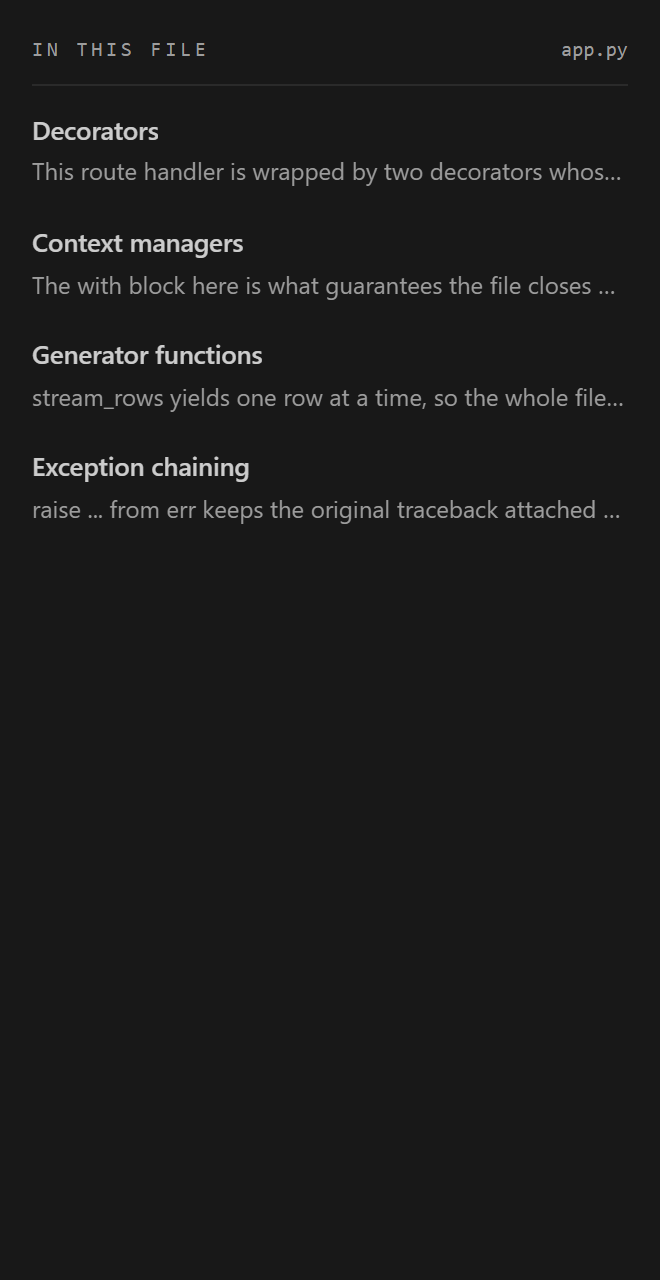
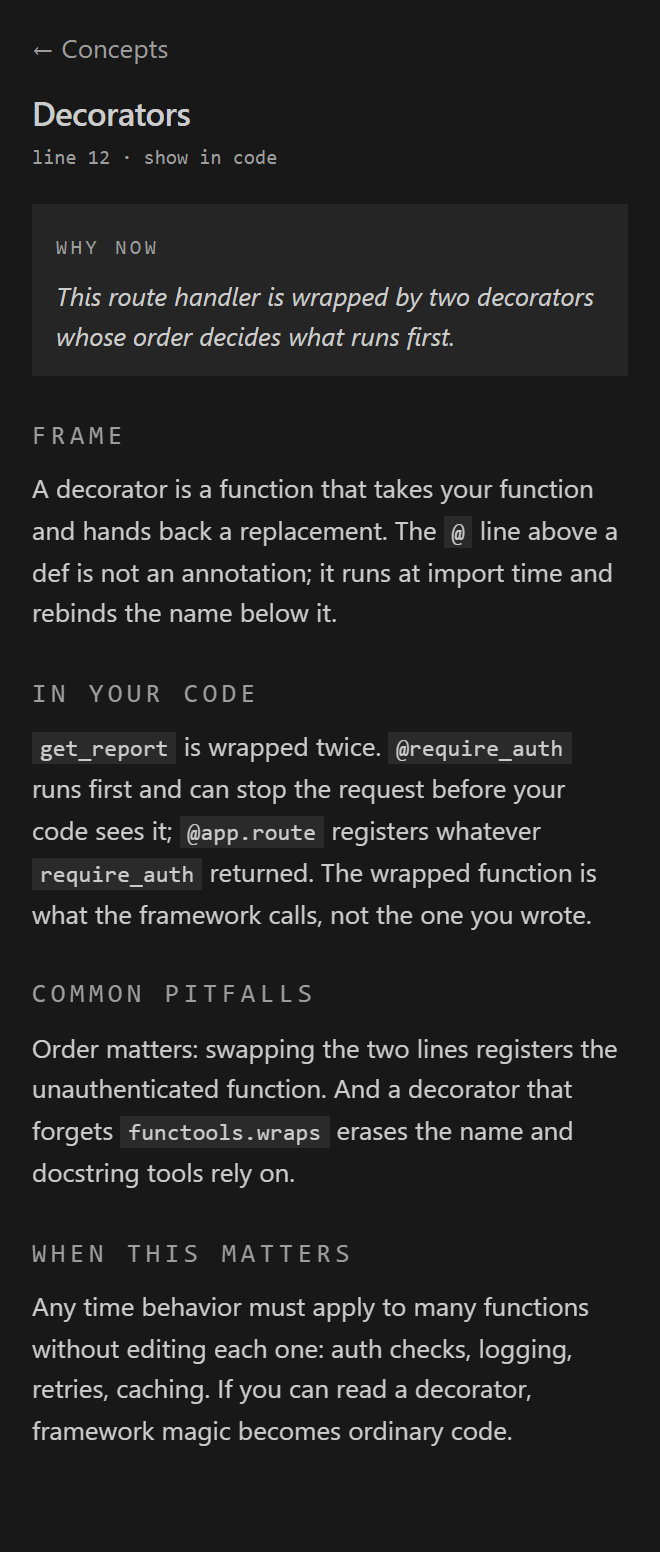
Mati for VS CodeMati surfaces the load-bearing concepts inside your code and teaches them in place: dotted underlines on the exact constructs worth understanding, a hover card for why this matters here, and a streamed, four-section explanation in the sidebar when you want the full picture. Mati is not a linter and not a fixer. It does not flag problems or rewrite your code. It teaches the concepts your code is already built on, so you understand the "why," not just the "what."
What it does
Mati reads a file when you settle on it, not on every keystroke: the file has to be the one you are looking at, your edits have to pause for a few seconds, and the content has to have actually changed. Reads are capped at roughly one per file per 90 seconds, with an immediate read when you paste or an agent writes five or more lines into the file you are viewing. Whitespace and comment-only edits reuse the existing analysis for free, and "Mati: Read This File Now" forces a read whenever you want one. Thin client for the Mati engine at mati.zonivan.com. The extraction prompt and concept catalog never ship in this extension; they stay server-side. Supported languagesPython, JavaScript, and TypeScript (including JSX/TSX). Signing inRun "Mati: Sign In" from the command palette. Your browser opens mati.zonivan.com, which bounces straight back into VS Code and stores a token securely (VS Code SecretStorage). "Mati: Sign Out" clears it. Known v1 limitation: the browser-to-VS-Code handoff needs the desktop app. On Remote-SSH or web IDEs, the deep link cannot reach the extension; get a token from your Mati account and use "Mati: Set Access Token" instead. A device-code flow is planned. Settings
When credits run outMati stops making engine calls for the rest of the month once your credits are used up, and tells you once. Run "Mati: Check Credits Again" after a plan change or at the start of a new month; if credits are available, Mati reads your file the next time you settle on it. An explanation you opened before editing stays up, marked as based on an earlier version, until you select the concept again. Details in docs/TRIGGER_POLICY.md. PrivacyWhile you're signed in, the open file and any files it directly imports are sent to Mati's engine for analysis. Nothing is stored server-side. Explanations you open are cached on your machine (per workspace), so reopening one is instant and free. The extraction prompt and the concept catalog that make Mati's teaching possible never leave the server; this extension is a thin client and never contains them. Full details: Privacy Policy and Terms. AboutMati is built by Zonivan. The same engine powers the Mati web editor at mati.zonivan.com, where you can try the teaching in your browser without installing anything. |