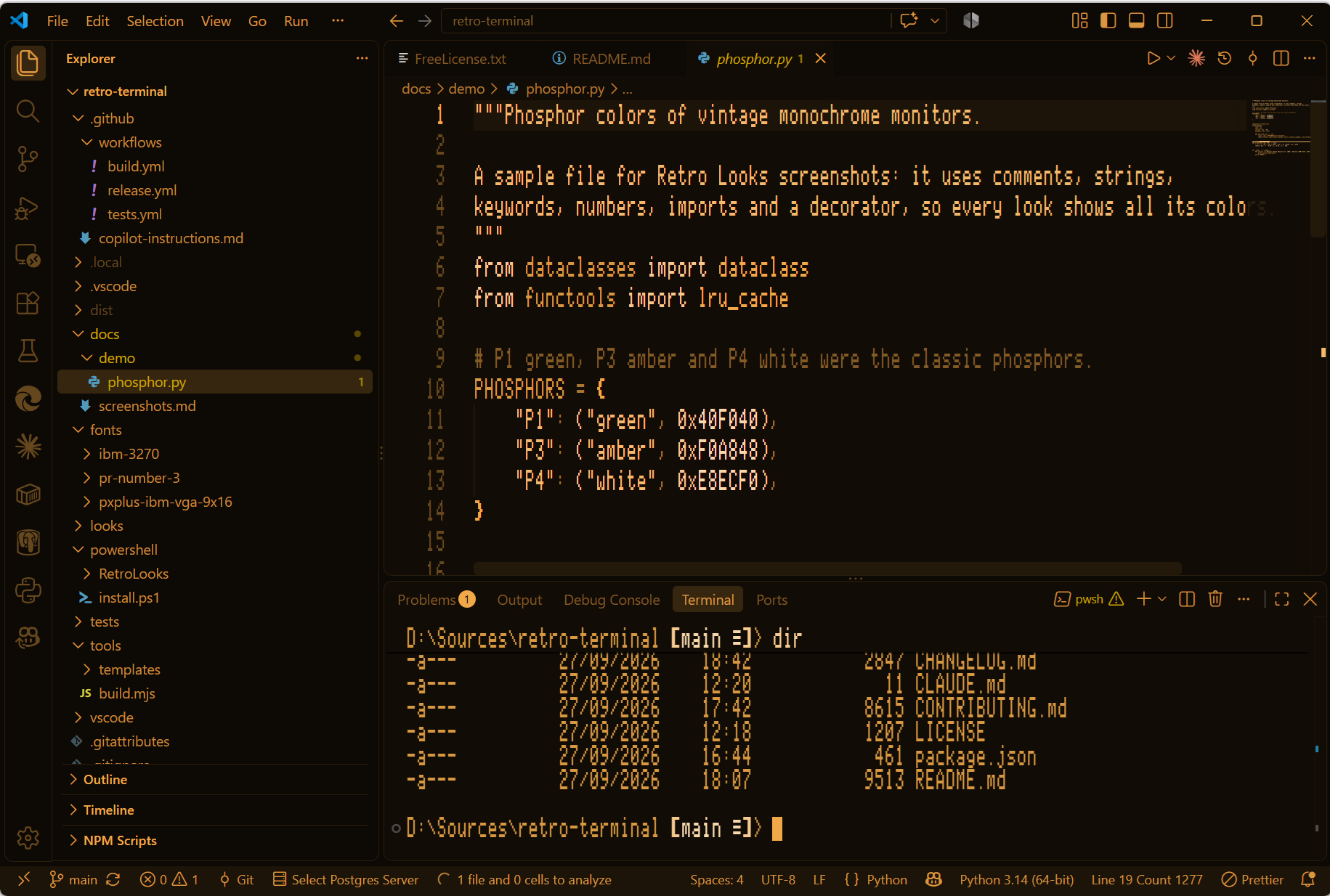
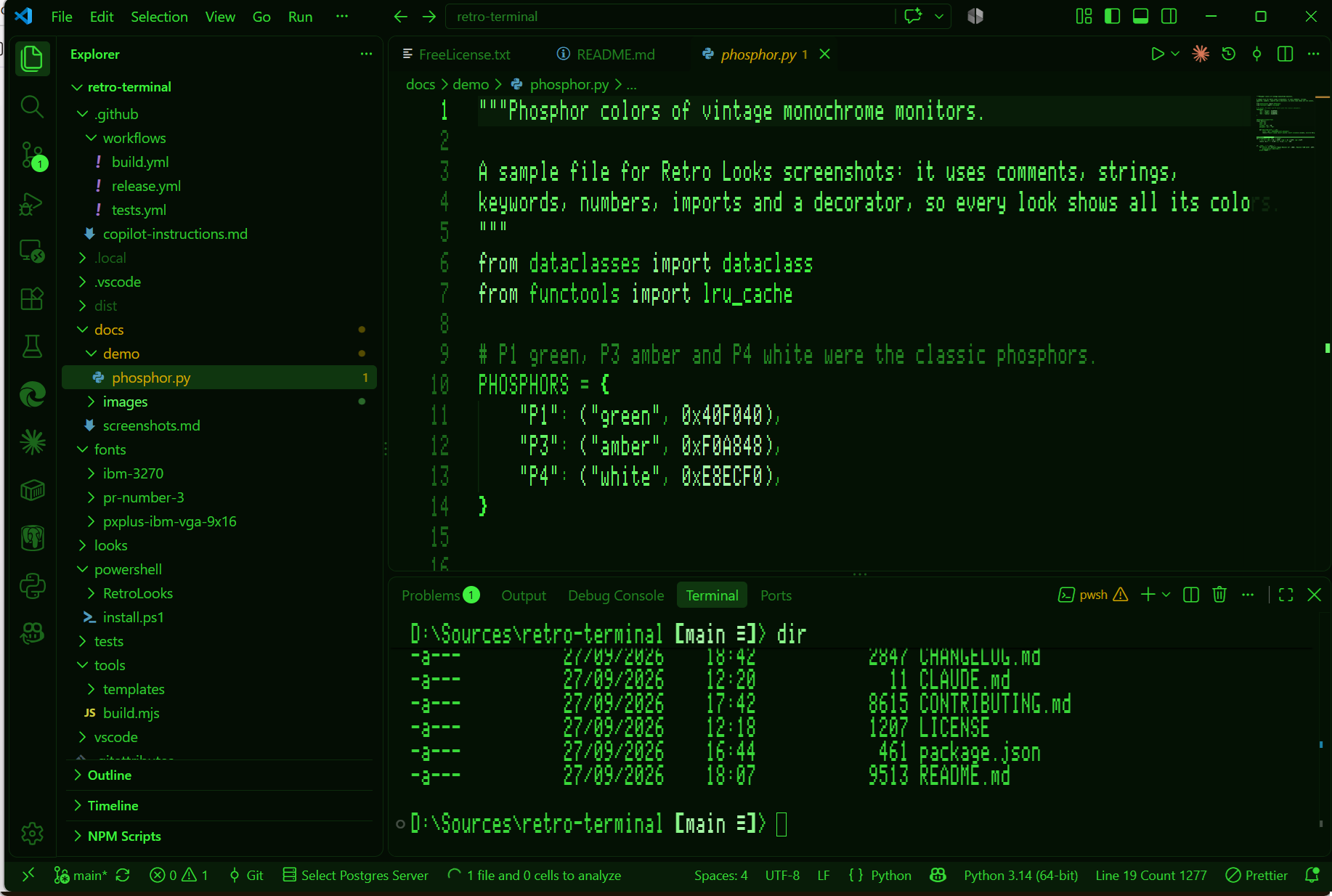
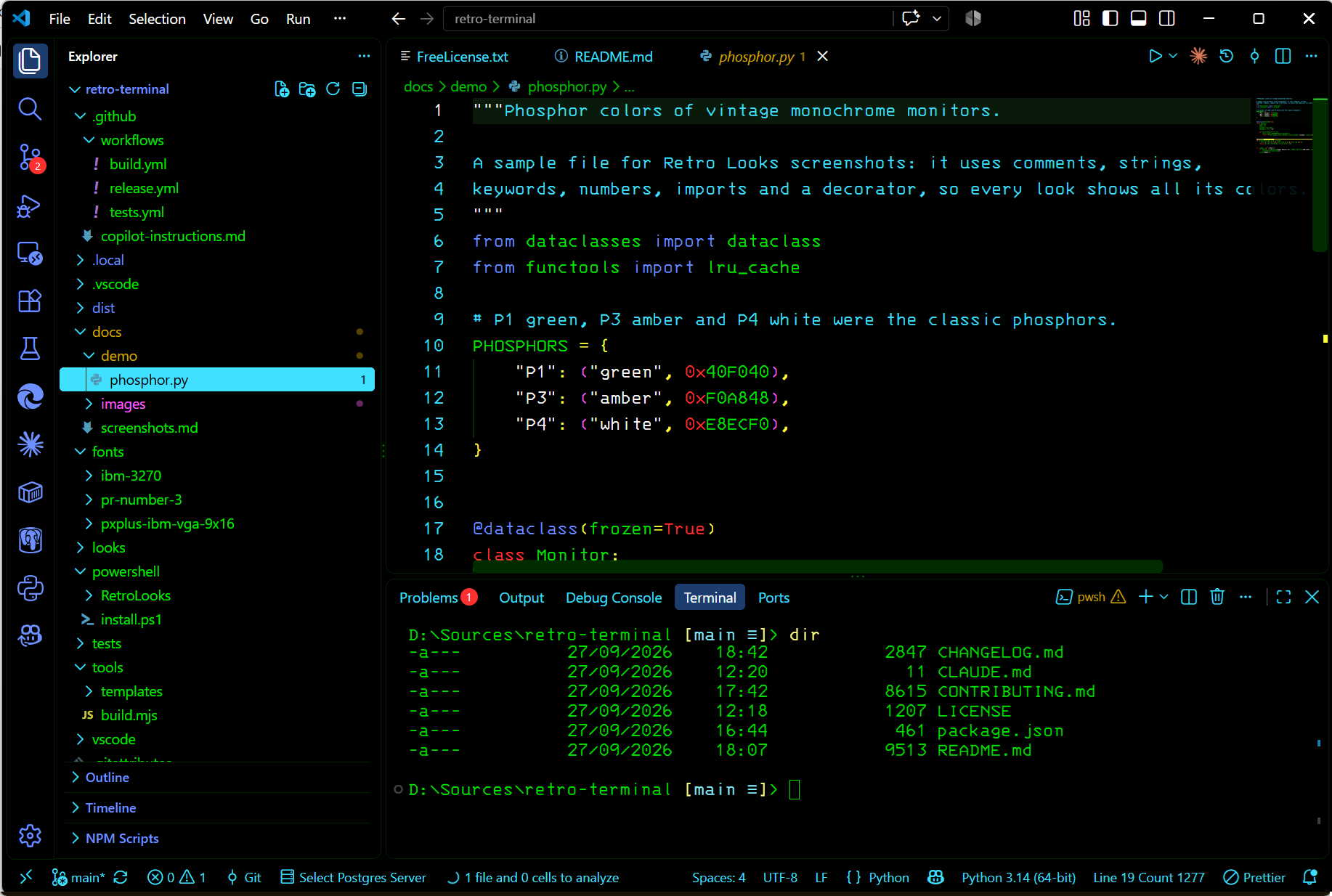
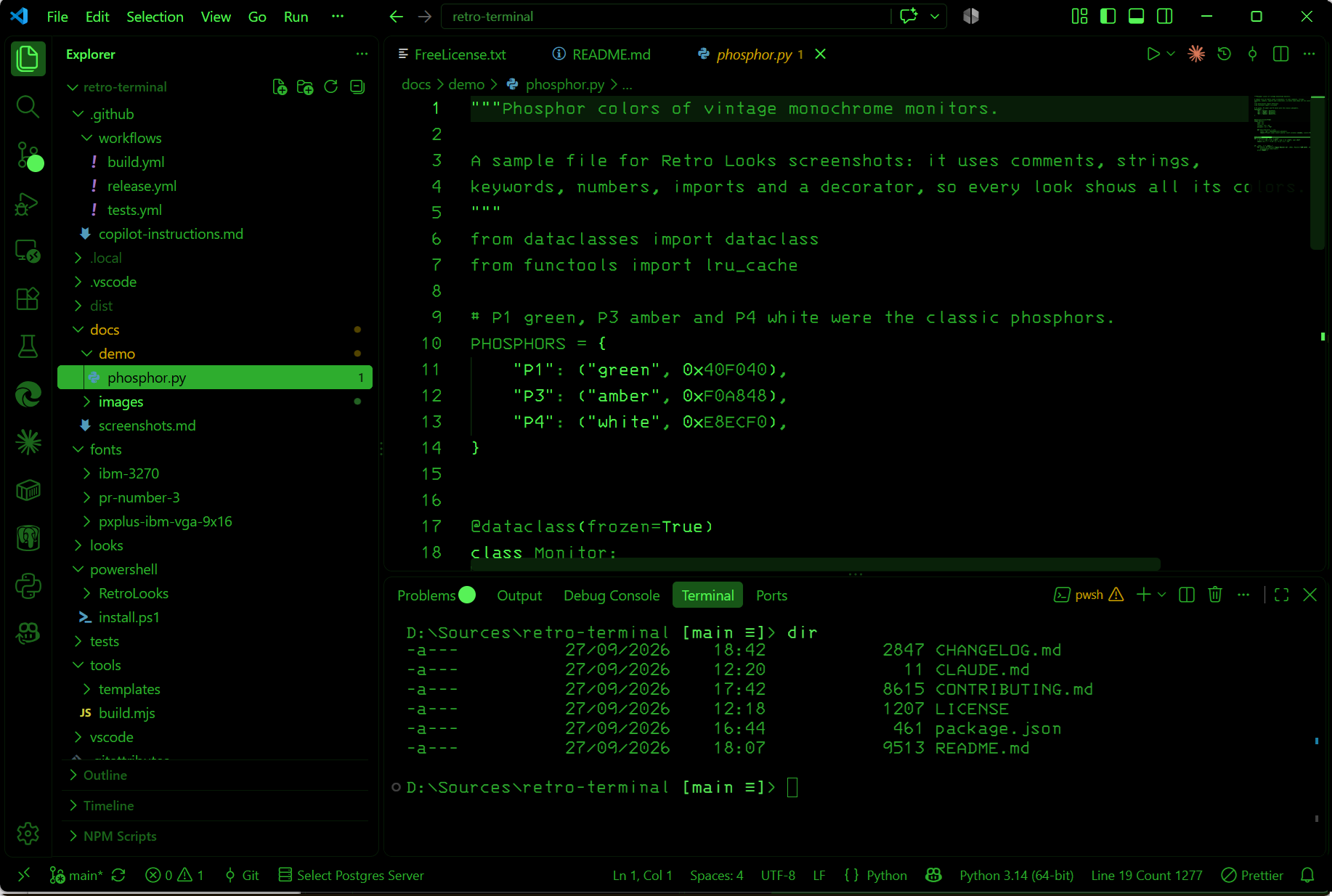
Degauss: Retro Computer LooksPreviewVintage computer looks for VS Code and Windows Terminal: Apple //e green and amber and IBM 3270 ISPF, with period fonts. Windows Terminal also gets IBM PS/2 VGA. Installation Launch VS Code Quick Open ( Ctrl+P), paste the following command, and press enter.Copied to clipboard |

DegaussCode on the machines you grew up on. Degauss gives VS Code the look of vintage computers: each look sets a period-correct font, a matching color theme and the right cursor, in one step, and puts your own setup back when you're done.
The looks
Getting started
Degauss: Off puts your own theme, fonts and settings back, exactly as they were. Phosphor colorsMonochrome monitors came in different colors, and some 80-column cards even let you pick one with DIP
switches. Monochrome looks ask for their color when you choose them: green, amber, white,
cyan, yellow, or Custom… for any
Each look remembers its own color, so your Apple //e can be amber while your 3270 stays green. The
colors are stored in the Sharp pixel fontsPixel fonts blur when a font pixel doesn't land on whole screen pixels. On Windows, Degauss reads
your display scaling (and VS Code's zoom level) and picks the sharp font size closest to the look's
size, with a line height to match: for example 21.333 with 28-pixel lines at 150% scaling. Turn this
off with UninstallingRun Degauss: Off before you uninstall. It restores your theme, fonts and settings. The extension can't do that once it's uninstalled: VS Code would fall back to its default theme and leave the retro font size, line height and cursor in your settings. Uninstalling the extension removes its fonts too (the next time VS Code starts). Forgot to turn it off? Reinstall the extension and run Degauss: Off: it still remembers your original settings. Commands
The themes are also available on their own in the normal theme picker ( Mac and LinuxAt this early stage, the extension has only been tested on Windows. Mac and Linux will follow. CreditsThe fonts are the work of their authors and keep their own licenses (see THIRD-PARTY-NOTICES.md): PR Number 3 by Kreative Software, PxPlus IBM VGA 9x16 by VileR (The Ultimate Oldschool PC Font Pack), and IBM 3270 by Ricardo Bánffy and contributors (3270font). The degauss sound is a recording of a Compaq CRT monitor by Sanderboah (CC0). The ISPF colors follow IBM's ISPF Edit and Edit Macros manual. Want another machine, like a Commodore 64 or a classic Mac? Contributions are welcome. Degauss is a fan project, not affiliated with or endorsed by Apple, IBM or any other company whose products it pays tribute to; their names are used only to describe the look. |