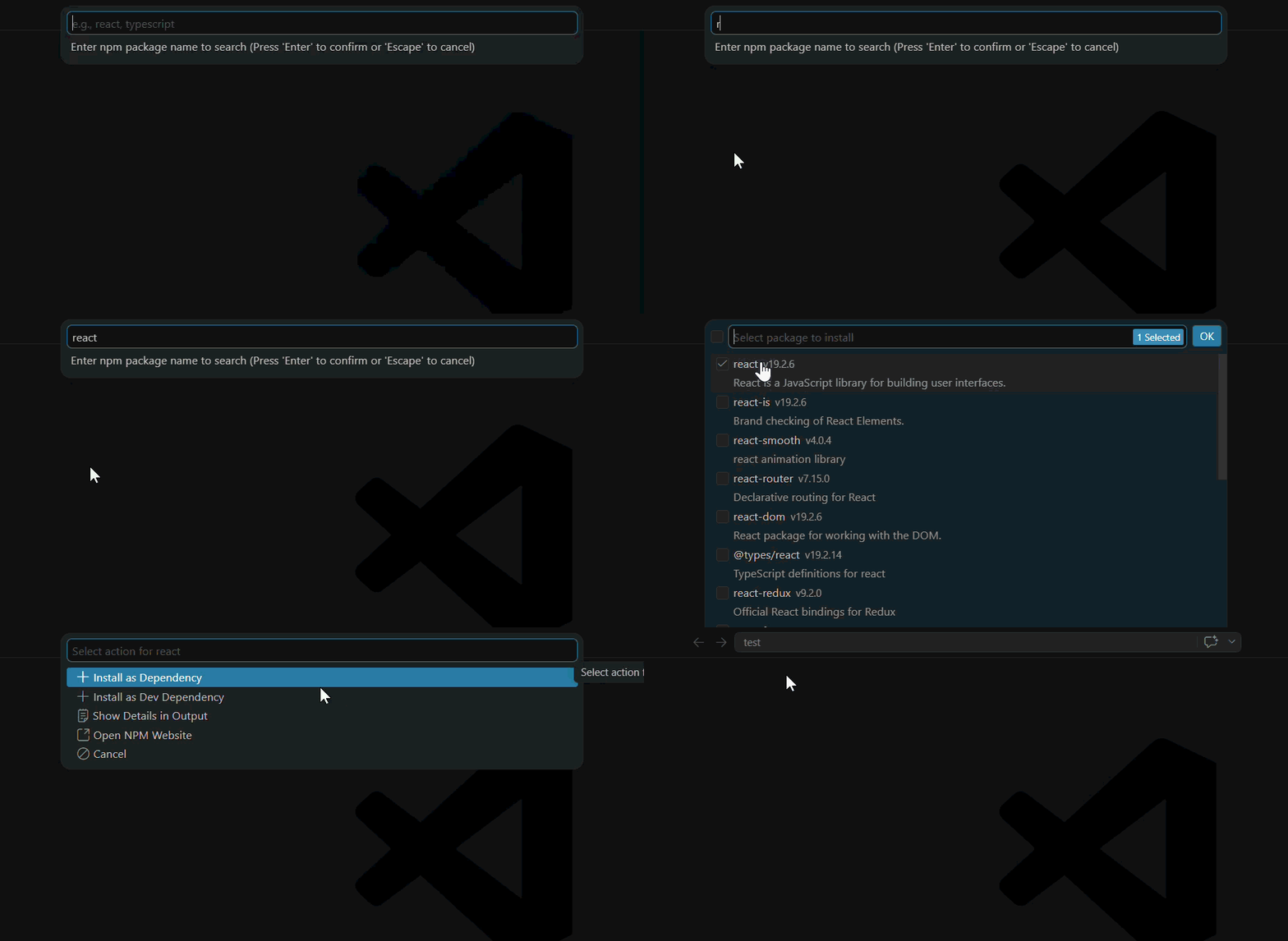
Modulist is a powerful and lightweight NPM package manager integrated directly into Visual Studio Code. It simplifies managing, updating, and removing dependencies with an intuitive Activity Bar interface and rich hover tooltips.
📦 Activity Bar Integration
Manage your project's dependencies directly from the VS Code Activity Bar. No need to switch to the terminal for basic package operations.
🔍 Rich Tooltips & Package Info
Hover over any package to instantly view crucial information fetched directly from the NPM Registry:
Latest version, License, Author, and Weekly Downloads
Inline package README display
⚡ Bundle Size Checking
Automatically fetches and displays the minified and gzipped bundle size using the Bundlephobia API.
🚀 One-Click Actions
Easily update or remove packages with a single click. (Currently uses pnpm under the hood).
🌍 i18n Support
Fully supports both English and Japanese out of the box.
⚙️ Extension Settings
This extension contributes the following settings:
modulist.showConfirmations: Show a confirmation dialog before updating or removing packages. (Default: true)
modulist.showBundleSize: Display bundle size (using Bundlephobia API) in tooltips and the output panel. (Default: true)
modulist.showReadme: Display the package README in tooltips. (Default: true)
📝 Requirements
pnpm must be installed globally on your machine to execute update/remove commands.
🐛 Known Issues
The update and remove commands are currently optimized for projects using pnpm. Support for npm, yarn, and bun is planned for future releases.