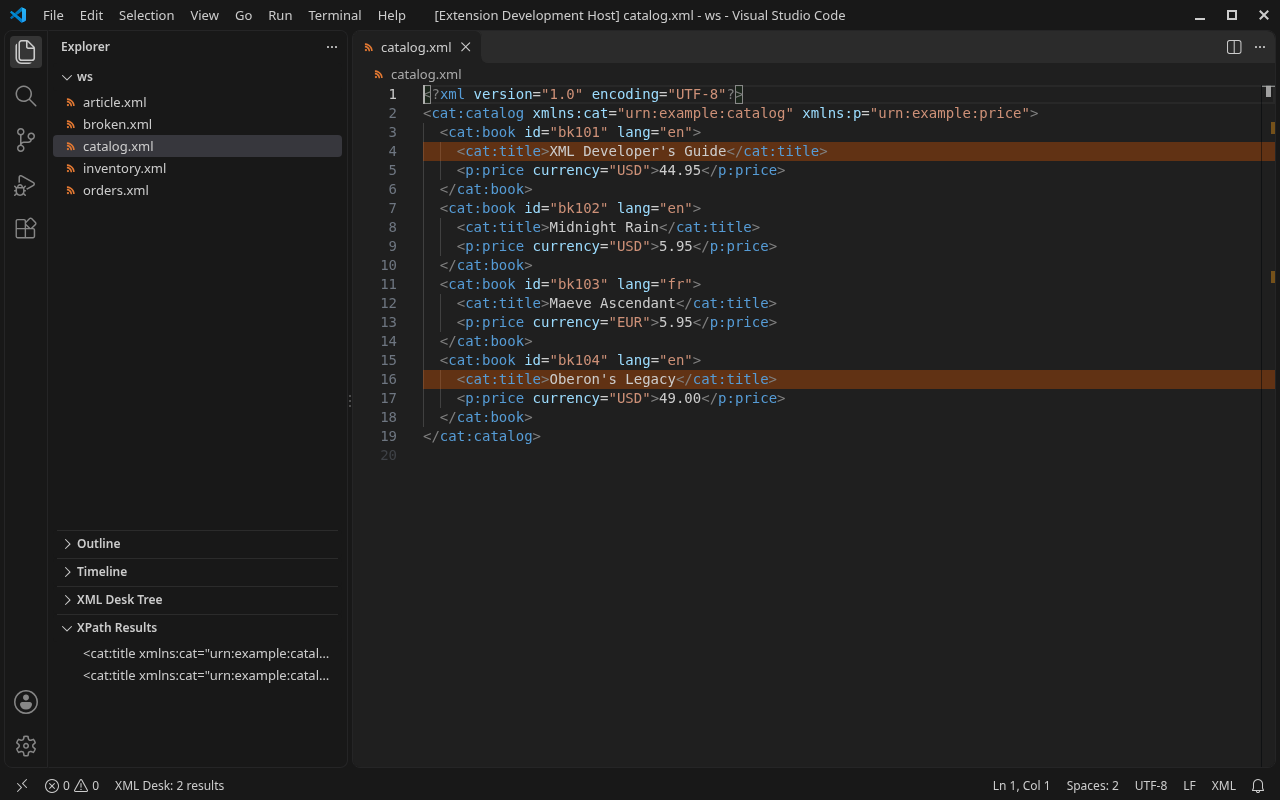
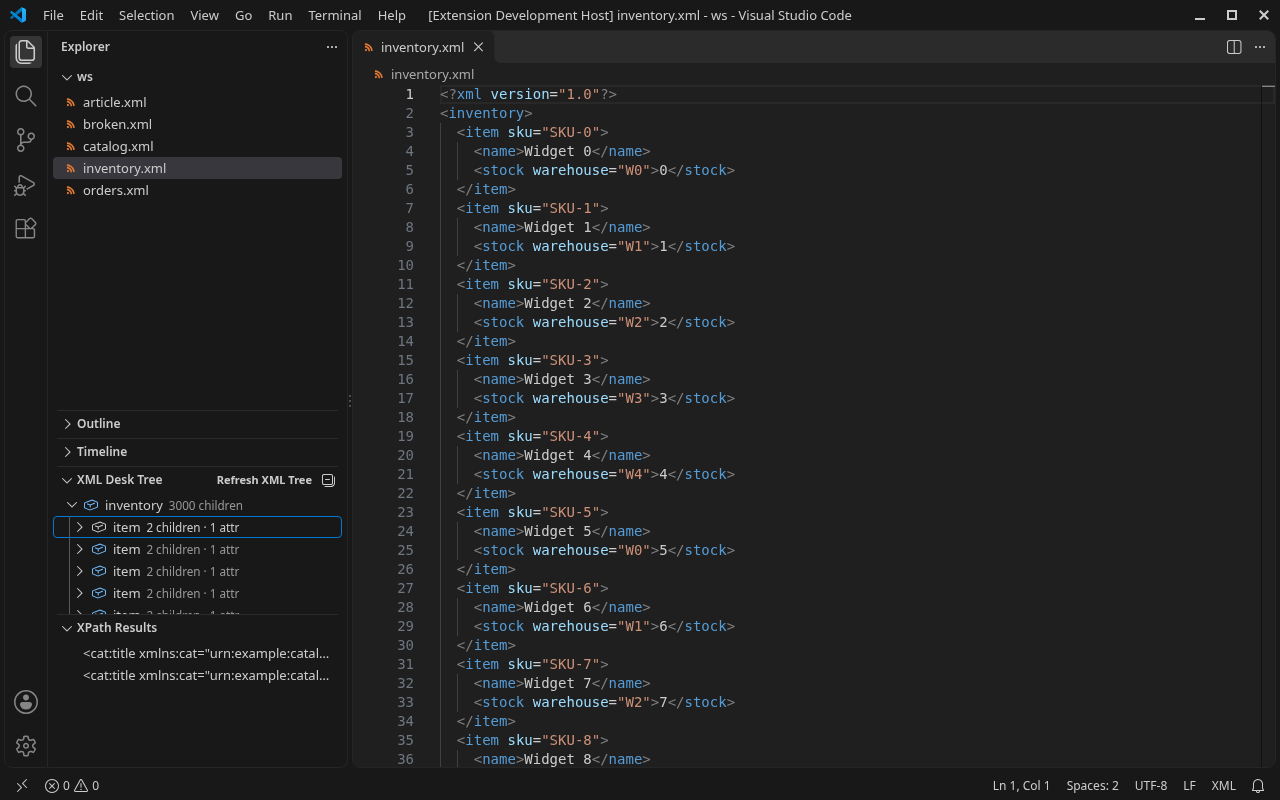
Evaluate XPath against the open document, copy the XPath under your cursor, browse a tree of the file, and format, minify or check XML. XML Desk Lite is free. XML Desk Pro is a paid add-on (see the table below).
100% offline. Pure JavaScript. No Java, no language-server binary download, no DTD/XSD fetched from the network, no telemetry, no webview. Works in air-gapped and locked-down environments.
Screenshots
![Get Current XPath copies /orders/order[2]/@id](https://zecro-xml-desk.pages.dev/media/screenshots/3-get-current-xpath.png)
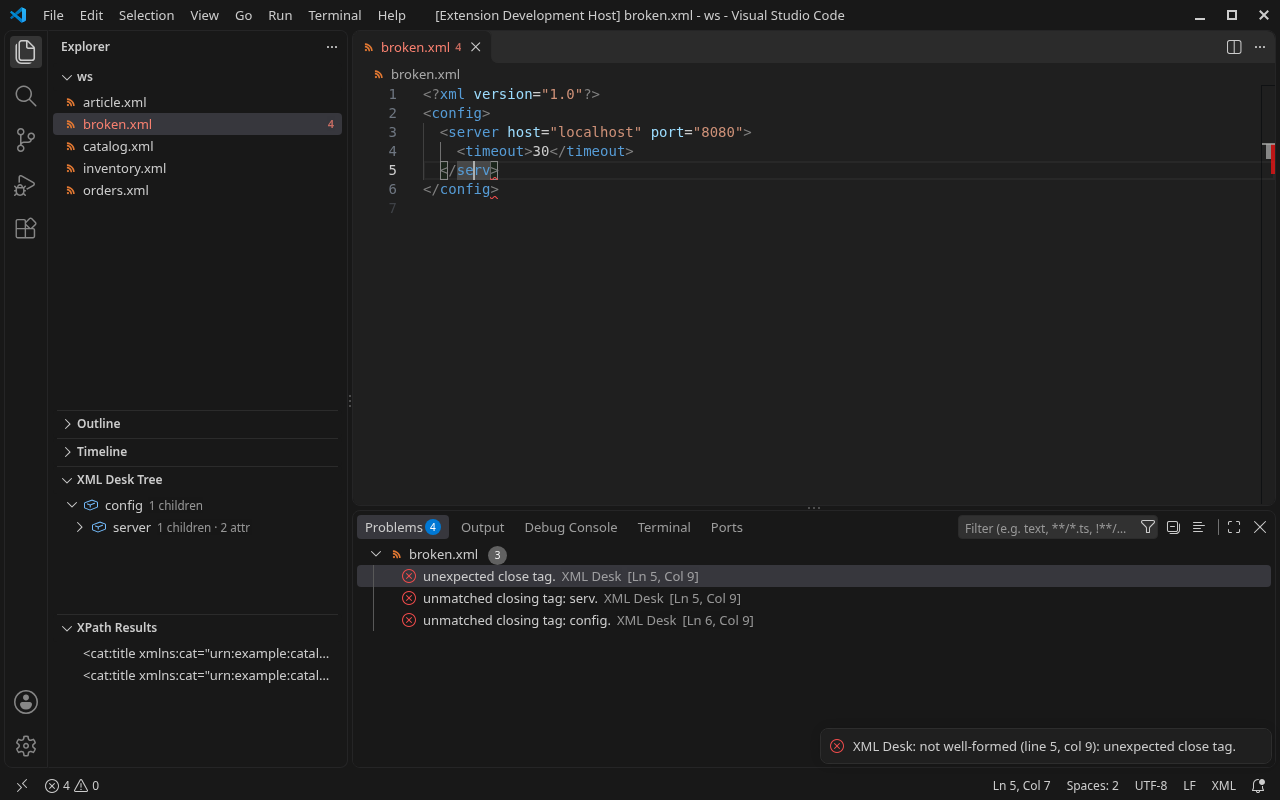
Lite vs Pro
| Feature |
Lite (free, this extension) |
Pro (add-on) |
| Evaluate XPath 1.0 / 3.1 with namespace auto-detect, results panel, highlighted lines |
✓ |
✓ |
| Copy current XPath (absolute, attribute-aware) |
✓ |
✓ |
| XML tree view in the Explorer |
✓ |
✓ |
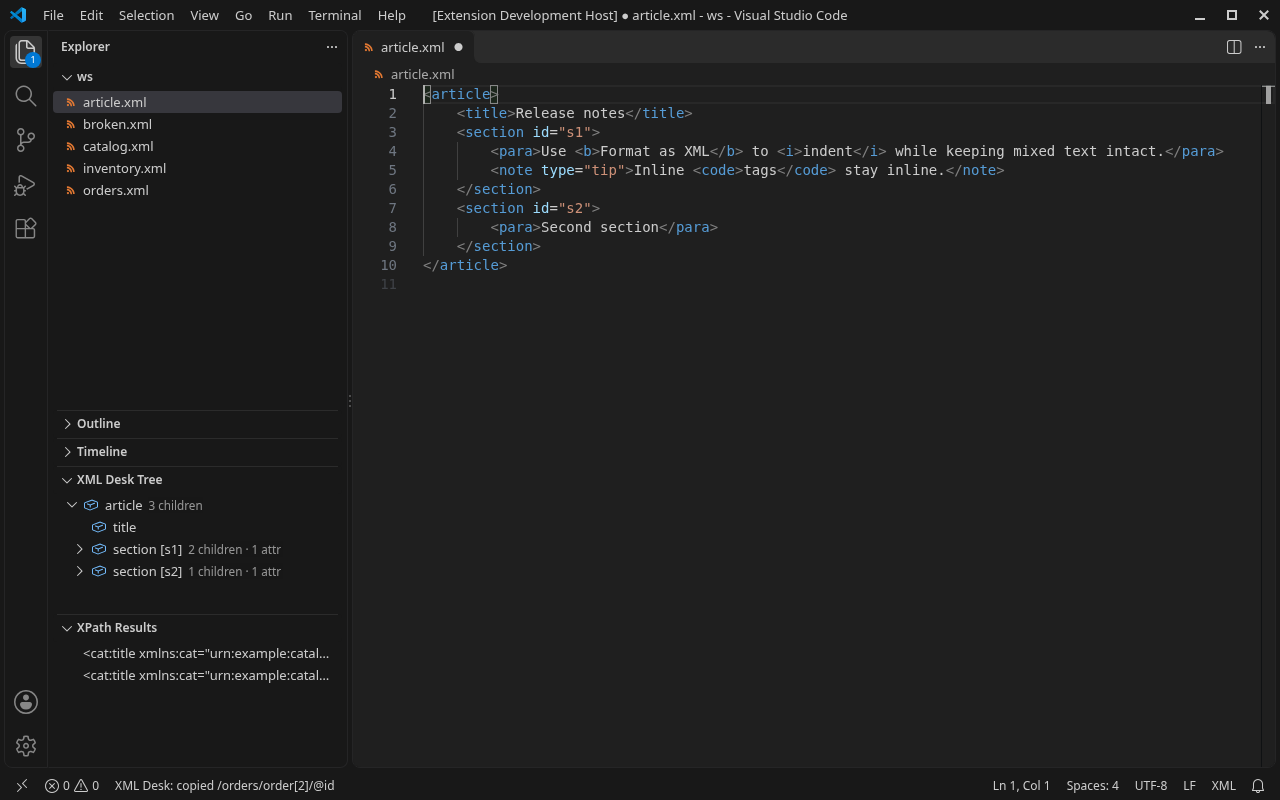
| Format / minify (streaming-safe, big files in a worker thread) |
✓ |
✓ |
| Well-formedness check (on demand and on save) |
✓ |
✓ |
| Escape / unescape text |
✓ |
✓ |
| Export to CSV / JSON by XPath |
– |
✓ |
| Saved XPath query library per workspace |
– |
✓ |
| XSD validation, offline (local schemas only, never fetched) |
– |
✓ |
| Canonical XML (C14N) diff, whole file or by XPath |
– |
✓ |
Get Pro: https://plannprosperstore.gumroad.com/l/xml-desk-pro
Commands (Command Palette → "XML Desk")
| Command |
Shortcut |
| XML Desk: Evaluate XPath |
Ctrl+Shift+Alt+X (Cmd+Shift+Alt+X) |
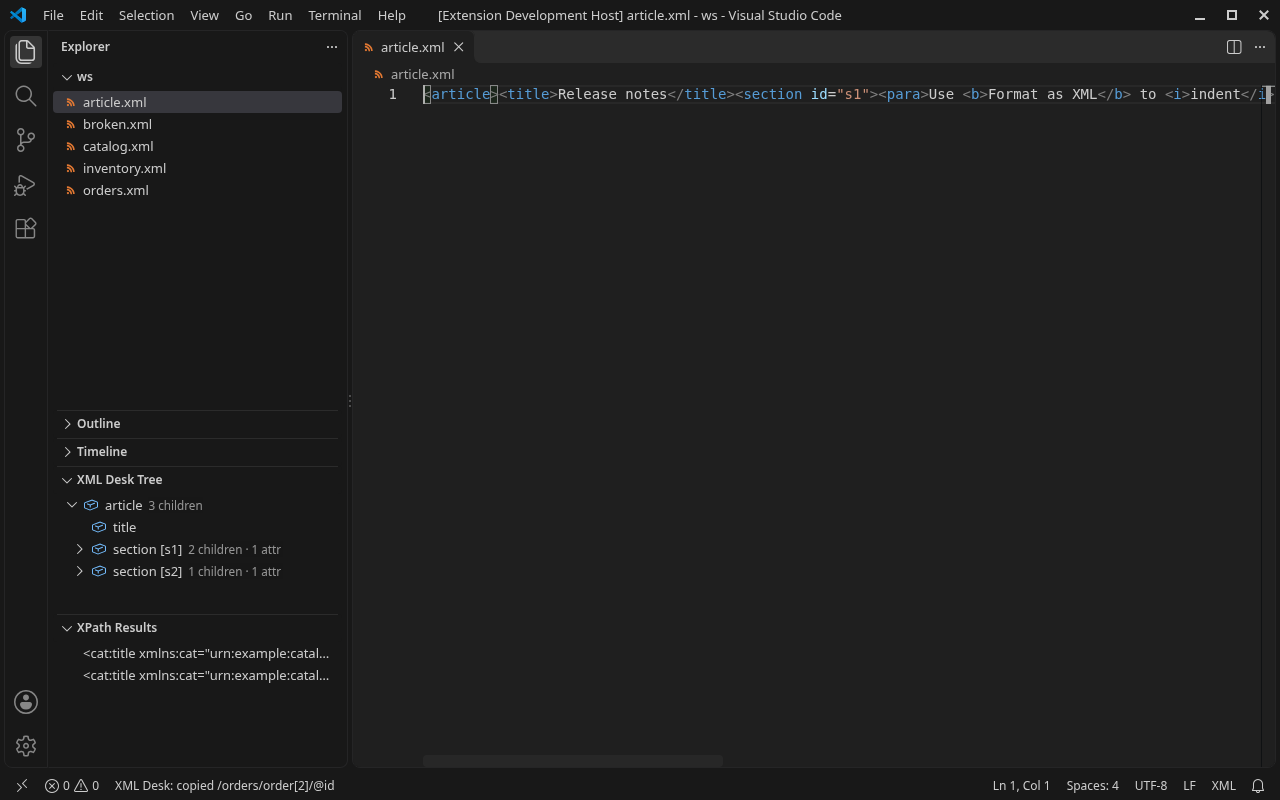
| XML Desk: Get Current XPath (copy, attribute-aware) |
Ctrl+Shift+Alt+C |
| XML Desk: Get Current XPath (element only) |
|
| XML Desk: Format as XML (also registered as an XML document formatter) |
|
| XML Desk: Minify XML |
Ctrl+Shift+Alt+M |
| XML Desk: Check Well-Formedness |
|
| XML Desk: Convert text to XML (escape) / Convert XML to text (unescape) |
|
Moving from an older XML extension? The commands keep the familiar names (Evaluate XPath, Get Current XPath, Format as XML, Minify XML, text ↔ XML) and the familiar settings (removeCommentsOnMinify, splitAttributesOnFormat, enableXmlTreeView), under the xmlDesk. prefix. Not included: Execute XQuery (deliberate; XPath 3.1 covers most queries).
XPath and namespaces
- Prefixes declared in the document (
xmlns:p="…") work as-is: //p:price.
- The default namespace is bound to the prefix
ns (change with xmlDesk.xpath.defaultNamespacePrefix): //ns:item. Or ignore namespaces with //*:item.
- Add bindings with
xmlDesk.xpath.namespaces.
- Copied XPaths use plain names (
/orders/order[2]/@id). In a document with a default namespace, add the prefix (/ns:orders/ns:order[2]/@id) or use *: before evaluating them.
- Engine: fontoxpath (XPath 3.1). XPath 1.0 expressions work unchanged.
- Results appear in the XPath Results view (Explorer). Click a node to jump to it; matched lines are highlighted.
Big files
Format, minify, well-formedness, tree and XPath run in a worker thread for documents over 1 MB, so the editor stays responsive. Core benchmark on a 10.5 MB / 512k-line file: check 0.2 s, format 0.7 s, minify 0.7 s, tree 0.2 s (Node 20). The tree shows up to 200,000 elements (xmlDesk.treeView.maxNodes).
Settings
xmlDesk.enableXmlTreeView, xmlDesk.treeView.maxNodes, xmlDesk.splitAttributesOnFormat, xmlDesk.removeCommentsOnMinify, xmlDesk.checkOnSave, xmlDesk.xpath.defaultNamespacePrefix, xmlDesk.xpath.namespaces, xmlDesk.xpath.alwaysIndex.
Privacy
XML Desk makes no network requests and collects no data. A test in the build fails if the bundle contains http, https, net, tls, fetch( or XMLHttpRequest.
License
MIT. Bundled components: see THIRD-PARTY-NOTICES.md.

