Zaemit Visual Editor
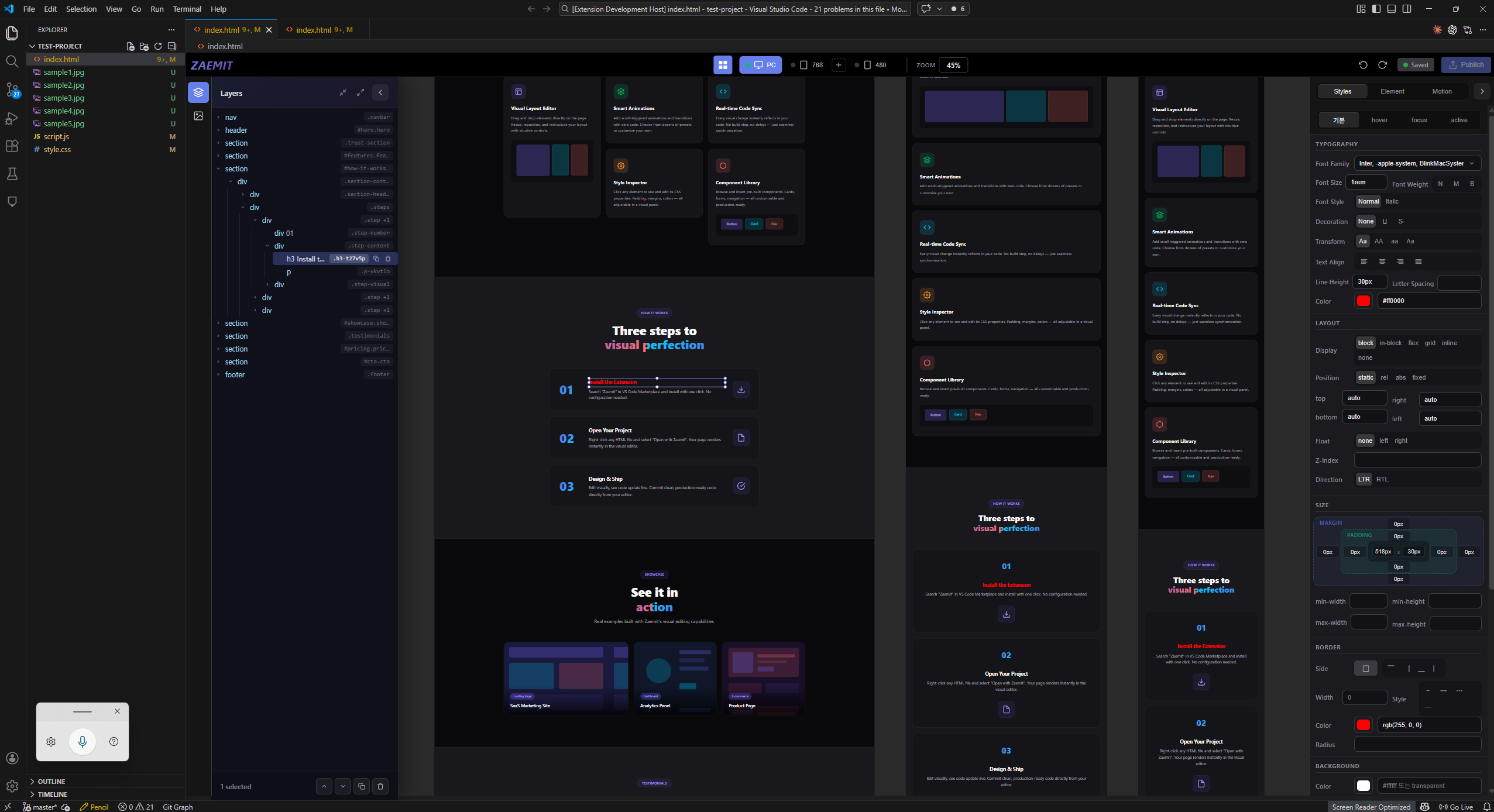
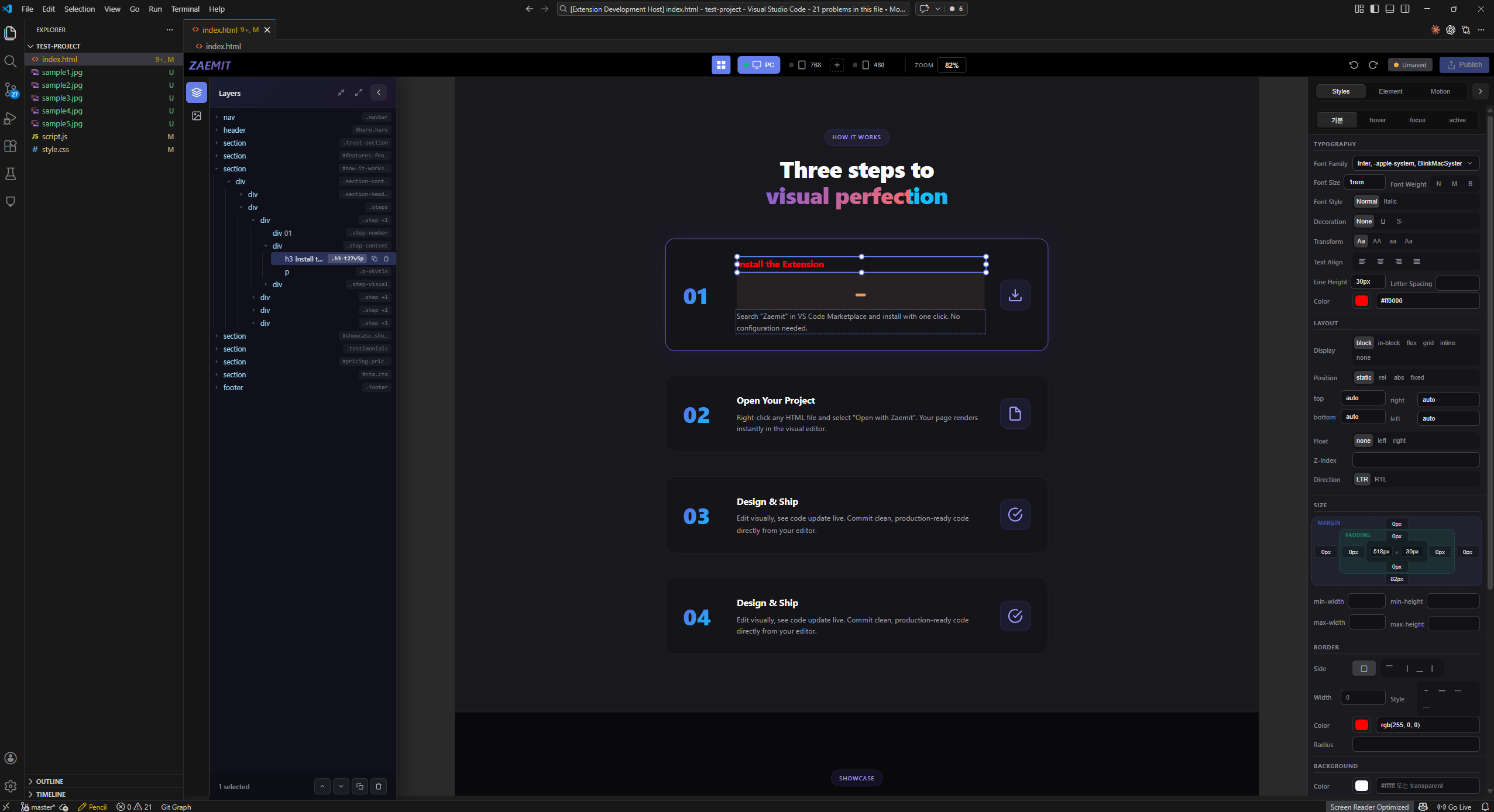
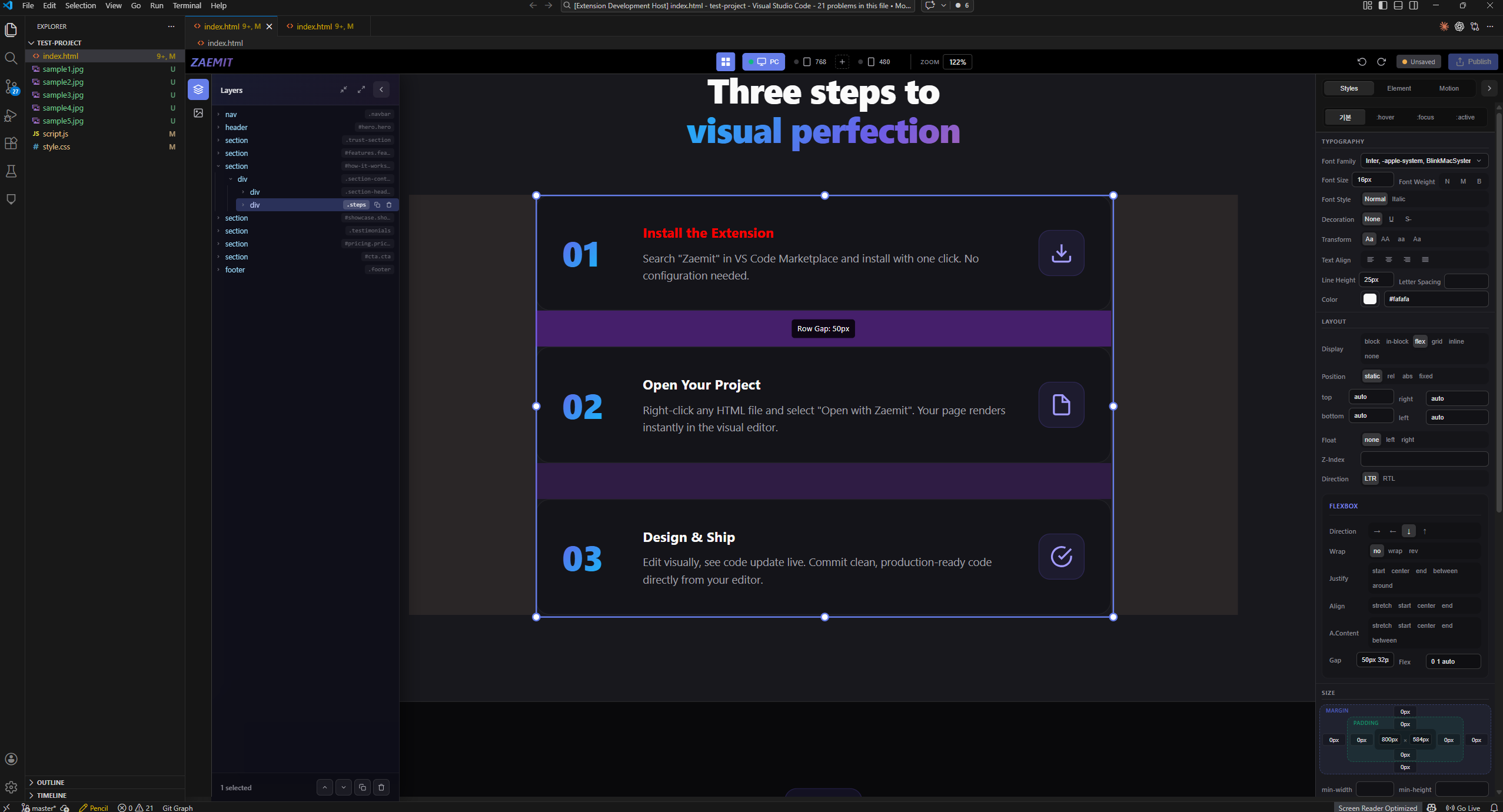
Why Zaemit?Tired of switching between your code editor and browser to tweak designs? Zaemit brings a full visual editor right into VS Code. Select elements, drag them around, edit styles — and watch the code update in real time. It's the fastest way to build and refine web pages. FeaturesVisual Drag & Drop EditingClick any element to select it. Drag to move. Resize with handles. Rotate freely. Everything you do visually is reflected in clean, production-ready HTML/CSS code.
Comprehensive Style PanelNo more guessing CSS property names. The style panel gives you intuitive controls for:
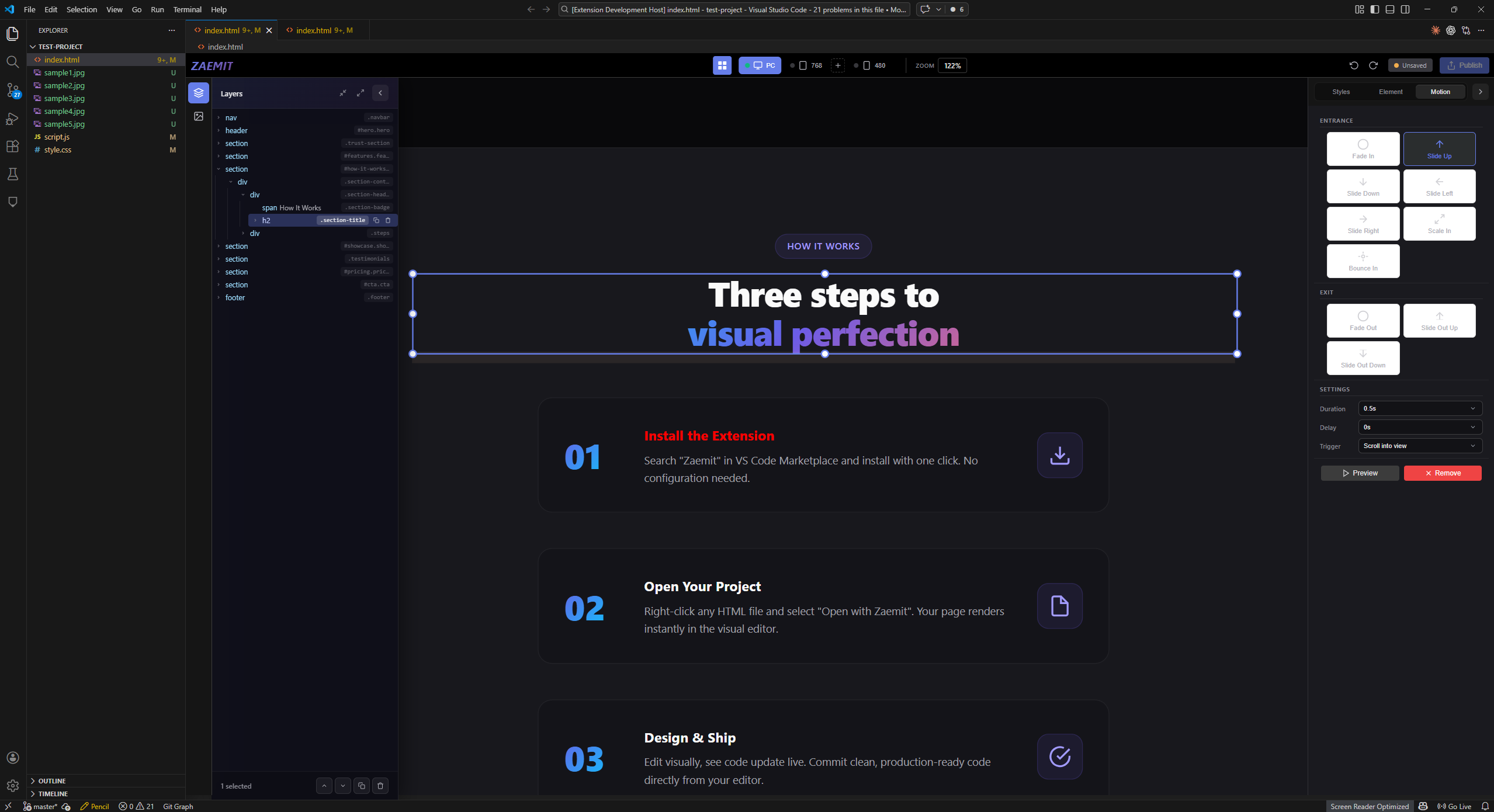
Responsive Design ModeInstantly preview your page at different screen sizes. Switch between Desktop, Tablet, and Mobile viewports with a single click. Design responsive layouts without leaving VS Code. Layer PanelSee and navigate the full DOM tree of your page. Reorder elements by drag & drop. Rename layers for better organization. Multi-select elements for batch operations. Built-in Code EditorPowered by CodeMirror, the integrated code editor lets you view and edit the raw HTML/CSS/JS alongside the visual canvas. Changes sync both ways — edit visually or in code. Undo / RedoEvery action is tracked. Press Multi-Element SelectionHold Zoom & Pan
AI Integration (MCP Server)Zaemit includes a built-in MCP (Model Context Protocol) server, enabling AI coding tools to interact with the visual editor directly.
Just open an HTML file with Zaemit — the MCP server starts automatically. No extra setup required. Figma ImportImport Figma designs directly into your project as clean HTML/CSS.
Supports frames, components, images, and text layers. Imported files are fully editable in the visual editor. Getting Started
1. Install the ExtensionSearch "Zaemit" in the VS Code Marketplace and click Install. No additional configuration needed. 2. Open Your ProjectRight-click any 3. Design & ShipEdit visually, see code update live. Commit clean, production-ready code directly from your editor. CSS and JS file references in your HTML are auto-detected and preserved. You can also click the Zaemit button in the bottom status bar to open the current HTML file. Keyboard Shortcuts
Requirements
Feedback & SupportFound a bug or have a feature request? Open an issue on GitHub. LicenseProprietary. All rights reserved. See LICENSE for details. |