handide: VS Code on your phoneOpen this project on your phone: press the phone button, scan the QR code, and code from the phone with your own VS Code, extensions and AI agents. Installation Launch VS Code Quick Open ( Ctrl+P), paste the following command, and press enter.Copied to clipboard |

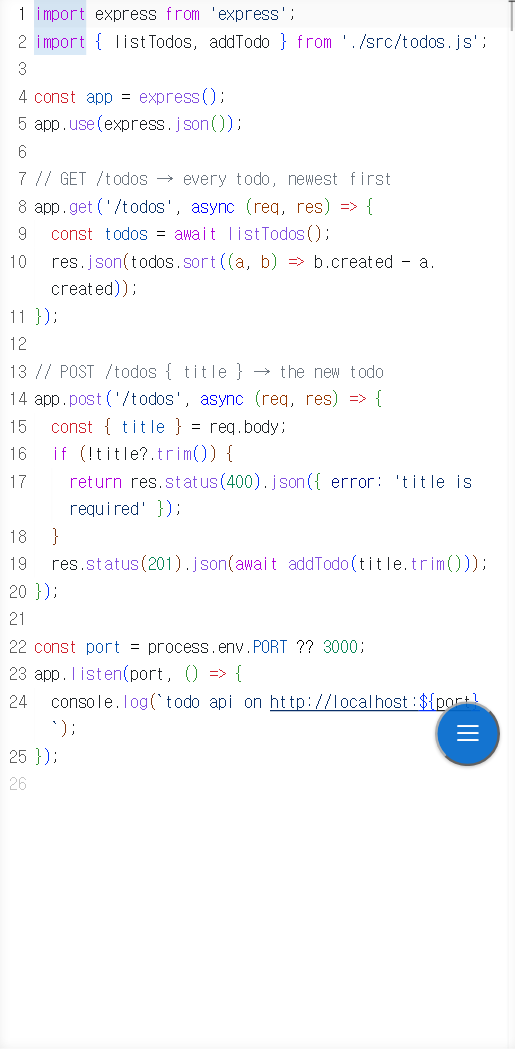
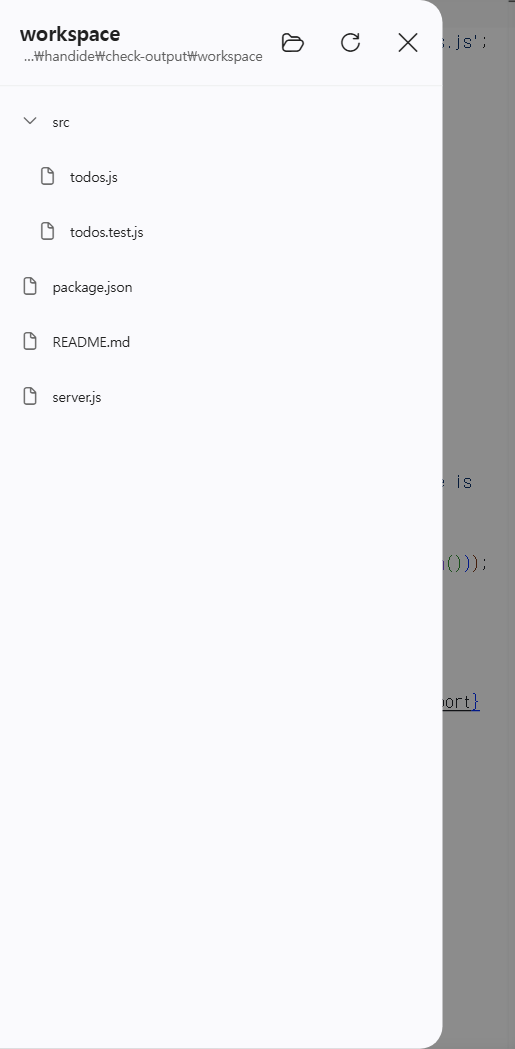
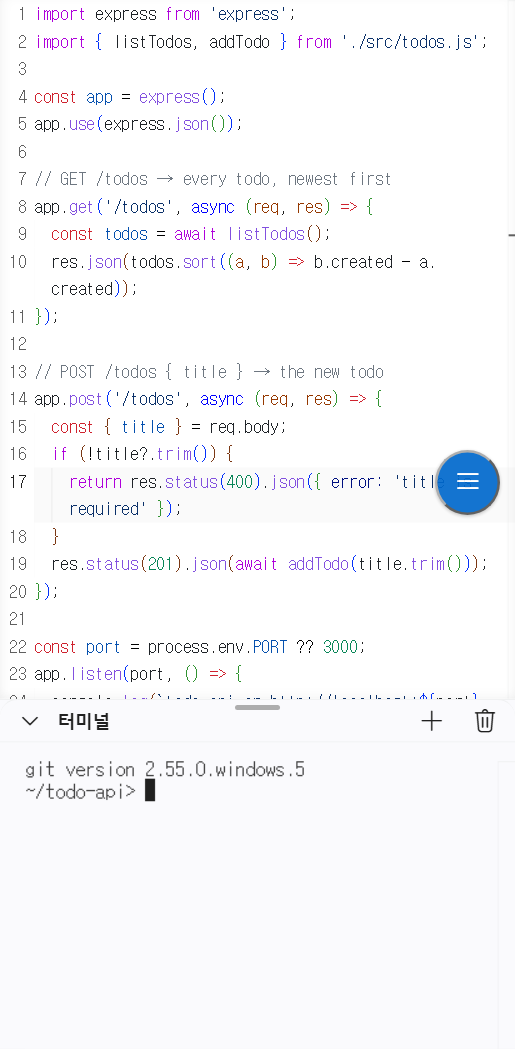
handide: VS Code on your phonePress the phone button in the status bar, scan the QR code, and keep working on this project from your phone: your own VS Code, your extensions and your AI agents (Claude Code, Codex, …), with a touch layout made for a phone. Your files stay on your PC; the phone is just a screen.
Use
Your open files and cursor go along: the phone opens the same files, with the cursor where it was. Files with unsaved changes are saved first, if you agree, since the phone opens what is on disk. The phone takes them as soon as it shows this folder, so with the phone page already open, pressing the button and picking up the phone is enough. Nothing else to install: handide comes inside this extension. The first press sets it up, and downloads Node.js from nodejs.org once if this PC has no Node.js 20 or newer. If you installed handide yourself (the Windows installer or npm), that one is used. handide keeps running after VS Code closes, so the phone stays connected. handide: Stop in the Command Palette stops it.
SecurityThe QR code is a key to this PC. Its link carries an access token, and anyone who opens the link can use this PC through VS Code: read and change its files and run commands in its terminal.
Other PCsWith handide on several PCs signed in to the same Tailscale account, the PCs button opens a project of another PC where it lives (through Remote - SSH), or moves it to run on this PC. Settings
|