t32 Language ServerLanguage server for the Lauterbach TRACE32® script language. Installation Launch VS Code Quick Open ( Ctrl+P), paste the following command, and press enter.Copied to clipboard |

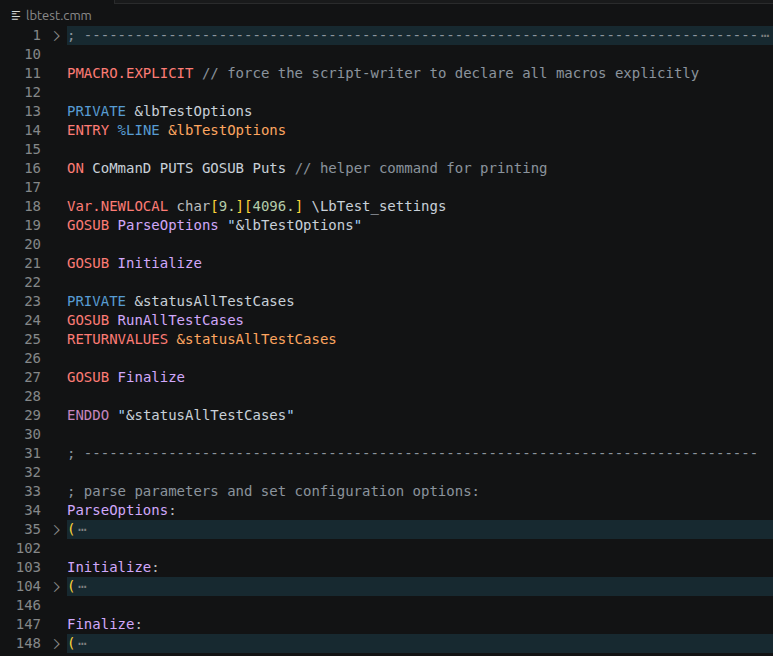
t32 Language ServerLanguage server for the Lauterbach TRACE32® script language. It is available for Linux, Windows, and macOS. The extension packages t32-language-server to make LSP features available in VS Code and VSCodium. FeaturesCode FoldingLong multi-line comments and PRACTICE blocks can be collapsed.
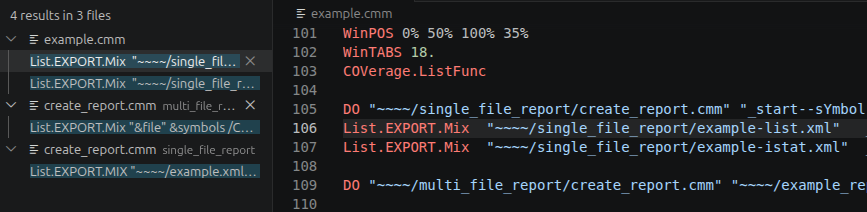
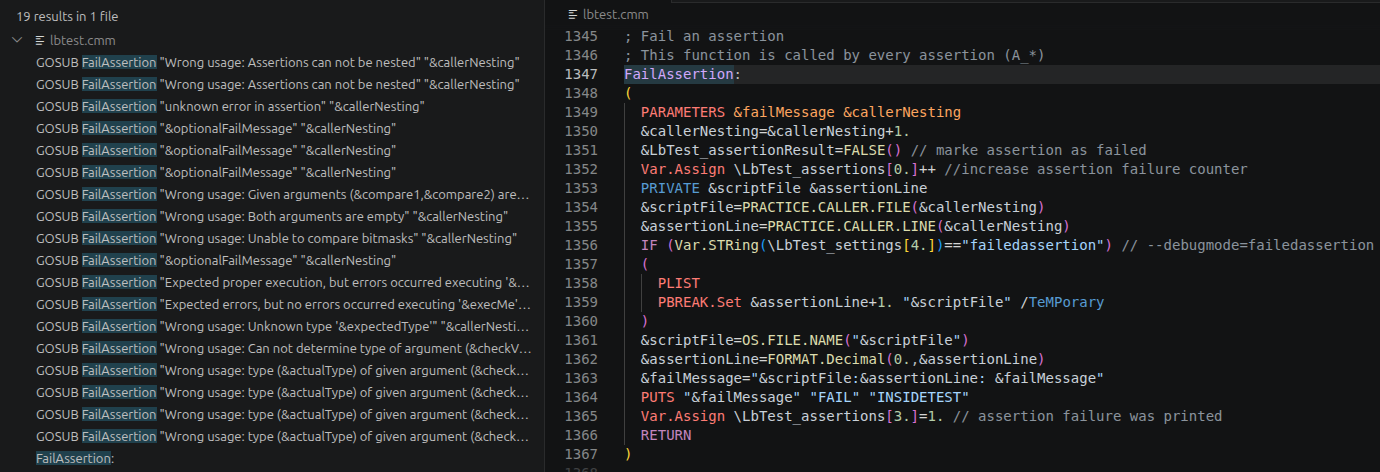
Cross-references"Go to Definition" and "Find All References" locates macro, subroutines, commands, and scripts in your project.
Semantic tokensSemantic tokens augment the editor syntax highlighting.
Extension settingsThis extension contributes the following language:
This extension contributes the following settings:
This default setting is overridden by the extension:
|