XanoScript Language Support for Visual Studio Code
Language support for XanoScript (.xs files) in VS Code and Cursor.
XanoScript is a domain-specific language for building backend APIs, functions, and database interactions on Xano. This extension provides a rich editing experience for .xs files.
Features
Syntax Highlighting — Vibrant, consistent coloring for XanoScript files
Code Completion — Context-aware suggestions as you type
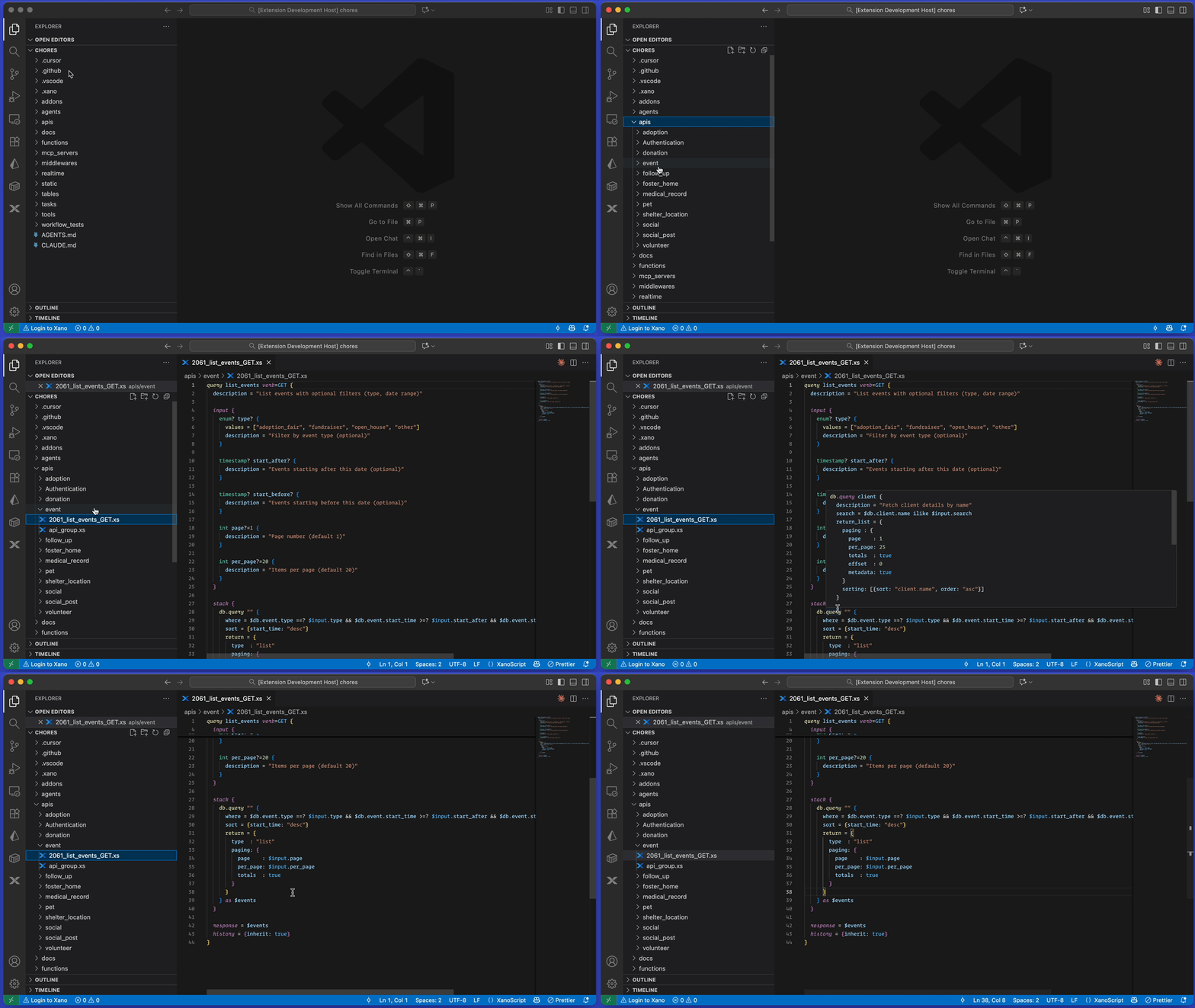
Hover Documentation — Hover over functions, keywords, or variables for detailed explanations and examples
Error Checking — Real-time diagnostics to catch issues early
Go to Definition — Navigate to function and variable declarations
References & Rename — Find all references and rename symbols across files
Document Symbols — Outline view for quick navigation within a file
Code Snippets — Templates for common XanoScript patterns (queries, functions, tables, control flow, and more)
Installation
Open VS Code (or Cursor).
Go to Extensions (Ctrl+Shift+X / Cmd+Shift+X).
Search for "XanoScript Language Support" and hit Install.
Quick Example
A simple "Hello, World!" API endpoint in XanoScript:
query hello_world verb=GET {
  description = "Returns a personalized hello world message."

  input {
    text name filters=trim {
      description = "Name of the person to greet."
    }
  }

  stack {
    var $message {
      value = "Hello, " ~ $input.name ~ "! Welcome to the world of Xano."
    }
  }

  response = {
    message: $message
  }

  history = 100
}