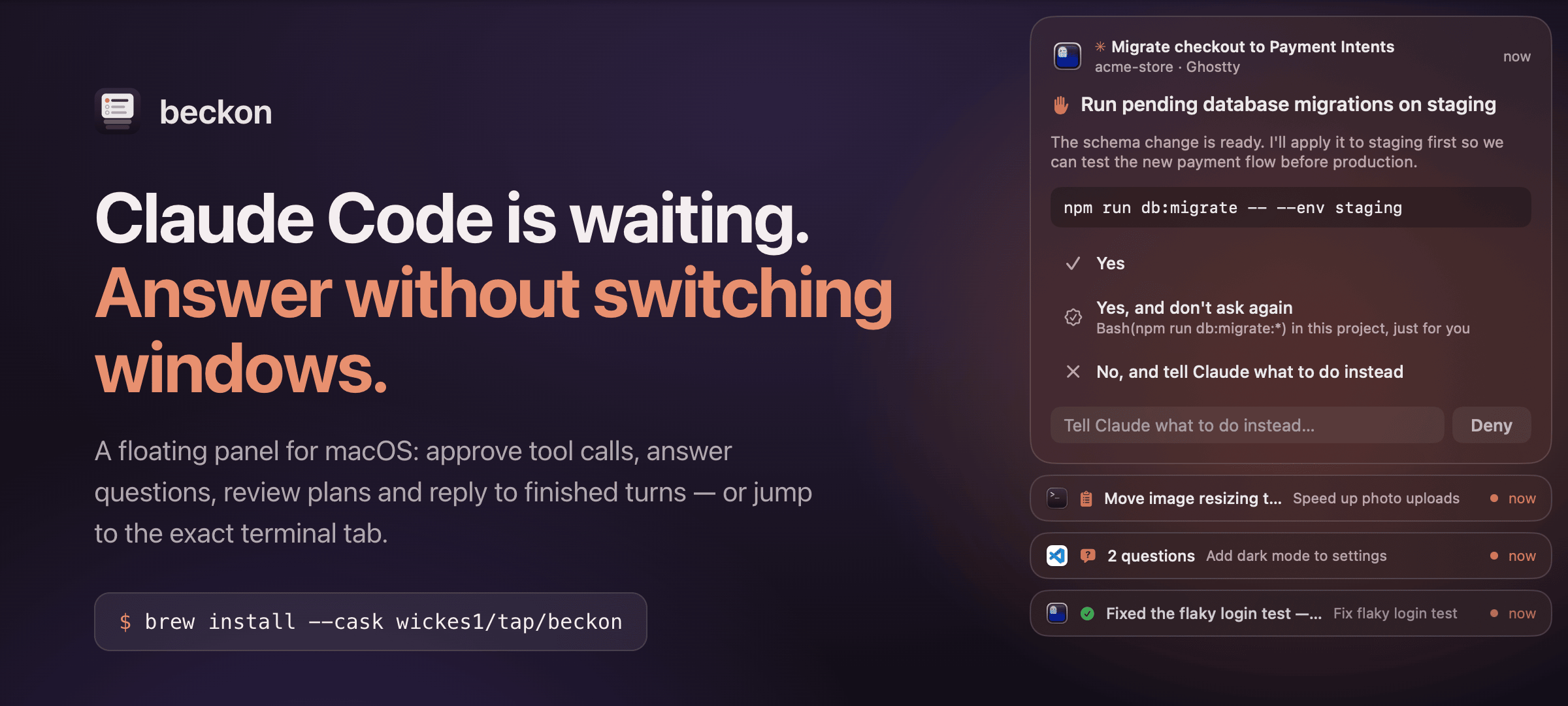
Companion to beckon, a floating panel for Claude Code on macOS. It does nothing by itself: install the beckon app first, with brew install --cask wickes1/tap/beckon.
Without the extension
With it
Clicking a card
brings VS Code forward
lands on the exact window and integrated terminal, or the Claude Code side panel
A prompt from the session you are looking at
held back whenever VS Code is in front
held back only while that terminal is the one in front
Written for VS Code and the forks on the same extension API (Cursor, VSCodium, VS Code Insiders); so far it has been run in VS Code only. VS Code keeps extensions per profile, so install it in each profile you use.
It opens a Unix socket for the beckon app in ~/Library/Application Support/beckon/vscode/. macOS only; no settings, no commands, no network.