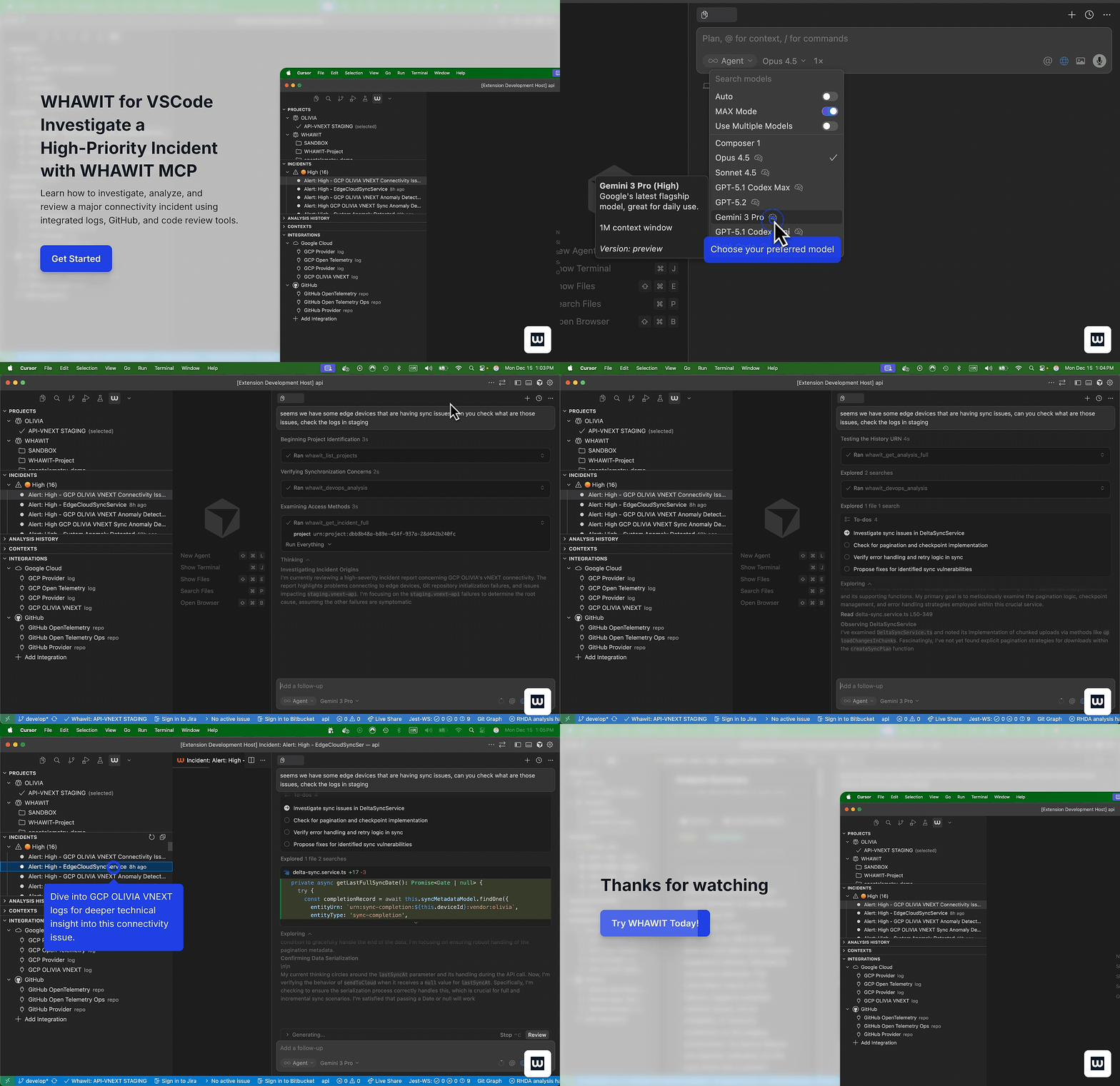
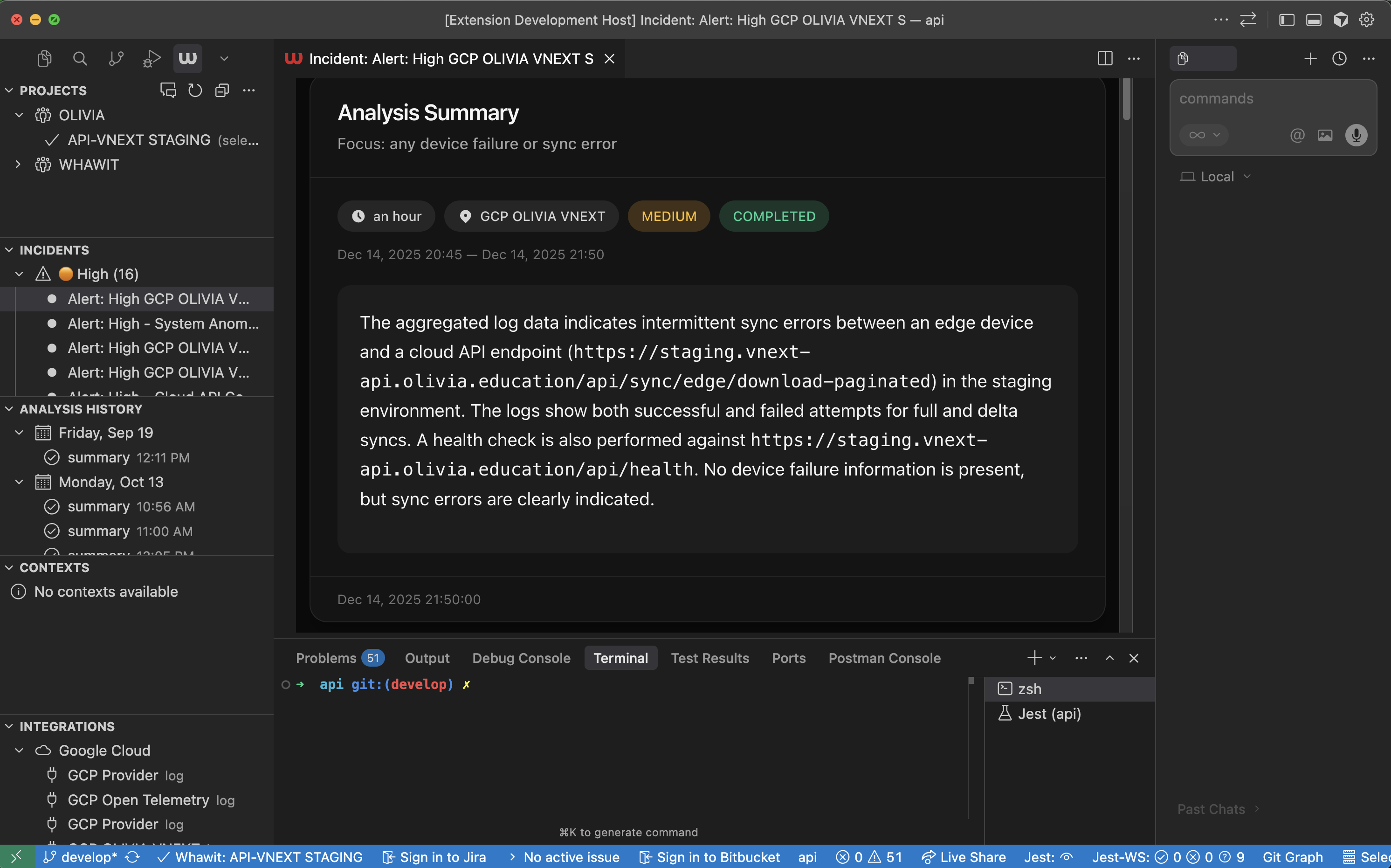
Whawit - Observability & GovernanceWhawit is a governance and observability tool for VS Code, Cursor, Windsurf, and Kiro designed to reduce troubleshooting time and MTTR (Mean Time To Recovery). Ask questions about your logs, metrics, and system health directly in your IDE.
More Use CasesExplore other ways Whawit can help you:
Runtime Troubleshooting & FixingWhawit makes it effortless to investigate and resolve runtime incidents. By connecting to your observability stack (Datadog, CloudWatch, etc.), Whawit brings real-time logs and metrics directly into your IDE.
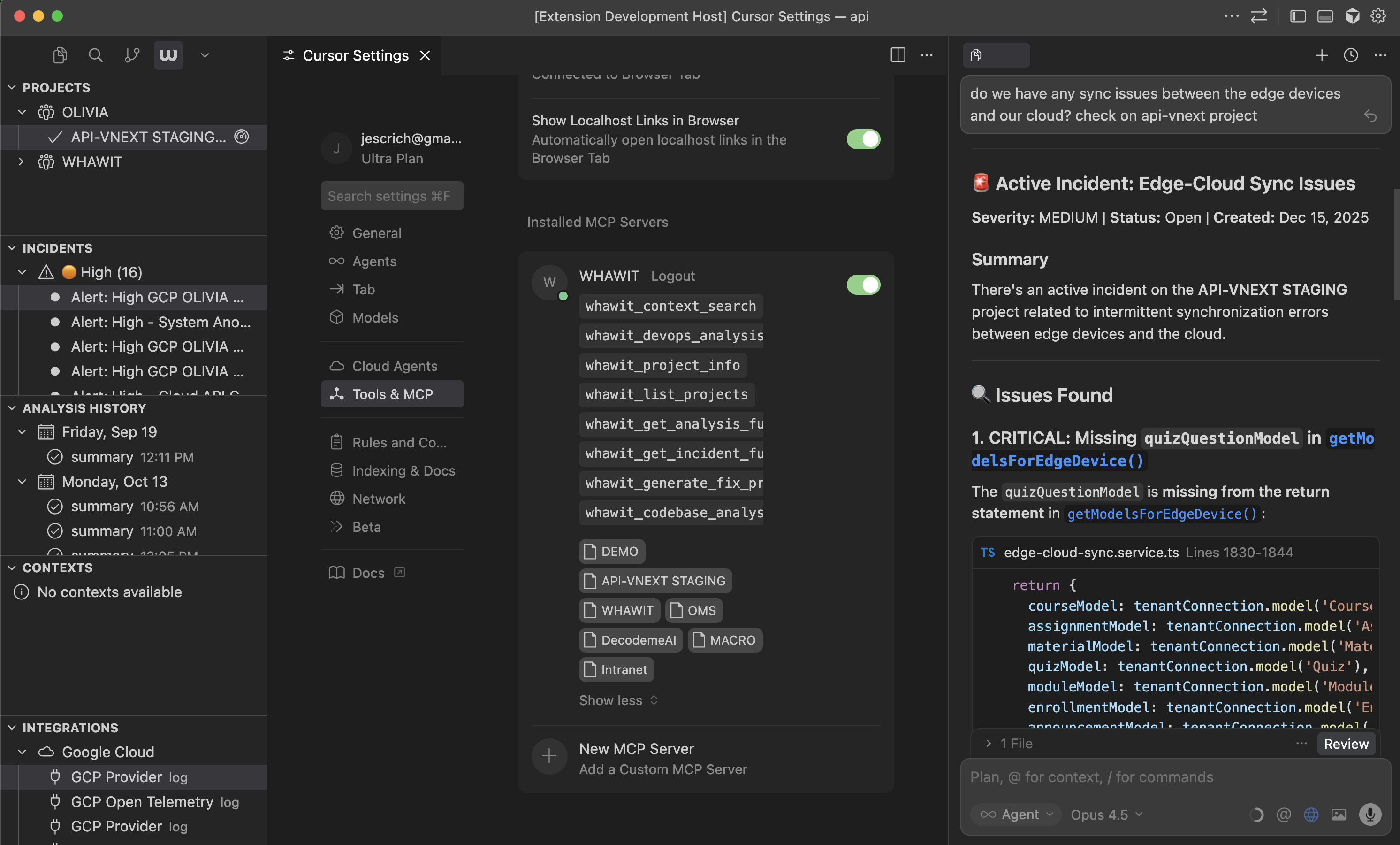
Simply ask questions like "Why is the API latency high?" or "Show me recent errors in the payment service". Whawit analyzes the data and correlates it with your code to suggest fixes. FeaturesRadar ChatAsk natural language questions about your infrastructure and get instant answers powered by AI. Query logs from Datadog, CloudWatch, and other observability platforms without leaving your editor. Context SearchSearch your project's knowledge base for architecture documentation, runbooks, and system context. Get relevant information exactly when you need it. Auto-detect ProjectsWhawit automatically matches your workspace to your projects based on Git remotes. No manual configuration required. Integration ManagementView and manage your connected observability providers including Datadog, AWS CloudWatch, and more. MCP ServerWhawit provides an MCP (Model Context Protocol) server that empowers AI assistants like Claude (in Cursor) or Windsurf to directly access your runtime data.
This allows the AI to not just read your code, but understand how it behaves in production, enabling it to propose fixes based on actual error logs and performance metrics. See the MCP Server documentation for setup instructions. Getting Started
Configuration
Commands
Requirements
SupportLicenseMIT Whawit is an intelligent observability platform that transforms system chaos into actionable insights, enhancing your existing monitoring tools with smart automation and faster incident response. Whawit is a trademark of US3 GROUP LLC. US3 GROUP LLCMiami Buenos Aires Bellevue |