Overview Version History Q & A Rating & Review
Weboff Schwarzwald
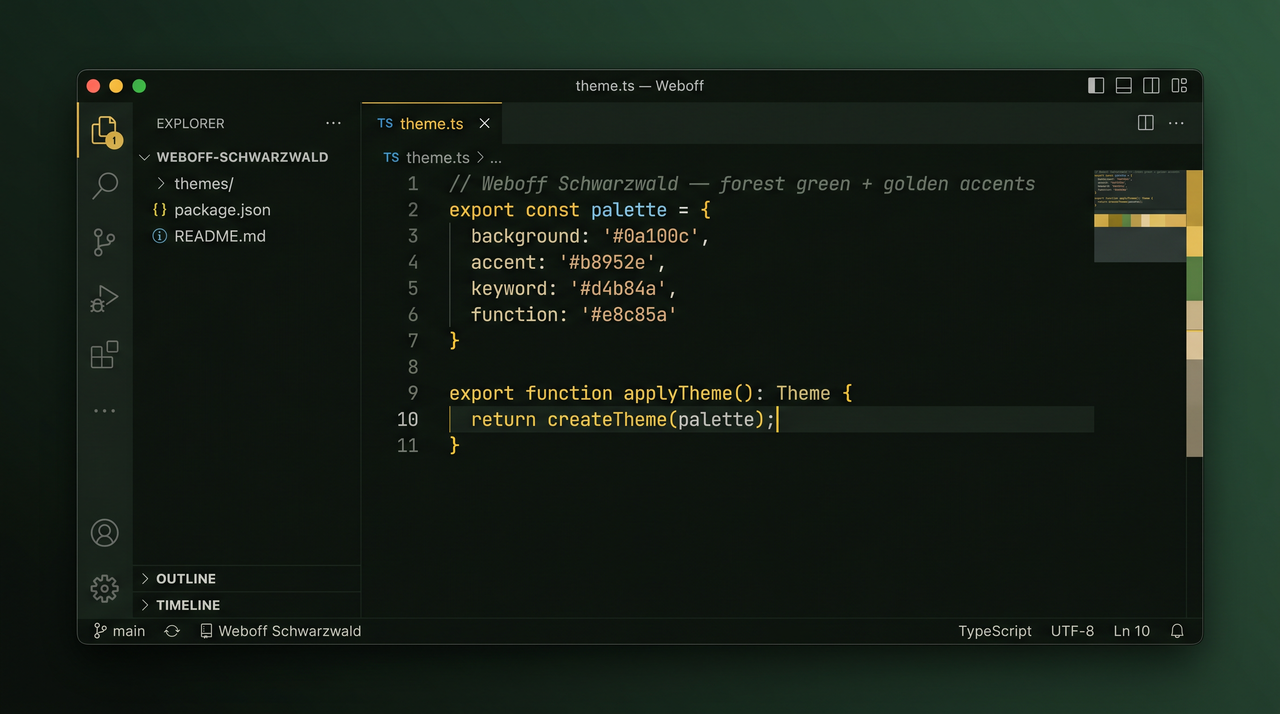
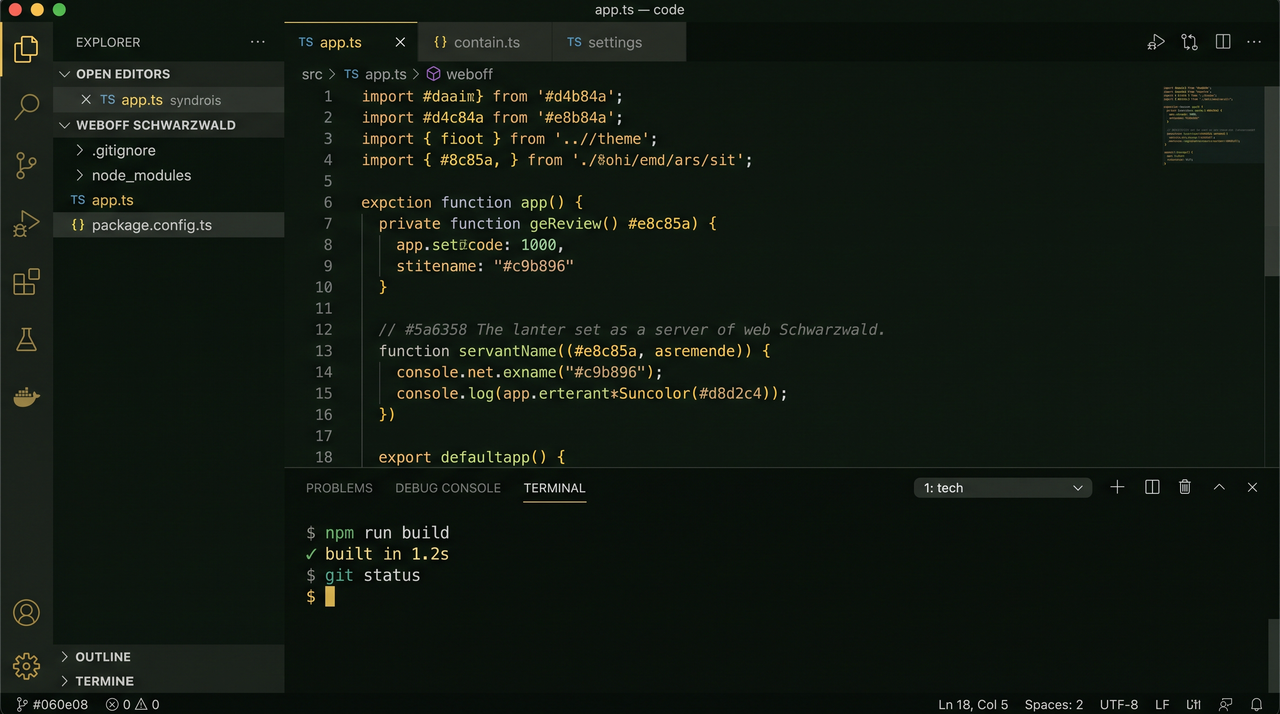
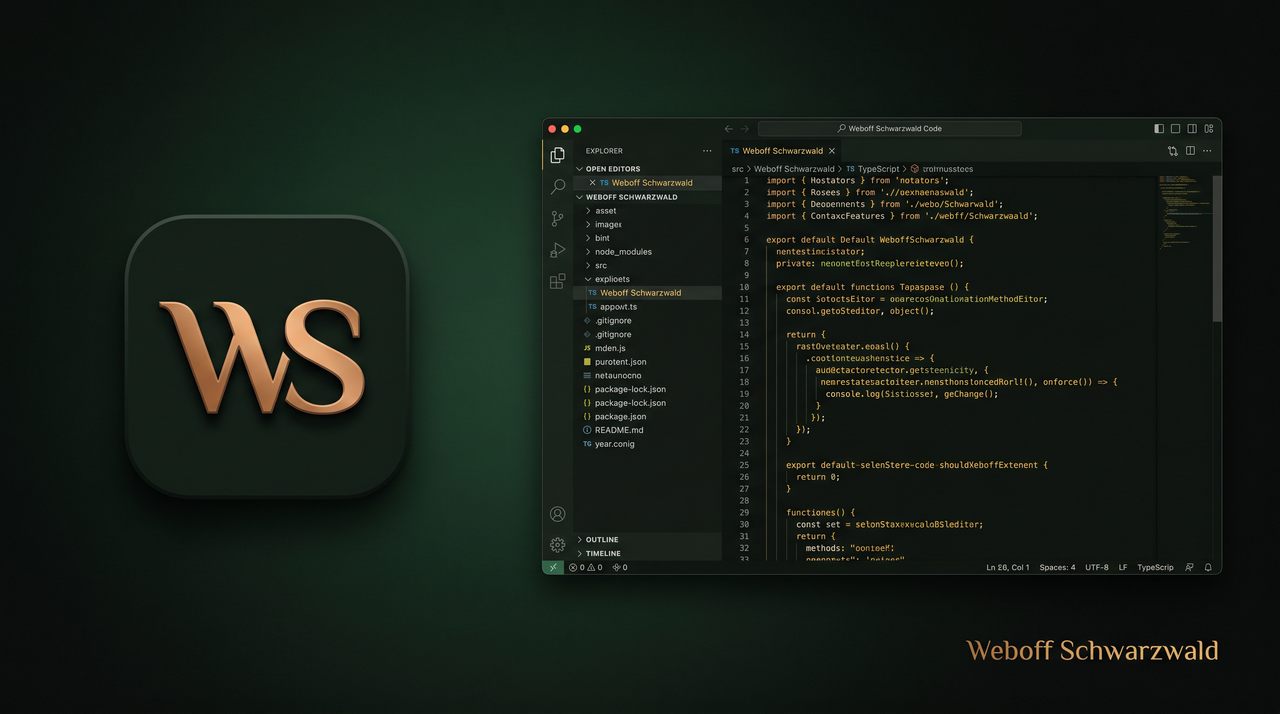
A dark forest-green color theme for VS Code , Cursor , and VSCodium — warm golden-yellow accents inspired by the Schwarzwald (Black Forest) and the Weboff brand.
More previews
Editor
Editor + Terminal
Marketplace banner
Why this theme?
Easy on the eyes — deep green backgrounds (#0a100c, #060e08) instead of pure blackReadable syntax — warm beige strings, muted italic comments, golden keywordsConsistent UI — activity bar, tabs, terminal, and git decorations share one paletteModern tooling — semantic highlighting for TypeScript, JavaScript, and other LSP languages
Install
VS Code Marketplace
Open Extensions (Cmd+Shift+X / Ctrl+Shift+X)
Search Weboff Schwarzwald
Click Install
Or from the command line:
code --install-extension weboff.weboff-schwarzwald
cursor --install-extension weboff.weboff-schwarzwald
Reload the window: Developer: Reload Window .
Activate
Cmd+Shift+P / Ctrl+Shift+PPreferences: Color Theme Select Weboff Schwarzwald
Optional — set as default in settings.json:
{
  "workbench.colorTheme": "Weboff Schwarzwald",
  "workbench.preferredDarkColorTheme": "Weboff Schwarzwald"
}
Color palette
Role
Hex
Usage
Background
#0a100cEditor, sidebar, panels
Status bar
#060e08Title bar, status bar, terminal
Foreground
#d8d2c4Default text
Accent gold
#b8952eActive borders, badges, selection
Accent yellow
#d4b84aKeywords, cursor, links
Strings
#c9b896String literals
Functions
#e8c85aFunction names
Comments
#5a6358Comments (italic)
Error
#e07070Errors, deleted git files
Author
Weboff · Germany
License
MIT