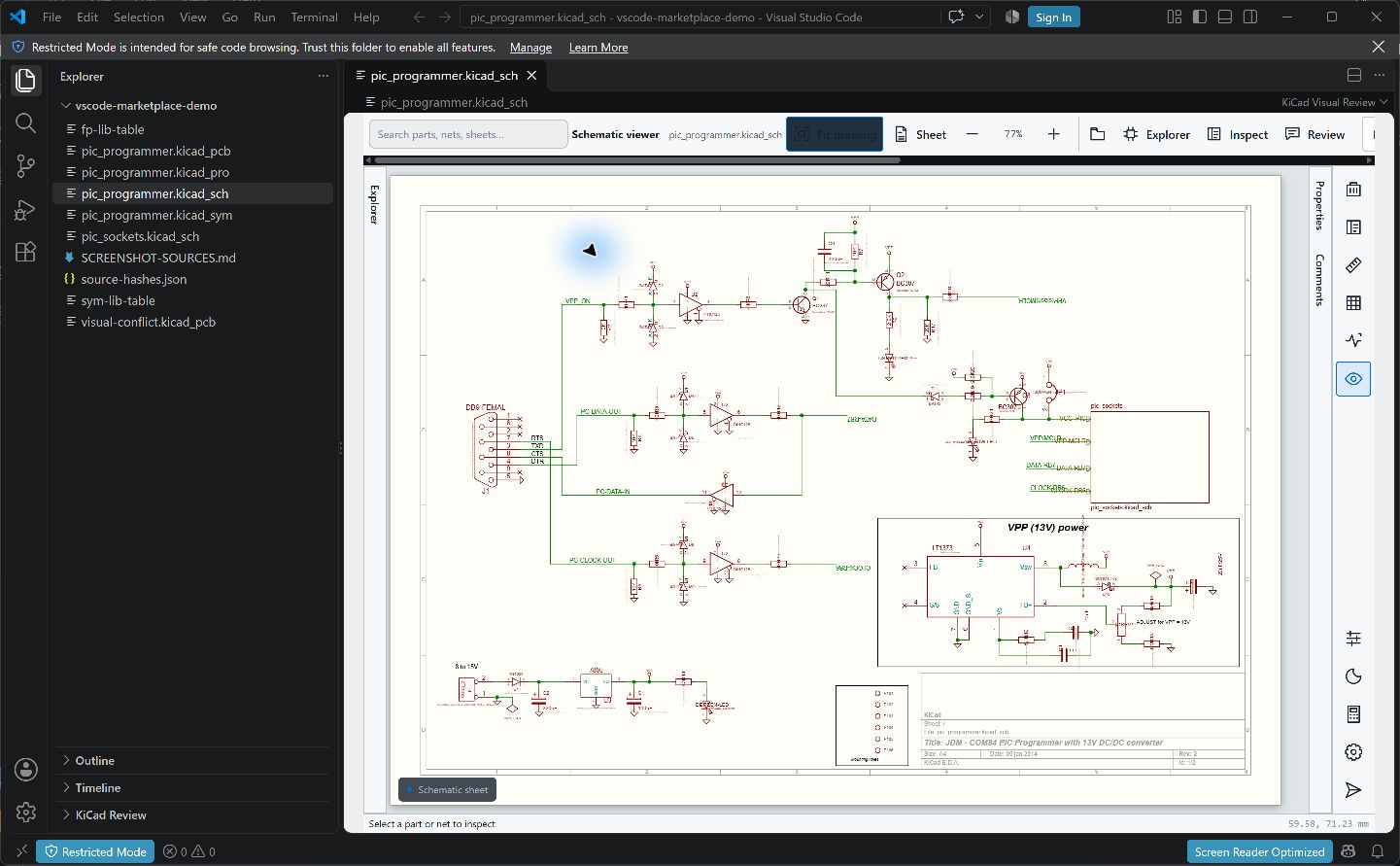
KiCad Visual ReviewView KiCad schematics and PCBs, inspect nets and assembly fields, and resolve Git conflicts visually. Installation Launch VS Code Quick Open ( Ctrl+P), paste the following command, and press enter.Copied to clipboard |

KiCad Visual ReviewOpen KiCad schematics and PCBs beside your code—without installing KiCad. Inspect a design, review assembly fields, leave notes, and compare Git conflicts visually.
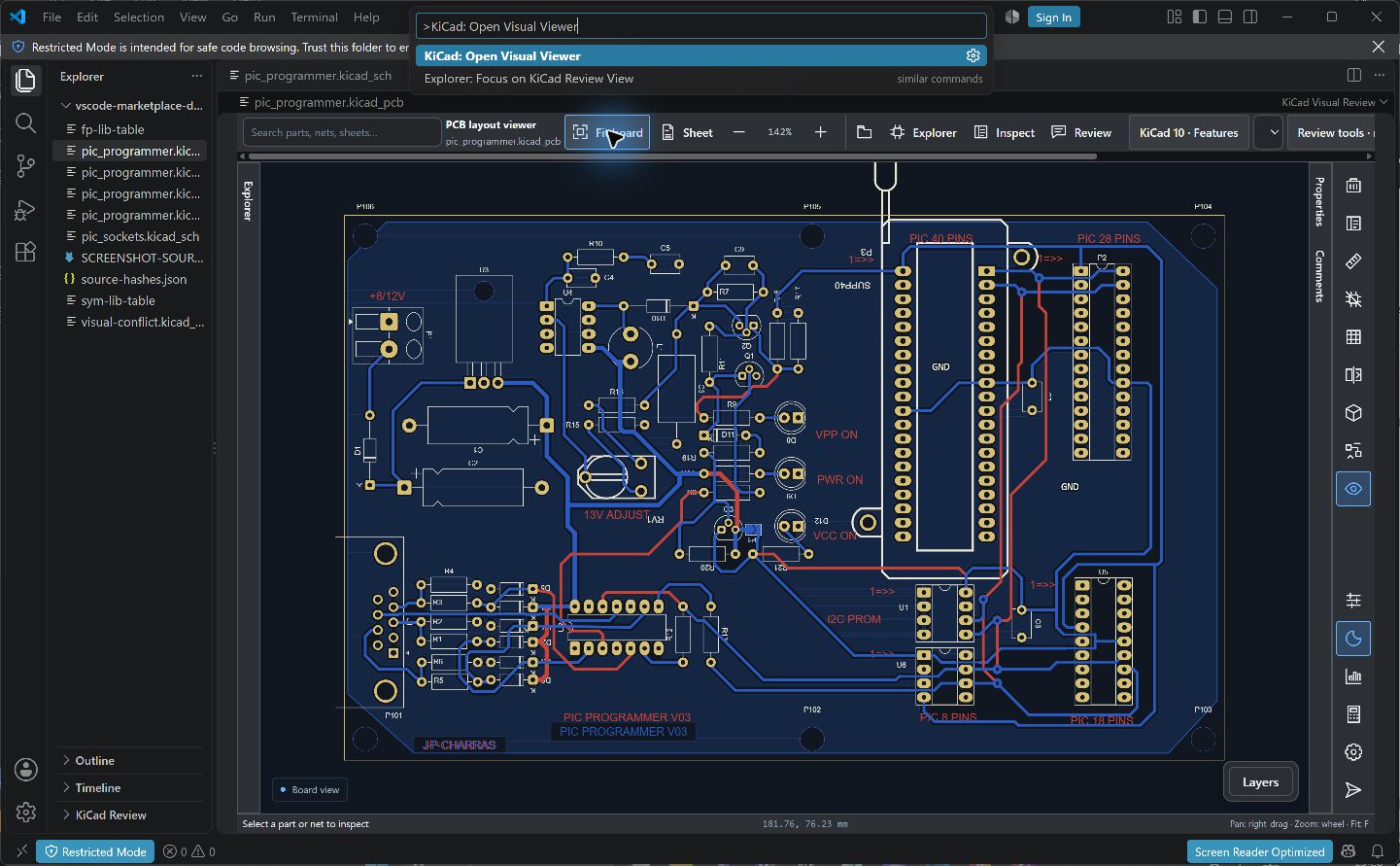
Open your first projectKiCad versions: recognized KiCad 8, 9 and 10
You can also press Ctrl+Shift+P and run KiCad: Open Visual Viewer.
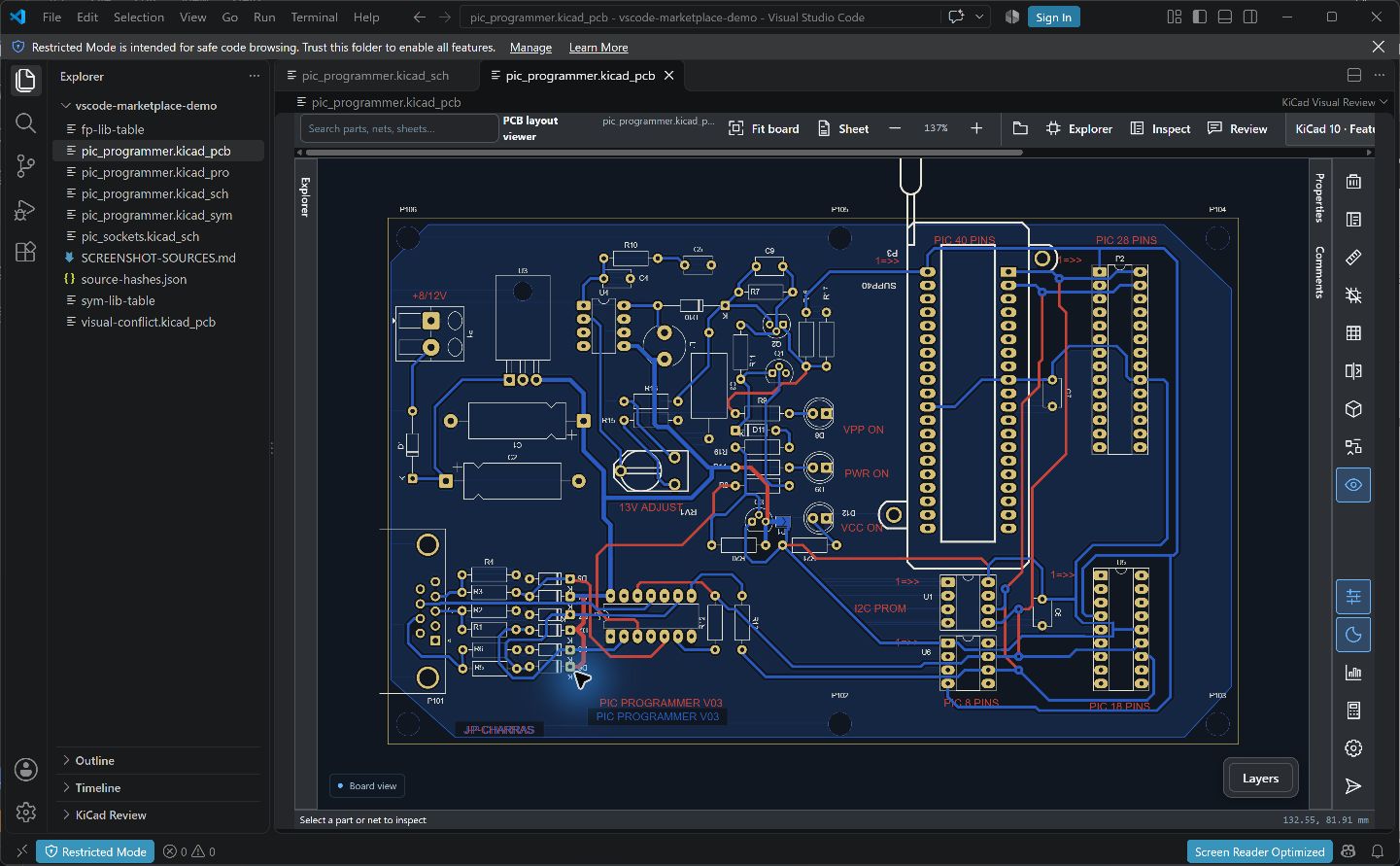
Inspect the boardPan, zoom, flip the board and focus copper layers. Press M to measure in 2D. Select a component or net to inspect its saved properties.
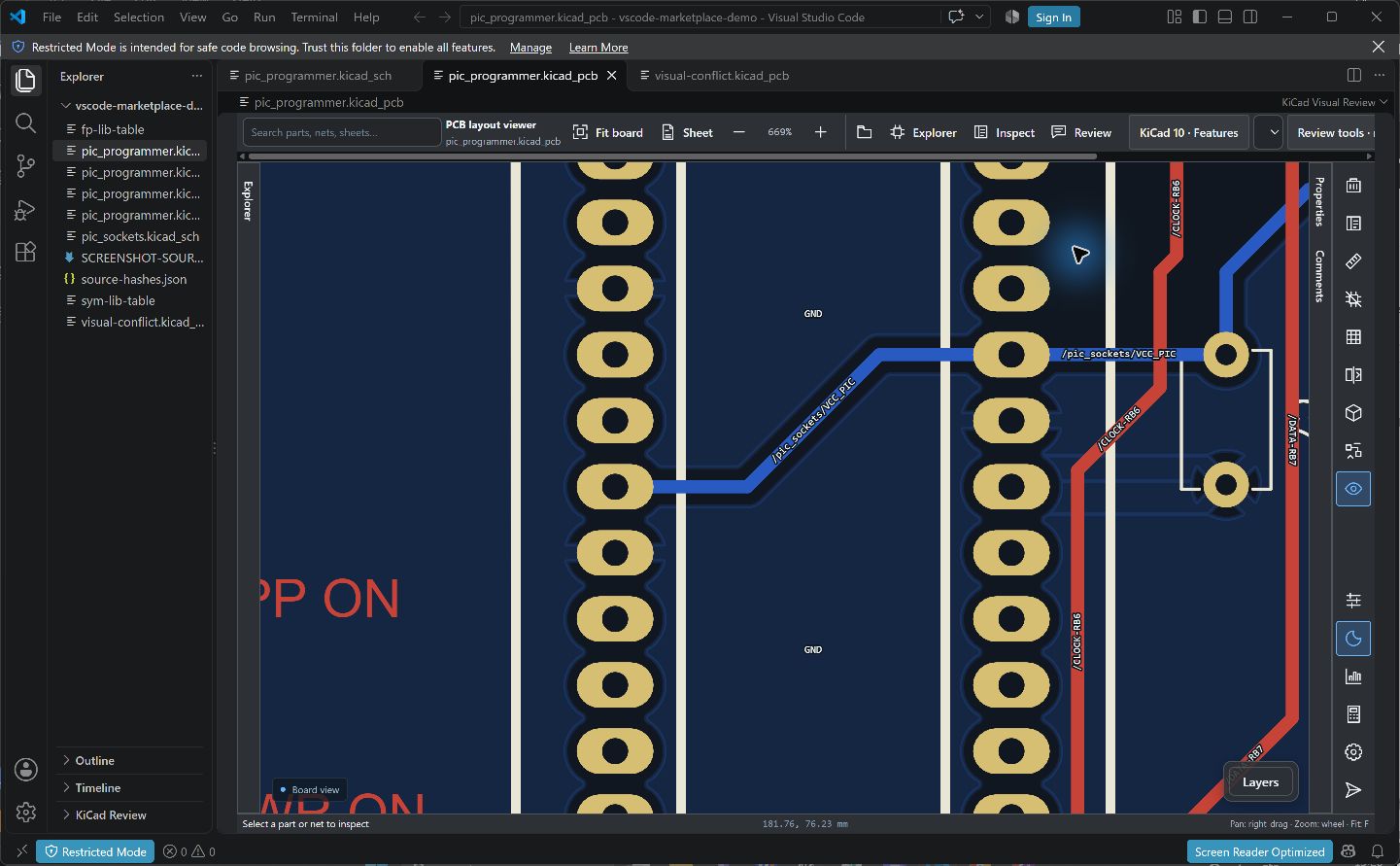
Turn on Layers → Net names to label traces and filled copper where there is room. Names stay upright when the board is flipped.
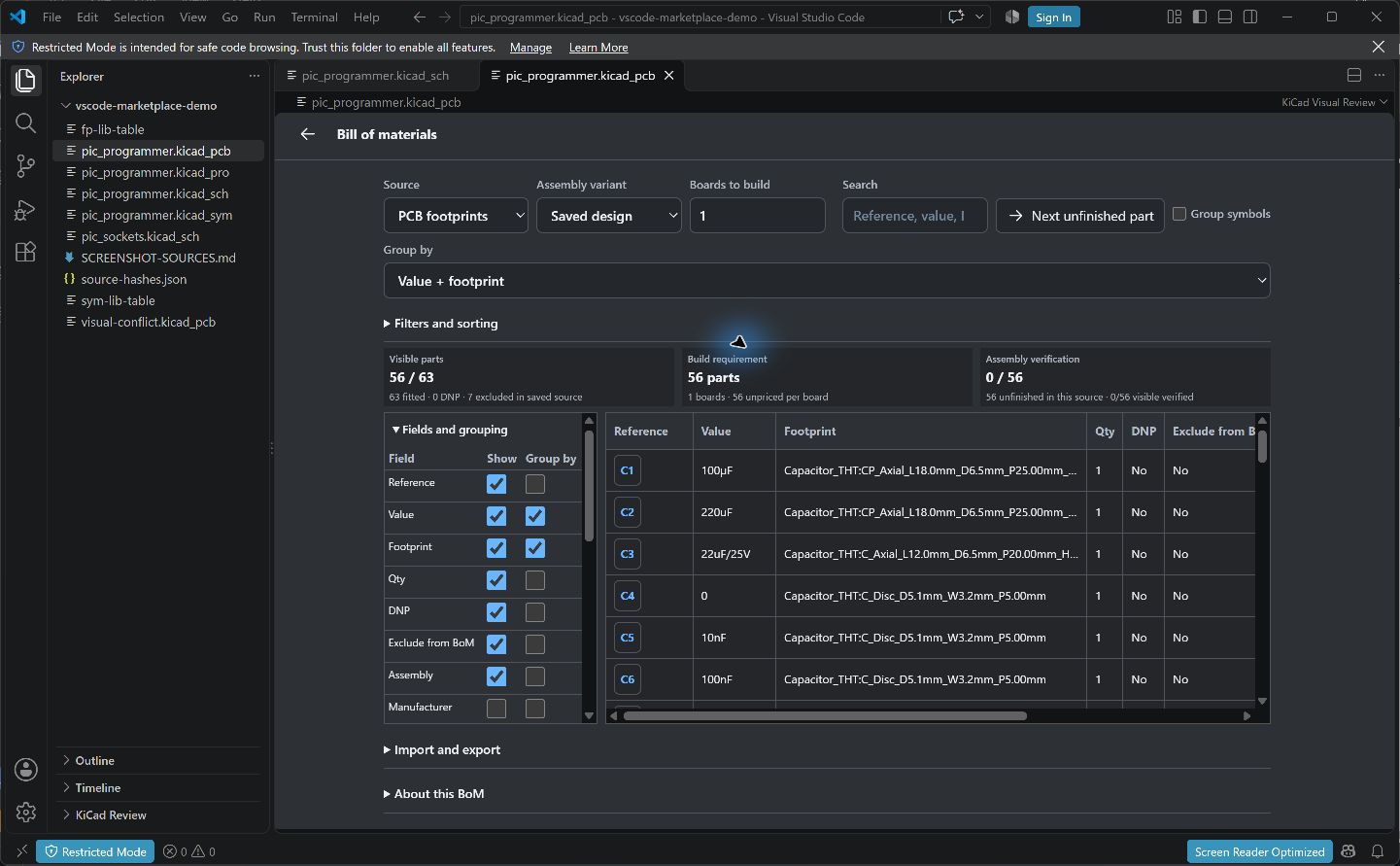
For linked schematic/PCB inspection, run KiCad: Open Paired Schematic and PCB Review. Matching saved identities support cross-probing. Drag the native VS Code editor-group divider to resize the two views. Review assemblyOpen the drawing's BoM manager: a full-width table with sticky headers and a fixed reference column. Search and grouping stay visible; columns, filters and import/export collapse to keep the rows in focus. Choose columns and grouping, filter fitted/DNP parts, locate references and export the visible CSV. Review variants and highlight DNP/DNI footprints without changing the source design.
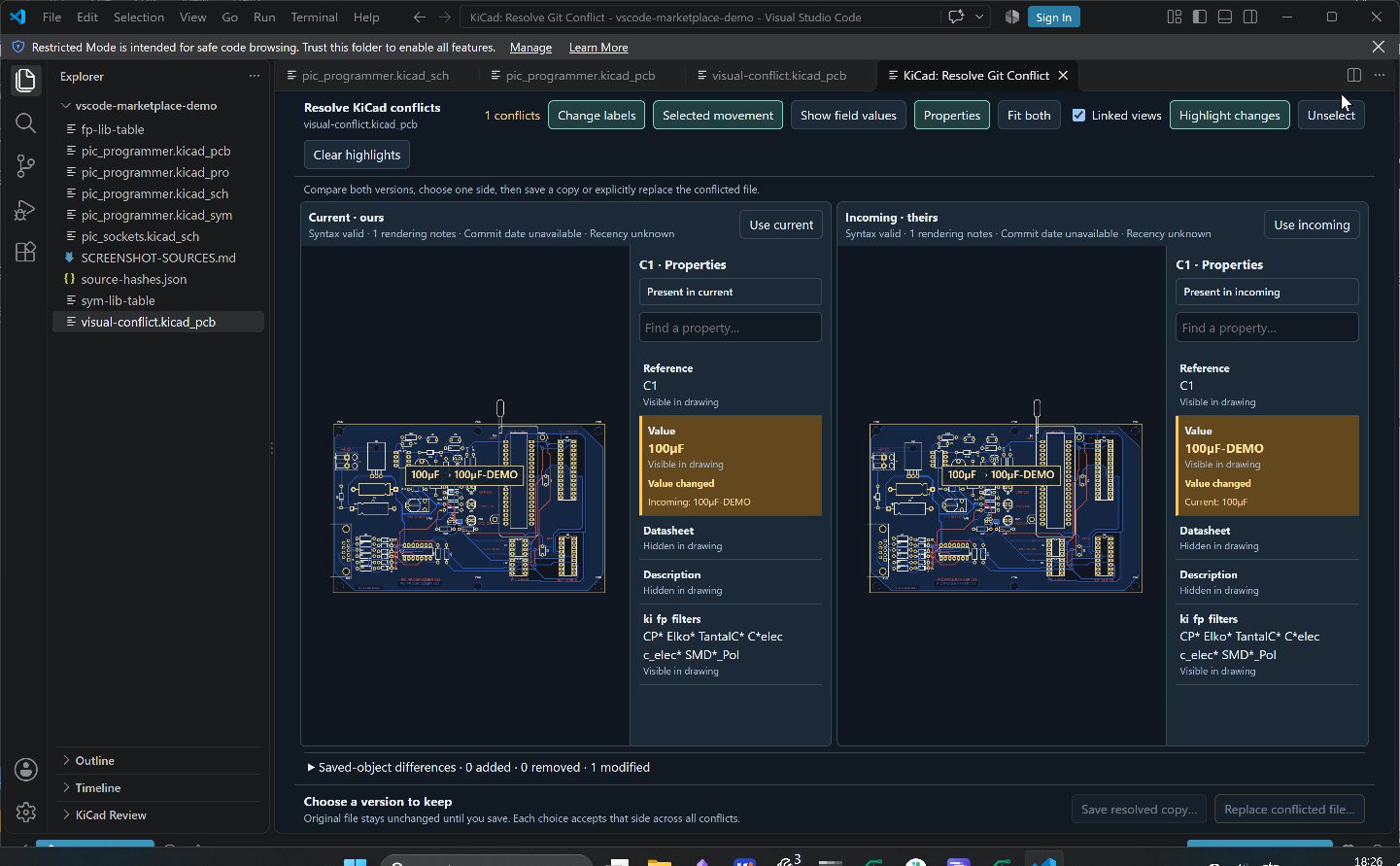
Testpoints & nets helps plan probing. Board analytics and saved ERC/DRC reports help review existing design data. Available workspace models can load in the 3D board view. Compare a Git conflict
This accepts a whole side across the file; it is not a per-object merger. Saving requires a trusted workspace. No commit or push happens automatically. Keep and share review notesUse Review to add findings. Notes live in Guide and limitsCompanion browser edition: KiCad Visual Review for Chrome reviews local projects and supported GitHub/GitLab pages. Chrome Web Store publication is pending. Each edition works independently; portable review exports transfer supported review state. Full user guide: all workflows, shortcuts, supported files and troubleshooting Drawings are read-only during ordinary inspection. Conflict replacement is an explicit write. Saved ERC/DRC findings are displayed; native checks are not run. The standalone PDF, calculator, simulation-results and imported iBOM tools belong to the companion apps. Close/reopen a drawing after external edits. Verify engineering decisions in the appropriate native tools. Screenshots use the public KiCad PIC Programmer demo. The conflict fixture intentionally changes one Value field for demonstration. Copyright © 2026 Yawar B (wayri). Source-available license; paid software distribution and monetized hosting require written permission. See the packaged The GitHub repository is currently private; public access is planned. |