LuaDebug

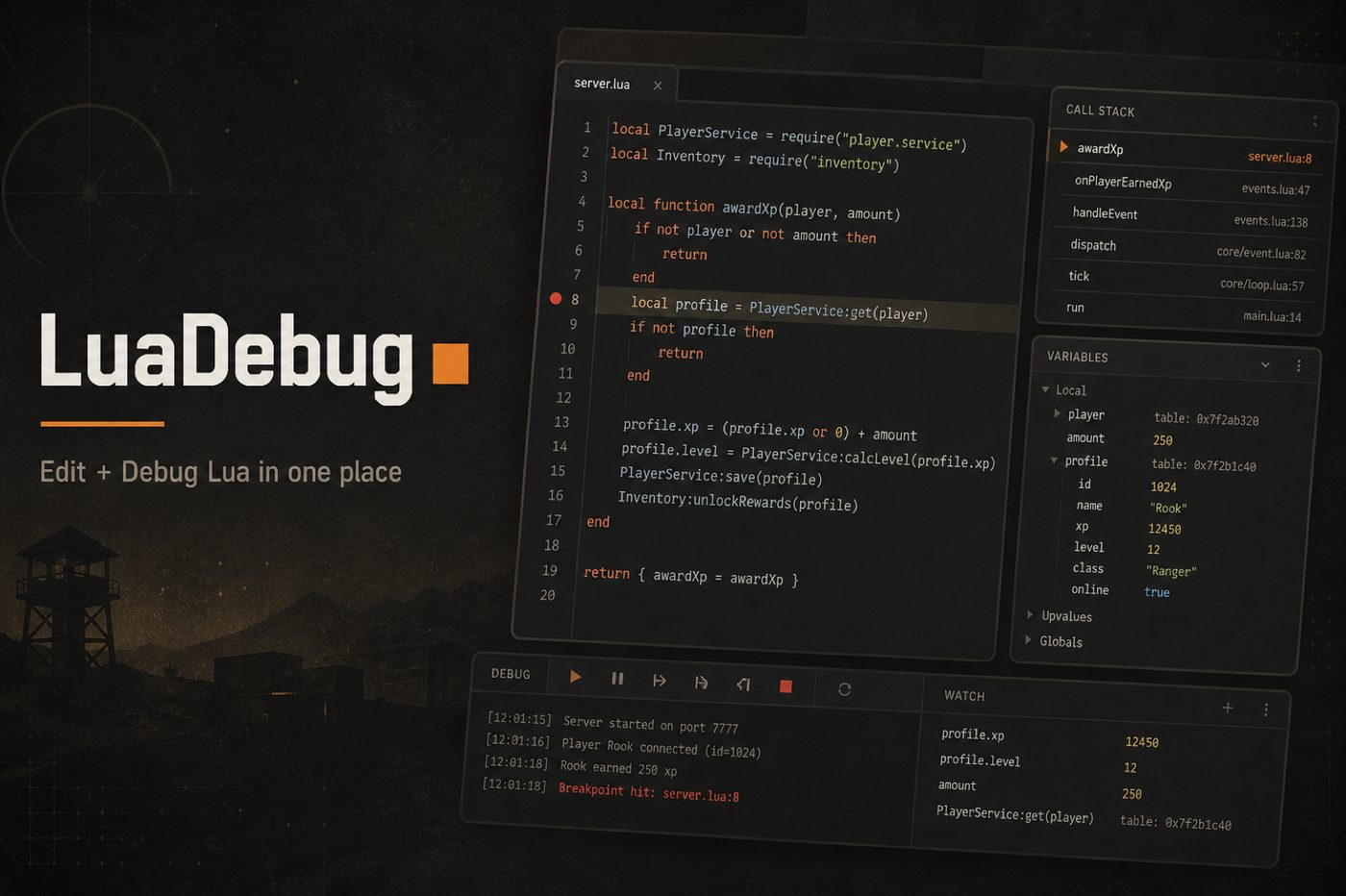
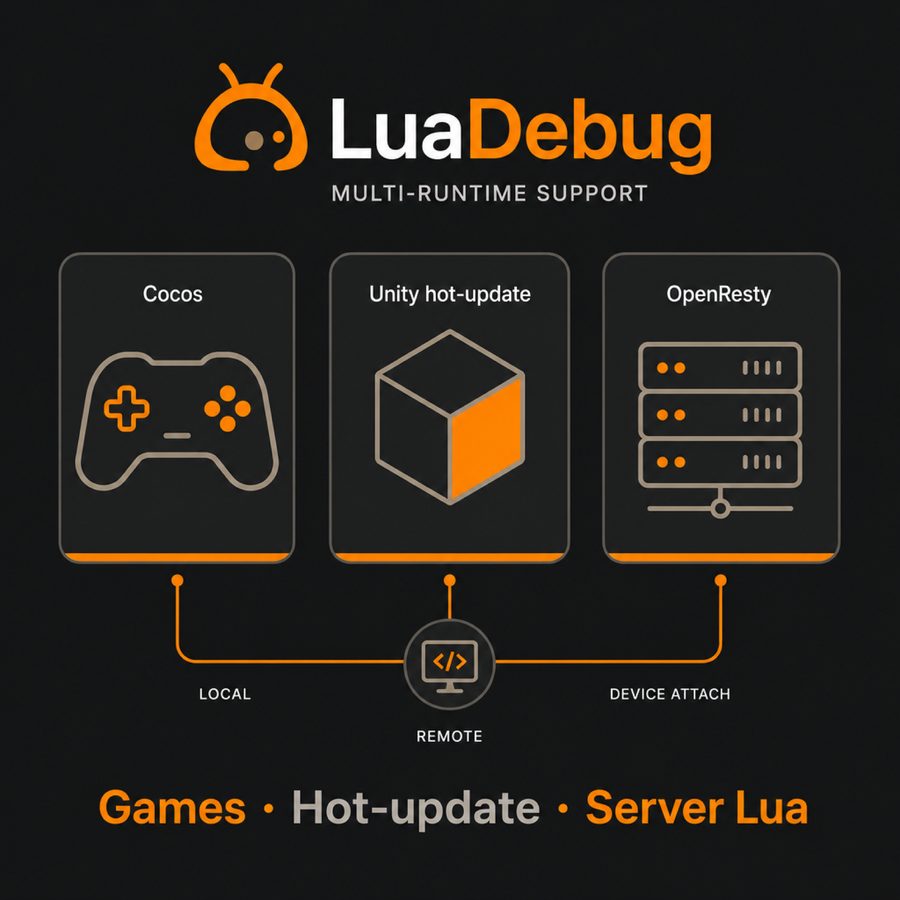
Debug and IntelliSense for Cocos, Unity hot-update, and OpenResty — one extension for editing and debugging Lua / LuaJIT in Cursor and VS Code.
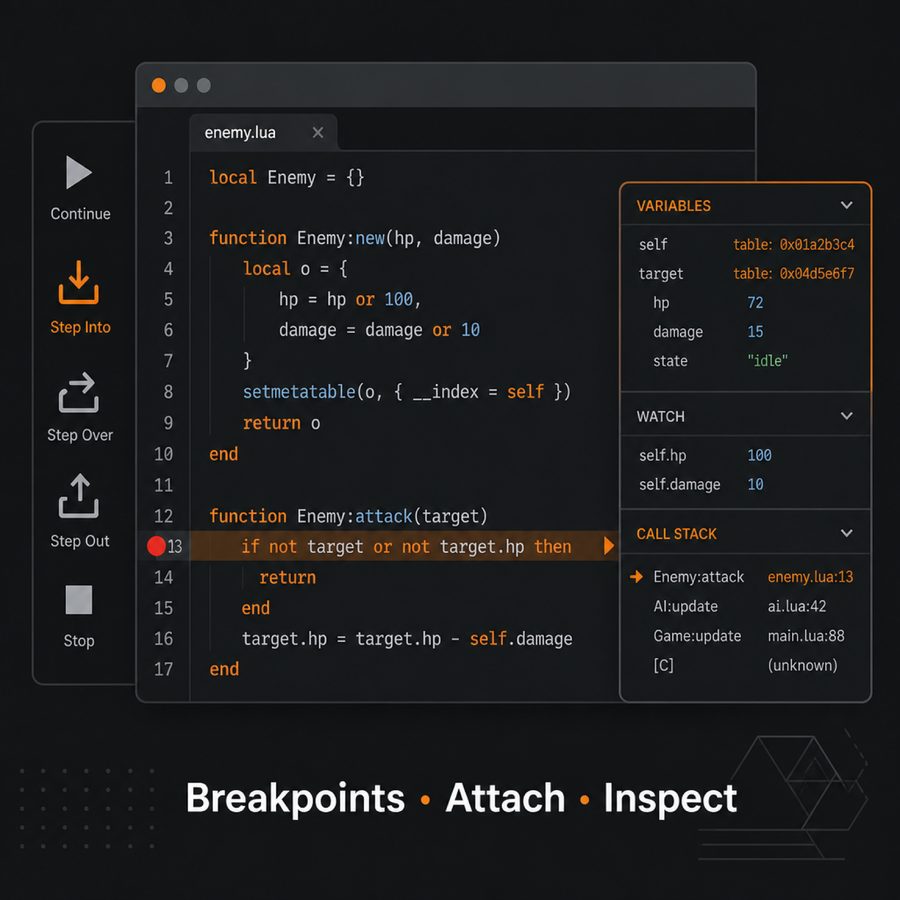
Local launch, remote attach, and on-device sessions. Breakpoints, stepping, call stack, and variable inspection, plus project-aware completion and navigation.
Docs: https://luadebug.walterspace.com/ · Buy / activate: https://luadebug.walterspace.com/buy
Who it’s for
| Scenario |
What you get |
| Game hot-update |
Cocos and Unity (uLua / ToLua, sLua, xLua) script debugging |
| Device & remote |
Simulators, phones, and remote Lua processes |
| Server Lua |
OpenResty and similar service scripts |
| Quick checks |
Single-file local runs with breakpoints |
| Large repos |
Multiple script roots and controllable indexing |
Features
Debugging
- Breakpoints, stepping, call stack, and variable inspection
- Local launch plus remote / on-device attach
- Ready-made debug configurations for Cocos, Unity (uLua / sLua / xLua), OpenResty, and LuaTest
Language intelligence
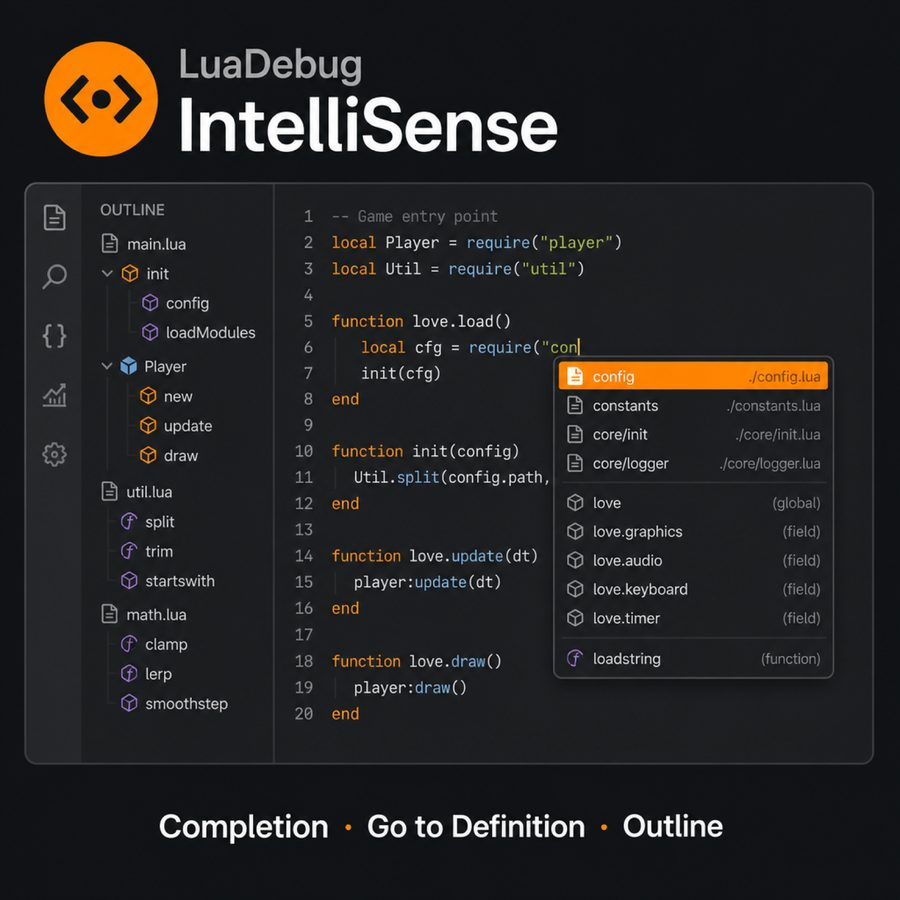
- Completion, go-to-definition, outline, and syntax checks aligned with your project layout
- Optional Cocos / Unity framework API hint libraries
- Templates, type tags, and treating custom extensions (e.g.
.txt / .bytes) as Lua
Project productivity
- Multiple script roots and ignore rules for large repositories
- Chinese / English UI
- Same workflow in Cursor and VS Code
Quick start
- Install LuaDebug, then sign in from the LuaDebug activity bar (network account).
- Open Quick start and copy the runtime files into your project.
- Call
StartDebug from your engine / script entry as documented.
- Pick a LuaDebug: debug configuration (Cocos / Unity / OpenResty / LuaTest) and start.
Full field reference and framework guides: https://luadebug.walterspace.com/
Why LuaDebug
Most Lua extensions focus on either editing or debugging. LuaDebug combines both, with first-class support for Cocos, Unity hot-update, and OpenResty.
中文简介
面向 Cocos、Unity 热更与 OpenResty 的 Lua 调试 + 智能提示 — 在 Cursor / VS Code 里一套扩展完成编辑与调试。
支持本地启动、远程 / 真机 attach;断点、单步、调用栈与变量查看;以及贴合工程结构的补全与跳转。
文档: https://luadebug.walterspace.com/ · 购买 / 开通: https://luadebug.walterspace.com/buy
适用场景
| 场景 |
说明 |
| 游戏热更 |
Cocos、Unity(uLua / ToLua、sLua、xLua)脚本调试 |
| 真机与远程 |
模拟器、真机、远程 Lua 进程 |
| 服务端 Lua |
OpenResty 等服务脚本 |
| 本地快验 |
单文件本地跑通断点 |
| 大型工程 |
多脚本根目录与可控索引 |
主要能力
- 调试:断点 / 单步 / 调用栈 / 变量;Cocos、Unity、OpenResty、LuaTest 等现成配置
- 语言:补全、跳转定义、大纲、语法检查;可选框架 API 提示库;模板与类型标签
- 工程:多根目录与忽略规则;中英文界面;Cursor 与 VS Code 同一套流程
快速开始
- 安装 LuaDebug,在活动栏登录(需联网账号)。
- 打开 快速入门,按说明拷贝运行时文件到工程。
- 在引擎 / 脚本入口按文档调用
StartDebug。
- 选择 LuaDebug: 调试配置(Cocos / Unity / OpenResty / LuaTest)并启动。
完整设置项与框架对接见文档站。多数 Lua 扩展只做编辑或只做调试;LuaDebug 把两者合在一起,并针对 Cocos、Unity 热更、OpenResty 做了优先支持。
Support / 支持
Walter Space · LuaDebug