Rime Theme
A cold dark theme in four variants: Rime, Rime Glacier, Rime Aurora and Rime Abyss.
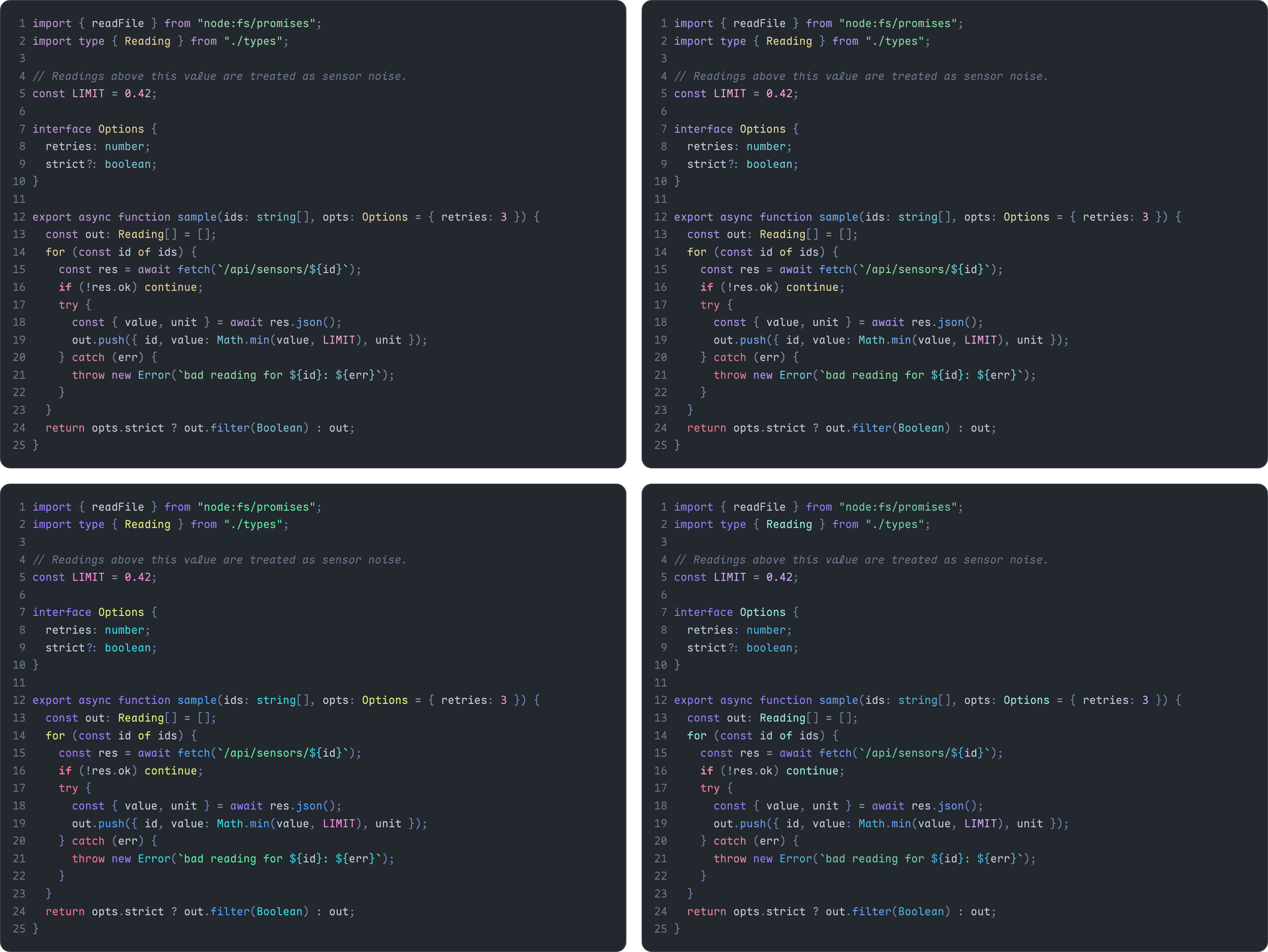
All four share a cool grey background (#23272e) and lean on blues, teals and violets. Keywords are split by kind: declarations are violet, loops yellow, conditionals bold rose, and returns and exceptions rose.
Install
Search for Rime Theme in the Extensions view, or run:
code --install-extension w0x7y.rime-theme
VSCodium, Cursor and other editors that use Open VSX can install it from open-vsx.org.
Then run Preferences: Color Theme and pick a Rime variant.
Install from source
git clone https://github.com/w0x7y/Rime
cd Rime/vscode
npx @vscode/vsce package
code --install-extension rime-theme-0.3.0.vsix
Notes
- Semantic highlighting is on, so builtins like
Math, Error, Boolean and parseInt get their colour from the language server. Without a language server they fall back to the plain grammar colours.
- In TypeScript and JavaScript the grammar gives
return, await and yield the same scope, so all three use the rose return colour.
- The theme files and
package.json are generated by the repository's tools/build.py: the colours from palettes/, which colour each kind of code gets from the SYNTAX table in the script, and the version from its VERSION. Edit those, not the JSON.
License
MIT

