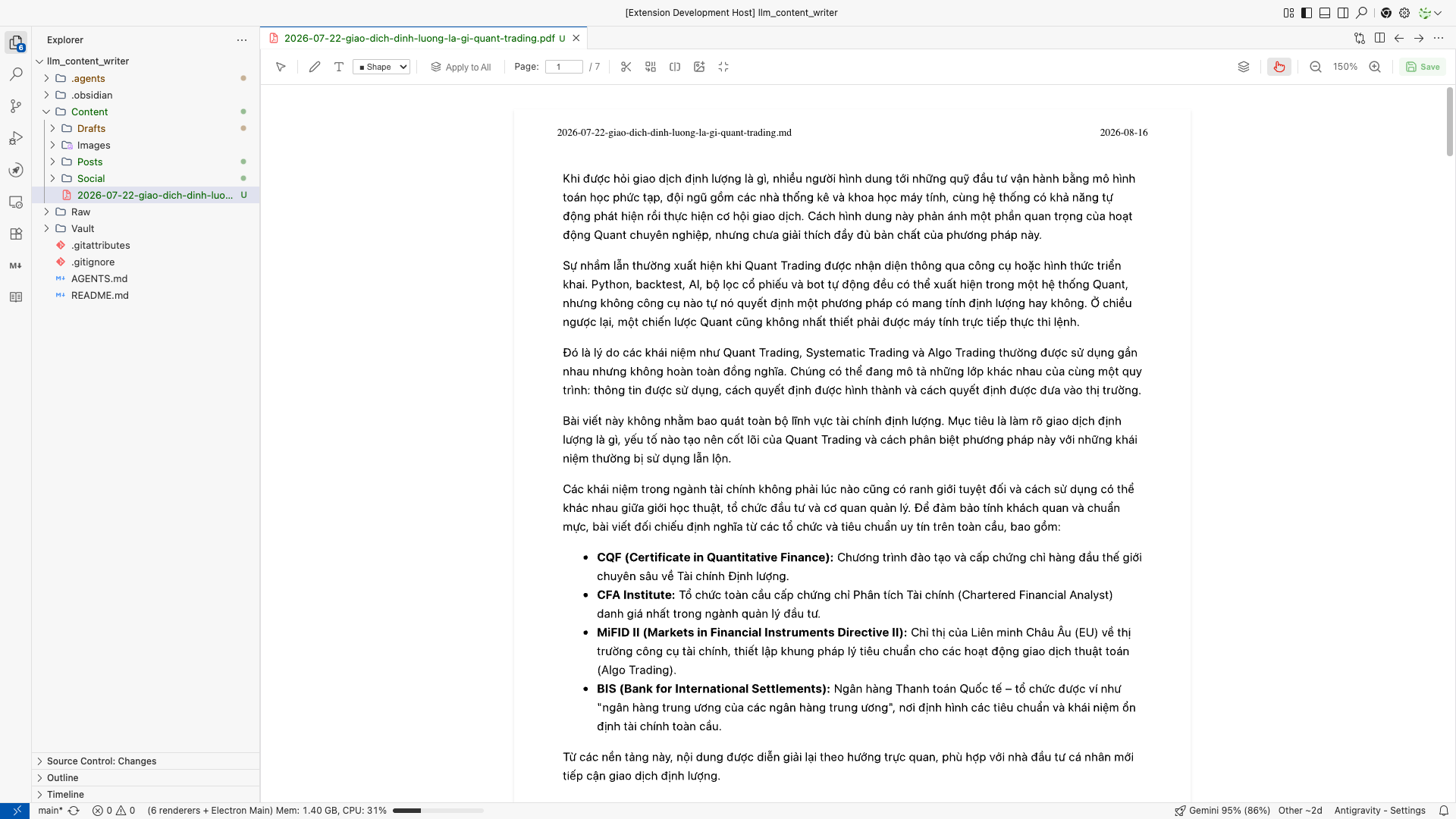
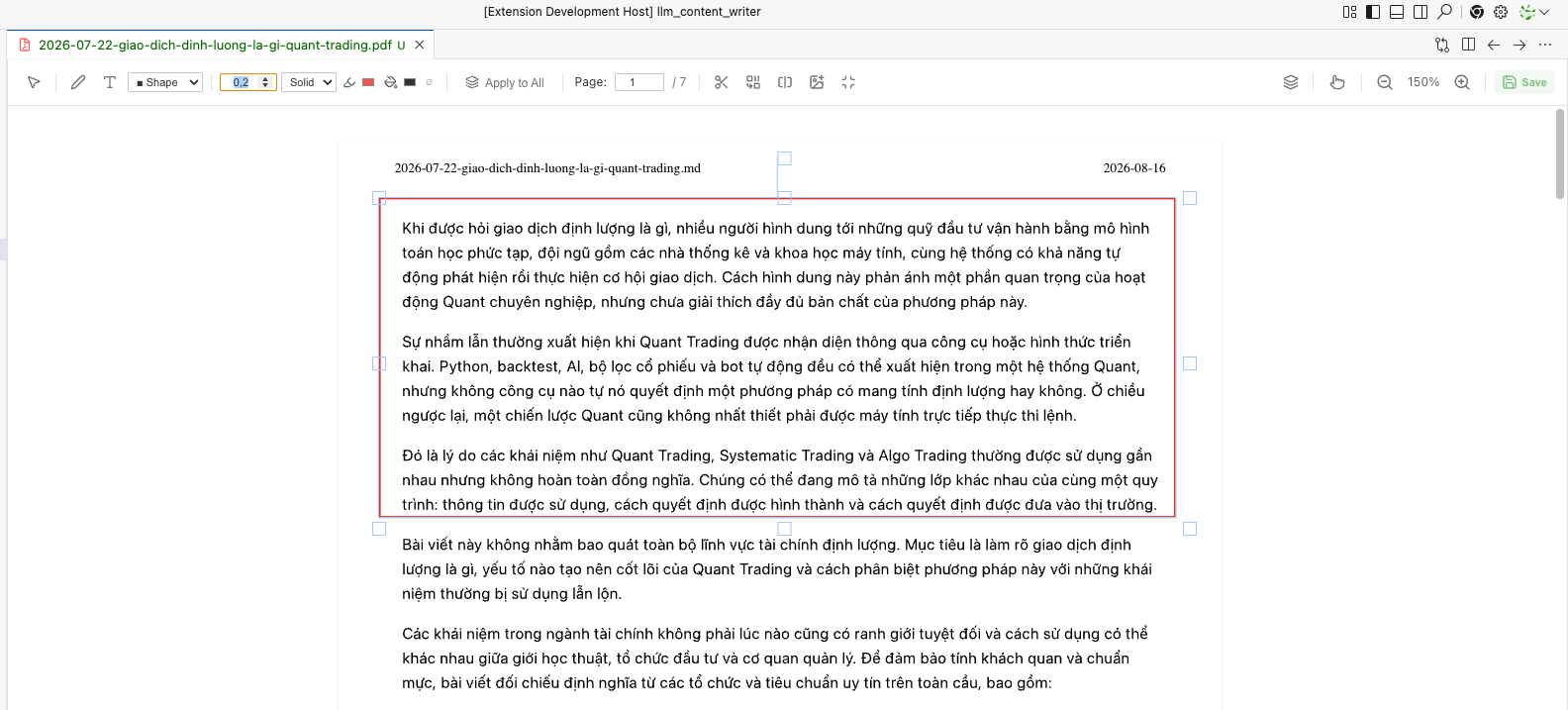
An all-in-one, privacy-first PDF reader and advanced annotator built natively for VS Code / Antigravity IDE. Edit, annotate, merge, and compress your PDFs without ever leaving your development environment.
✨ Features
🌟 Killer Features
True Local & Privacy-First: Unlike expensive paid tools or risky online services that require you to upload your sensitive documents, this extension processes everything 100% locally on your machine. Your data never leaves your IDE.
Robust Annotation & Editing Suite: A highly interactive, WYSIWYG-style toolbar empowers you to mark up your PDFs effortlessly.
Text & Shapes: Insert customizable text boxes and shapes (Rectangles, Circles, Triangles, Lines).
Freehand Draw & Highlight: Mark up documents natively with buttery-smooth freehand drawing.
Whiteout Tool: Instantly redact or hide sensitive information with a dedicated whiteout tool.
Document Manipulation (Merge & Compress):
Merge PDFs: Select multiple PDFs in your VS Code Explorer, right-click, and merge them instantly into a single document.
Smart Compression: Built-in PDF optimization allows you to compress heavy documents on the fly with a visual DPI slider, estimating the output size before you even save.
✨ Quality of Life & Extended Utilities
Navigation & Organization
Sidebar Navigation: Seamlessly navigate through massive documents using the interactive Flyout Sidebar containing both an Outline (Table of Contents) and Thumbnails.
Blazing Fast Performance: Powered by an optimized Webview architecture utilizing pdf.js and fabric.js, with lazy-loading for pages to ensure smooth scrolling even on hundred-page textbooks.
Laser Pointer: Delivering a presentation or sharing your screen? Use the unique Laser Pointer tool to highlight areas temporarily without leaving permanent ink on the page.
Frictionless UX
Deep Theme Integration: The UI is designed to blend flawlessly with your VS Code environment, automatically inheriting your active Light or Dark theme variables.
Split-View Ready: Perfectly responsive design means you can snap your PDF to one side of your screen while coding on the other.
🚀 Getting Started
There are 2 ways to use the PDF Editor:
View & Edit: Simply click on any .pdf file in your VS Code Explorer. It will automatically open in the custom PDF Editor.
Merge PDFs: Select two or more .pdf files in the Explorer, right-click, and select "Merge Selected PDFs" from the context menu.
⚙️ Configuration
The extension comes with customization options available in your VS Code settings (Cmd/Ctrl + ,):
pdfEditor.language: Choose the UI language for the Webview (en or vi).
pdfEditor.optimizedSuffix: Set the default suffix appended to filenames when saving an optimized/compressed PDF (default: _optimized).