Visual Studio ModeTransforms VS Code into Visual Studio 2022 with authentic UI/UX, colors, icons, and features. Installation Launch VS Code Quick Open ( Ctrl+P), paste the following command, and press enter.Copied to clipboard |

Visual Studio Mode for VS CodeThis extension transforms your Visual Studio Code into the exact UI/UX of Visual Studio 2022. Highlights
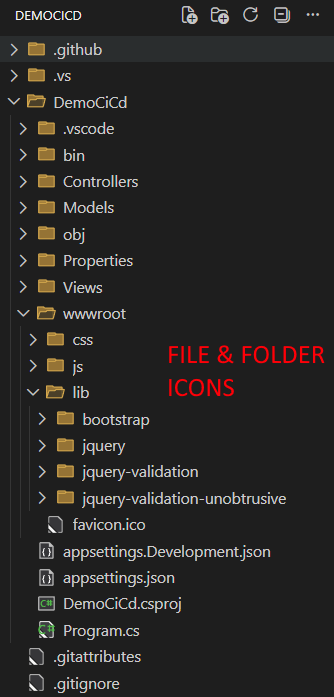
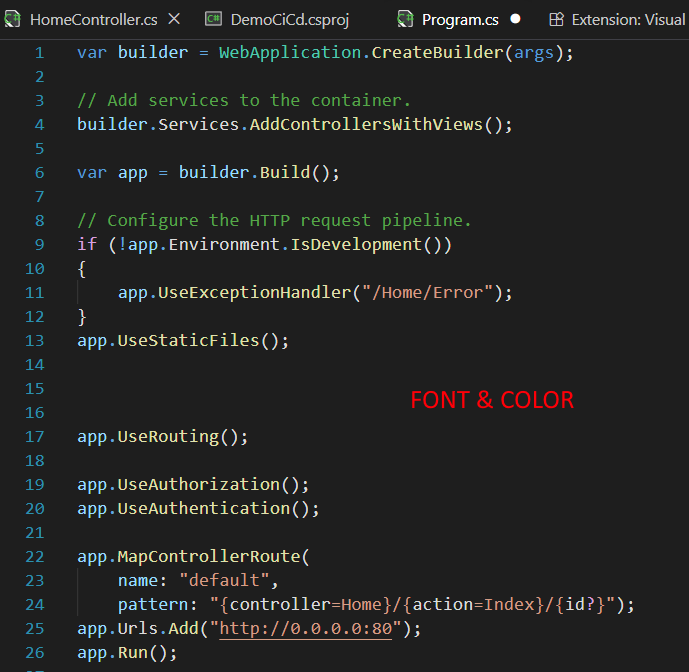
Screenshots🎨 Authentic VS 2022 Dark Theme & Icons
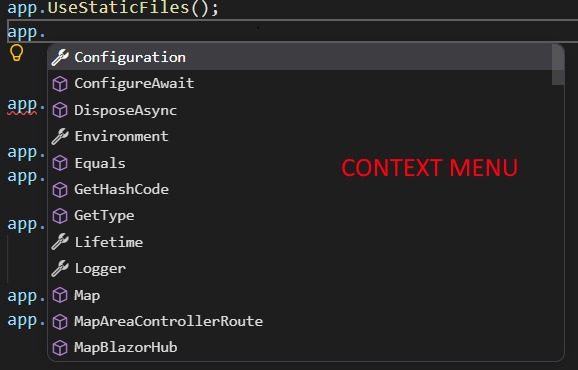
🔍 Native-like IntelliSense
📋 Custom Find All References (Shift + F12)
⚙️ Easy Settings & Customization
CustomizationEverything can be easily customized to your liking. To open the settings menu, press Enjoy the power and nostalgia of Visual Studio 2022 right within VS Code! |