Carbon Candy — Theme Pack
A bold, neon-contrasted dark theme collection for VS Code
Inspired by Oxocarbon, sweetened with vibrant candy-like colors.




built by Viral Team
✨ Overview
Carbon Candy delivers a family of dark themes blending deep carbon tones with vivid candy-style highlights — pink, purple, gradients, and more.
Built on the elegance of Oxocarbon, this pack enhances syntax clarity while adding personality through energetic and playful color contrasts.
From refined anthracite to expressive neon palettes, Carbon Candy offers a sweet selection of moods for every developer.
🎨 Theme Variants Included
Carbon Candy
├─ Core Themes
│  ├─ Graphene
│  ├─ Carbon
│  ├─ Anthracite
│  ├─ Obsidian
│  └─ Dark
├─ Accent Themes
│  ├─ Bee
│  ├─ Pink
│  ├─ Purple
│  ├─ Aurora
│  └─ Kawasaki
├─ Matrix Collection
│  ├─ Matrix
│  ├─ Matrix Emerald
│  ├─ Matrix Neon
│  └─ Matrix Cyber
├─ Gradient Collection
│  ├─ Gradient V1
│  ├─ Gradient V2
│  ├─ Gradient V3
│  └─ Gradient V4
└─ Classics
   ├─ Palenight
   ├─ Solarized Dark
   ├─ Solarized Light
   └─ Solarized Light Modern
🖤 Core Themes
- Anthracite — Deep slate gray foundation
- Dark — Rich charcoal base
- Graphene — Balanced carbon black with vibrant accents
- Carbon — Deep focus theme with neutral gray palette
- Obsidian — Ultra-minimalist near-black with fully transparent borders
🌈 Gradient Collection
Smooth, carbon-inspired multi-tone transitions:
- Gradient V1 — Subtle teal-to-blue fade
- Gradient V2 — Purple-to-pink gradient flow
- Gradient V3 — Cool cyan progression
- Gradient V4 — Warm amber-to-orange blend
🍬 Accent Themes
Punchy, vibrant, and high-contrast variants:
- Carbon Candy Pink — Hot magenta accents on deep carbon
- Carbon Candy Purple — Royal violet highlights on dark base
- Carbon Candy Bee — Bumblebee yellow accents on dark base
- Carbon Candy Aurora — Crisp, clean variant with teal accents and excellent readability
- Carbon Candy Kawasaki — Lightroom-inspired gray base with bright light green 400 accents
🟩 Matrix Collection
- Carbon Candy Matrix — Neon digital rain with luminous green highlights on a shadowed deep gray canvas
- Carbon Candy Matrix Emerald — Matrix variant with emerald accents and a refined dark base
- Carbon Candy Matrix Neon — Bright, vivid neon treatment for the Matrix family
- Carbon Candy Matrix Cyber — A sharper, cyber-inspired Matrix variant with boosted contrast
🌅 Classics
Inspired by the legendary Solarized palette and classic dark compositions:
- Palenight — Classic purple-tinted dark theme with cyan foreground
- Solarized Dark — Dark variant using the Solarized color palette, optimized for visual comfort and syntax clarity
- Solarized Light — Light variant bringing Solarized's clarity to bright environments
- Solarized Light Modern — Refined light variant with a more modern balance of contrast and softness
🔲 Thin Light-Gray Bordered Variants
For users who want clearer visual separation between UI regions, thin light-gray bordered variants add a subtle 1px-style border around panels, the activity/side bar, editor groups, tabs and other UI surfaces.
carbon-candy-dark (thin-border) — Dark theme with thin light-gray borderscarbon-candy-carbon (thin-border) — Carbon variant with thin light-gray borderscarbon-candy-graphene (thin-border) — Graphene variant with thin light-gray borderscarbon-candy-aurora (thin-border) — Aurora variant with thin light-gray borders
These variants do not modify original themes; they are additional theme files you can select from the Color Theme picker.
📦 Installation
- Open Extensions in VS Code
- Search for “Carbon Candy”
- Click Install
- Open the Command Palette → “Preferences: Color Theme”
- Choose your favorite Carbon Candy variant
- Enjoy the neon-sweet darkness 🍬✨
🛠️ Why Choose Carbon Candy?
- 20+ unique theme variants to match any preference
- Deep, eye-friendly dark backgrounds (ranging from near-black to charcoal)
- Bright neon candy accents for excellent syntax visibility
- Visually striking contrast without sacrificing readability
- Multiple aesthetic moods:
- Classic — Anthracite, Dark, Graphene
- Gradient — Smooth multi-tone transitions (v1–v4)
- Playful — Pink and Purple with candy-style pops
- Minimalist — Palenight, Carbon, Obsidian, Aurora with borderless design
- Optimized for:
- Java
- Kotlin
- Python
- TypeScript / JavaScript
- JSON
- Markdown
- CSS / HTML
- and more
- Compatible with:
Color Palette Highlights
- Backgrounds:
#000000 to #292D3E (pure black to purple-tinted)
- Foregrounds:
#D4D4D4 to #EEFFFF (neutral to cyan-white)
- Syntax Tokens: Vibrant candy colors
- Blues:
#82AAFF
- Greens:
#C3E88D
- Reds:
#f07178
- Magentas:
#C792EA
- Yellows:
#FFCB6B
- Cyans:
#89DDFF
- Oranges:
#F78C6C
🖼️ Screenshots
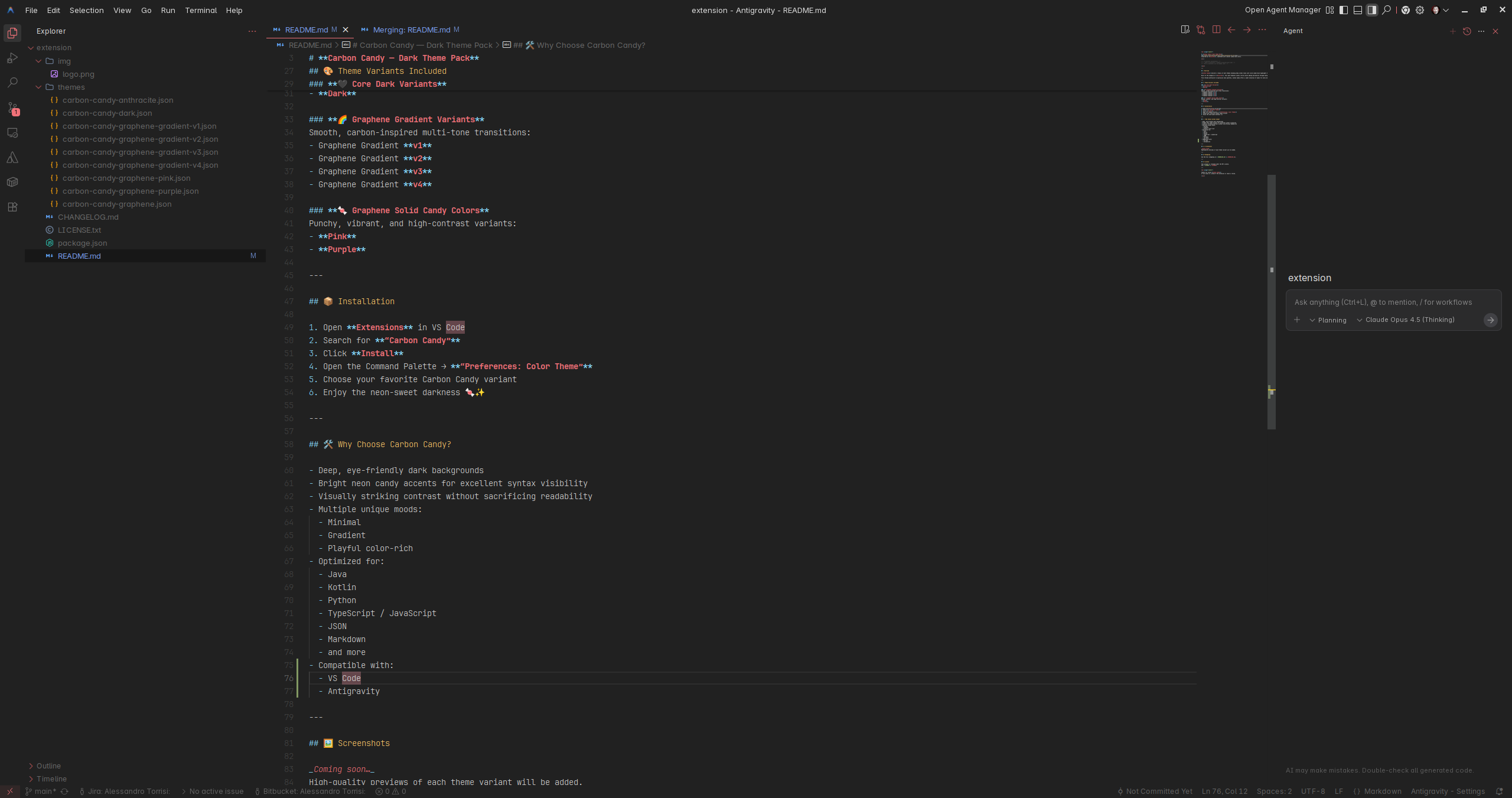
Carbon Candy Pink
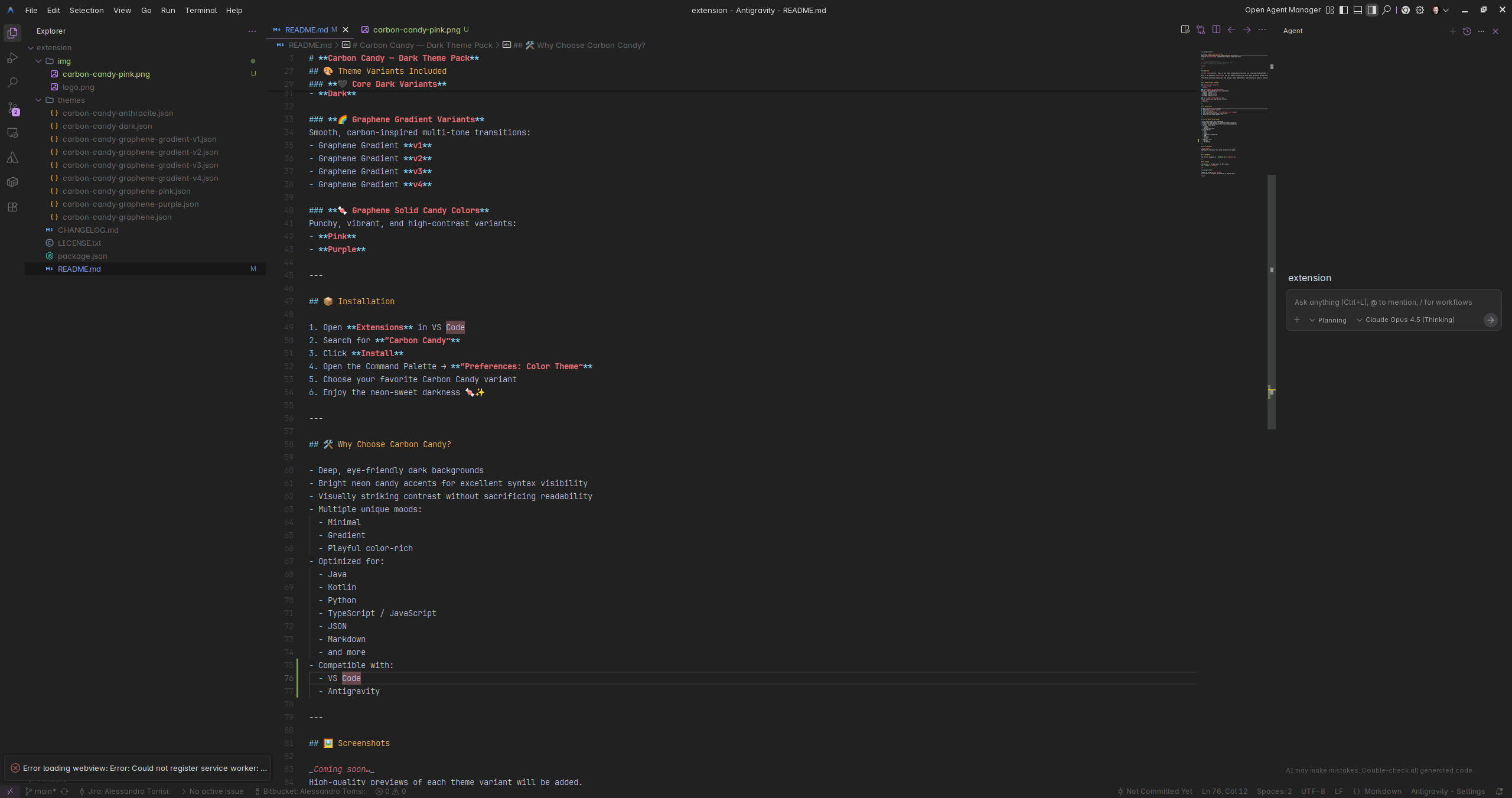
Carbon Candy Purple
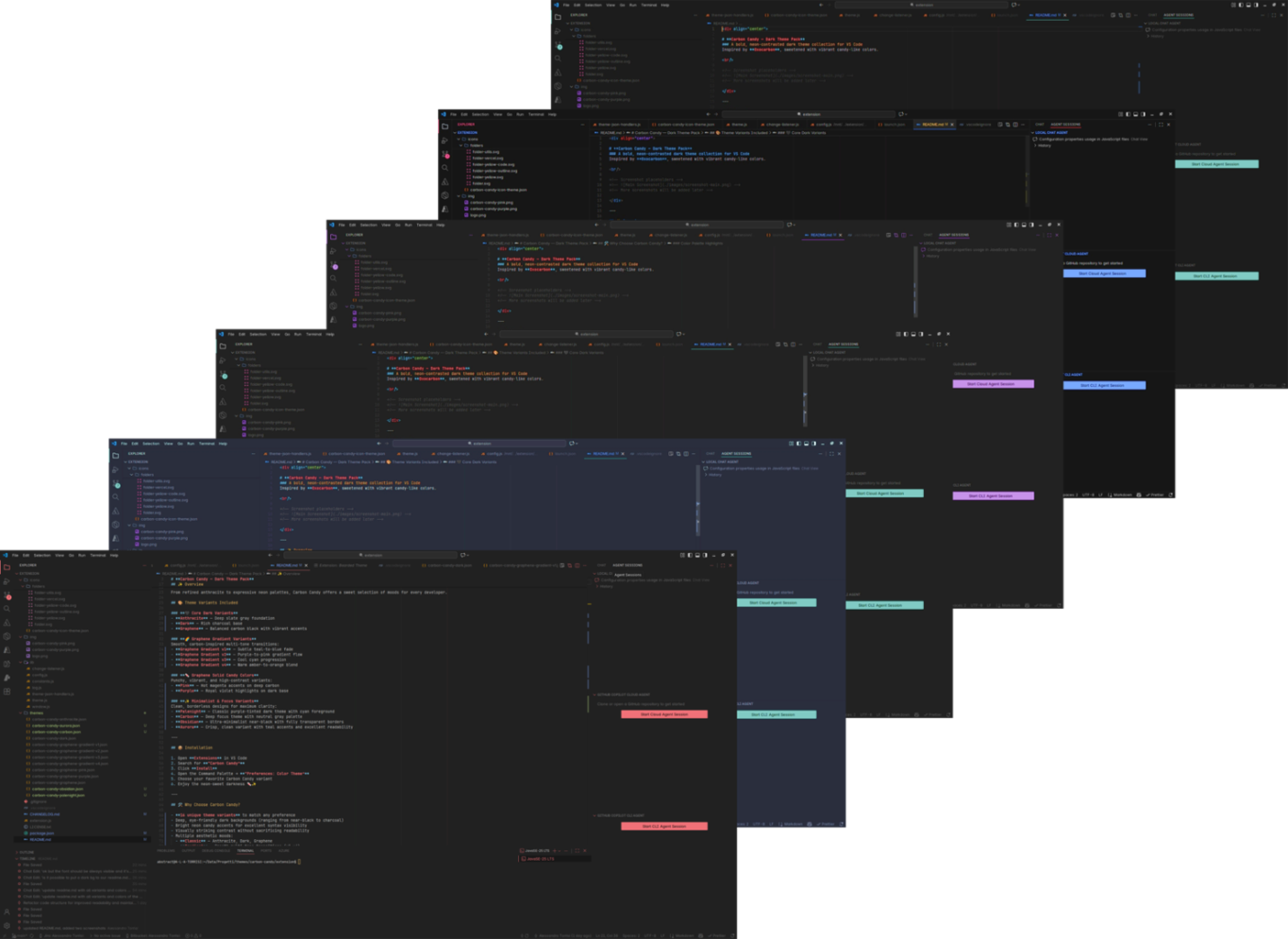
Many combinations
📄 Changelog
See the full changelog in CHANGELOG.md.
🔖 License
This project is released under the MIT License.
See LICENSE.
Credits & Attributions
Carbon Candy's file icons and product icons are inspired by and partially derived from open-source resources:
All referenced materials are used under their respective open-source licenses.
Special thanks to the authors and contributors of these projects for their excellent work.
Thanks for using Carbon Candy!
If you enjoy it, please ⭐ the extension or leave a review.

