Skip to content
| Marketplace
Sign in
Visual Studio Code>Themes>dora-dora ThemeNew to Visual Studio Code? Get it now.
dora-dora Theme

dora-dora Theme

venz-x

|
5 installs
| (0) | Free
A dark, vibrant VS Code color theme inspired by Doraemon.
Installation
Launch VS Code Quick Open (Ctrl+P), paste the following command, and press enter.
Copied to clipboard
More Info

Dora Dora Theme

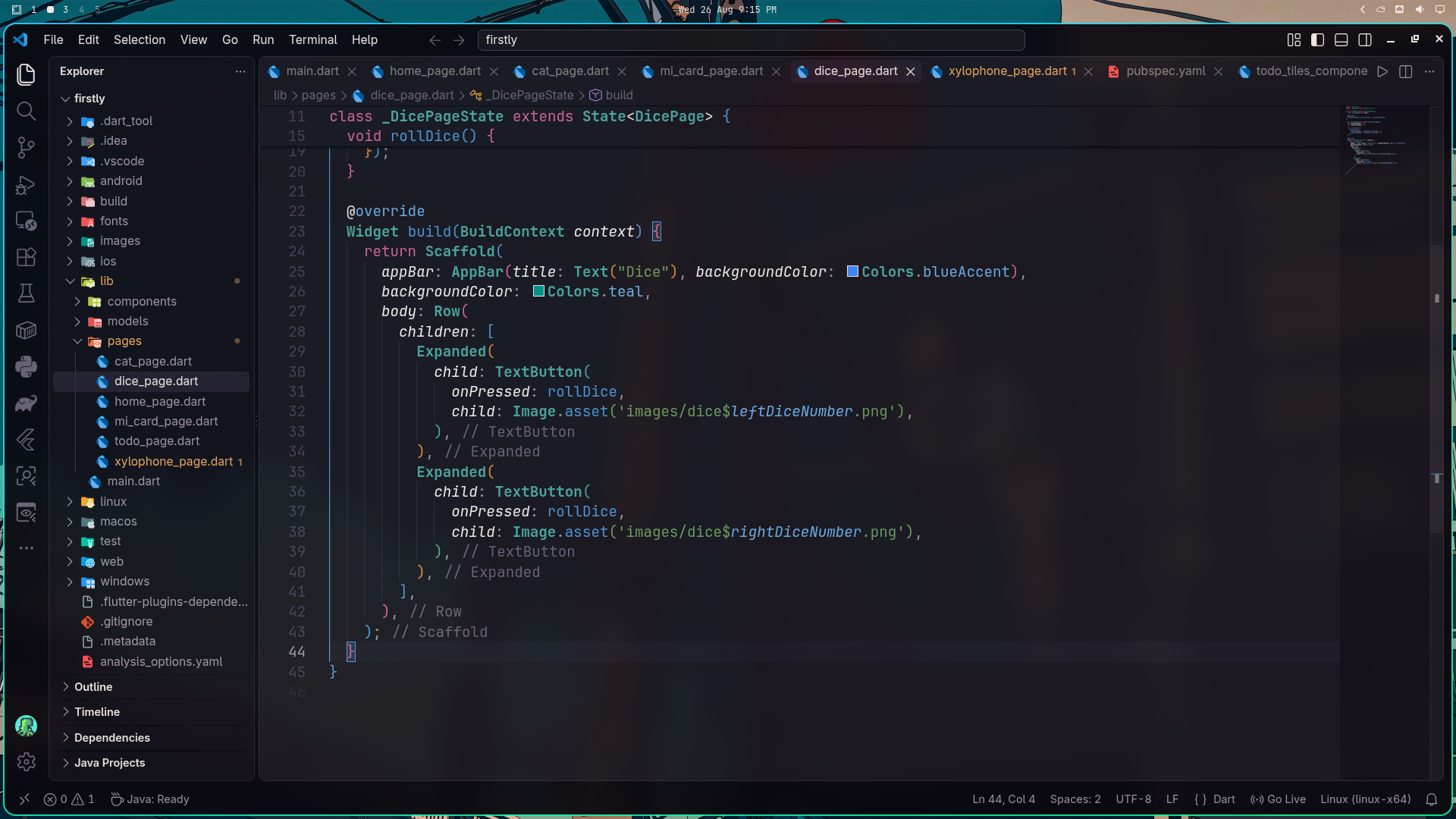
A dark, vibrant VS Code color theme inspired by the futuristic colors of Doraemon. Designed to be easy on the eyes while keeping syntax highly legible.

Preview

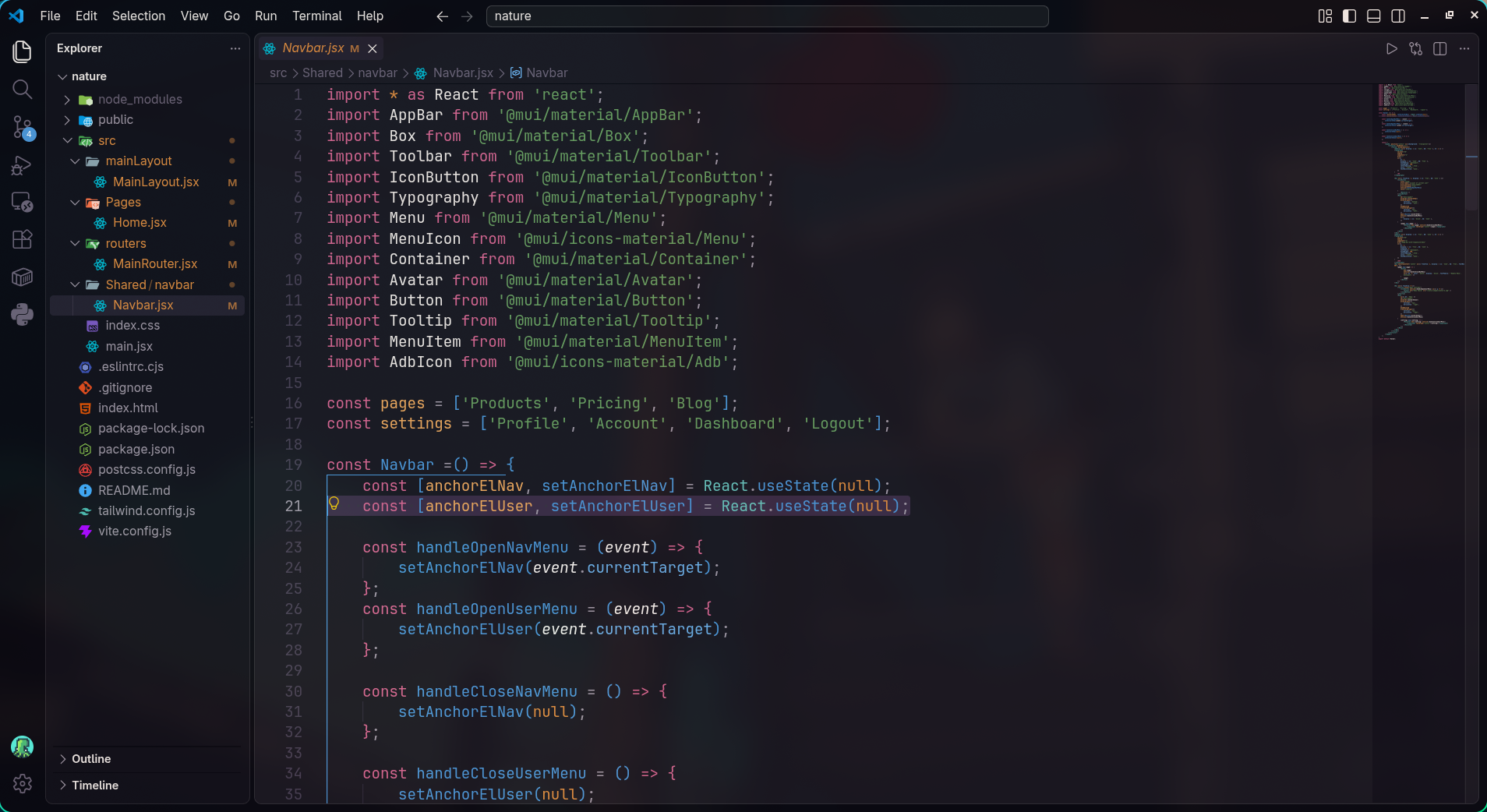
Dora Dora Theme Dora Dora Theme Preview

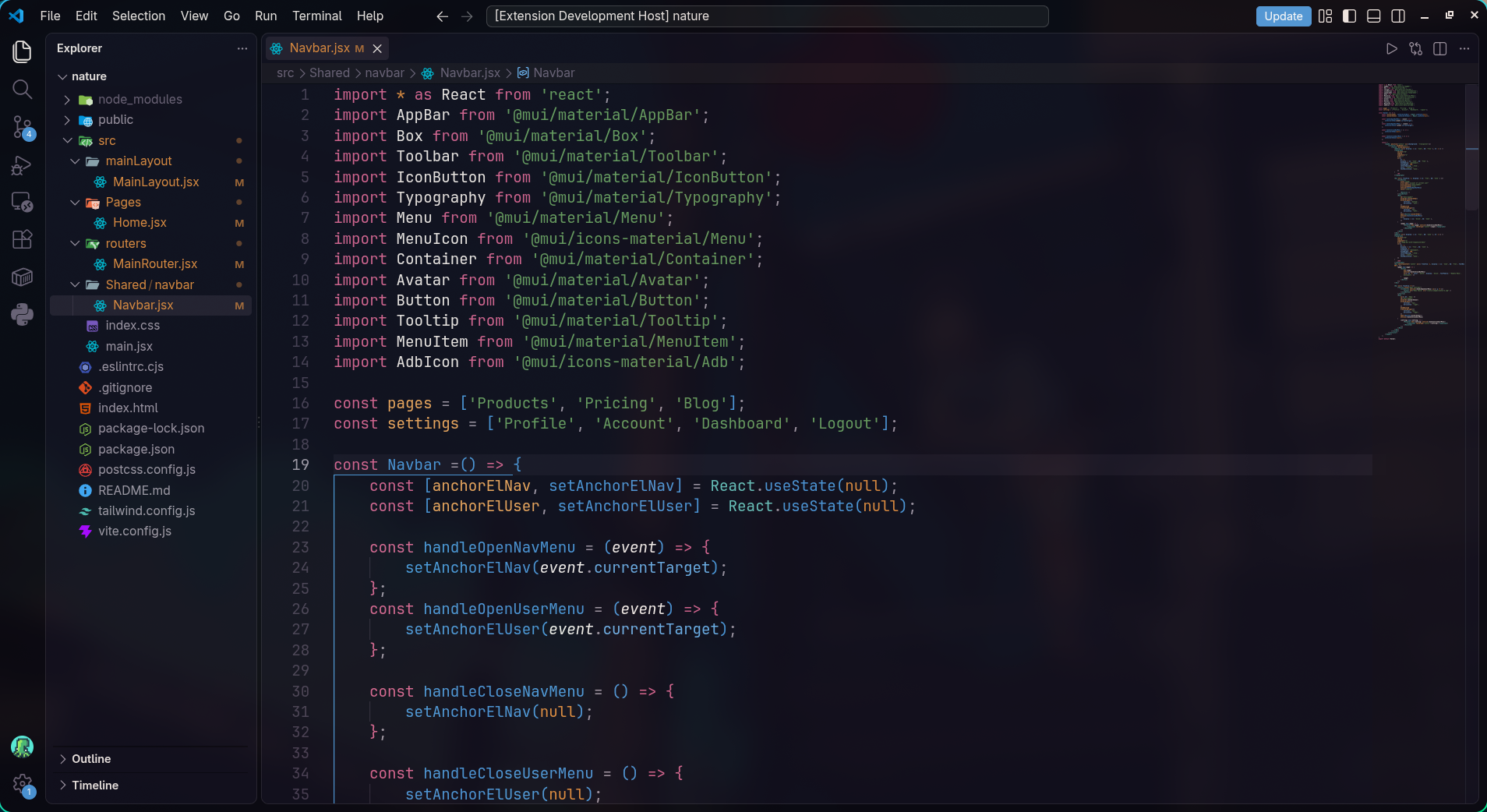
Dora Dora Theme Dora Dora Theme Preview

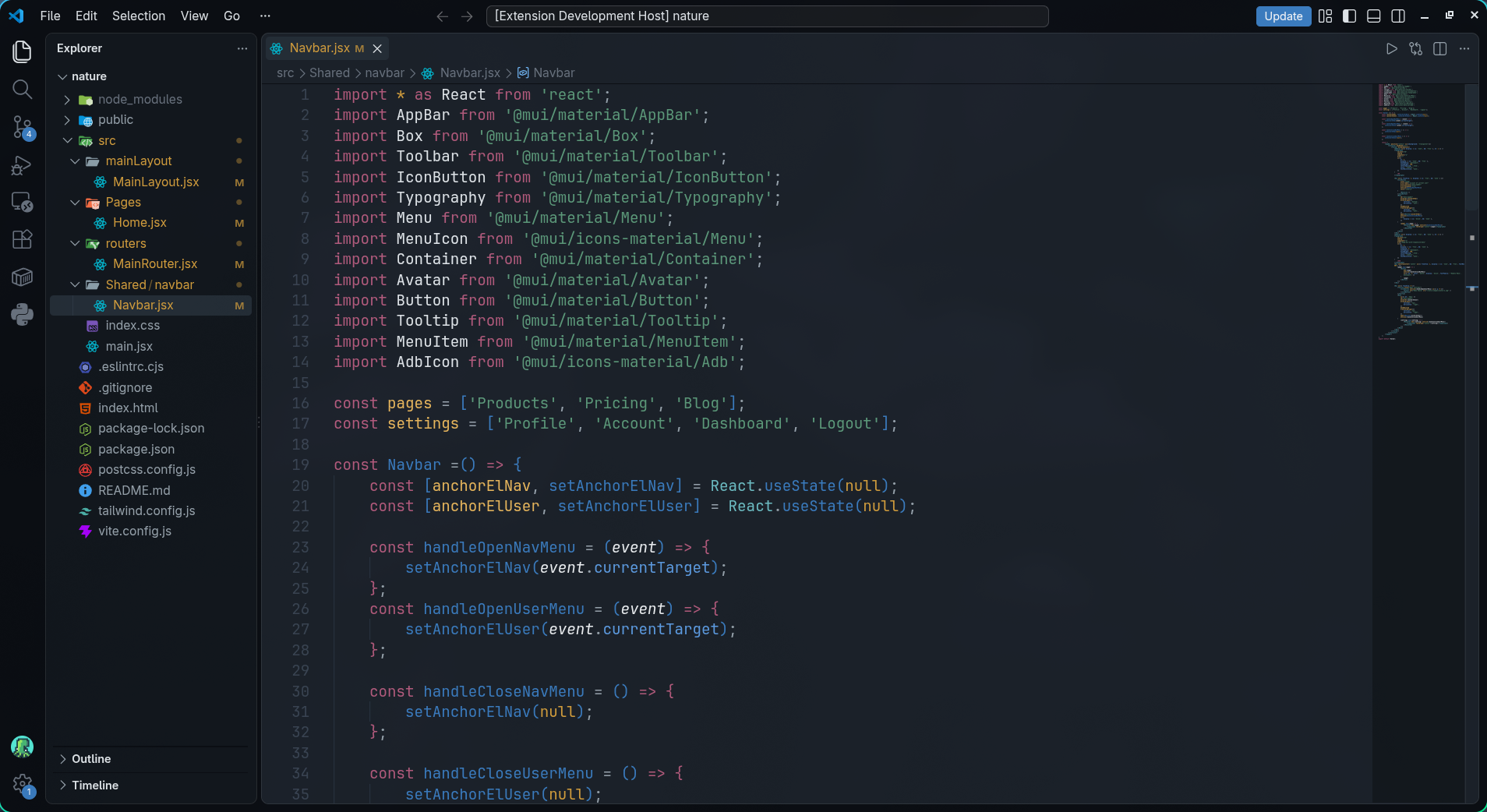
Dora Dora Deep Theme Dora Dora Deep Theme Preview

Installation

  1. Open the Extensions sidebar in VS Code.
  2. Search for Dora Dora Theme.
  3. Click Install.
  4. Go to Preferences: Color Theme and select Dora Dora Theme.

Feedback & Issues

If you find any hard-to-read syntax or UI bugs, feel free to reach out! Enjoy the theme!

  • Contact us
  • Jobs
  • Privacy
  • Manage cookies
  • Terms of use
  • Trademarks
© 2026 Microsoft