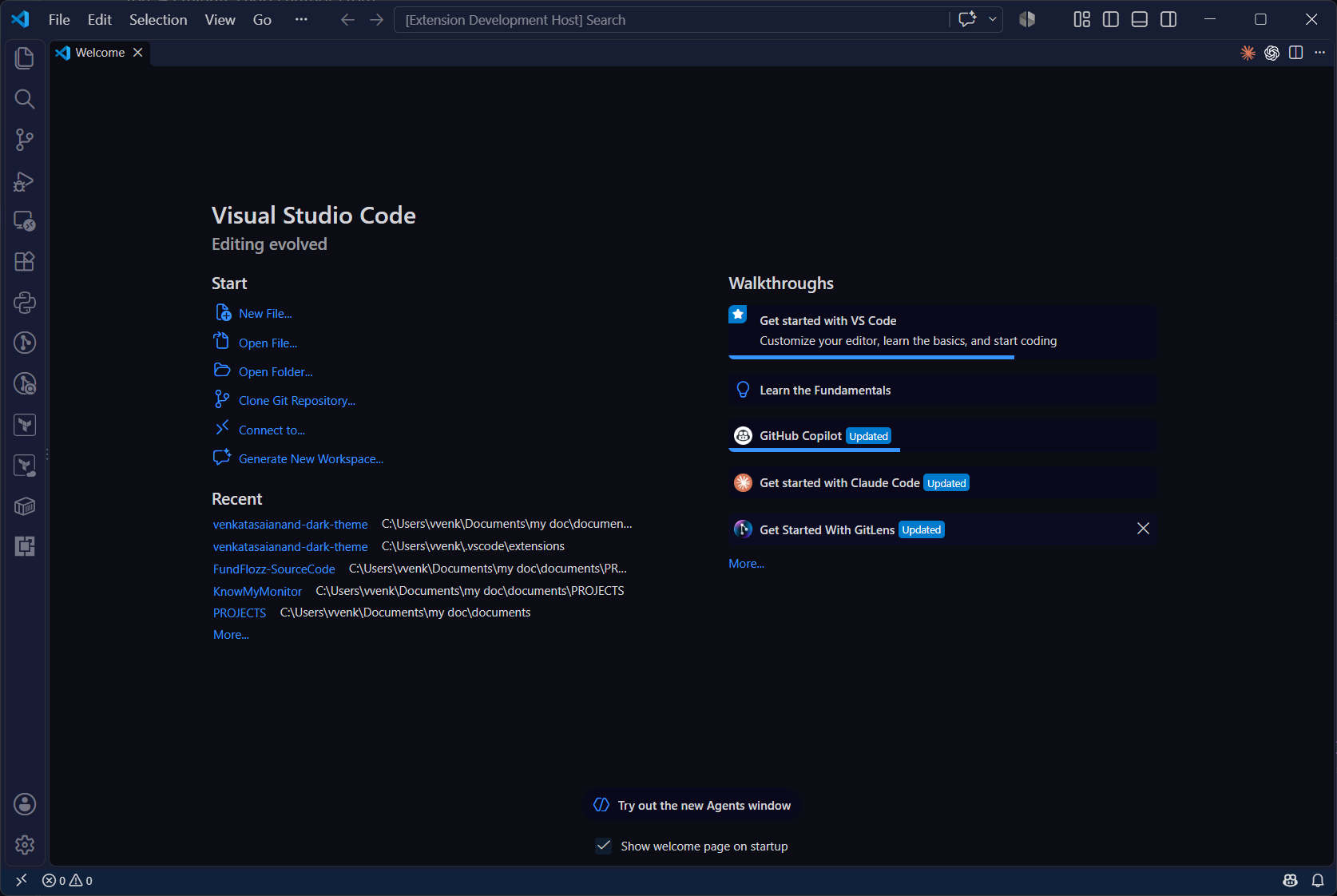
Venkatasaianand Dark ThemeA deep, low-glare dark theme with vivid, easy-to-read syntax colors. Installation Launch VS Code Quick Open ( Ctrl+P), paste the following command, and press enter.Copied to clipboard |

Venkatasaianand Dark ThemeA deep, low-glare dark theme for Visual Studio Code with vivid, easy-to-read syntax colors.
Install
Recommended settings (optional)The theme was designed alongside these fonts. Install them separately, then add the following to your
FeedbackFound a color that looks off? Open an issue. Enjoy! |