Skip to content
| Marketplace
Sign in
Visual Studio Code>Themes>CremisiNew to Visual Studio Code? Get it now.
Cremisi

Cremisi

vari.sh

|
5 installs
| (0) | Free
A gothic, arcane colour scheme in two variants, Obsidian and Ivory. Every colour is born from an object: blood, bone, stone, amber, verdigris.
Installation
Launch VS Code Quick Open (Ctrl+P), paste the following command, and press enter.
Copied to clipboard
More Info

Cremisi

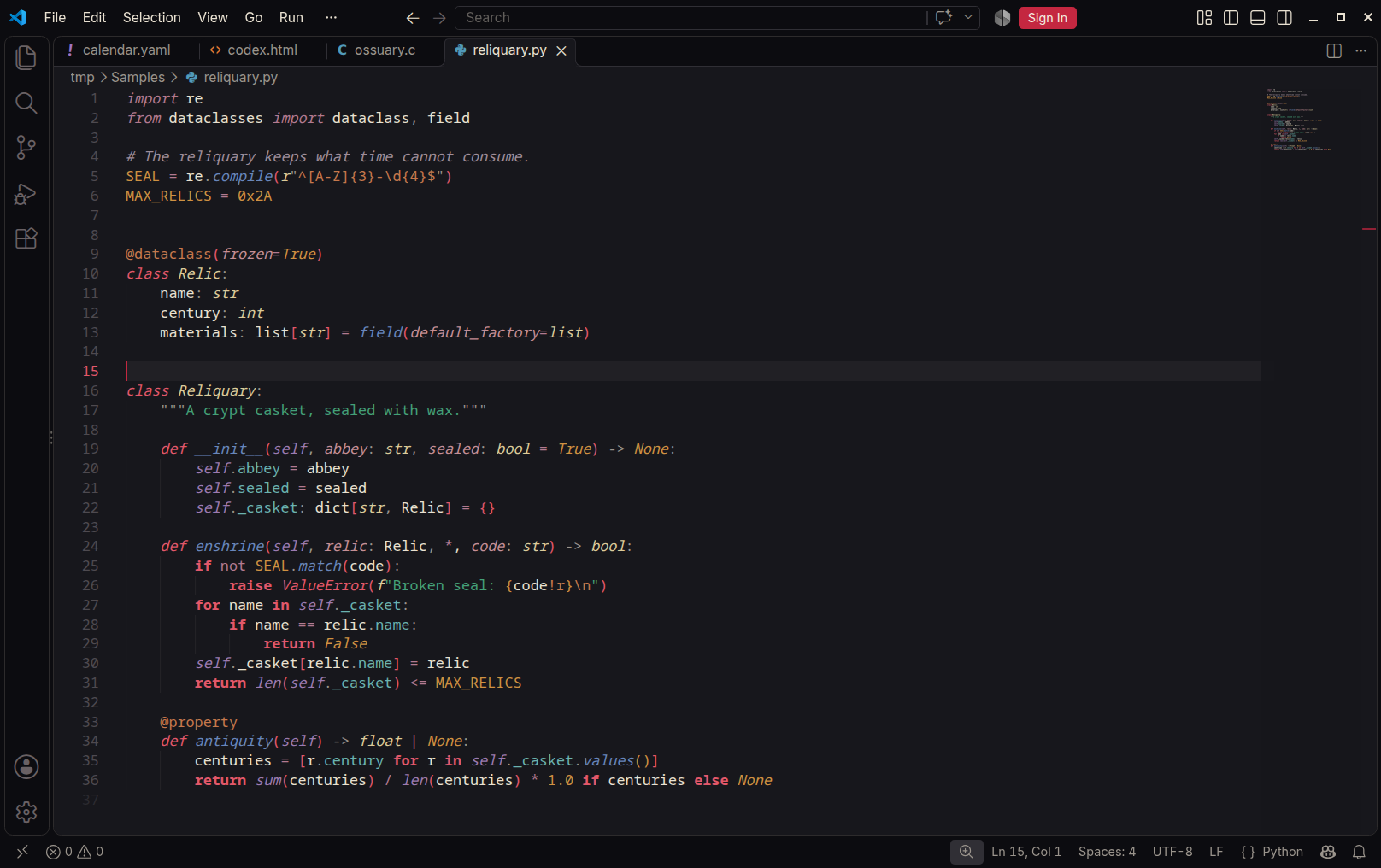
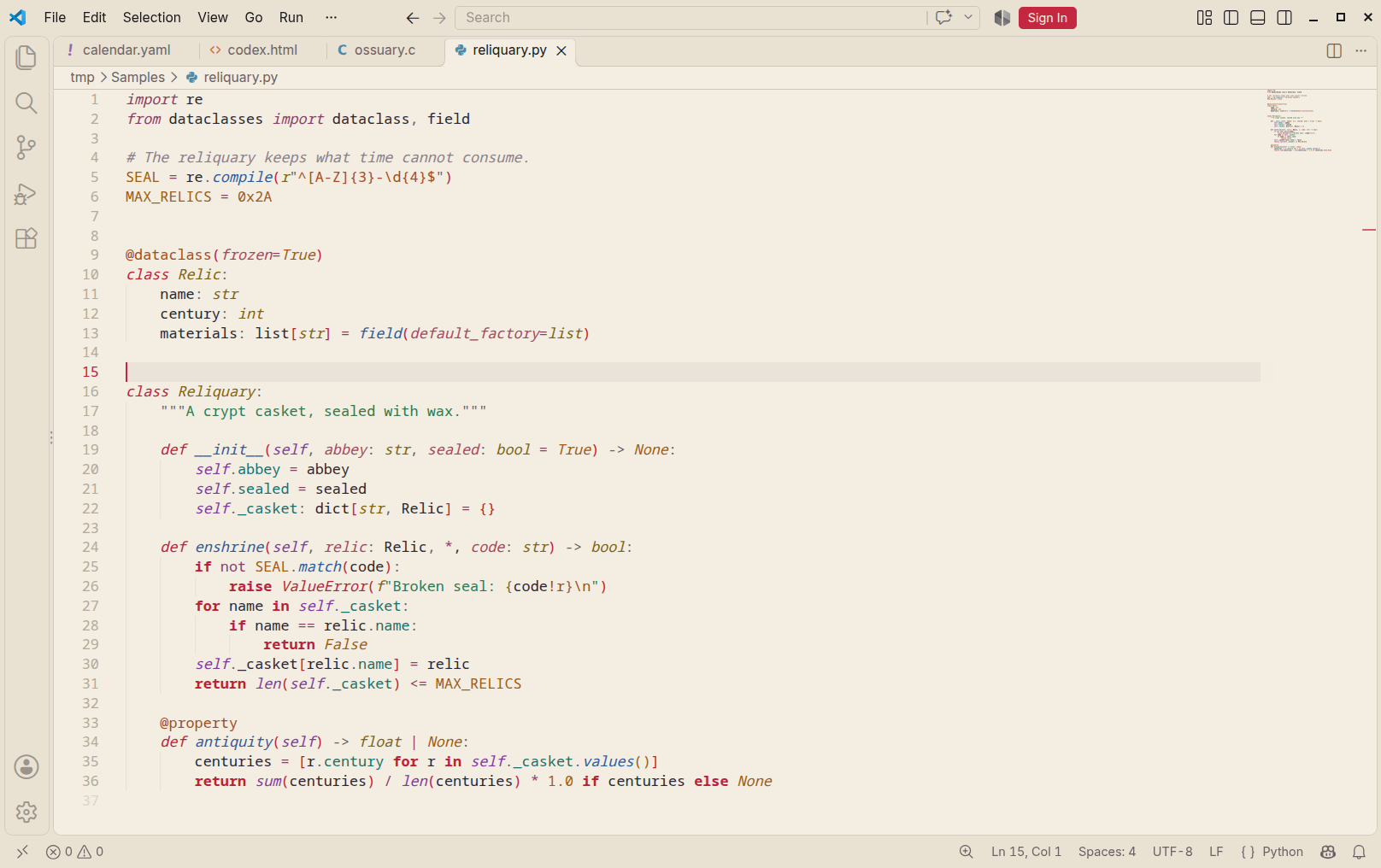
A gothic, arcane colour scheme in two variants: Cremisi Obsidian, dark as crypt stone, and Cremisi Ivory, pale as a page of vellum. Every colour is born from an object: blood for keywords, lapis for functions, malachite for strings, amber for numbers, tallow for types. Crimson is the only accent of the workbench, the rest is stone.

Cremisi Obsidian

Cremisi Ivory

The materials, the two tonal scales and the reasons behind each choice are on the page of the theme: vari-sh.github.io/cremisi.

Use

Run Preferences: Color Theme and pick Cremisi Obsidian or Cremisi Ivory. To follow the system appearance:

{
  "window.autoDetectColorScheme": true,
  "workbench.preferredDarkColorTheme": "Cremisi Obsidian",
  "workbench.preferredLightColorTheme": "Cremisi Ivory"
}

Every code token clears 4.5:1 against its own background; only comments, the smoke of incense, may fall below.

Built, not drawn

Both themes are generated from the same palette.yaml as the Sublime Text port and the page, so a change of palette reaches every editor at once:

python3 ports/vscode/generate.py      # from the root of vari-sh/Cremisi-Theme
npx @vscode/vsce package               # in ports/vscode
  • Syntax follows the Sublime Text rules, with the scopes that VS Code's grammars name differently mapped onto the same roles. Semantic highlighting is on and speaks the same roles.
  • The workbench is built only from the stone and blood scales and the materials.
  • The terminal takes its sixteen colours from the materials.

Source and other ports: vari-sh/Cremisi-Theme. MIT licence.

  • Contact us
  • Jobs
  • Privacy
  • Manage cookies
  • Terms of use
  • Trademarks
  • Your Privacy Choices
  • Consumer Health Privacy
© 2026 Microsoft