UI Design ReviewReview any app or website screen like a senior designer: check the rendered result on phone and desktop, list what to fix most important first, fix it in your app's own style, and compare with real products. Installation Launch VS Code Quick Open ( Ctrl+P), paste the following command, and press enter.Copied to clipboard |

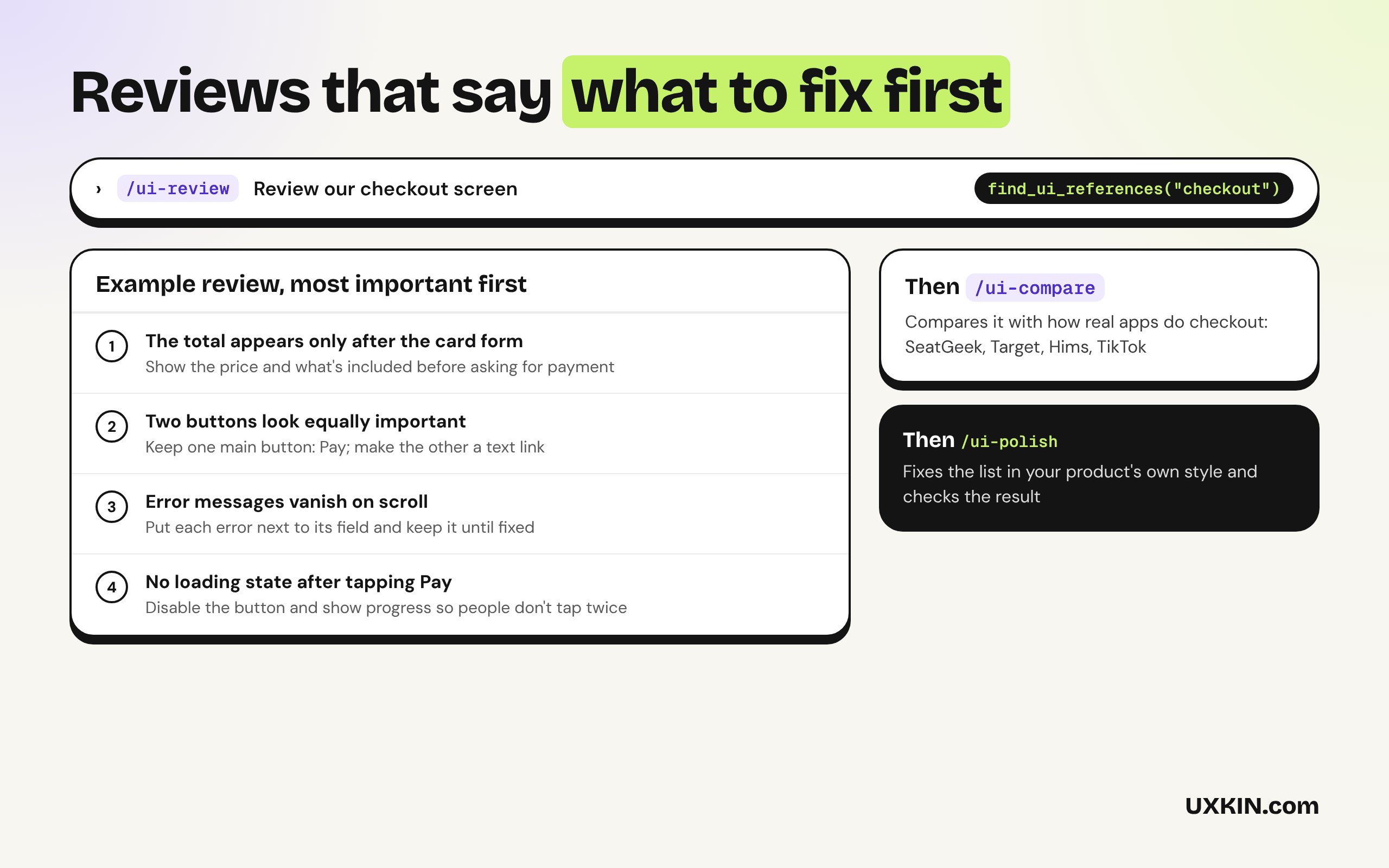
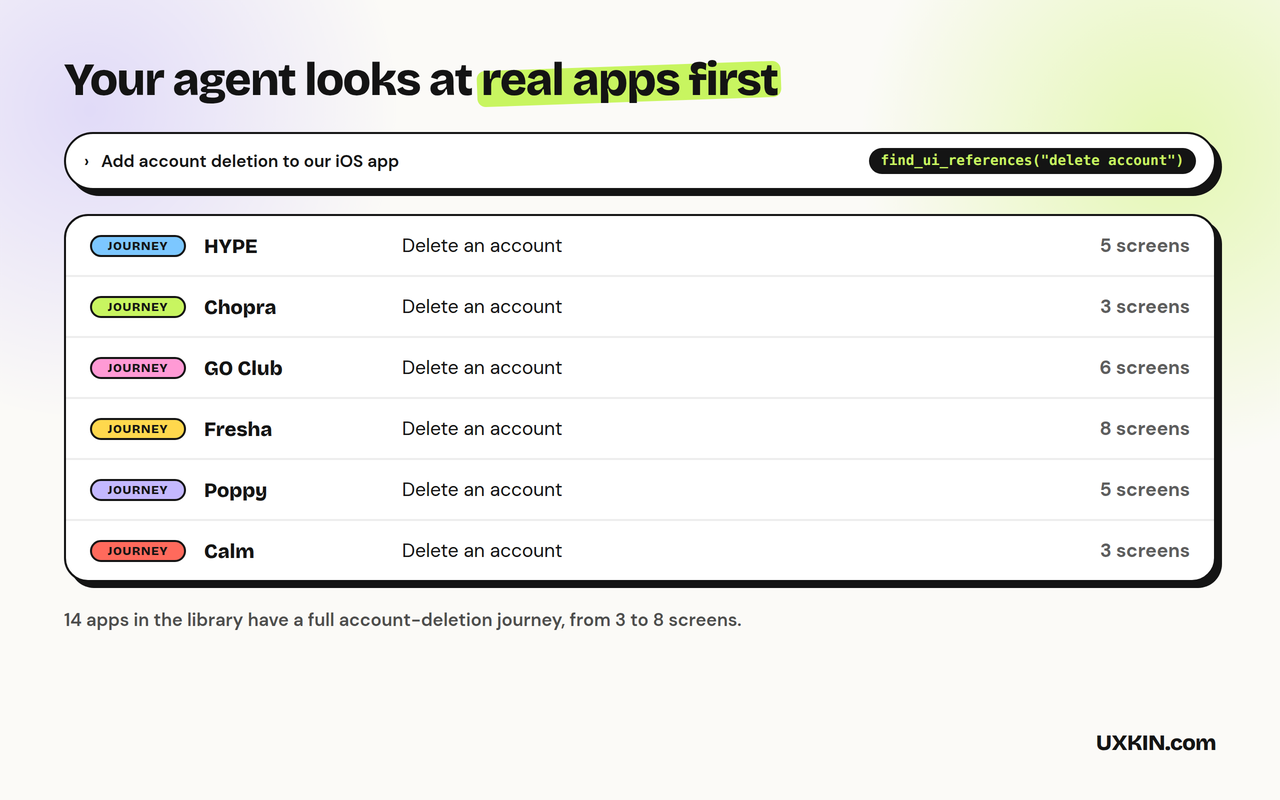
UI Design ReviewAsk Copilot to review a screen and it often just restates the code. These skills make it look at the rendered result, rank what's wrong, fix what you pick in your app's own style, and compare with how real products solve the same thing. By UXKIN.
What's inside
The skills work on their own, with no account. The UXKIN server is optional: Copilot can use it to look up real references, and searching the library needs a UXKIN plan. How to use it
Check the connection under MCP Servers in the Extensions view: UXKIN (UI Design Review) should be running. Requires VS Code 1.109 or later with GitHub Copilot for the skills. What it sendsThe skills run inside Copilot and send nothing anywhere. When the UXKIN server is used, Copilot sends its search words to SupportEmail support@uxkin.com or open an issue on GitHub. LicenseMIT. The UXKIN library itself is a hosted service, not part of this extension: see the terms. |